Printer App: Scan & AirPrint
PDF, Fax & Document Tools
Designed for iPhone, iPad
Free · In-app purchases
- Age rating4+
- CategoryUtilities
- DeveloperPhuc Tran
- LanguagesEnglish+ 9 more
- Size167.9 MB
Links to the official App Store page
Download.org hosts no file of Printer App: Scan & AirPrint. The button opens its official App Store page, published by Phuc Tran. Listing last checked on Nov 18, 2026.
Screenshots
About
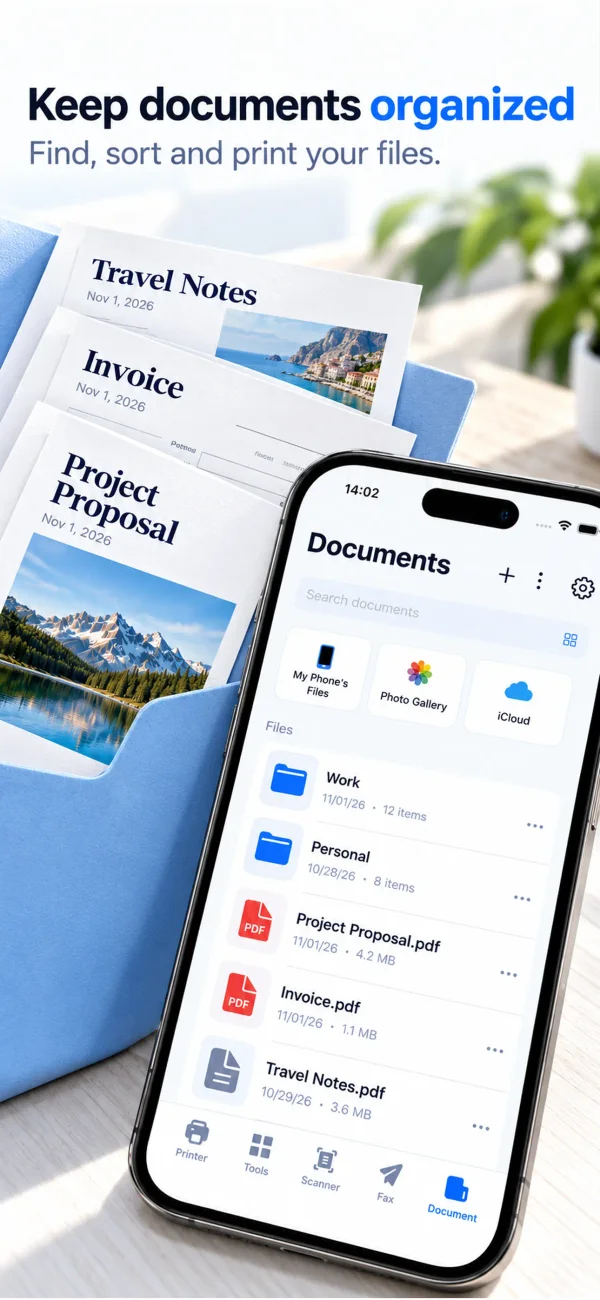
Scan, print, convert, fax, and organize documents from your iPhone.
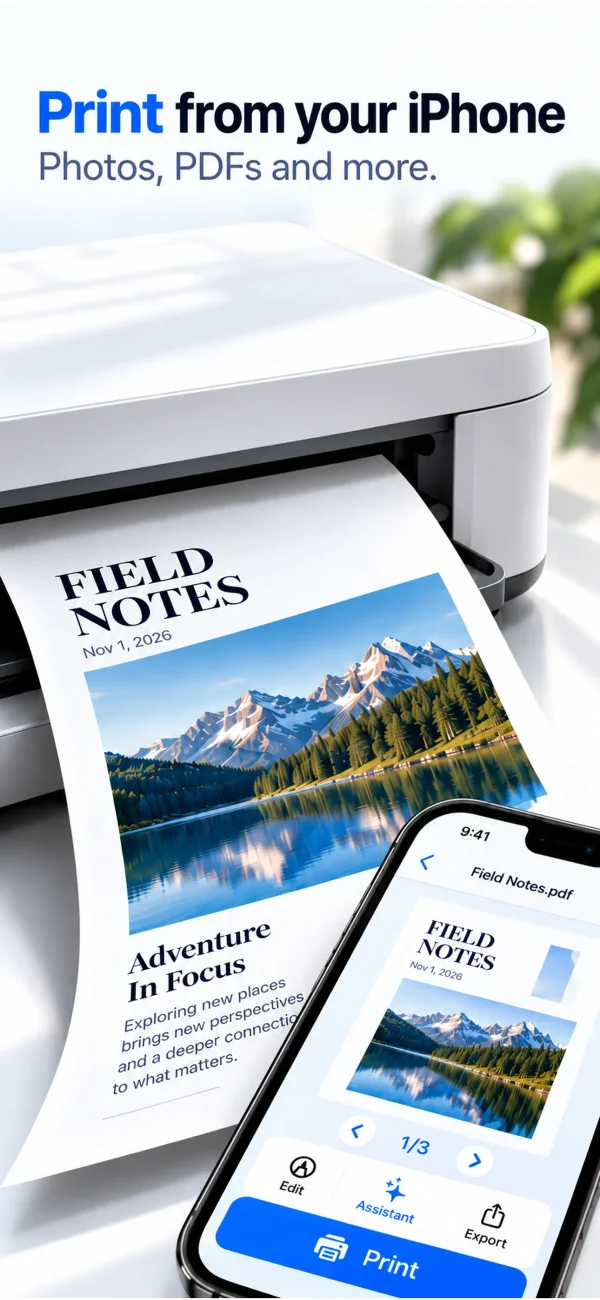
Print with AirPrint
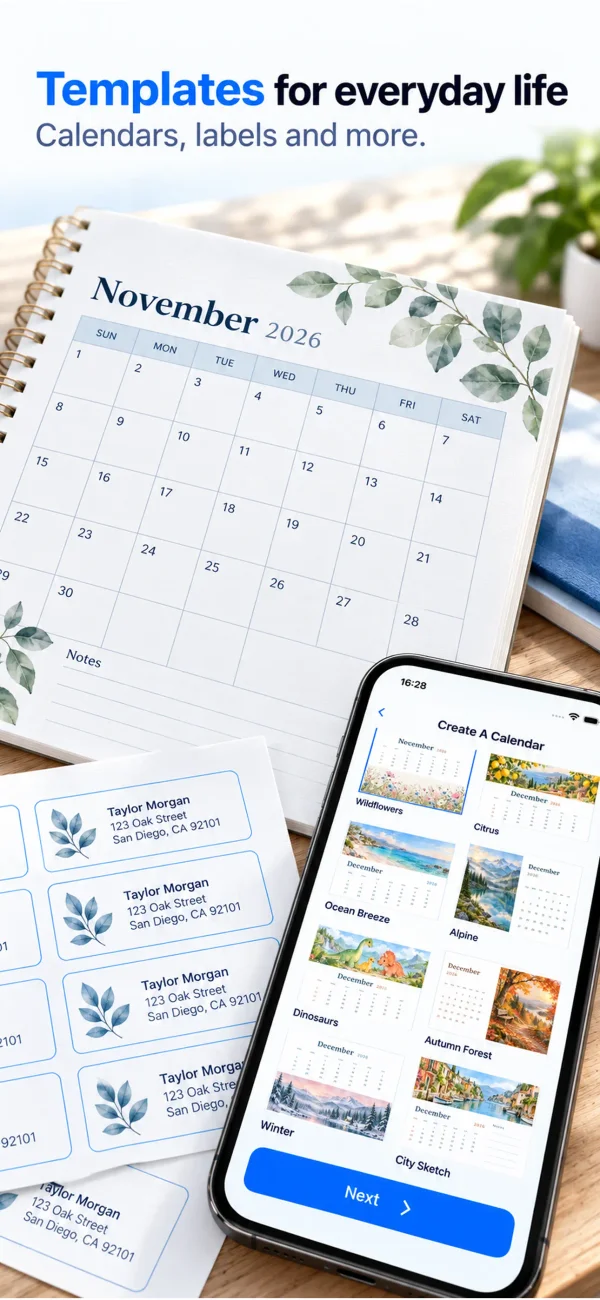
Print PDFs, photos, notes, labels, web pages, email attachments, and saved files on AirPrint-compatible printers.
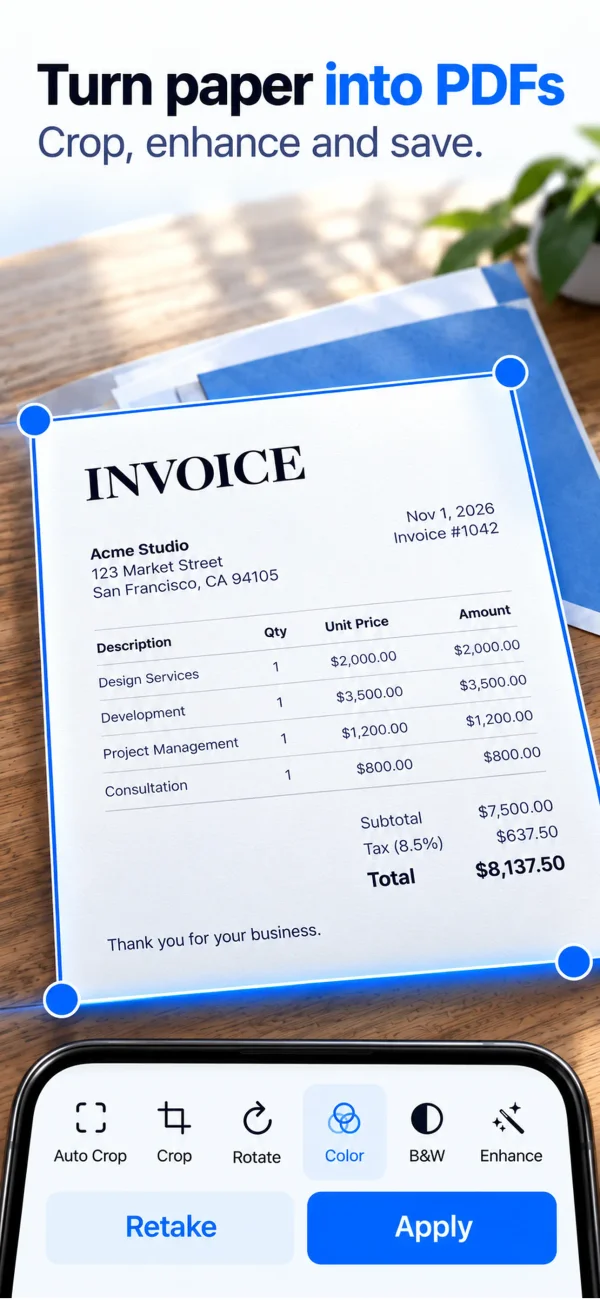
Scan and create documents
Capture paper documents with your camera, save clean scans, convert images to PDF, and keep important files ready when you need them.
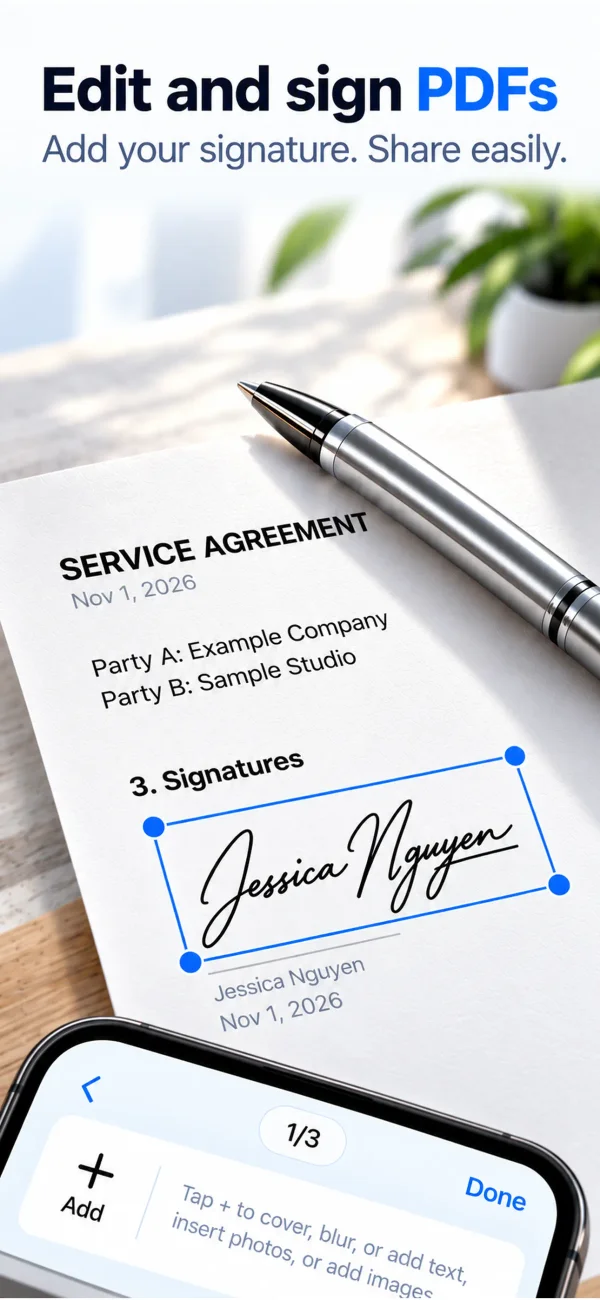
PDF tools for everyday work
Merge PDFs, add signatures, insert images, add watermarks, fill PDF forms, edit pages, and prepare files before sharing or printing.
Photo and image tools
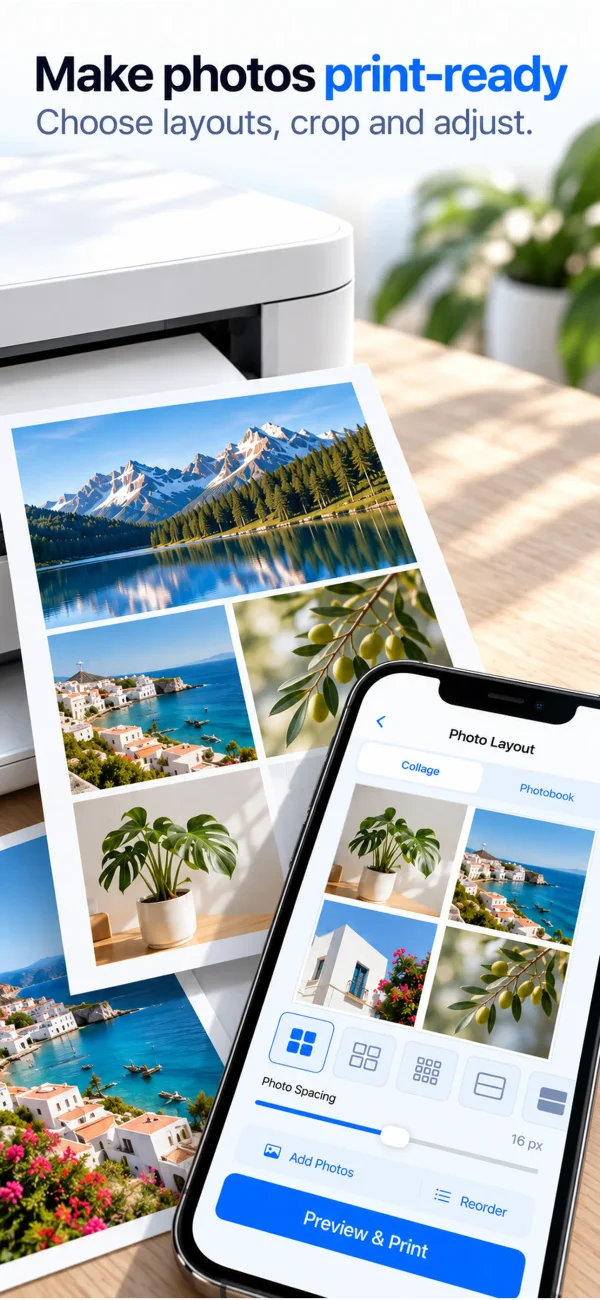
Compress images, convert photos, remove backgrounds, make photobooks, and prepare pictures for printing.
Fax and smart document help
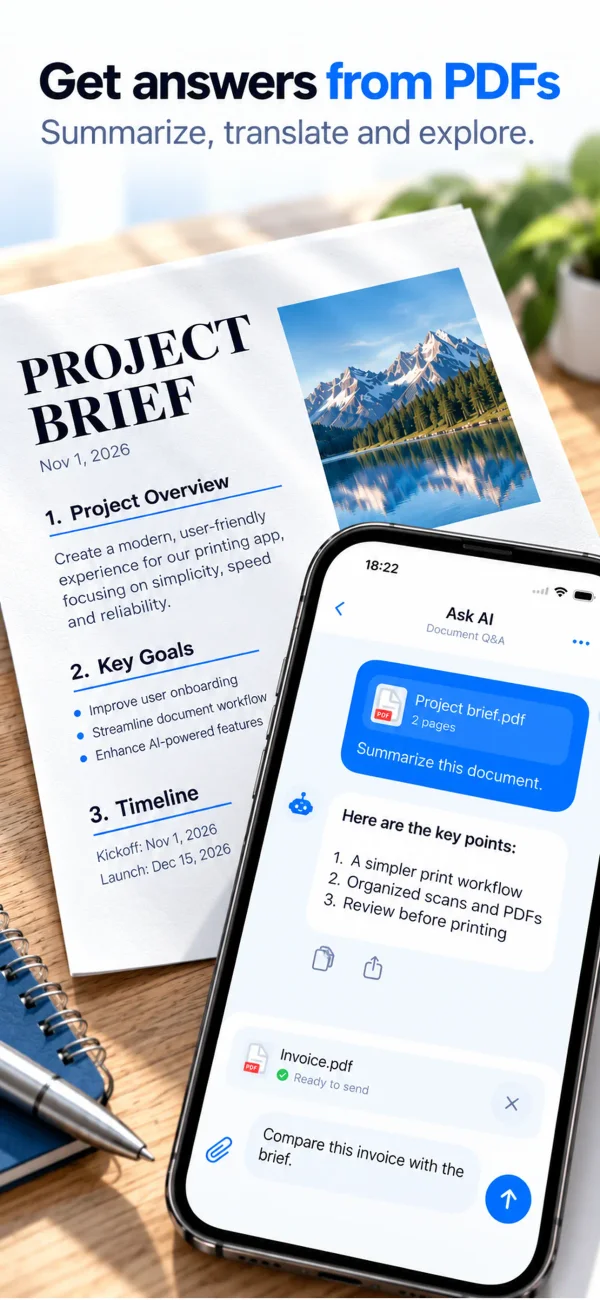
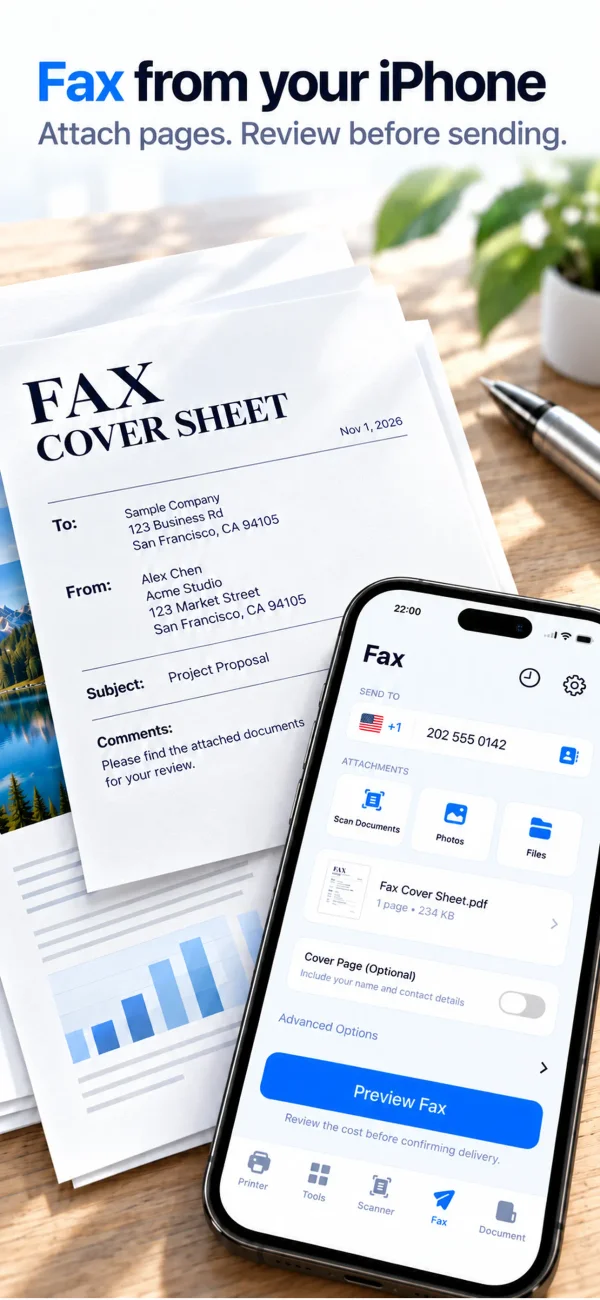
Send fax documents and use AI-powered document assistance for supported files when you need quick help reviewing content.
Made for quick tasks
The app is designed for school, office, travel, home paperwork, forms, receipts, labels, and daily document workflows.
Subscription details
Some features require an active subscription. Pricing and trial availability are shown clearly before purchase. Subscriptions renew automatically unless canceled at least 24 hours before the end of the current period. You can manage or cancel your subscription in your App Store account settings.
Privacy Policy:
https://printer.tktechlab.com/privacy
Terms of Use:
https://printer.tktechlab.com/terms
What’s new
Version 1.1.1 · Nov 2, 2026
What's new in 1.1.1:
• A refreshed five-tab layout for printing, tools, scanning, faxing and documents.
• Improved PDF workflows, document previews and local file management.
• Expanded My QR features for creating, organizing and sharing saved codes.
• Updated AI assistance and photo tools for selected text and images.
• Navigation fixes, sharper icons and clearer privacy information.
App privacy
What Phuc Tran declares on the App Store about how this app handles data.
-
Data used to track you
May be used to track you across apps and websites owned by other companies.
- Other data
-
Data not linked to you
May be collected but is not linked to your identity.
- Purchases
- Contact info
- User content
- Identifiers
- Usage data
- Diagnostics
- Other data
Privacy practices may vary, for example with the features you use or your age.
Information
- Seller
- Phuc Tran
- Category
- Utilities
- Version
- 1.1.1
- Updated
- Nov 2, 2026
- Released
- Mar 26, 2026
- Size
- 167.9 MB
- Requires
- iOS 16.0 or later
- Age rating
- 4+
- Price
- Free
- In-app purchases
- Yes
- Languages
- English, French, German, Hindi, Italian, Japanese, Korean, Simplified Chinese, Spanish, Vietnamese
- Copyright
- © 2026 Phuc Tran
You might also like
-
 QR HandyQR Scanner & Ingredient Check
-
 HVAC: Nameplate ScannerEquipment Logs & P-T Charts
-
 Photo Cleaner - Phone ManagePhoto Cleanup, Your Choice
-
 Phone Storage Cleaner, CleanupClean Up Junk & Free Up Space
-
 Wardian Shield: Clean&ProtectUtilities
-
 Pure Space: Photo CleanerDelete Duplicate Photos&Videos
-
 PhotoSurePhoto Cleanup & Privacy Space
-
 Open QRCode - ScanBusiness Cards & QR Scanner
-
 HP Smart Printer app FREEAll-in-one wireless printing
-
 Translo - allTranslate, Speak, and Learn