Printer App: Smart Printer •
Scan Documents & Print Photos
Designed for iPhone, iPad, Mac
Free · In-app purchases
- Age rating4+
- CategoryBusiness
- DeveloperMaxima Apps
- LanguagesEnglish+ 11 more
- Size107.0 MB
Links to the official App Store page
Download.org hosts no file of Printer App: Smart Printer •. The button opens its official App Store page, published by Maxima Apps. Listing last checked on Nov 23, 2026.
Screenshots




About
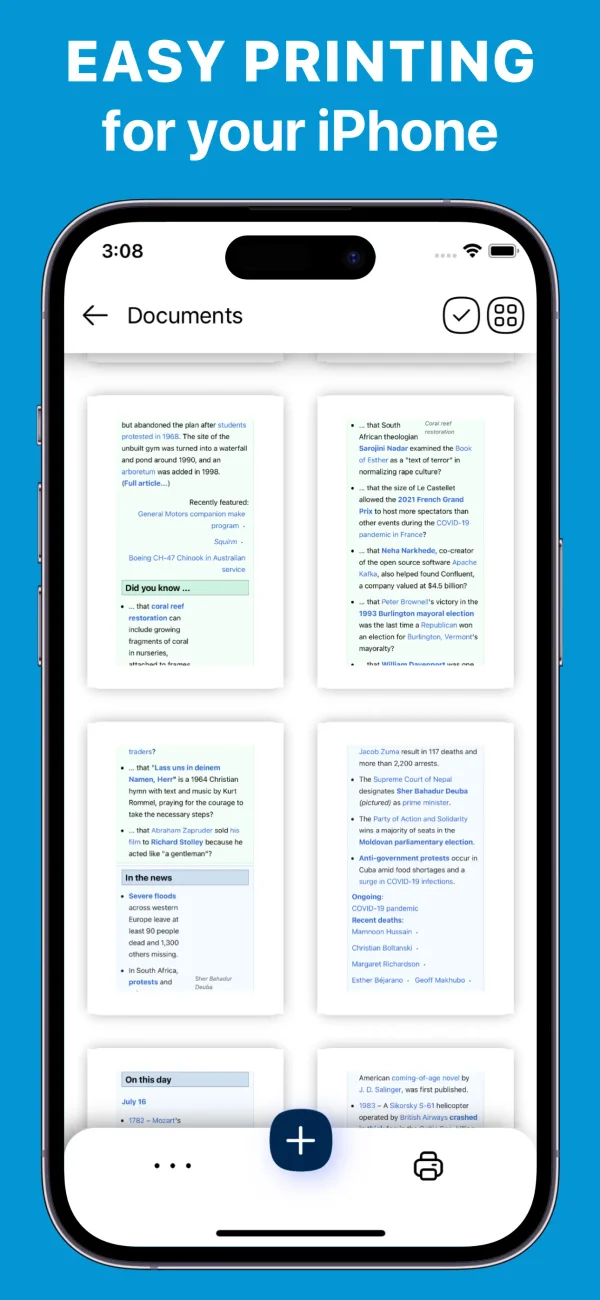
Printing has never been easier and more efficient. You can now print documents from your phone to any wireless printer with a single button press. Photos, data, and webpages may now be printed using wireless technology.
If this isn't exciting, then what is?
CONNECT & PRINT
Connect your device to any wireless printer and print at any time with a simple connection.
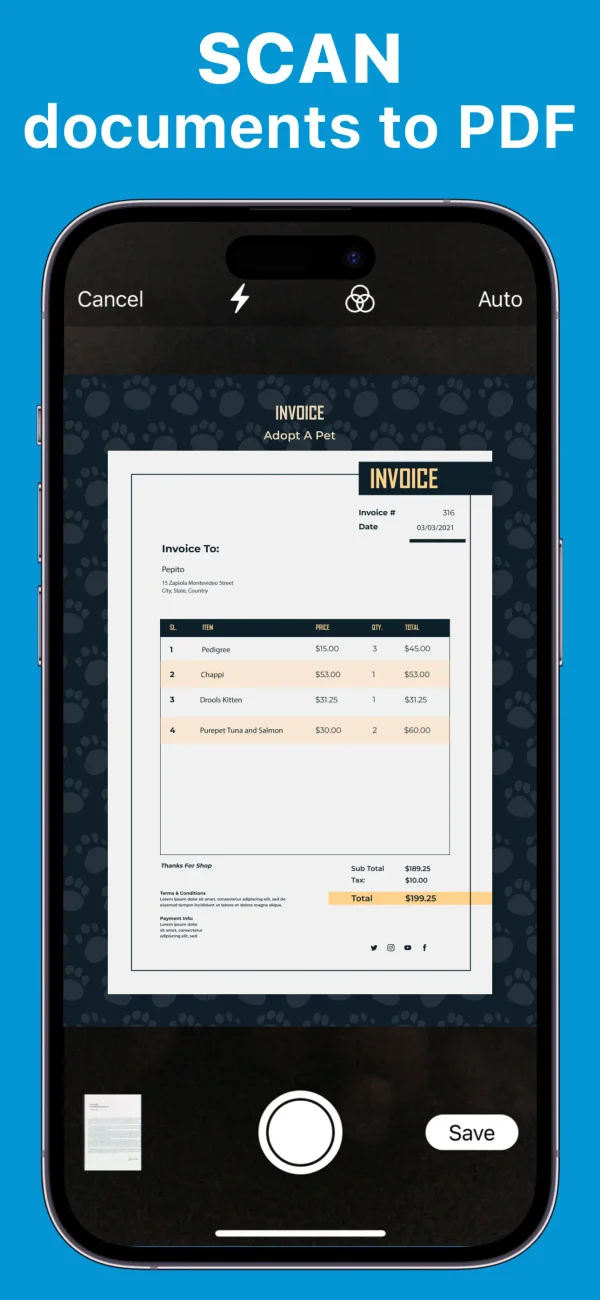
SCAN & PRINT
To print photos, data, or documents, utilize the built-in scanner.
PRINTABLES FOR KIDS
Now access printable such as coloring pages, planners, greetings and wishes for quick and easy printing.
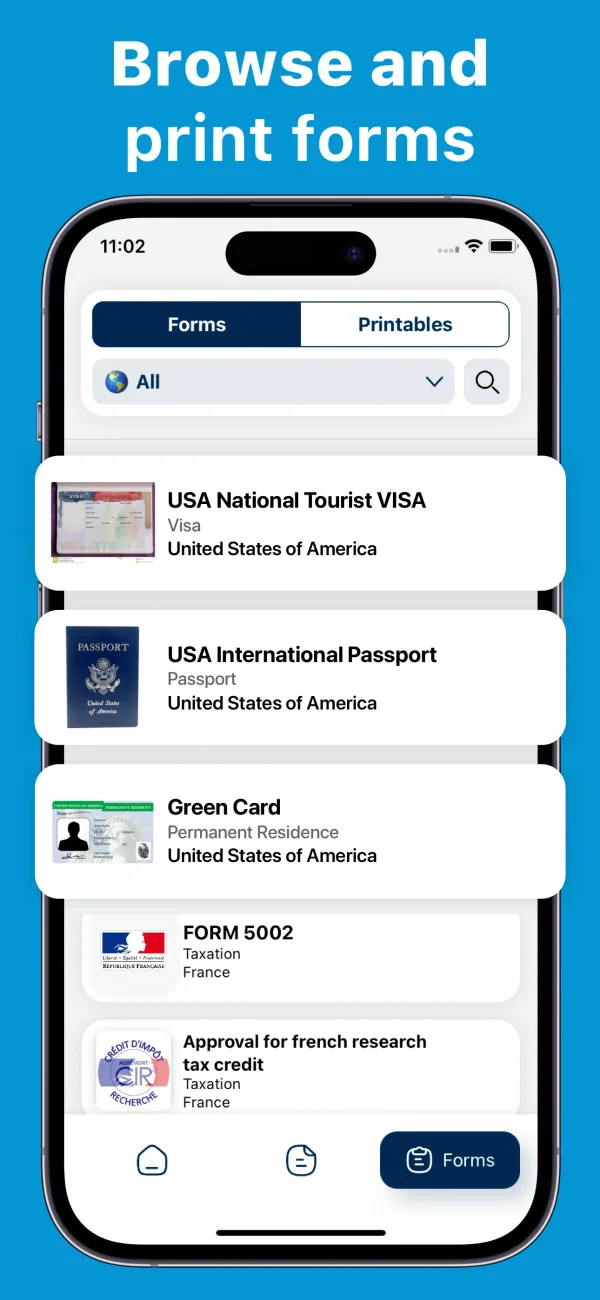
ADD FORMS & PRINT
Browse for public forms and print them quickly
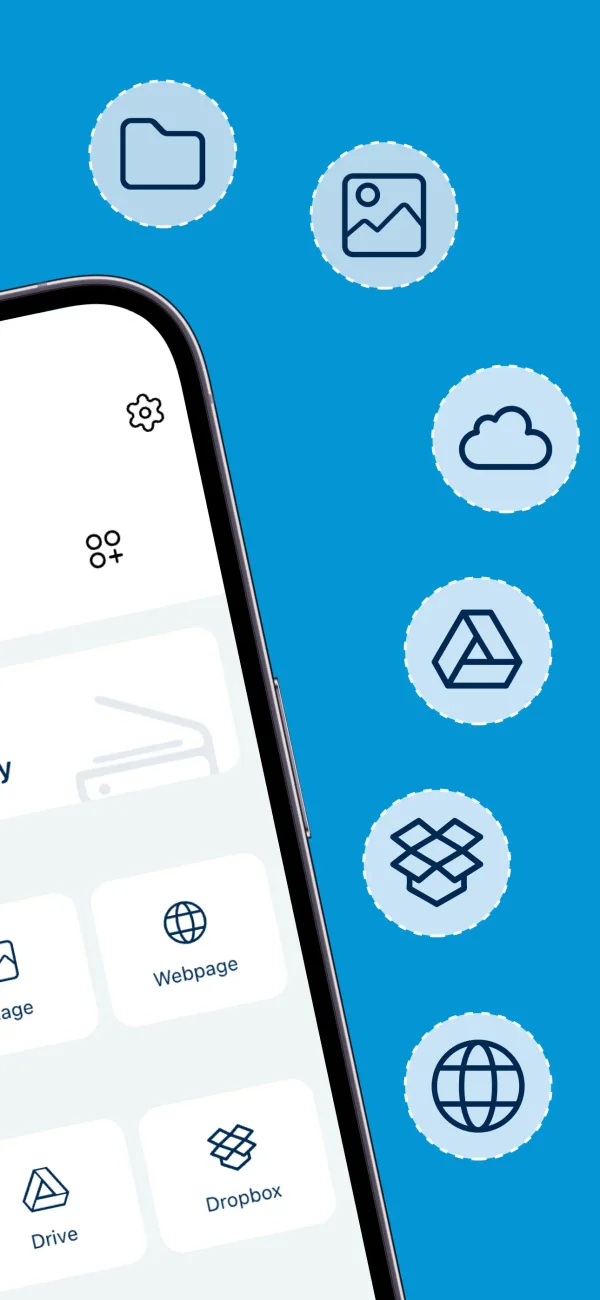
IMPORT & PRINT
You can now efficiently and conveniently import documents from Files, Images, iCloud, Google Drive, Dropbox, Clipboard, and Webpage.
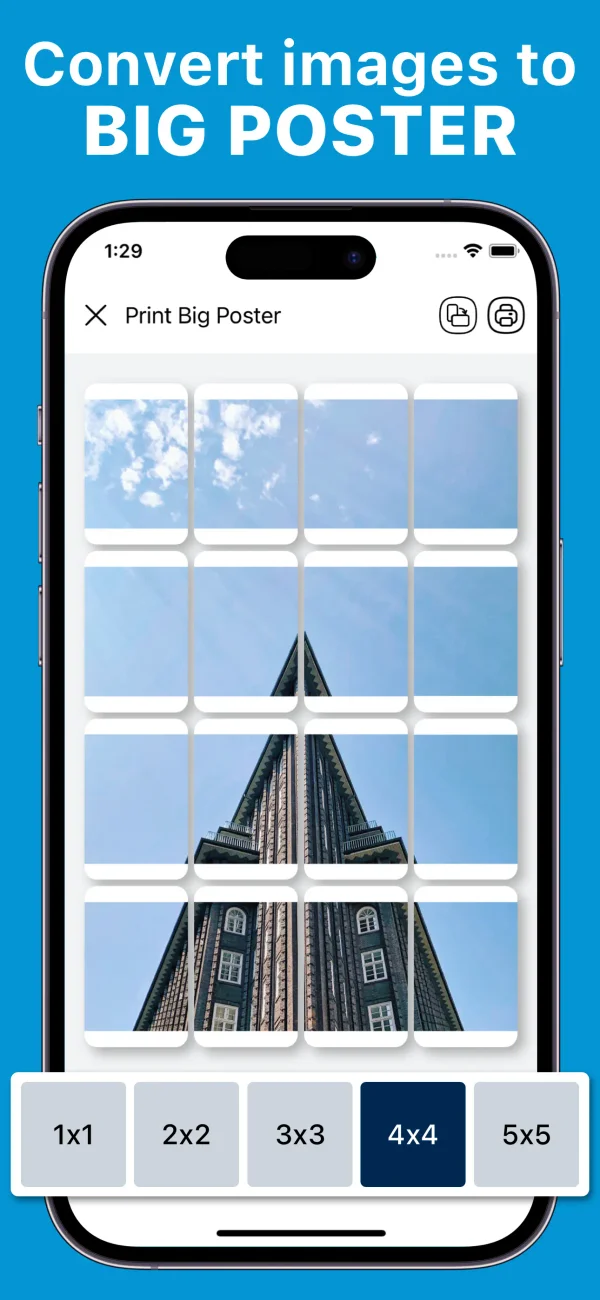
BIG POSTER & PRINT
Using this innovative feature, you can turn your photographs into large posters that you can display at home or anywhere you want.
SHARE & SAVE
Were you intending to print but had to cancel? No need to worry. Alternatively, you may save the file in a format of your choice and then access it afterward.
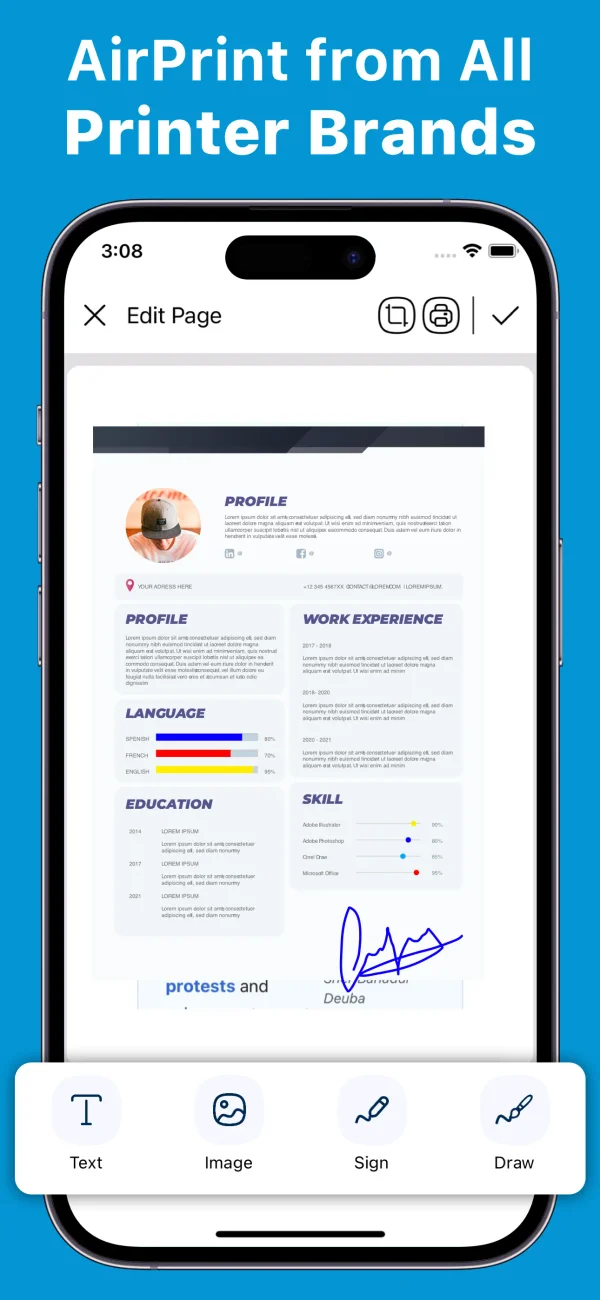
EDIT & PRINT
Want to fill out a checklist or a form? Prior to printing a document, you may now edit it by inserting text, images, and signatures.
ADVANCED PRINTING OPTIONS
Print sizes, page counts, and orientations may all be changed with ease.
MULTIPLE PRINTER SUPPORT
From any wireless printer, you may easily print documents If you connect your device to the same wi-fi network as the printer, it will print instantly.
PRINT PASSPORT SIZE PHOTOS
Print multiple passport size photos on one sheet. Crop and resize the photos according to the country of choice.
You can now purchase the Premium Version and make maximum use of the following features-
•Unlimited Printing
Print pages instantly and enjoy unrestricted access to the number of pages.
•Custom Page Printing
Now easily select and deselect the pages of your choice that you wish to send for printing.
•Draw Tools
Professionally annotate the files with multiple draw and signatures features
•Big Poster
Convert any photo into big posters to highlight your place.
•Create Custom Folder
Create convenient Custom Folders to store personal files.
•Customer Service
Get prioritised Customer Support, with quick solutions to issues.
Note: In order to print efficiently and conveniently, verify that your device is linked through a similar wireless network as the printers.
In all, this app supports over 1,200 printer models, including Canon, Dell, Epson, Xerox, Kyocera, Lenovo, Lexmark, Oki, Ricoh, Samsung, Sharp, and Brother, as well as other printer models that enable AirPrint. This app is compatible with a wide range of AirPrint printers.
Privacy Policy - https://maximaapps.com/policy/privacy_policy.html
Terms & Conditions - https://maximaapps.com/policy/terms_of_use.html
For any questions or requests, please connect with us at: feedback@maximaapps.com
DISCLAIMER
We are not affiliated with the mentioned companies in any way. We have only developed and tested our App with these devices.
Disclaimer: All forms are publicly available forms. We do not hold any authority over them. Kindly consult the respective authority for the verification of the same.
What’s new
Version 3.1.3 · Sep 15, 2026
We’ve squashed some bugs to improve your experience
App privacy
What Maxima Apps declares on the App Store about how this app handles data.
-
Data used to track you
May be used to track you across apps and websites owned by other companies.
- Identifiers
-
Data not linked to you
May be collected but is not linked to your identity.
- Identifiers
- Diagnostics
Privacy practices may vary, for example with the features you use or your age.
Information
- Seller
- Maxima Apps
- Category
- Business
- Version
- 3.1.3
- Updated
- Sep 15, 2026
- Released
- Jul 28, 2021
- Size
- 107.0 MB
- Requires
- iOS 16.0 or later
- Age rating
- 4+
- Price
- Free
- In-app purchases
- Yes
- Languages
- English, Arabic, Danish, French, German, Italian, Japanese, Portuguese, Russian, Simplified Chinese, Spanish, Turkish
- Copyright
- © Maxima Apps - FZCO
You might also like
-
 Printer App: Print & Scan PDFPrint Photos & Scanner App
-
 Mobile Print & Smart PrinterAir Smart Printer and Scanner
-
 Smart Printer App & ScannerPrint Documents and Photos
-
 Air Printer: HD Smart ScannerShare Files: Instant Docs App
-
 HP AdvanceBusiness
-
 Smart Printer App - Air PrintScan, Edit & Print Photo, PDF
-
 Air Printer AppFor HP, Epson, Brother, Canon
-
 Smart Printer App: PDF & PhotoPrint Documents & Photos
-
 Bluetooth Thermal Printer AppCustom Receipt, Label Printer
-
 Printer app ®Scan, Edit & Print Photo, PDF