Printer App – Smart Printer
Print Photos, Doc, Files & PDF
Designed for iPhone, iPad, iPod touch
Free · In-app purchases
- Age rating4+
- CategoryProductivity
- DeveloperMuhammad Tahir
- LanguagesEnglish
- Size41.2 MB
Links to the official App Store page
Download.org hosts no file of Printer App – Smart Printer. The button opens its official App Store page, published by Muhammad Tahir. Listing last checked on Nov 20, 2026.
Screenshots


About
Printer App – Smart Wireless Printer & PDF Scanner
Wireless Printer is an all-in-one printing, document scanning, and PDF management app designed to help you organize, edit, and print your files from your Phone. Whether you need to scan a document, print photos, prepare PDFs, or organize important paperwork, Wireless printer brings essential tools together in one easy-to-use app.
Designed for everyday use at home, school, and the office, Wireless printer helps you create digital copies of paper documents, make quick edits, and send them to compatible printers with just a few taps.
Scan Documents with Your Camera
Turn your iPhone or iPad into a portable document scanner. Use the built-in camera to capture: Documents, Receipts, Contracts, Notes, Letters, ID cards, Business cards, Certificates, and Forms.
Print Your Files
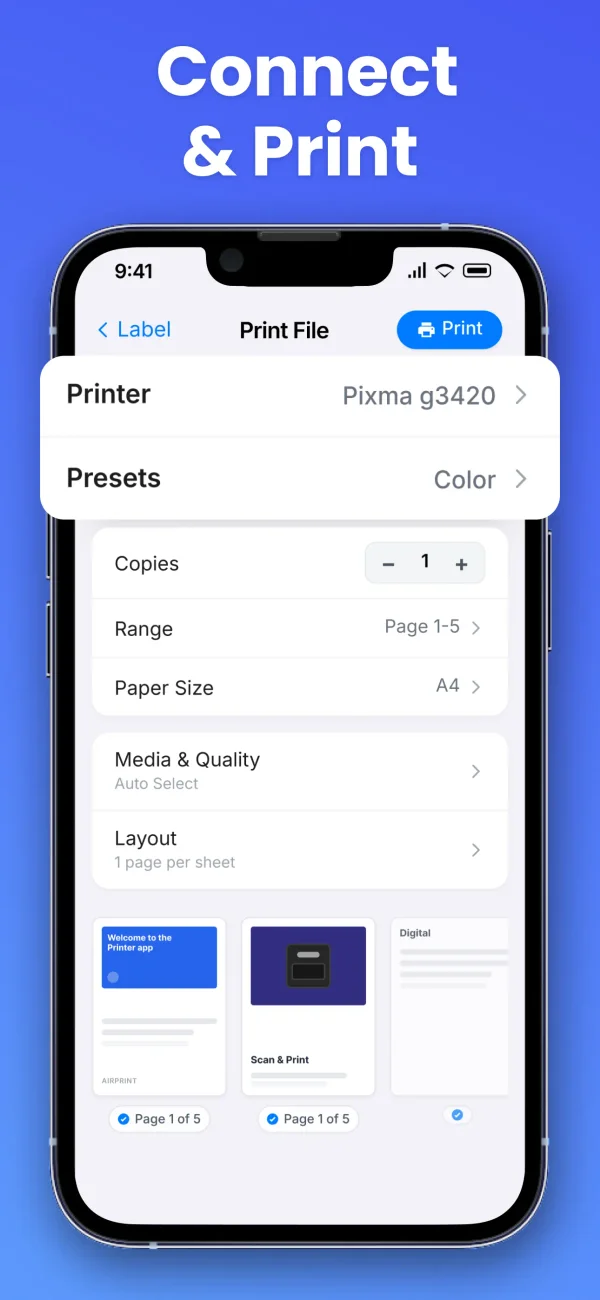
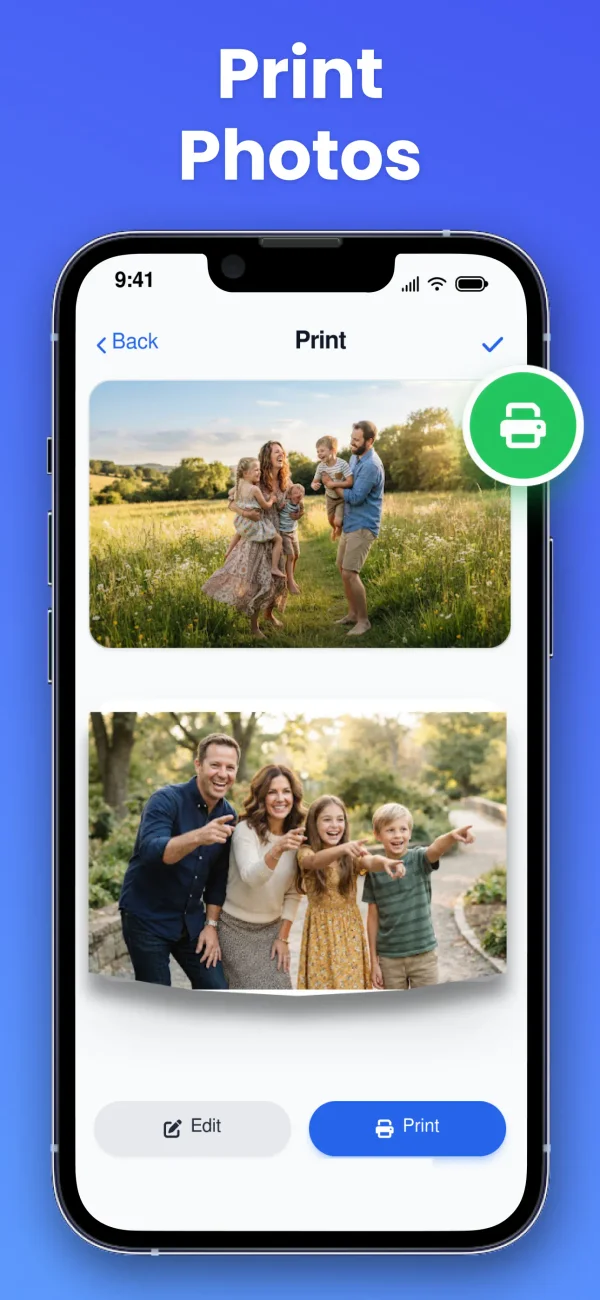
Whether you're printing a school assignment, family photo, shopping label, or saved webpage, Wireless printer provides a simple workflow from your device to your printer. Wireless printer supports printing a wide variety of content to compatible wireless printers.
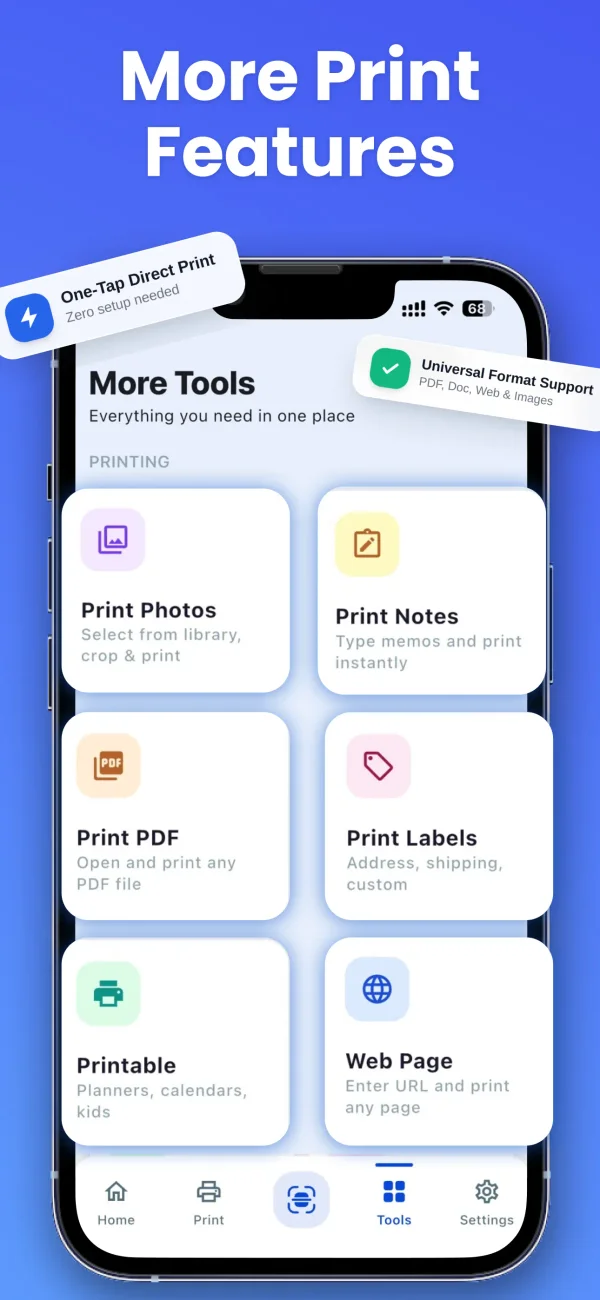
• Print photos
• Print PDF documents
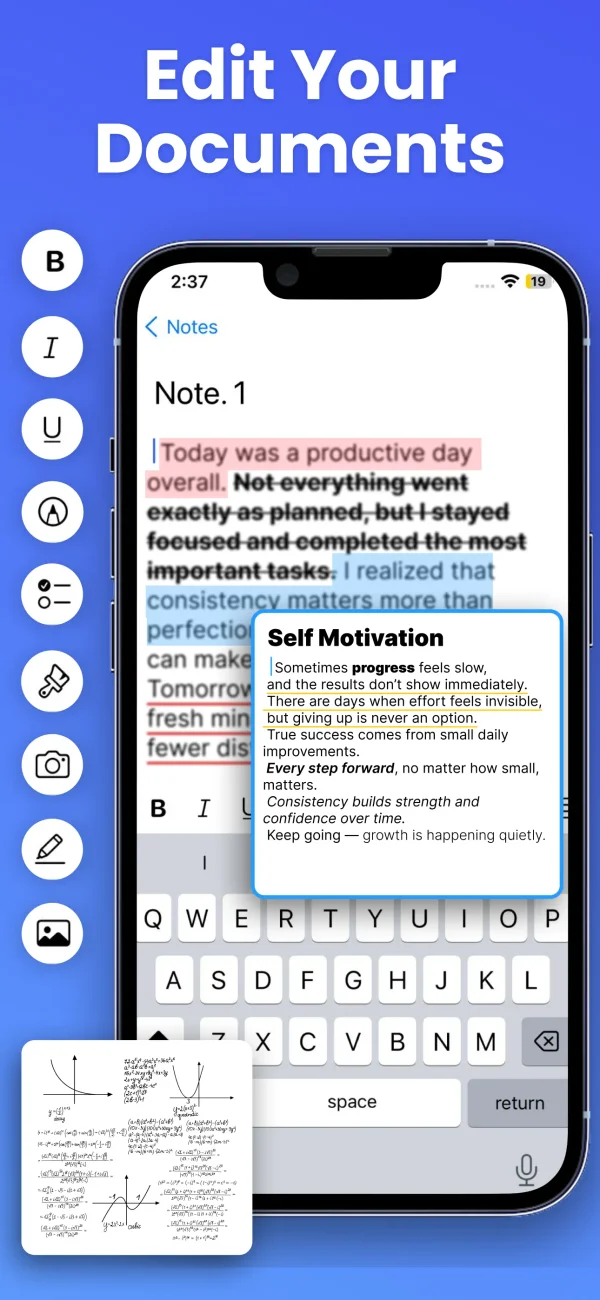
• Print notes
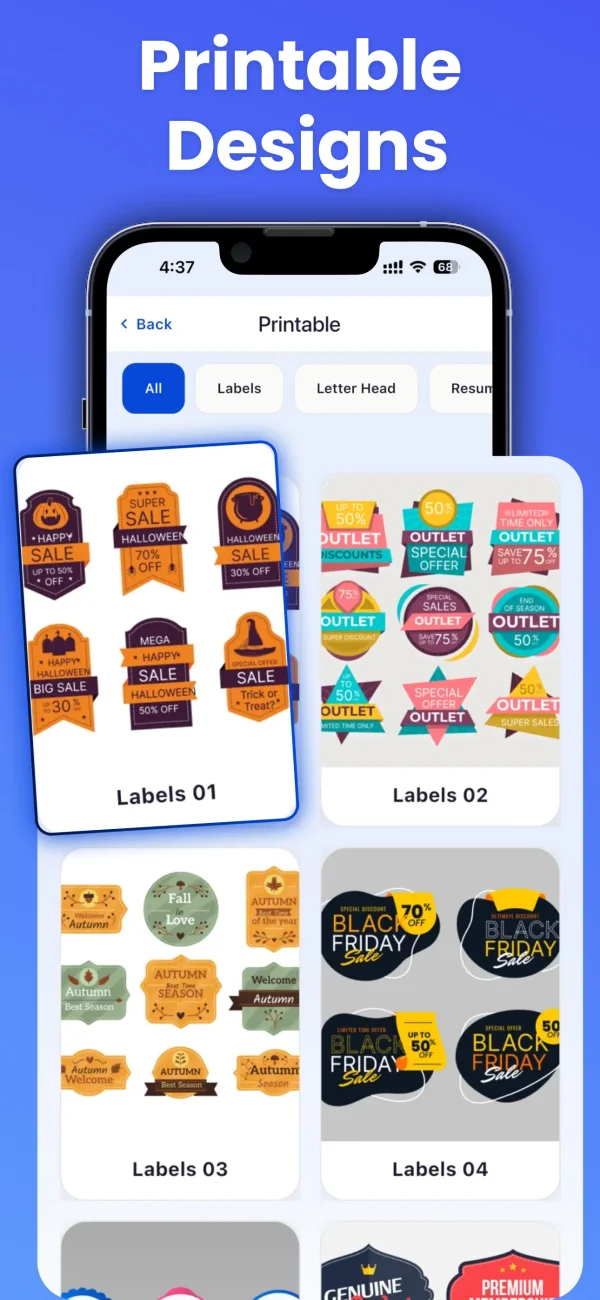
• Print labels
• Print printable templates
• Print through web pages
• Print clipboard content
PDF Tools
Manage your PDF files with built-in editing features. These tools make it easier to organize documents before printing or sharing.
• Merge multiple PDFs into one document
• Split PDF files into separate pages
• Reorder PDF pages
• Rotate PDF pages
Image Editing Tools
Prepare your images before printing with simple editing features. These editing options help improve document readability and adjust photos for printing. Included tools:
• Crop & Rotate
• Enhance Image
• Black & White
• Resize & Scale
Create Better Digital Copies
Wireless Printer helps improve scanned documents by making them easier to read and organize. Whether you're scanning paperwork for storage or preparing files for printing, the app offers a straightforward workflow.
Simple and Easy to Use
Wireless Printer is designed with a clean interface that makes everyday printing and document management easy for beginners and experienced users alike.
Great for Everyday Tasks
Wireless Printer is suitable for many everyday situations, including:
• Home organization
• Office paperwork
• School assignments
• Business documents
• Personal records
• Travel documents
• Study materials
Why Choose Wireless Printer?
• Scan documents with your camera
• Print photos and PDF files
• Print notes, labels, and web pages
• Edit PDFs before printing
• Merge, split, rotate, and reorder PDFs
• Crop and enhance images
• Resize photos for printing
• Convert paper documents into digital files
• Organize important documents
• Save time with an all-in-one document solution
Note: Additional Purchases Required
The payments for in-app purchases are directly charged from your iTunes account after the confirmation stage. The subscription to our service will be automatically renewed unless the auto-renew option is turned off 24 hours before the expiration of the current subscription period. Your iTunes account will be charged for the renewed subscription within a 24-hour time period prior to the expiration of the current subscription. The users can manage their subscriptions and turn off the auto-renewal of their purchase by going to the setting of your account on the App Store.
https://m-tahir-support.github.io/PrintLoad/Privacy%20Policy.html
https://m-tahir-support.github.io/PrintLoad/Terms%20of%20Use.html
https://m-tahir-support.github.io/PrintLoad/About%20Us.html
What’s new
Version 1.7 · Oct 1, 2026
- Fixed minor bugs and connection issues.
- Improved stability and performance.
App privacy
What Muhammad Tahir declares on the App Store about how this app handles data.
-
Data not collected
The developer does not collect any data from this app.
Privacy practices may vary, for example with the features you use or your age.
Information
- Seller
- Muhammad Tahir
- Category
- Productivity
- Version
- 1.7
- Updated
- Oct 1, 2026
- Released
- Aug 20, 2026
- Size
- 41.2 MB
- Requires
- iOS 15.0 or later
- Age rating
- 4+
- Price
- Free
- In-app purchases
- Yes
- Languages
- English
- Copyright
- All copyrights reserved 2026 ©
You might also like
-
 Cleenger: Storage GuardianDelete Duplicate Photos Clean
-
 AI Detector – Text HumanizerUndetectable AI Checker Tool
-
 Smart Printer App․Print & Scan PDF, Photos, Docs
-
 Transcribe Speech to Text NoteVoice Memos, Audio to Text
-
 Fax App - Send FAX from PhoneOfficial eFax, easy Doc Faxing
-
 App Blocker - BlokoScreen Time, Detox & Study
-
 Smart Printer - AirPrintWireless Printing App
-
 Arvine AI Logo Maker & CreatorCustom logos design, generator
-
 Word Editor: DOCX DocumentsDocX Editor: Write & Edit Word
-
 Speakora - Text to SpeechVoice,Audio,Video Transcriber