PrinterShare: WiFi & PDF
For HP, Epson, Canon and more
Designed for iPhone, iPad, iPod touch
Free · In-app purchases
- Age rating17+
- CategoryProductivity
- DeveloperDynamix Software
- LanguagesEnglish+ 25 more
- Size57.1 MB
Links to the official App Store page
Download.org hosts no file of PrinterShare: WiFi & PDF. The button opens its official App Store page, published by Dynamix Software. Listing last checked on Nov 28, 2026.
Screenshots
About
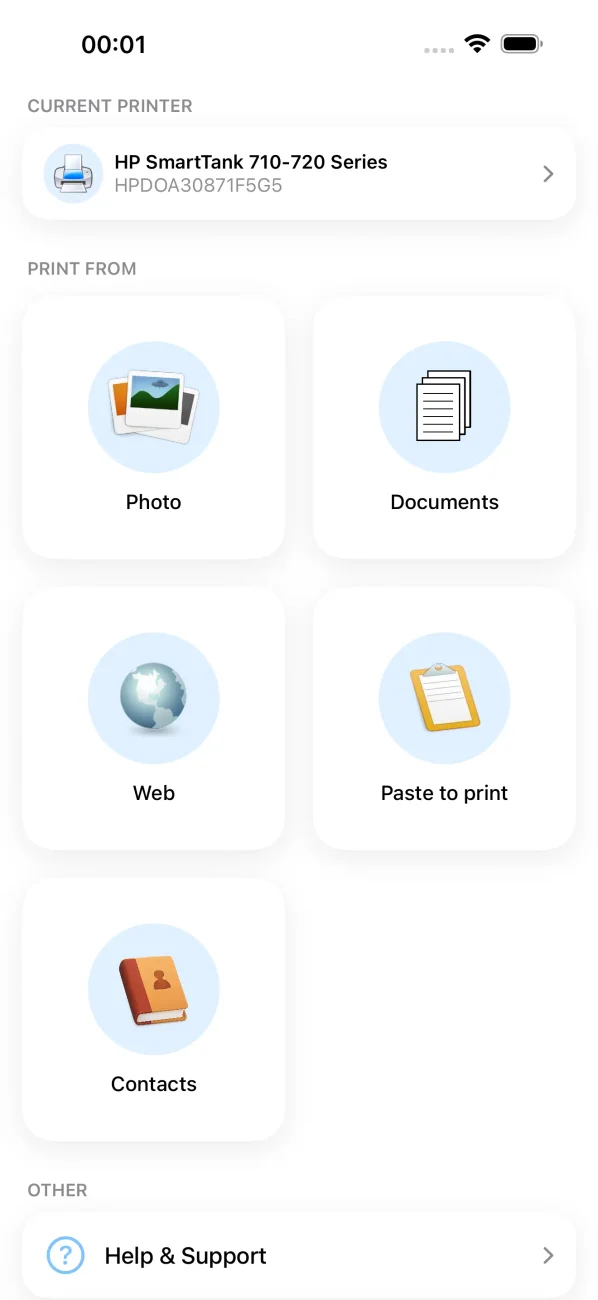
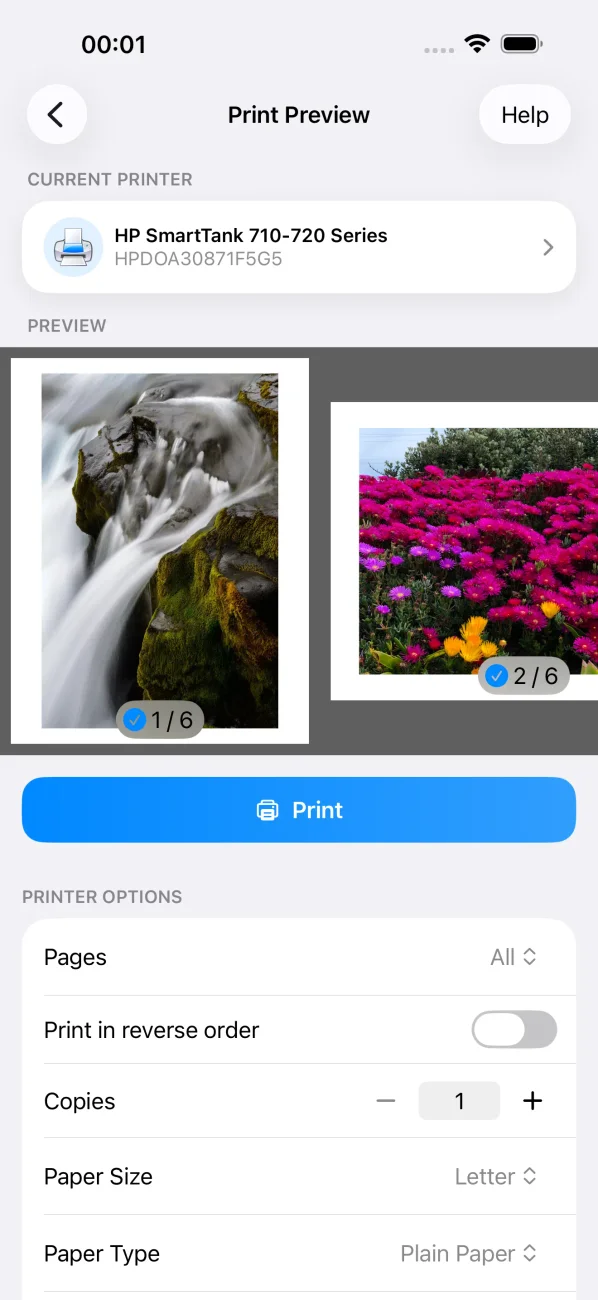
Print photos, PDFs, documents, web pages and contacts straight from your iPhone or iPad – no computer required. Or turn any Mac or PC-connected printer wireless and reachable from anywhere in the world with PrinterShare Desktop app.
Pick what you want to print inside the app, or send it from any other app with the Share button.
WHAT YOU CAN PRINT
- Photos and images
- PDF files and documents
- Web pages
- Contacts
- Markdown and text files
- Content copied to clipboard (using Paste to Print)
- Content shared from other apps via the Share menu
HOW YOU CAN PRINT
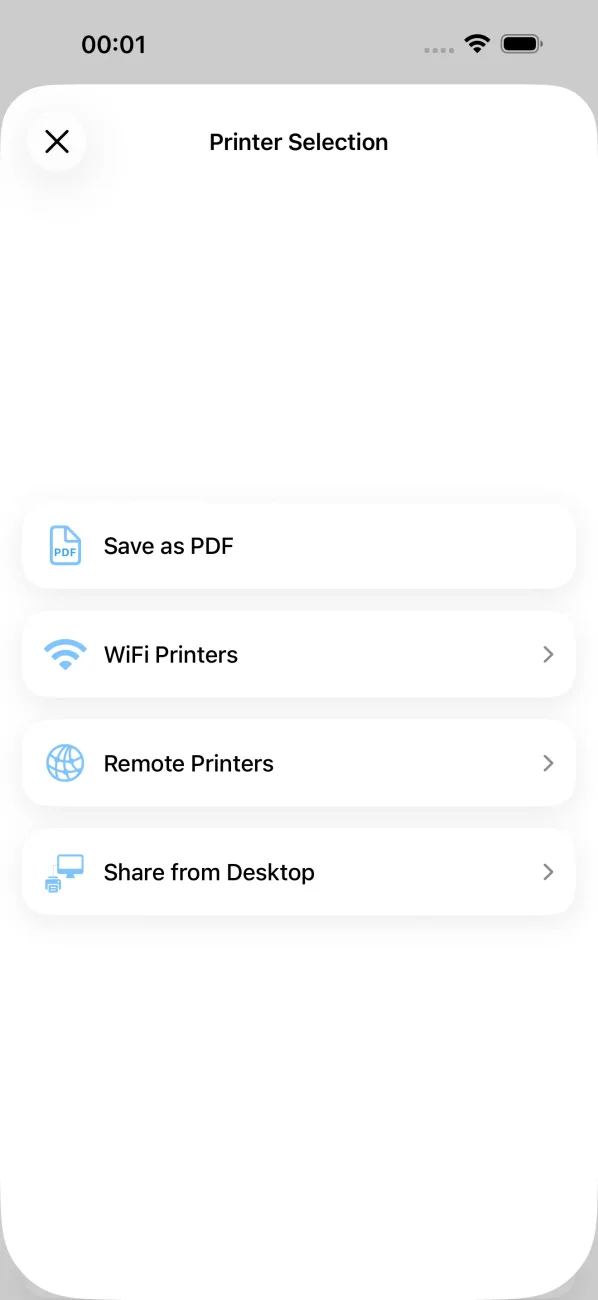
- Wi-Fi (using a Wi-Fi Direct printer or using a Wi-Fi router as a middleman)
- AirPrint
- Save as PDF
- PC or Mac (if your printer is shared using PrinterShare desktop client)
- The Internet
WORKS WITH THOUSANDS OF PRINTERS
PrinterShare supports thousands of models from HP, Canon, Epson, Brother, Samsung, Xerox, Lexmark, Ricoh and many more brands. Most Wi-Fi printers are detected automatically. If your exact model isn't explicitly supported, the app suggests a driver that's likely to work.
Don't see your printer? You can still print through the free PrinterShare desktop app. As long as the printer works from a Windows or Mac computer on the same Wi-Fi network, PrinterShare can print to it. Just install the PrinterShare Desktop app from printershare.net and the app finds shared printers automatically.
FREE TO TRY — ONE-TIME UNLOCK
PrinterShare is free to install, and you can print a test page free to confirm your printer works. To unlock full functionality, buy the Premium Key as a one-time in-app purchase or get a cheaper Premium subscription if you prefer.
You can also get the standalone PrinterShare Premium app on the App Store.
PRINT FROM ANYWHERE
Print to a printer located anywhere in the world over the internet. This needs the PrinterShare Desktop app installed on the computer at the receiving end. Also, logging into the same PrinterShare account in the mobile app and in the desktop app.
For remote printing, you get 100 complimentary pages to your PrinterShare account when you unlock premium in the mobile app.
MORE INFO
Please, visit printershare.net for help and more details.
You can read the Terms of Use here: https://printershare.net/terms.php
What’s new
Version 5.2 · Nov 7, 2026
You can now add a Wi-Fi printer manually if it can't be found automatically.
Plus a smoother AirPrint printer setup.
Thank you for being with us! :)
App privacy
What Dynamix Software declares on the App Store about how this app handles data.
-
Data not linked to you
May be collected but is not linked to your identity.
- Contacts
- User content
- Diagnostics
Privacy practices may vary, for example with the features you use or your age.
Information
- Seller
- Dynamix Software
- Category
- Productivity
- Version
- 5.2
- Updated
- Nov 7, 2026
- Released
- Jun 4, 2010
- Size
- 57.1 MB
- Requires
- iOS 15.0 or later
- Age rating
- 17+
- Price
- Free
- In-app purchases
- Yes
- Languages
- English, Arabic, Bengali, Czech, French, German, Greek, Hindi, Hungarian, Indonesian, Italian, Japanese + 14 more
- Copyright
- © PrinterShare
You might also like
-
 NokoPrint - Mobile PrintingPrint on your printer
-
 Cloud Ready printerPrint to canon, brother, HP ..
-
 ezeep Printer AppThe Future of Printing
-
 Air Printer AppFor HP, Epson, Brother, Canon
-
 Xerox® WorkplaceProductivity
-
 BR RawPrinterBluetooth Network Printer
-
 Pos printer PrinterAppLabel printer, thermal printer
-
 Quick Print - Print & Scan PDFPrinter App and PDF Converter
-
 Canon Publisher MobileProductivity
-
 Print 4 PrintersTools for Bluetooth Printer