PrintFriendly: Web to PDF
Print & save webpages, no ads
Designed for iPhone, iPad, Mac, iPod touch
Free
- Age rating4+
- CategoryProductivity
- DeveloperPrintfriendly
- LanguagesEnglish+ 51 more
- Size37.7 MB
Links to the official App Store page
Download.org hosts no file of PrintFriendly: Web to PDF. The button opens its official App Store page, published by Printfriendly. Listing last checked on Nov 25, 2026.
Screenshots
About
Join millions of users who rely on PrintFriendly to print web pages, convert any webpage to PDF, or take full-page screenshots — all without ads, sidebars, or clutter. It works like a reader mode, but gives you more control: adjust text size, remove images, edit text, highlight key content, and customize your layout before printing or saving.
PrintFriendly is perfect for teachers, students, researchers, and anyone who needs clean, printable, shareable content. Print articles, save recipes as PDFs, archive research, and capture pages from ChatGPT, Gemini, Claude, Reddit, Gmail, Substack, and more.
The PrintFriendly App
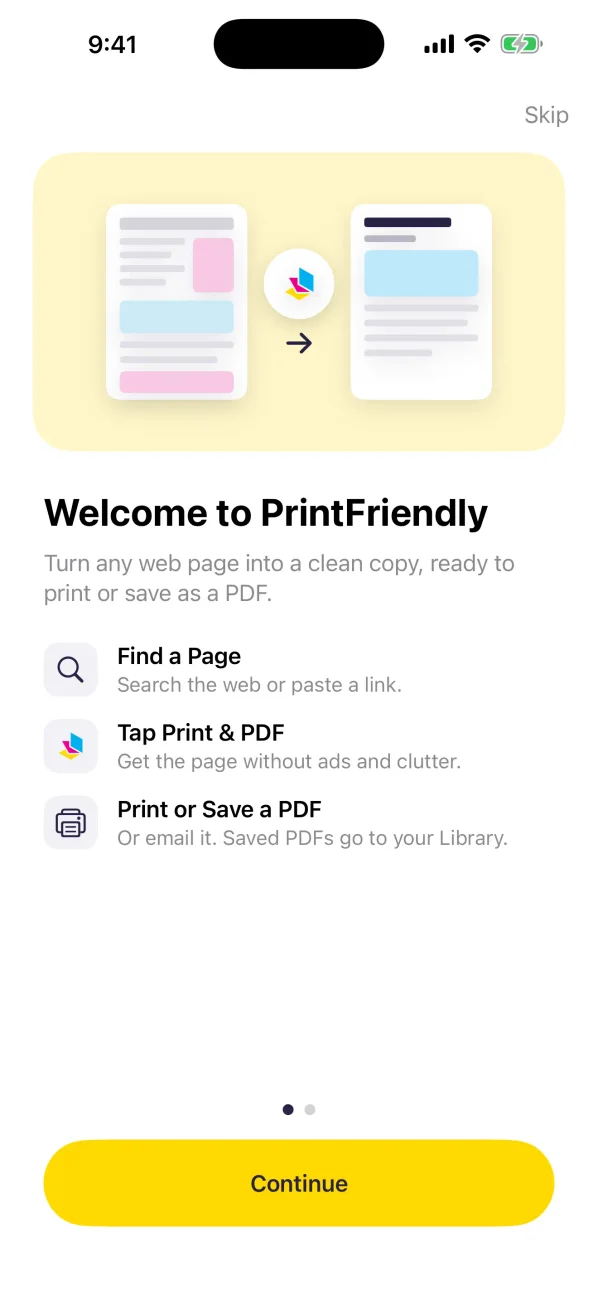
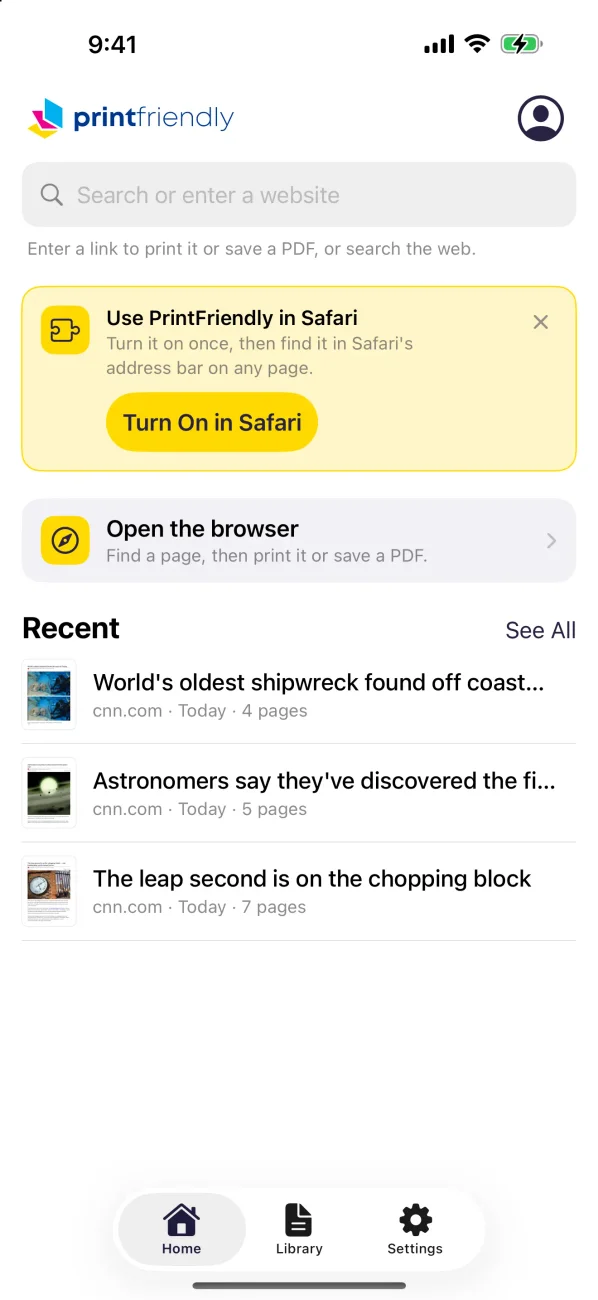
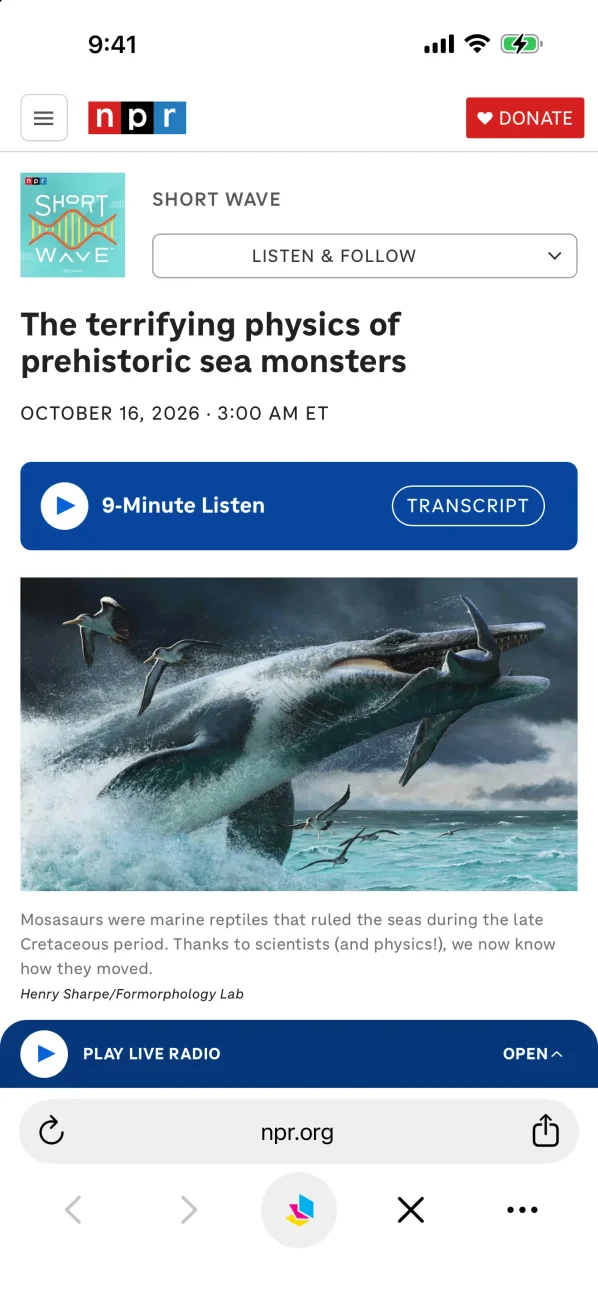
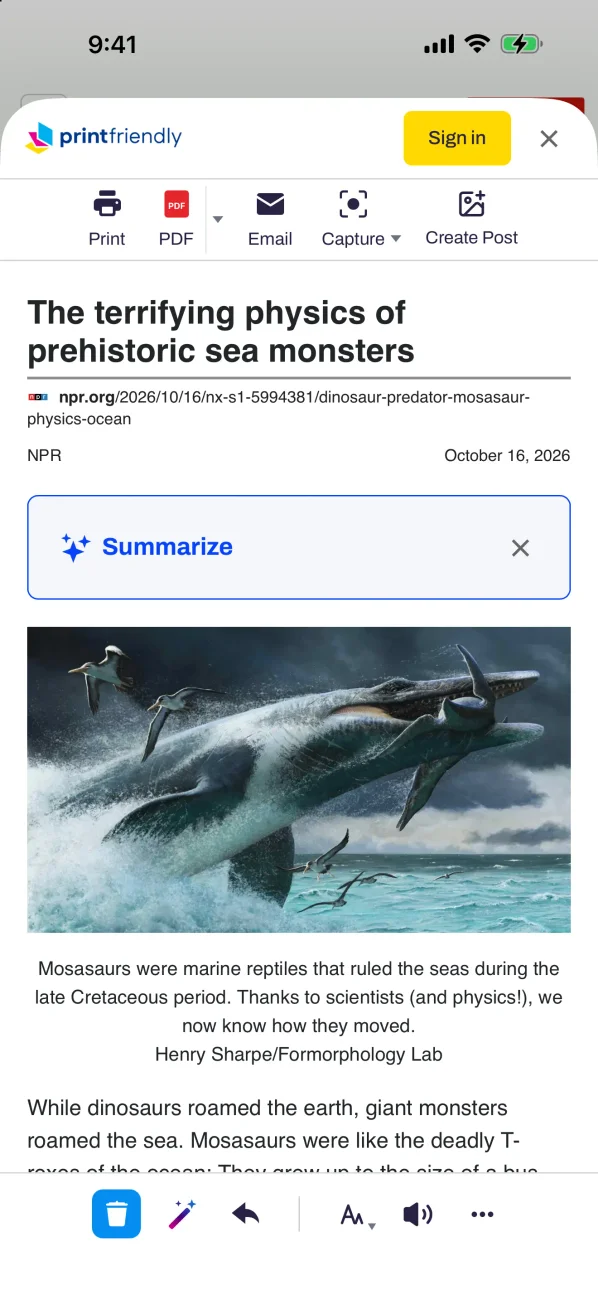
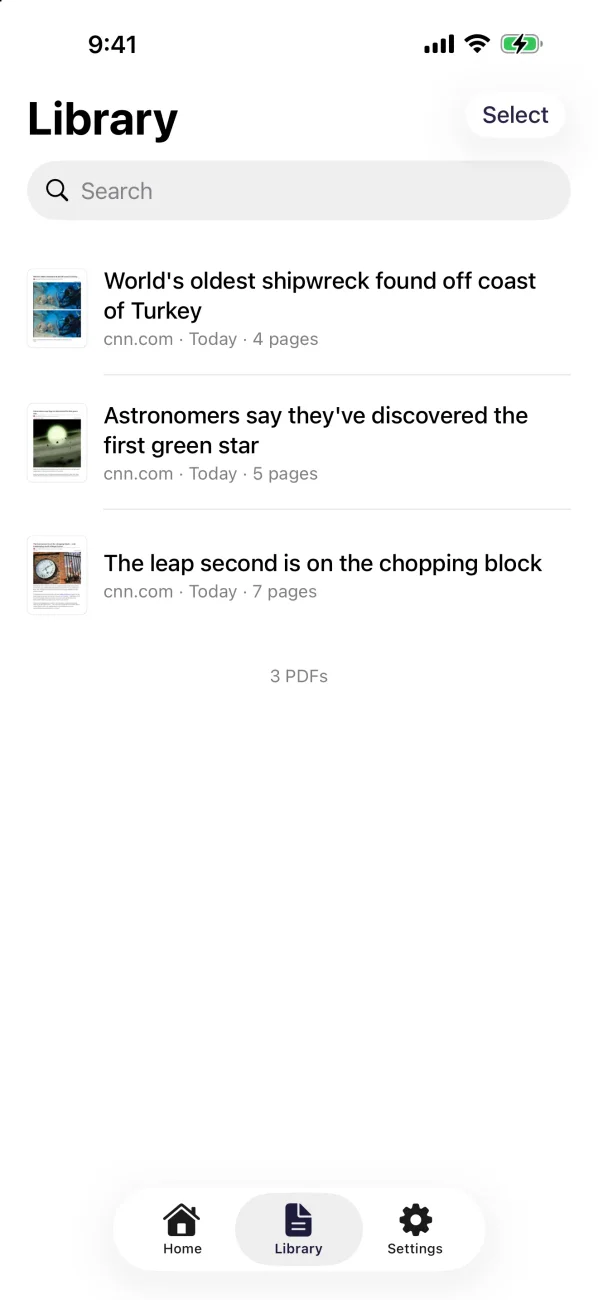
Browse to any page, tap Print & PDF, and keep your PDFs in the Library.
Convert Web Pages to PDF
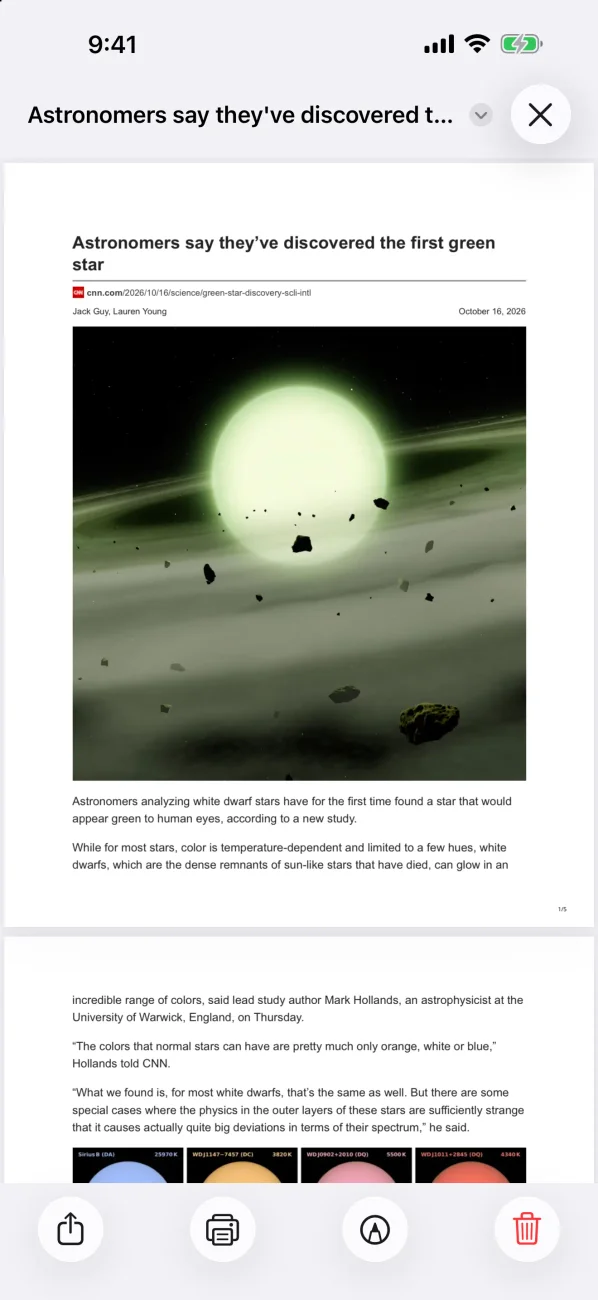
Turn any webpage into a clean, professional PDF without ads, headers, or navigation. Preserve text, images, and links with full support for non-Latin characters and right-to-left languages. Adjust margins, choose between A4 and Letter page sizes, and download with one click.
Listen: Read Any Article Aloud
Tap Listen and PrintFriendly reads the cleaned-up article aloud, highlighting each sentence as it goes. Pick a voice, set the reading speed, skip by sentence, or tap any paragraph to start from there. Text to speech that reads the article itself, not the menus and cookie banners around it. Free, with no new permissions.
Full Page Screenshot & Screen Capture
Capture a full page screenshot or a visible-area screenshot of any webpage with one click. Full page screen capture scrolls the whole page for you, so you get all of it, not just what fits on screen. Works on sites with iframes, dynamic content, and complex layouts. Export as PNG, JPG, or PDF, or turn a capture into a PDF whose text you can select and search. Ideal for archiving web pages, saving visual records, or sharing content exactly as it appears.
Log into the extension to sync your account with printfriendly.com, where you can also convert, compress, edit, merge, and sign PDFs. Upload PDF, DOCX, XLSX, JPG, and other file types for conversion. Your settings and preferences sync between the extension and website.
Save to Dropbox, Google Drive, OneDrive, or Notion
Send the finished PDF straight to where you already keep things instead of fishing it out of your Downloads folder. Dropbox and OneDrive files land in a PrintFriendly folder, and that folder is all PrintFriendly can see. In Drive it only ever sees the files it creates. For Notion, pick the page or database each PDF goes into, from the pages you have shared with PrintFriendly. Set a default once and every save after that is one click.
Print Web Pages Without Clutter
Remove ads, pop-ups, navigation bars, and footers to create clean printouts of any webpage. Use Delete mode to remove entire sections or click and drag to remove multiple blocks at once. Use Highlight to emphasize important content, or switch to Edit mode to modify text directly on the page. Great for printing ChatGPT conversations, Gemini responses, and online articles.
Edit, Delete & Highlight Before You Save
Make changes directly on the page before printing or saving as PDF. Modify text, adjust font size, remove images, delete unwanted sections, and highlight important information. All editing tools work in full-screen mode with undo support.
AI Page Summaries
Generate AI-powered summaries of any web page directly inside PrintFriendly. Quickly understand long articles, research papers, or complex content without reading every word.
Works Everywhere
PrintFriendly is compatible with a wide range of websites including ChatGPT, Gemini, Claude, Gmail, Reddit, Substack, YouTube, and thousands more. It also works on local files from your computer.
Upgrade your printing, PDF conversion, and screenshot experience today with PrintFriendly.
By using this extension, you agree to our Terms of Service and Privacy Policy:
Terms of Service: https://www.printfriendly.com/terms
Privacy Policy: https://www.printfriendly.com/privacy
What’s new
Version 7.9.0 · Nov 24, 2026
New:
• Dark mode. In the app, PrintFriendly View follows your device's light or dark setting. In Safari, so do PrintFriendly View, the popup and Settings, and you can choose Light or Dark in Settings, then General, then Theme. The article stays on white paper, so PDFs and printouts look the same.
• Shortcuts, Siri and Spotlight. Make a PDF of a web page, open a page in PrintFriendly, or open your Library, from the Shortcuts app, by asking Siri, or from Spotlight. Make a PDF works inside your own shortcuts too.
• Comments under recipes. On a recipe with readers' comments, press Comments to add them after the recipe. Your choice is remembered, and it is also in Settings, under PrintFriendly View.
• Clean Up can remove credit lines, like "Jane Doe contributed reporting" or a photo credit on its own line. When Clean Up finds them, its menu offers to remove them, and from then on it does that for you. Change it anytime in Settings, under PrintFriendly View.
Improvements:
• Articles keep more of their text, lists and tables, with less left over at the end.
• Leaderboards and other tables that a site draws its own way print as tables.
• In Safari, the area around the clock and battery matches PrintFriendly View.
• In dark mode, the app's browser stays dark while its first page loads.
• Footnotes keep their numbers, on Substack and other sites that link each note back to its marker.
• An article's date shows its latest update when the page shows one, instead of the day it was first published.
• Looping videos in an article print as a still image.
• New York Times feature stories print without a repeated summary or a stray photo credit.
• A caption shared by several photos goes away with them when Image size is 0%.
• Film and TV reviews keep the synopsis and cast a site lists beside them.
App privacy
What Printfriendly declares on the App Store about how this app handles data.
-
Data linked to you
May be collected and linked to your identity.
- Contact info
-
Data not linked to you
May be collected but is not linked to your identity.
- Browsing history
- Usage data
Privacy practices may vary, for example with the features you use or your age.
Information
- Seller
- Print Friendly LLC
- Category
- Productivity
- Version
- 7.9.0
- Updated
- Nov 24, 2026
- Released
- Sep 4, 2025
- Size
- 37.7 MB
- Requires
- iOS 15.0 or later
- Age rating
- 4+
- Price
- Free
- Languages
- English, Amharic, Arabic, Armenian, Bengali, Bulgarian, Catalan, Croatian, Czech, Danish, Dutch, Estonian + 40 more
- Copyright
- © 2026 Print Friendly LLC
You might also like
-
 SingleFile for SafariSave web pages faithfully
-
 PDFConverter- Print to PDFConvert to PDF
-
 Craft Web ClipperSave any website to Craft
-
 Offprint: Web to PDF & EPUBSafari Clipper: Read Offline
-
 DEVONthink To Go 4Document & Information Manager
-
 ChatExport - AI to DocsTurn GPT Chats Into Documents
-
 iA Writer: Get FocusedWrite in plain text
-
 Parchment: Agenda & Daily NoteStay Organized Stay Productive
-
 EZText - Text EditorProductivity
-
 Karakeep AppSave, tag & search everything