
- Age rating4+
- CategoryUtilities
- DeveloperSelect Technology Limited
- Size7.8 MB
Links to the official App Store page
Download.org hosts no file of PrintToDevice. The button opens its official App Store page, published by Select Technology Limited. Listing last checked on Nov 12, 2026.
Screenshots
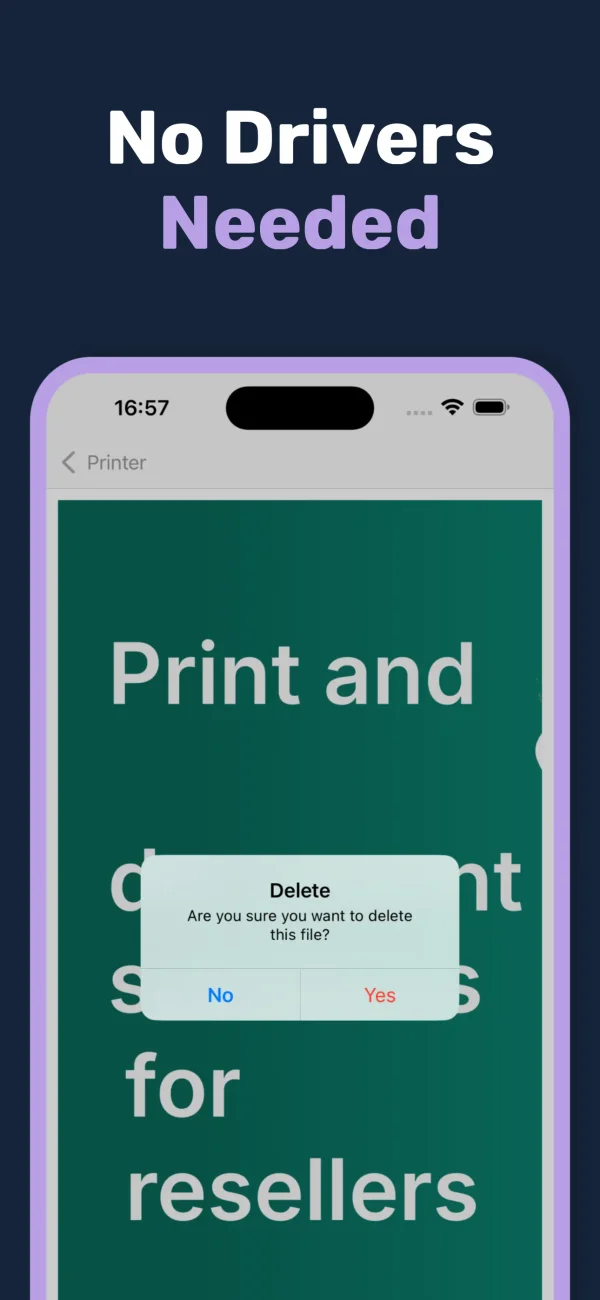
About
PrintToDevice turns your iOS device into a virtual printer that allows you to print directly to your phone or tablet from your other devices.
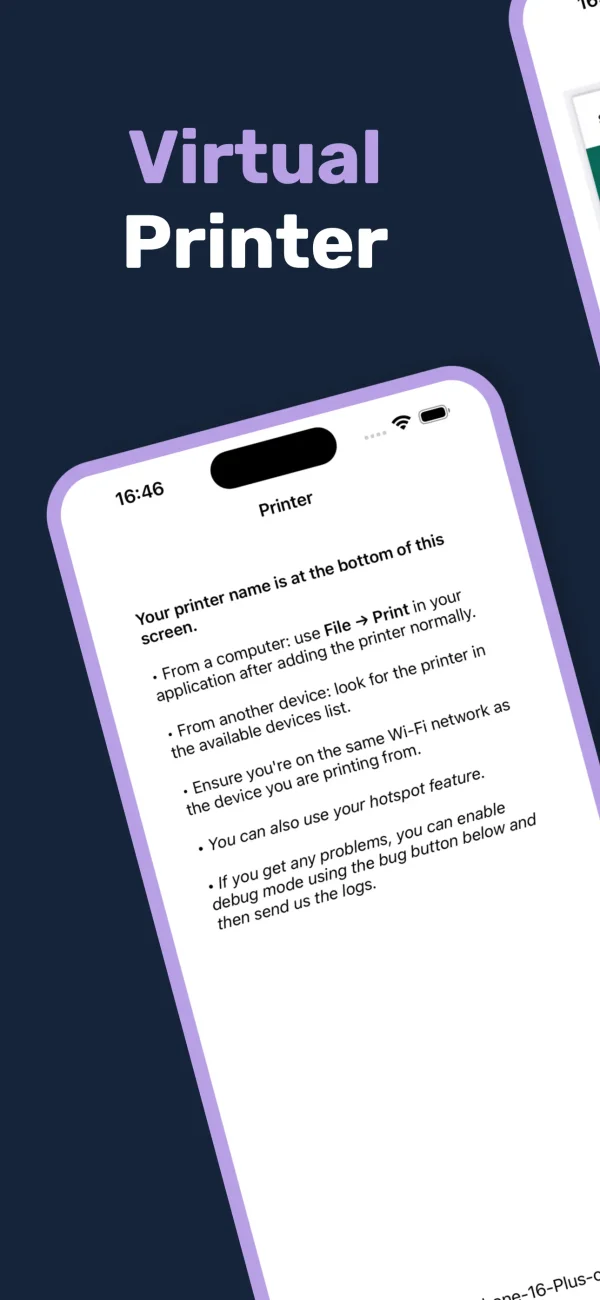
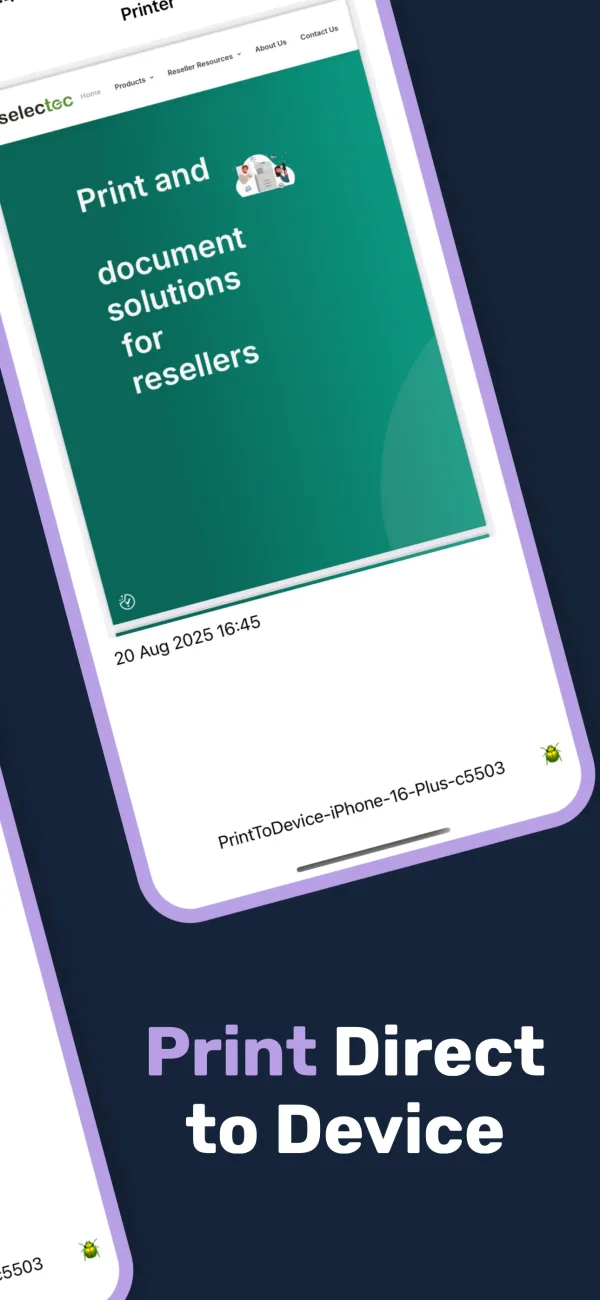
Simply open the app, find your unique printer name at the bottom of the screen and search for that device when adding a printer. Once the printer is added, you can print to it from any application as you normally would. The only difference being that the print goes direct to the device and not onto paper.
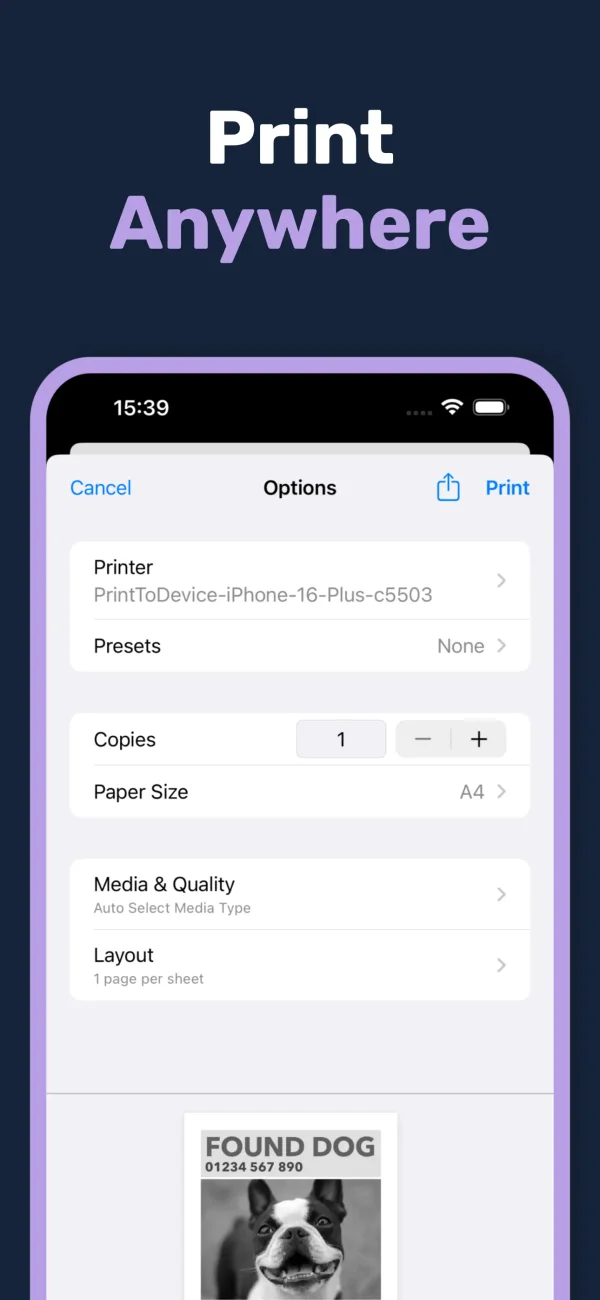
If printing from another phone or tablet, simply select your printer from the list of printers when you go to print. There are no drivers to install and it should just work.
Remember that your device and the device you are printing from must be on the same Wi-Fi network. If that's not possible you can always connect your devices together using your personal hotspot.
App privacy
What Select Technology Limited declares on the App Store about how this app handles data.
-
Data not collected
The developer does not collect any data from this app.
Privacy practices may vary, for example with the features you use or your age.
Information
- Seller
- Select Technology Limited
- Category
- Utilities
- Version
- 1.0.4
- Updated
- Sep 1, 2025
- Released
- Sep 4, 2025
- Size
- 7.8 MB
- Requires
- iOS 13.0 or later
- Age rating
- 4+
- Price
- $0.99
- Copyright
- © 2025 Select Technology Limited
You might also like
-
 AR Ruler-Measure Tape HeightMeasure length, height, area
-
 QuickRoom3DScan rooms into floor plans
-
 Structural AnalyzerBeam & Portal Frame Analysis
-
 Block Apps & Photos: TrustLockApp Locker & Lock Apps
-
 PDF Size Reducer: PDFBuddySigner & ID Card Scanner
-
 AirPrint AppDocument Scanner & PDF Print
-
 MindAnchor-EasyCheckChecklists & Trust Training
-
 Phone Cleaner: Duplicate CleanRemove Photos & Free Up Space
-
 ktg.plDokumentacja Klima-Therm
-
 Fast CompressPhone Storage Cleaner