Privacy Blur - hide faces
Blur faces & sensitive areas
Designed for iPhone, iPad, iPod touch
Free · In-app purchases
- Age rating4+
- CategoryPhoto & Video
- DeveloperTry the Colors s. r. o.
- LanguagesEnglish+ 51 more
- Size78.4 MB
Links to the official App Store page
Download.org hosts no file of Privacy Blur - hide faces. The button opens its official App Store page, published by Try the Colors s. r. o. Listing last checked on Nov 20, 2026.
Screenshots
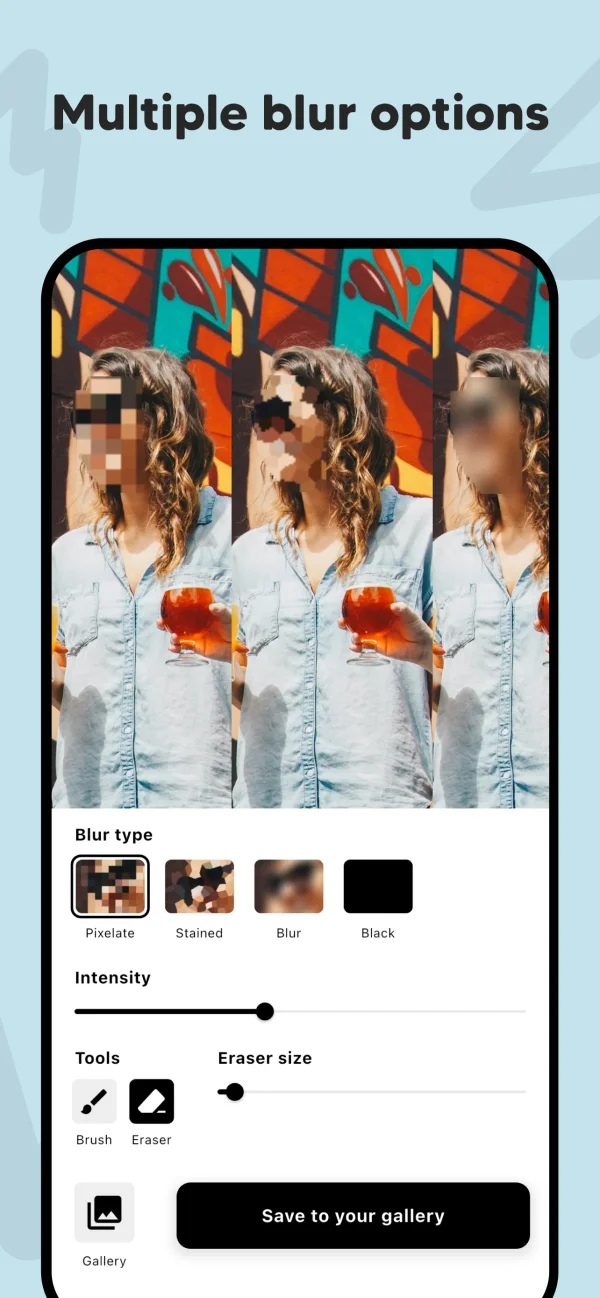
About
Blur faces, hide license plates, and protect your privacy — fast and easily.
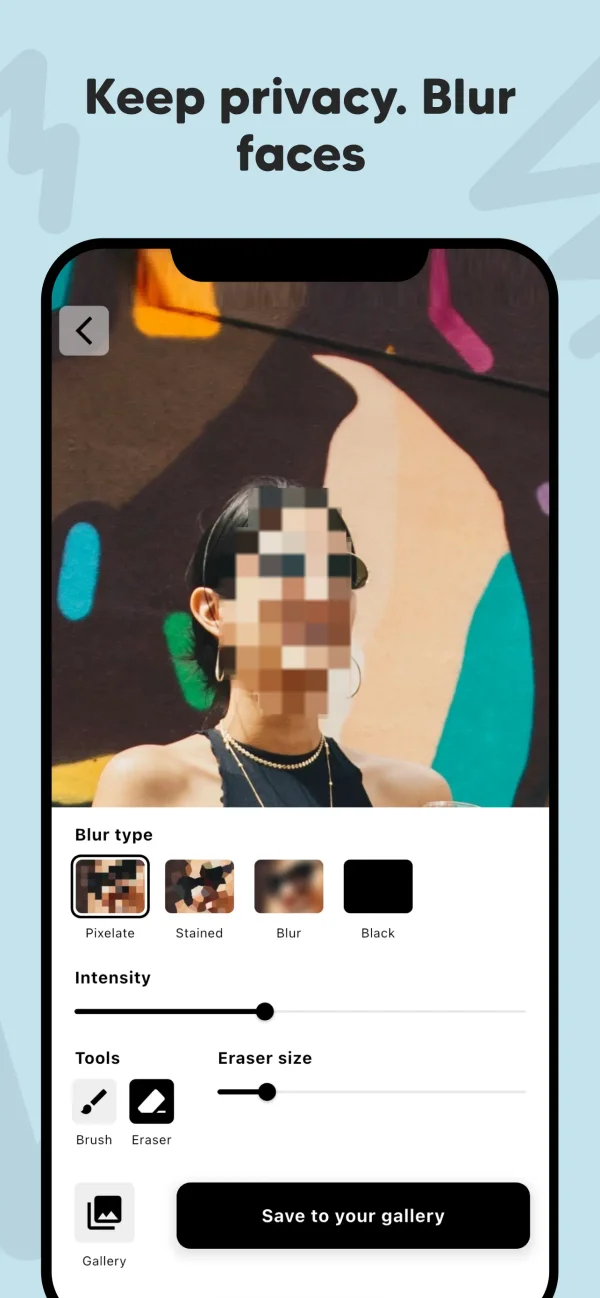
With Privacy Blur, you can blur any part of your photo using just your finger. Whether you're hiding faces, car plates, screens, or sensitive background details, this app gives you full control over what stays visible and what stays private.
Perfect for social media posts, online selling, journalism, vlogging, or just sharing with friends — Privacy Blur helps you stay safe without compromising photo quality.
-
Key Features:
• Blur Faces Easily - Tap and drag your finger over faces or objects to blur instantly.
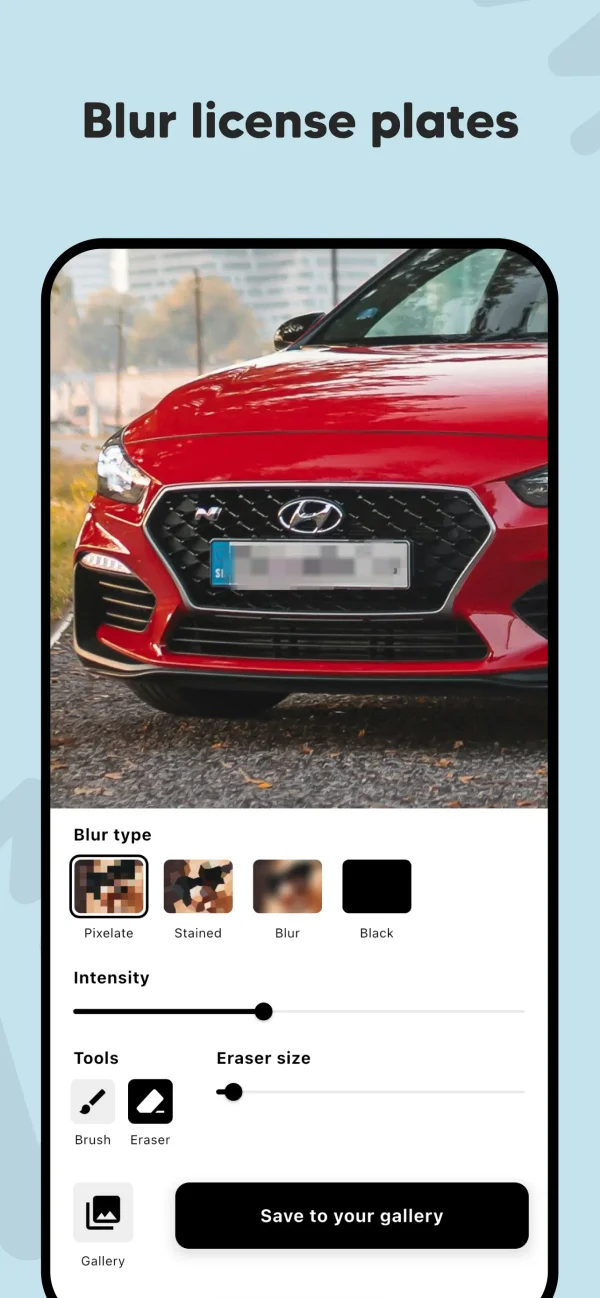
• Hide License Plates - Blur car numbers and vehicle plates to stay anonymous.
• Multiple Blur Styles - Choose from pixelate, smooth blur, strong blur, or subtle touch.
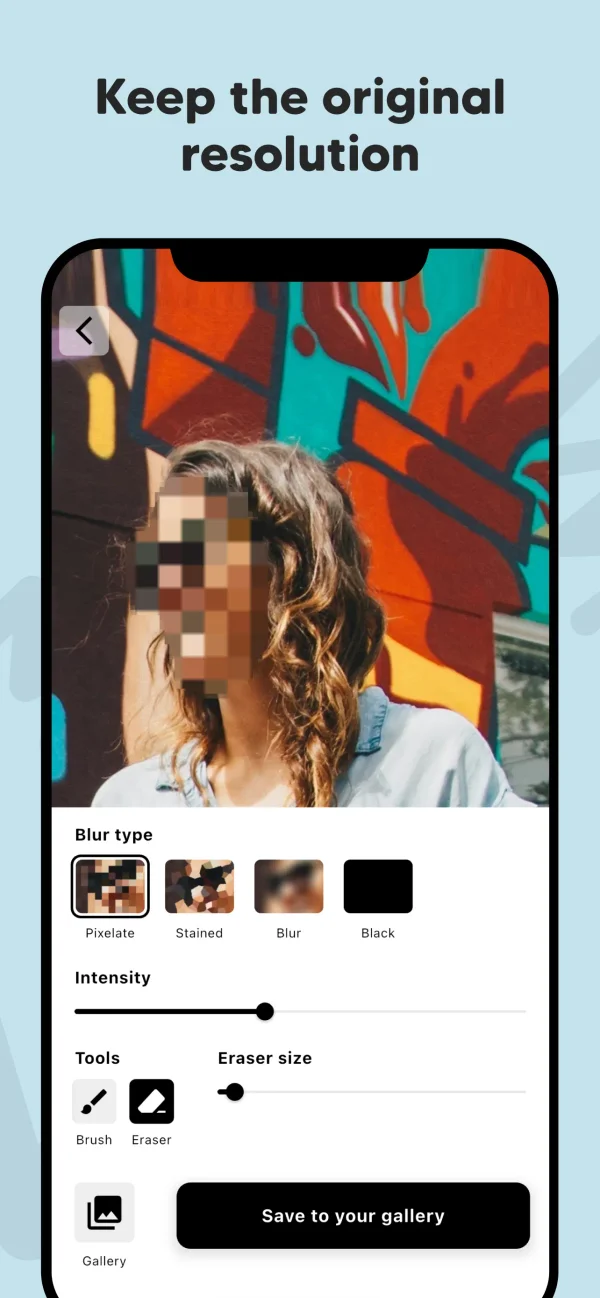
• High-Resolution Output - Your photos stay in original resolution. No compression.
• Fast & Intuitive - Designed for speed and ease of use. No learning curve.
• Works Offline - All editing happens on your device. Your data stays private.
-
Use Cases:
• Blur people's faces in public photos
• Hide children's faces before sharing
• Blur screens or confidential documents
• Mask out personal details or addresses
• Censor bystanders or logos in images
• Create safer posts for social media
-
Why Choose Privacy Blur?
Unlike complex photo editors or AI tools that guess what to blur, you stay in control. Just draw over anything you want to hide — fast, direct, and secure. Whether it's a travel photo, family event, car listing, or street shot, Privacy Blur is your go-to privacy tool.
-
Keep your privacy in your hands.
Download Privacy Blur now and make your photos safer before sharing them online.
By using this app, you agree to Apple's standard End User License Agreement (EULA), available here: https://www.apple.com/legal/internet-services/itunes/dev/stdeula/
What’s new
Version 1.0.45 · Nov 17, 2026
- Improved home screen speed
- Improved app startup on slow connections
- Bug fixes and performance improvements
App privacy
What Try the Colors s. r. o. declares on the App Store about how this app handles data.
-
Data used to track you
May be used to track you across apps and websites owned by other companies.
- Identifiers
- Usage data
- Diagnostics
-
Data linked to you
May be collected and linked to your identity.
- Identifiers
- Usage data
- Diagnostics
-
Data not linked to you
May be collected but is not linked to your identity.
- Diagnostics
Privacy practices may vary, for example with the features you use or your age.
Information
- Seller
- Try the Colors s. r. o.
- Category
- Photo & Video
- Version
- 1.0.45
- Updated
- Nov 17, 2026
- Released
- Jul 7, 2025
- Size
- 78.4 MB
- Requires
- iOS 15.0 or later
- Age rating
- 4+
- Price
- Free
- In-app purchases
- Yes
- Languages
- English, Albanian, Azerbaijani, Bengali, Bulgarian, Burmese, Cambodian, Catalan, Croatian, Czech, Danish, Dutch + 40 more
- Copyright
- © 2026 Try the Colors s. r. o.
You might also like
-
 BlurIt: Face Blur & RedactCensor Photos, PDF & Text
-
 Blur Face in PhotoHide face in picture
-
 MozFace - Face Blur & MosaicAuto Face Detect & Blur Tool
-
 Blur Photo & Mosaic Face BlurBlur Faces in a photo - Censor
-
 Video Blur & Face CensorPixelate & Mosaic Videos
-
 Reg DeleteBlur your license plate
-
 NoFace: Anonymous CameraBlur Faces, Plates & Text
-
 Blur Face - photo & videoCensor, Mosaic, Pixelate, Hide
-
 Video Blur Maker: Censor FaceAuto Hide Person Background
-
 BlurQ: Face Blur Photo & VideoCensor, Pixelate & Mosaic Tool