PrivaNota: Private AI Notes
Meeting Audio Transcription
Designed for iPhone, iPad
In-app purchases
- Age rating4+
- CategoryProductivity
- DeveloperAlexandre Becourt
- LanguagesSpanish+ 17 more
- Size19.6 MB
Links to the official App Store page
Download.org hosts no file of PrivaNota: Private AI Notes. The button opens its official App Store page, published by Alexandre Becourt. Listing last checked on Nov 12, 2026.
Screenshots

About
Private meeting notes, without third-party AI.
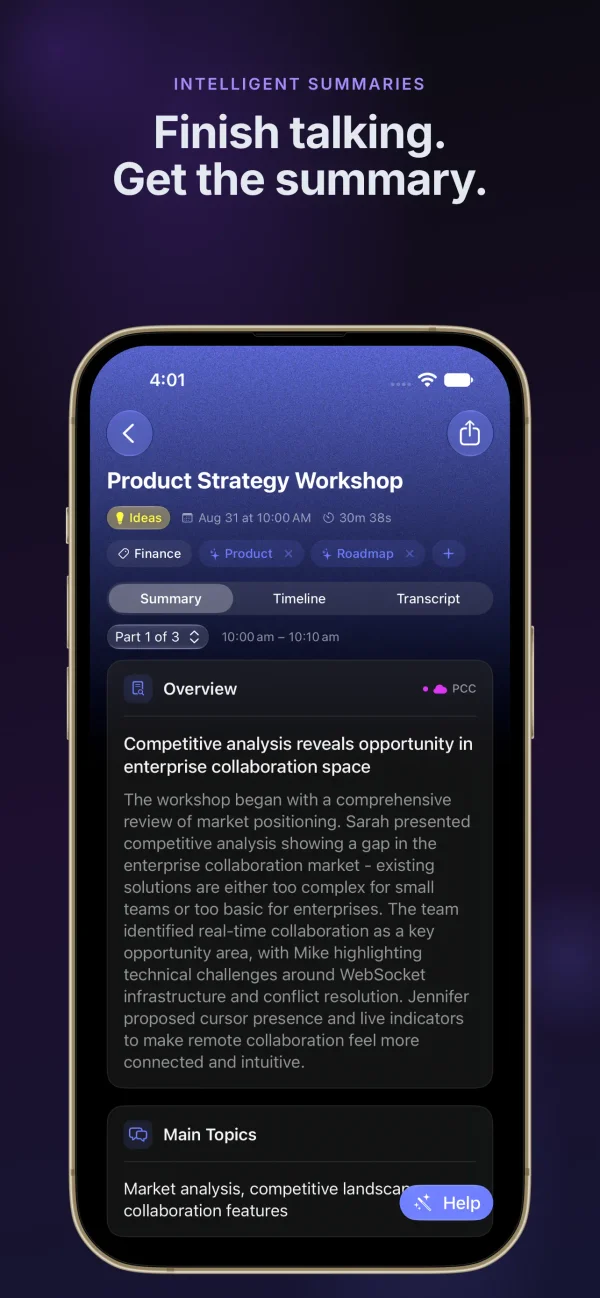
PrivaNota records and transcribes conversations on your Apple device, so you can stay present. Turn meetings, lectures, interviews, appointments, and voice notes into searchable transcripts, clear summaries, action items, and suggested calendar events.
RECORD AND TRANSCRIBE
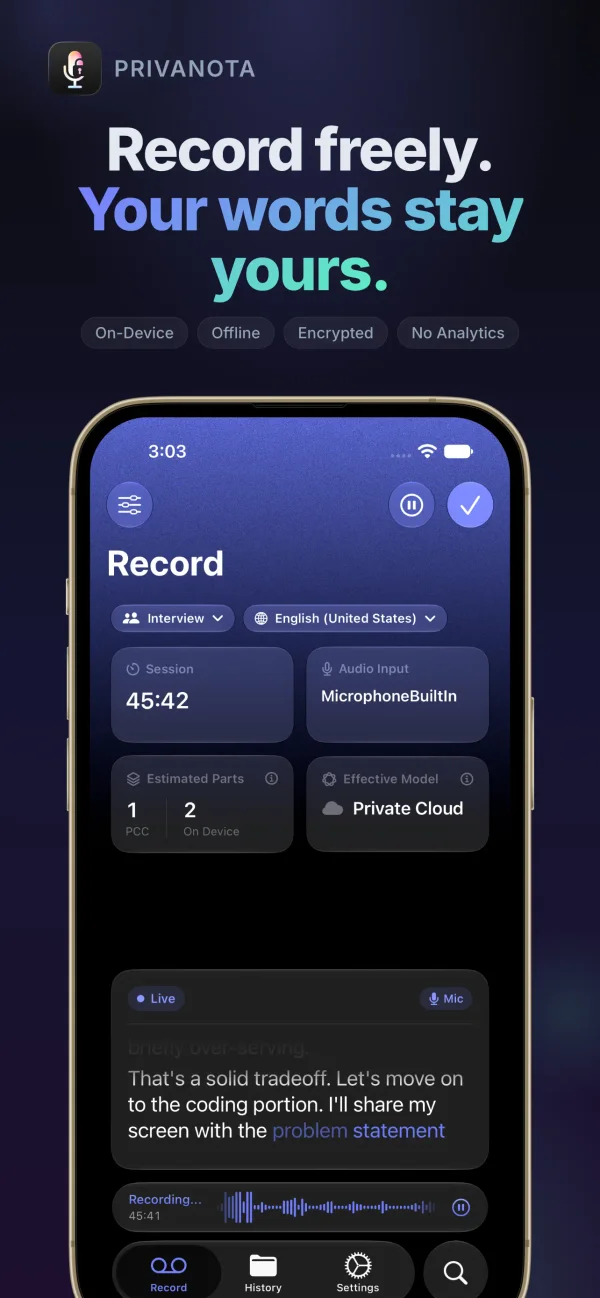
• Start recording with one tap
• See a short transcription preview while recording
• Use the built-in microphone, AirPods, or a paired Bluetooth device
• On iOS 27, capture audio from selected apps, your microphone, or both
• Highlight important moments while recording
• Choose from supported speech-recognition languages
UNDERSTAND EVERY CONVERSATION
• Create concise AI summaries with key topics, decisions, and action items
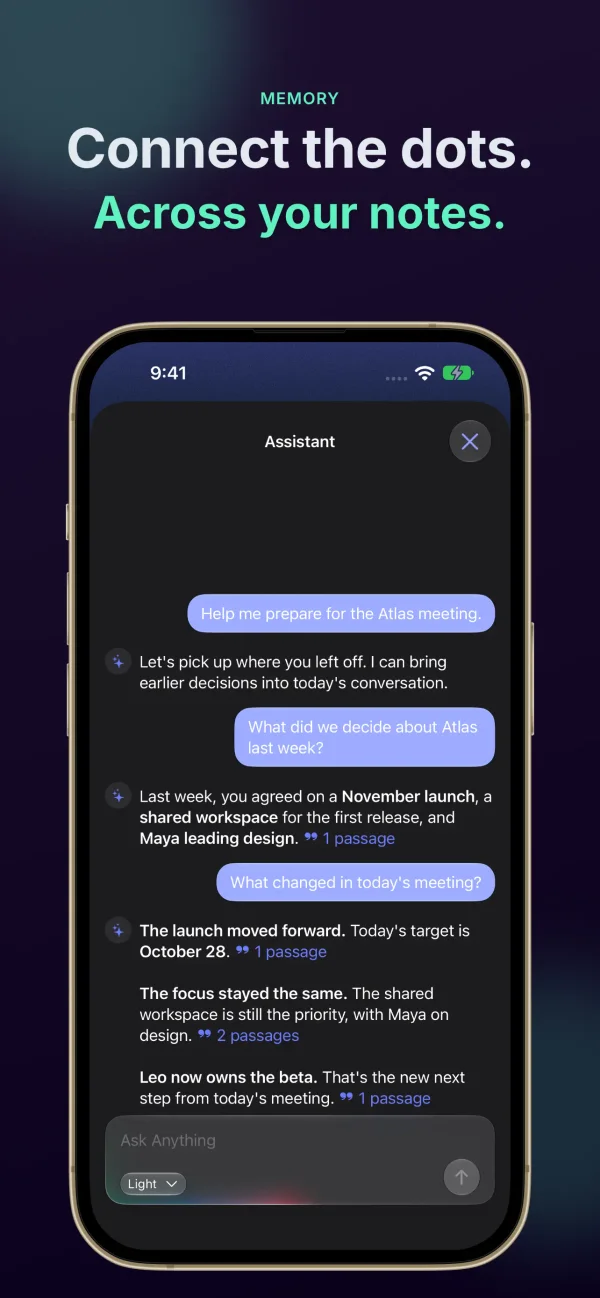
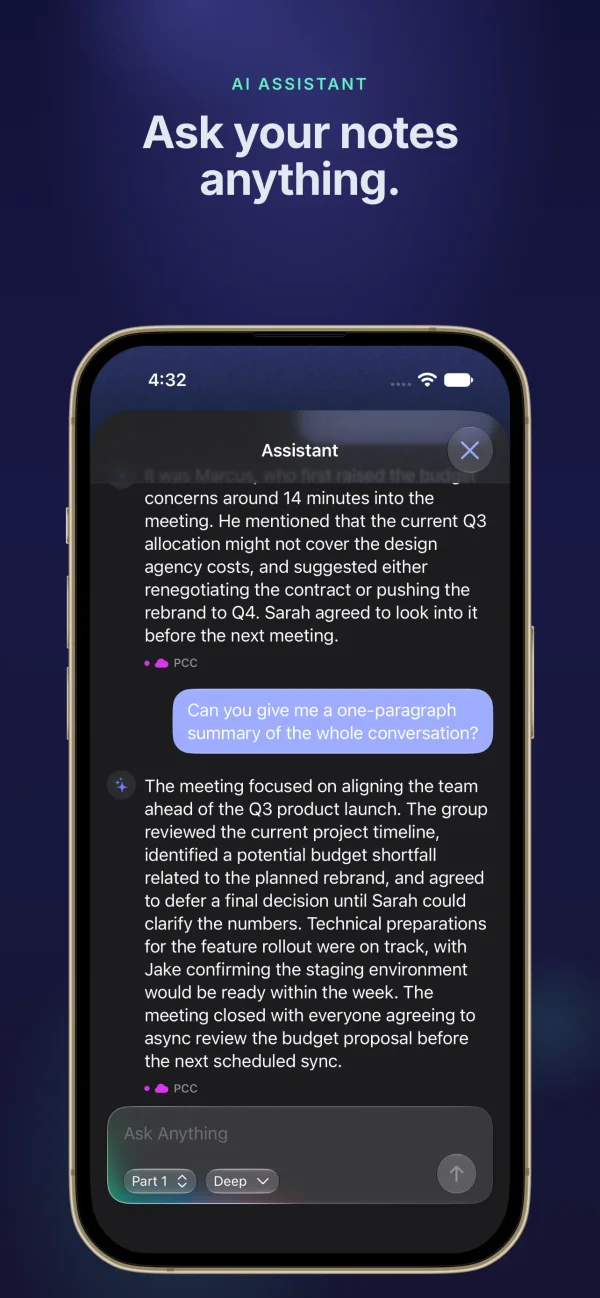
• Ask the AI Assistant detailed questions and follow-ups about your notes
• Tap citations in answers to read the original transcript passages
• Follow a quote’s timestamp to the exact caption, with a gentle highlight to guide you
• Get summaries and answers adapted to each conversation type
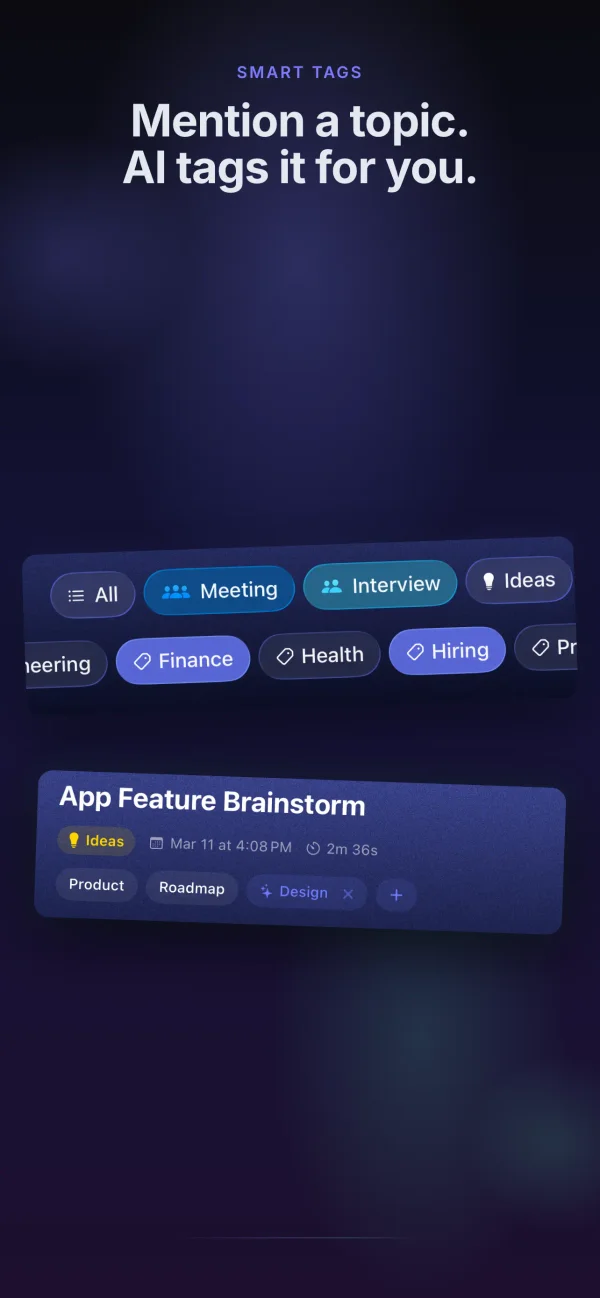
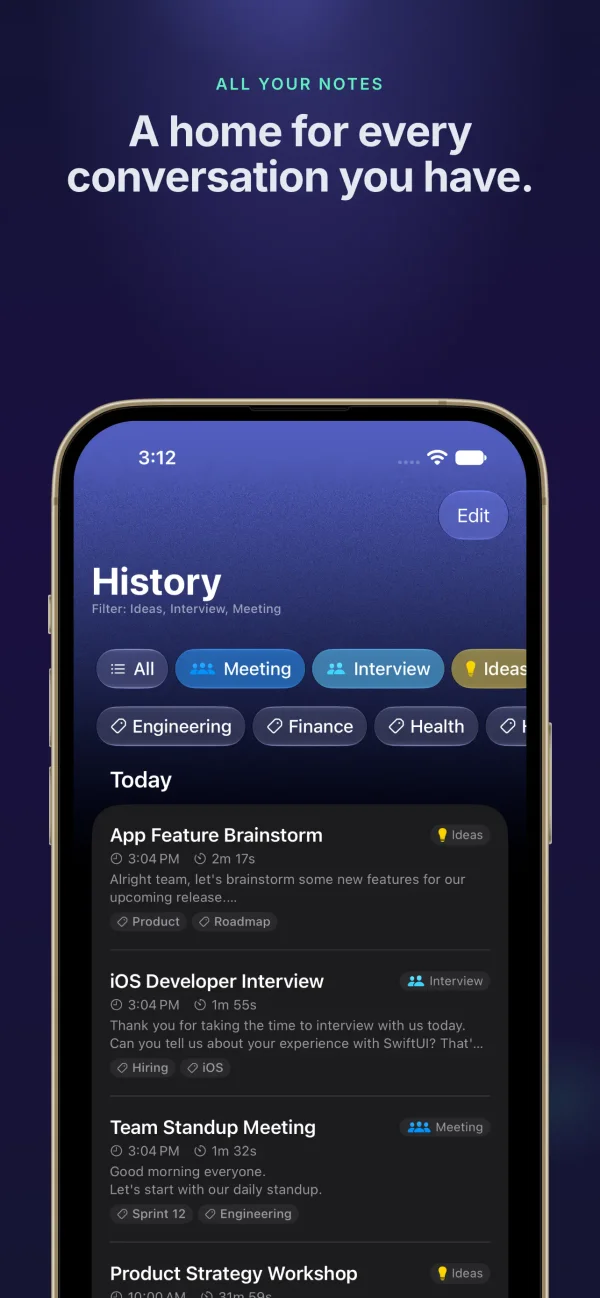
• Organize recordings with categories and suggested tags
• Review suggested events before adding them to Calendar
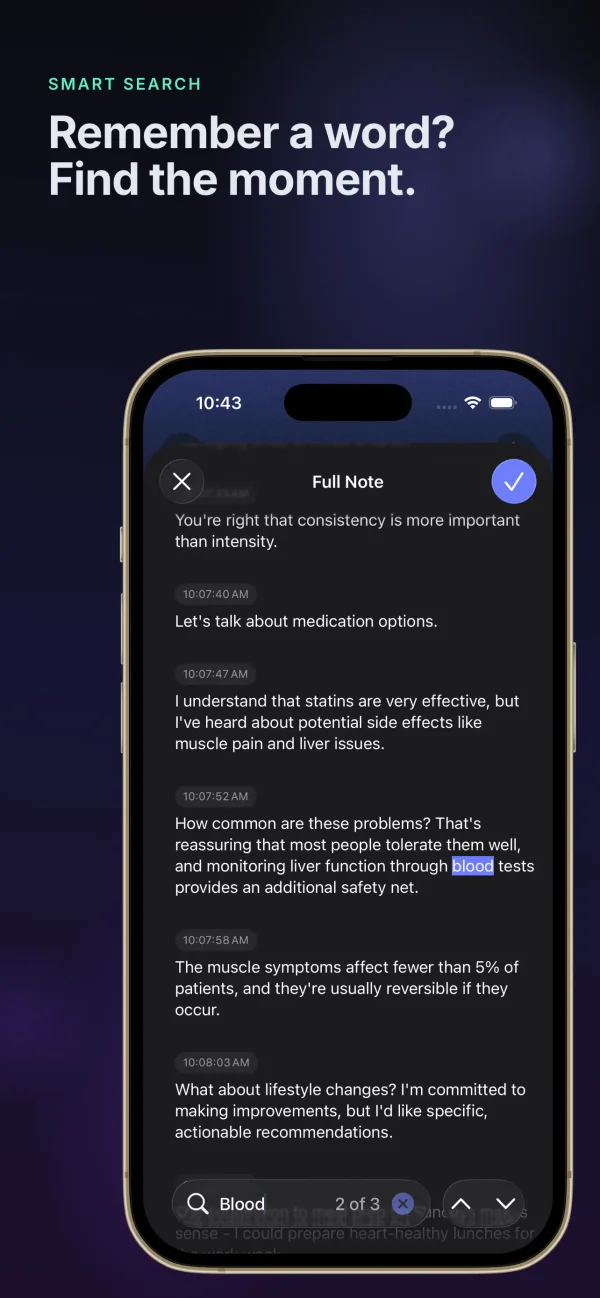
• Search titles, transcripts, and every summary part to find details in long recordings
• Edit transcripts and highlight the moments that matter
MEMORY ACROSS NOTES
• Use relevant context from earlier notes in answers and summaries
• Add About you details for more personal responses
• Review, edit, forget, or exclude remembered context
LISTEN AND REVIEW
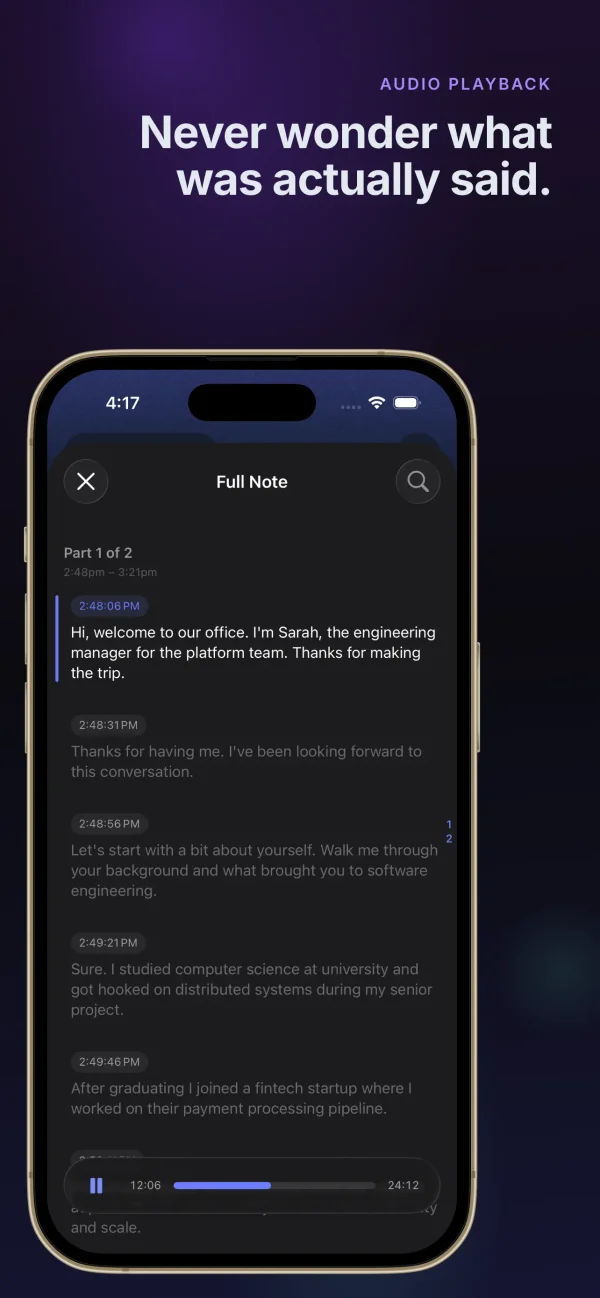
• Play audio alongside the transcript
• Tap a transcript line to jump to the matching moment
• Adjust playback speed and skip silence with PrivaNota Pro
CHOOSE HOW AI RUNS
• Summaries and AI Assistant work fully on device and offline
• Prefer Apple Private Cloud Compute for larger context and deeper reasoning when available
• Automatically fall back to on-device AI when you are offline or PCC is unavailable
PRIVATE BY DESIGN
• Audio recording and speech recognition are processed on your device
• No account, analytics, or third-party AI providers
• Protect access with system authentication
• Make manual backups and restore them through Files
MADE FOR APPLE DEVICES
• Use Siri and Shortcuts to start, pause, resume, or stop and save recordings
• Set a note name and category when starting a recording from Shortcuts
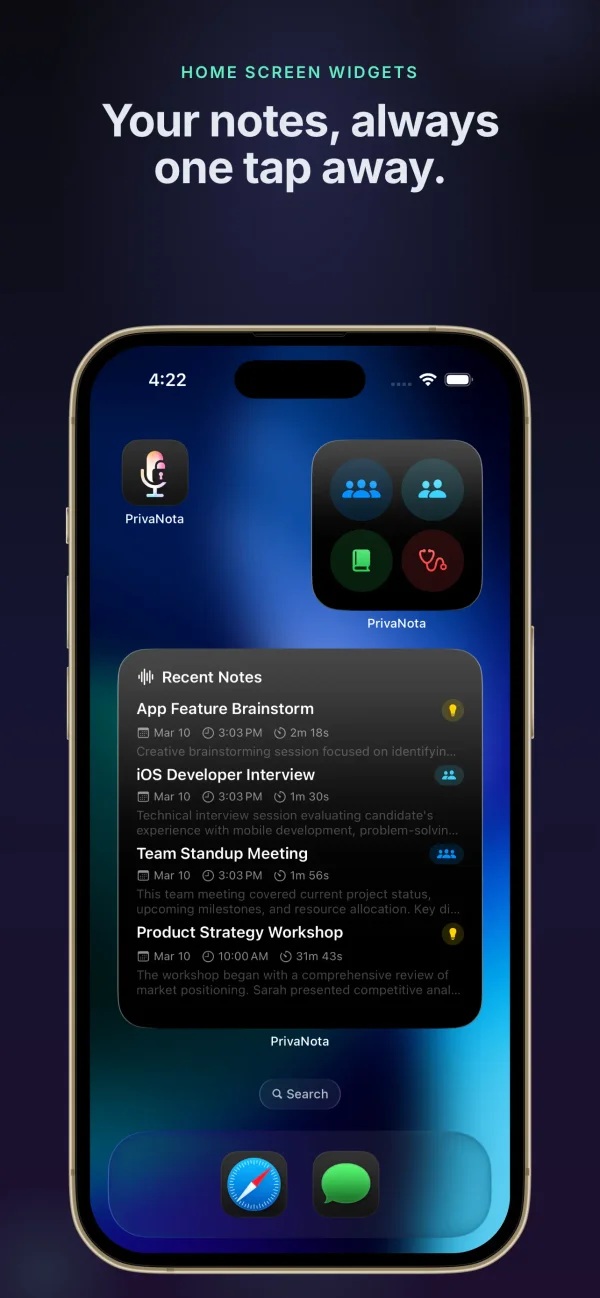
• Begin recording from the Home Screen widget
• Export and share your notes
PRIVANOTA PRO
Unlock unlimited AI summaries, AI Assistant, suggested tags, PDF export, premium themes, manual backup and import, additional playback speeds, and silence skipping.
AI features require a compatible device with Apple Intelligence enabled. Feature availability and supported languages may vary by device and region.
PrivaNota Pro is available as an auto-renewing subscription. Payment is charged to your Apple Account at confirmation. The subscription renews unless cancelled at least 24 hours before the end of the current period. Manage or cancel your subscription in your App Store account settings.
Terms & Conditions: https://privanota.ifritlabs.dev/legal/terms
Privacy Policy: https://privanota.ifritlabs.dev/legal/privacy
What’s new
Version 1.1.4 · Nov 5, 2026
A little perspective for your notebook
See where the conversations took you
Meet Insights: activity calendars, streaks, category totals and connections through your confirmed tags. Browse six months or a year, then open the day or note behind the numbers. Your busiest days finally get a little color. Session time includes pauses; statistics stay on device.
Catch up without opening every page
The free, optional AI overview gathers saved summaries from the last seven days into a short recap. A small reading list for a full week. It follows your AI preference, with at most one attempt per day on a supported device and language.
Find the “we talked about this” bit
Assistant (Pro) can draw on passages from several earlier notes. Tap a citation, visit the original note and return to your conversation without losing the thread. If a search is incomplete, a clearer notice says so. AI can still make mistakes; the source is there to check.
Keep the first word—and the last
Start a recording with its category from the Lock Screen. On iPhone, ending a recording from the Live Activity now asks for confirmation, with more comfortable controls. An accidental tap shouldn’t get the last word.
Share the words, even without the summary
With Pro, share or save transcript text when no summary is available. The conversation is ready to leave the notebook even if its summary isn’t.
App privacy
What Alexandre Becourt declares on the App Store about how this app handles data.
-
Data not collected
The developer does not collect any data from this app.
Privacy practices may vary, for example with the features you use or your age.
Information
- Seller
- Alexandre Becourt
- Category
- Productivity
- Version
- 1.1.4
- Updated
- Nov 5, 2026
- Released
- Oct 3, 2025
- Size
- 19.6 MB
- Requires
- iOS 26.0 or later
- Age rating
- 4+
- In-app purchases
- Yes
- Languages
- Spanish, German, Simplified Chinese, Traditional Chinese, Korean, Danish, Finnish, French, Greek, Indonesian, English, Italian + 6 more
- Copyright
- © 2026 Ifritlabs
You might also like
-
 LocalNote: Private Voice NotesAI Transcripts, Summaries, Q&A
-
 Engram: Private AI NotebookOn-device AI note-taking
-
 SonicNoteCapture raw. Get polished.
-
 Senko: AI Assistant & ComputerBrowser, tasks & research
-
 Voxendar: Voice AI CalendarVoice & To-do Planner
-
 SayRay: Big Text as You TalkSpeech on screen, offline
-
 Murmel: Voice Notes & TasksDictate, transcribe, organize
-
 Notarius: Transcribe OfflinePrivate speech to text notes
-
 Penrose : Local AI AssistantProductivity
-
 Minuted: AI Meeting NotesRecord, Transcribe Voice Memos