PrivaPaste
Clipboard history, kept handy
Designed for iPhone, iPad, Mac
Free · In-app purchases
- Age rating4+
- CategoryProductivity
- Developerorcun demir
- LanguagesEnglish+ 14 more
- Size16.3 MB
Links to the official App Store page
Download.org hosts no file of PrivaPaste. The button opens its official App Store page, published by orcun demir. Listing last checked on Nov 18, 2026.
Screenshots

About
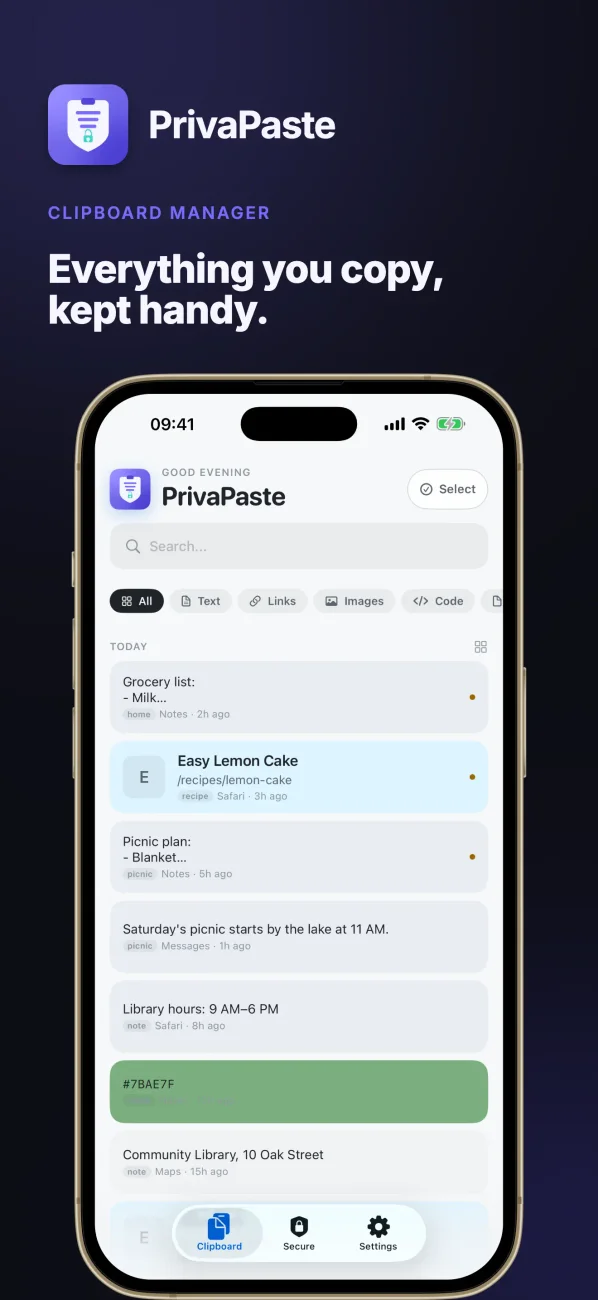
Keep the things you copy ready for the next time you need them. PrivaPaste brings clipboard history, organization and a protected Secure area to iPhone and iPad.
YOUR CLIPS, ORGANIZED
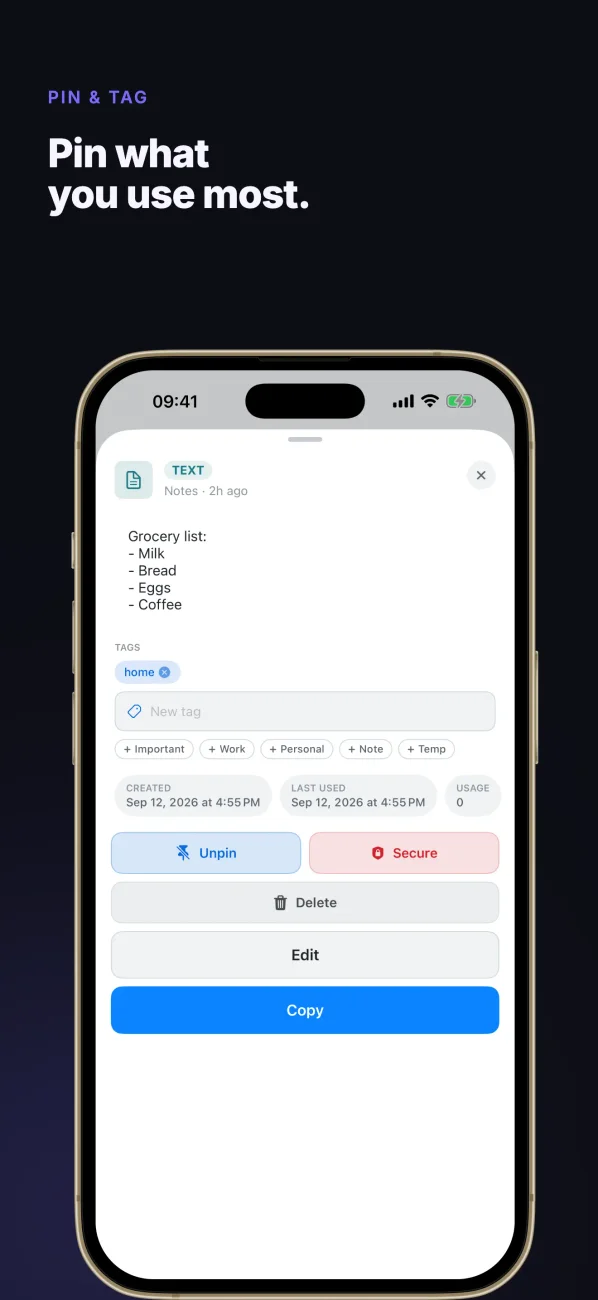
Save text, links, images and code snippets. Search your history, filter by type, add tags and pin the clips you use often. Choose a recent-history limit of 100, 300 or 500 items; pinned and Secure items are handled separately.
A KEYBOARD FOR YOUR SAVED CLIPS
Add the PrivaPaste keyboard in iOS Settings to insert saved text in other apps. Image clips are copied to the clipboard so you can paste them in apps that support images. Secure items are excluded from the keyboard. Full Access is needed to read clips from the shared app container; the keyboard does not record what you type.
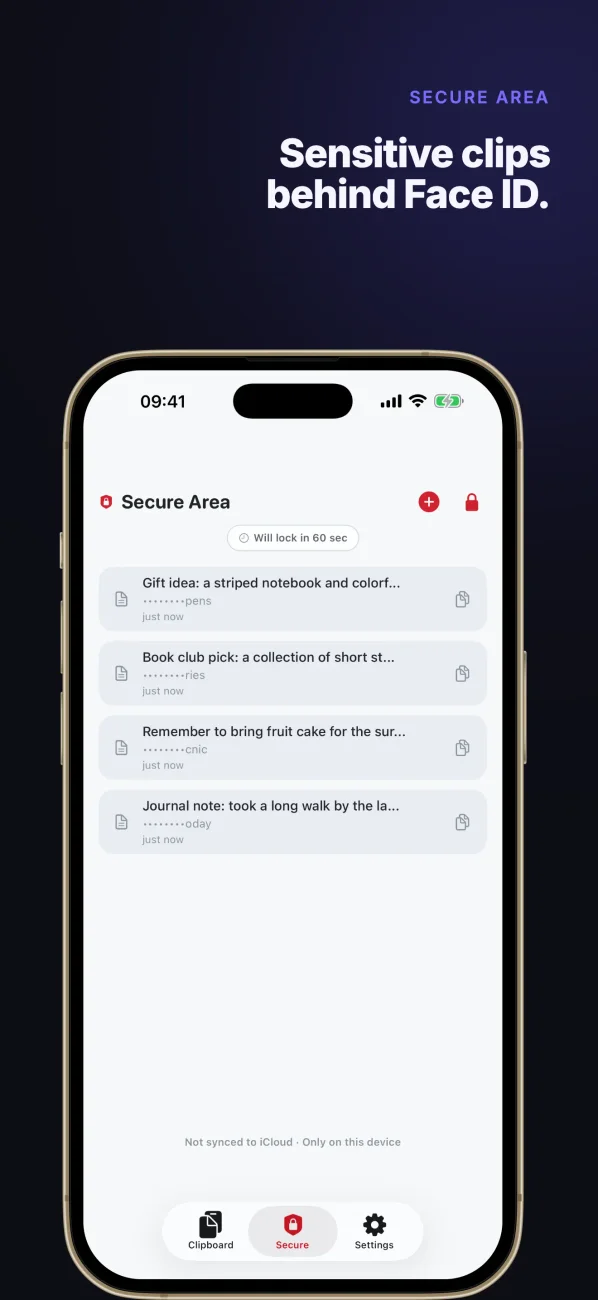
A SEPARATE SECURE AREA
Keep sensitive clips in a separate store protected by Face ID, Touch ID or device authentication. Secure items stay local unless you enable their separate iCloud sync setting.
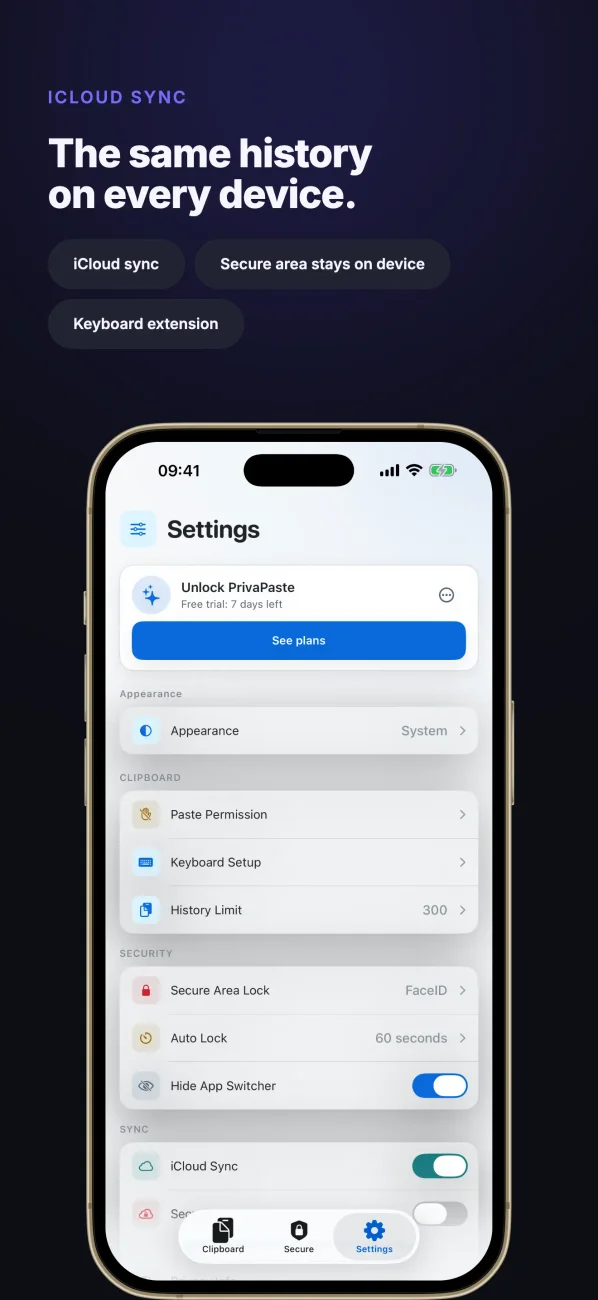
OPTIONAL ICLOUD SYNC
Sync your clips between your Apple devices using your private iCloud database. Clipboard sync and Secure sync have separate controls. On iOS, clipboard capture works while PrivaPaste is in the foreground; iOS does not allow continuous background clipboard monitoring.
ONE PREMIUM FOR IPHONE, IPAD AND MAC
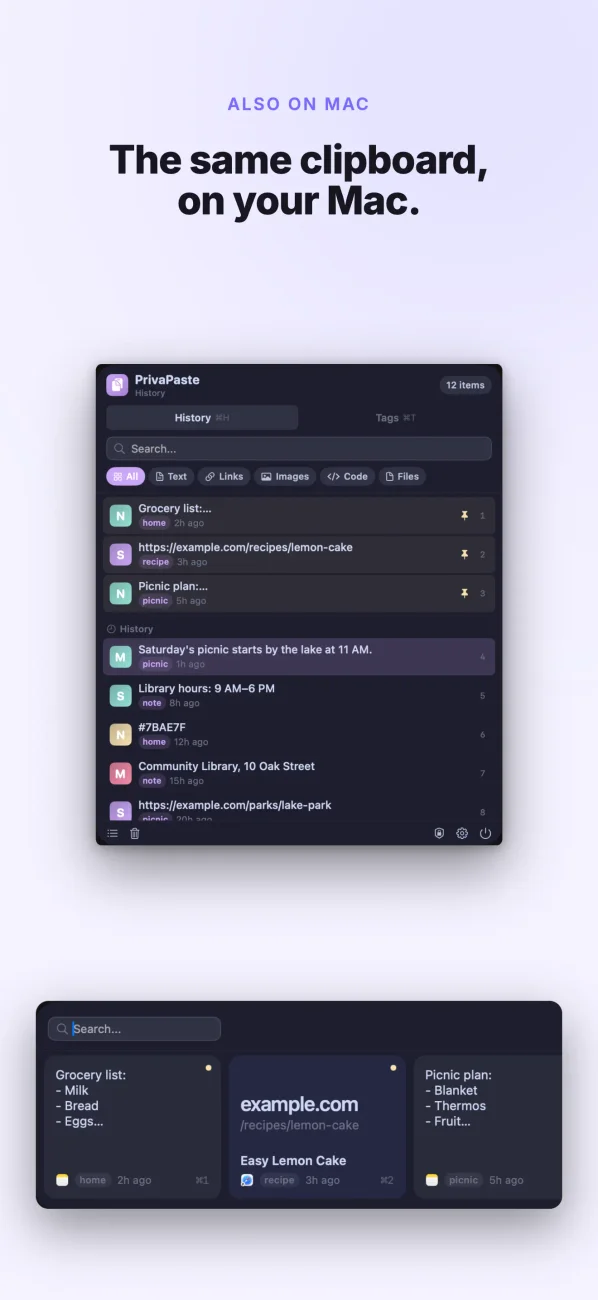
Start with a 7-day trial of core actions, with no payment required to begin. After the trial, your existing history stays visible and you can delete items; copying, pasting and other Premium actions require a purchase. Choose a monthly subscription or a one-time Lifetime purchase. Use the same iCloud account on your devices to share Premium with PrivaPaste for Mac. No separate PrivaPaste account is required.
Monthly subscriptions renew automatically unless cancelled through your Apple account before renewal. Prices are shown in your local App Store currency. Restore eligible purchases from Settings.
Clipboard content stays on your devices and, if enabled, in your private iCloud database. RevenueCat verifies purchases using a pseudonymous identifier and transaction data. Optional link previews contact the linked website and can be disabled in Settings.
Privacy: https://moonshotlabs.app/privapaste/privacy
Terms: https://moonshotlabs.app/privapaste/terms
Apple standard EULA: https://www.apple.com/legal/internet-services/itunes/dev/stdeula/
App privacy
What orcun demir declares on the App Store about how this app handles data.
-
Data linked to you
May be collected and linked to your identity.
- Purchases
- Identifiers
Privacy practices may vary, for example with the features you use or your age.
Information
- Seller
- orcun demir
- Category
- Productivity
- Version
- 1.0
- Updated
- Sep 15, 2026
- Released
- Sep 15, 2026
- Size
- 16.3 MB
- Requires
- iOS 17.0 or later
- Age rating
- 4+
- Price
- Free
- In-app purchases
- Yes
- Languages
- English, Arabic, French, German, Italian, Japanese, Korean, Polish, Portuguese, Russian, Simplified Chinese, Spanish + 3 more
- Copyright
- © 2026 Orcun Demir