Private Scan: Document Scanner
Offline PDF & OCR. Pay Once.
Designed for iPhone, iPad, Mac
Free · In-app purchases
- Age rating4+
- CategoryProductivity
- DeveloperVishut Dhar
- LanguagesEnglish
- Size42.2 MB
Links to the official App Store page
Download.org hosts no file of Private Scan: Document Scanner. The button opens its official App Store page, published by Vishut Dhar. Listing last checked on Nov 18, 2026.
Screenshots


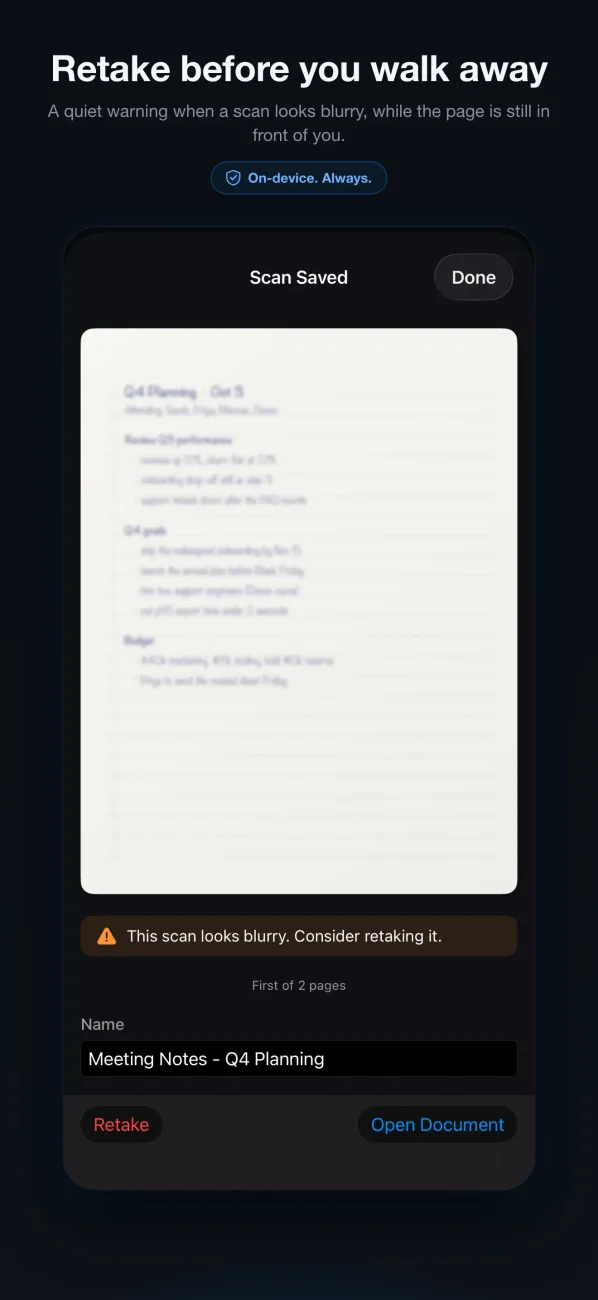
About
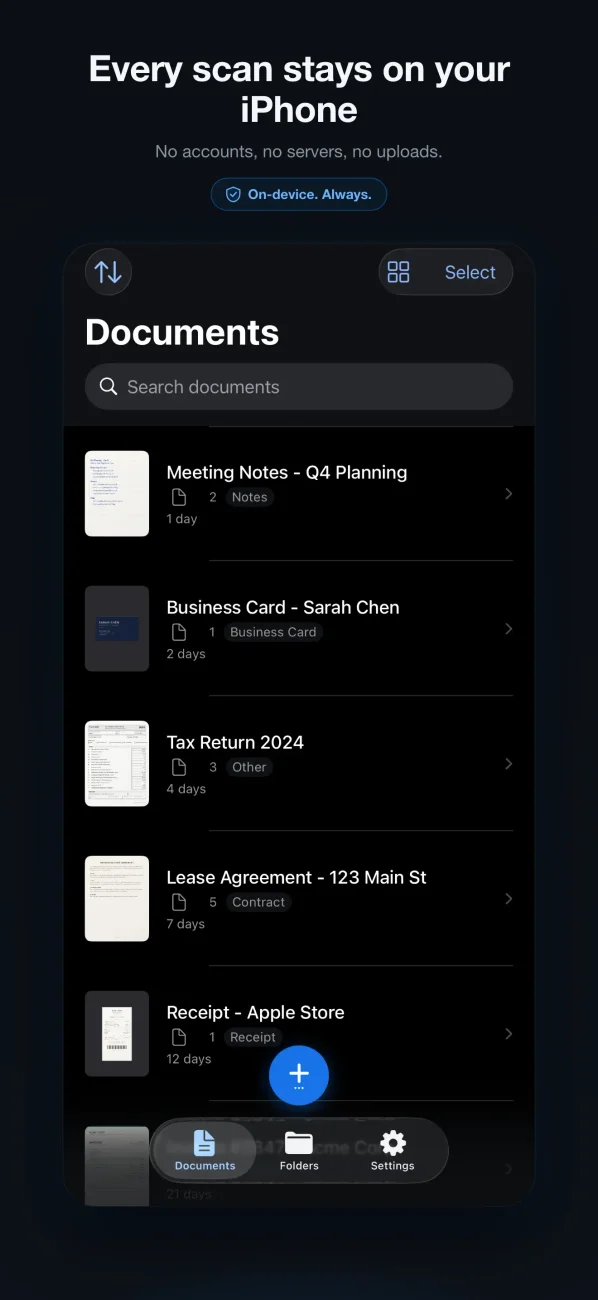
Scan anything into a clean, searchable PDF without an account, a subscription, or your documents leaving your device. Everything runs on your iPhone and iPad: edge detection, filters, text recognition, even smart naming. Your documents go only where you send them, and the only report the app makes is an anonymous usage and crash report with nothing from them in it, which you can turn off in Settings.
THE PRIVATE ONE
PrivateScan never sends your documents to a server for processing. Scanning, filters, text recognition, and even smart naming all run on your device, using Apple frameworks and an optional downloadable model. The app keeps your documents, their names, and their text on your device unless you send them. It does send anonymous usage and crash reports so we can fix crashes and improve it; they never include your documents, their names, their text or their images, and you can turn them off in Settings > Privacy.
SCAN ANYTHING
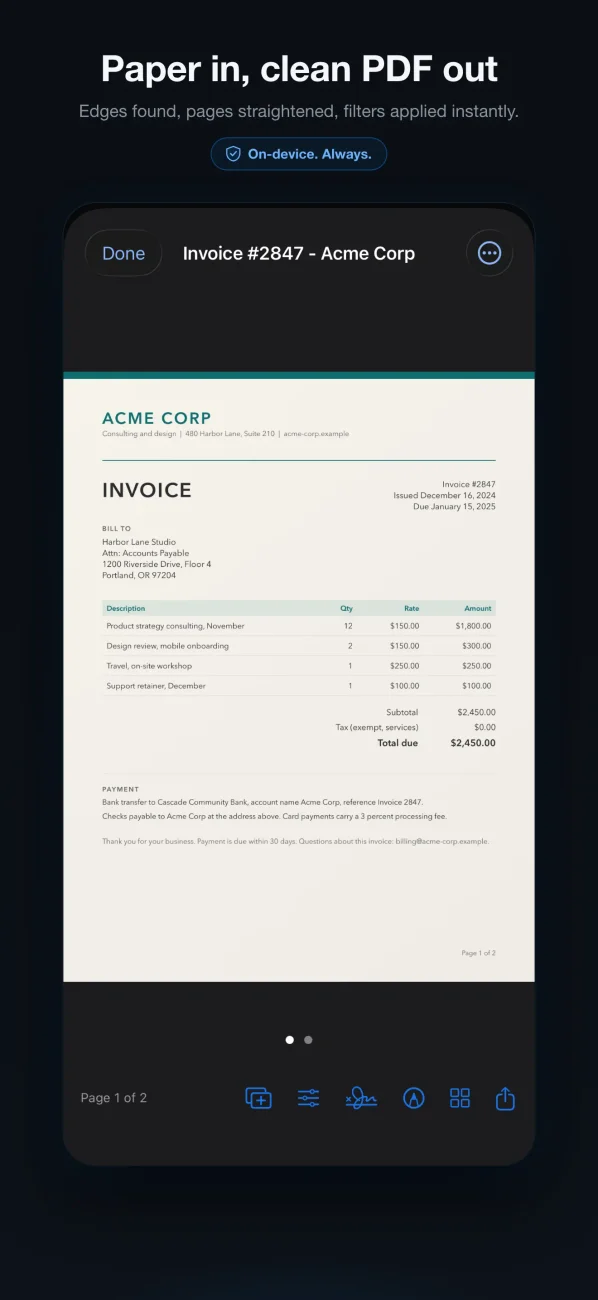
Point the camera at a page and PrivateScan finds the edges, straightens the result, and cleans it up. Scan books as open spreads and split them into facing pages, capture whiteboards without glare, compose ID cards and passports onto a single page for free, and import photos or PDFs. Keep everything organized in folders with color labels.
SIGN AND EDIT
Draw a signature once and place it on any page. Reorder, split, and combine documents. Rescue bad lighting with enhance, black & white, grayscale, and whiteboard filters.
FIND ANY DOCUMENT
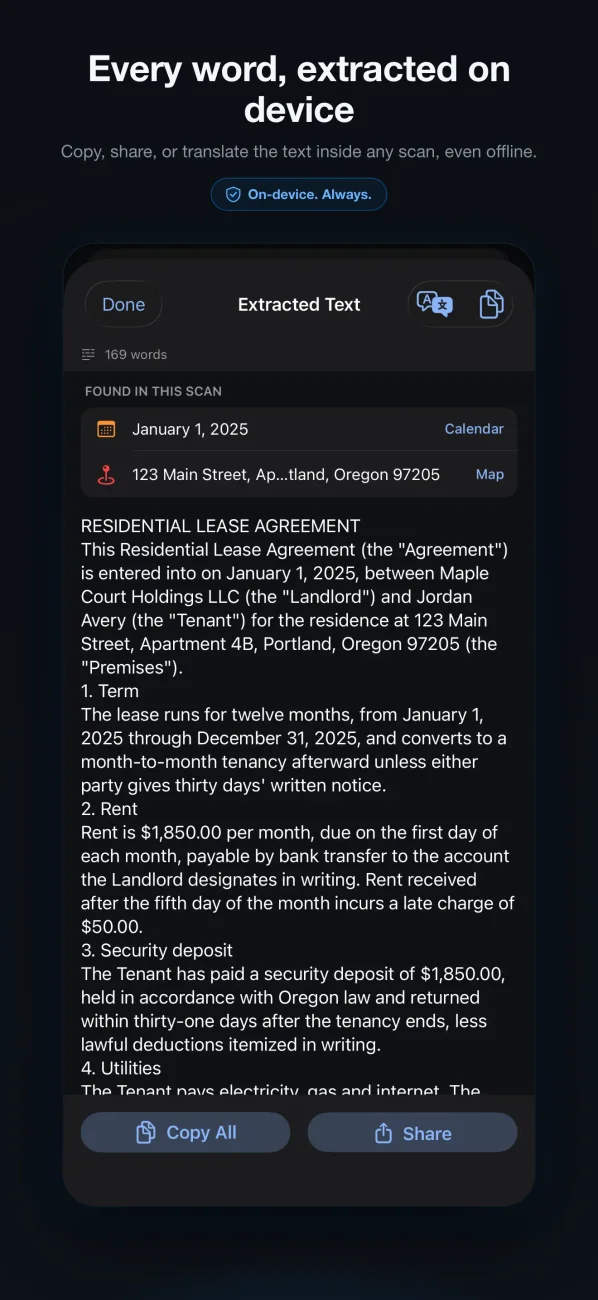
Search is free for everyone and reads every scanned word, so a receipt, a contract, or a letter is one search away, even offline. Premium unlocks the extracted text itself: view it, copy it, export it, and embed it in your PDFs so they are searchable in any reader. Premium also adds smart naming, which titles each scan for you, so receipts stop being called "Scan 47". On an iPhone or iPad with enough memory, a small model that runs on your device names receipts and invoices once its 1.8 GB download is in place. Apple's text recognition names every other scan, and every scan on other devices. Translate extracted text without it leaving your device.
EXPORT ANY WAY YOU WORK
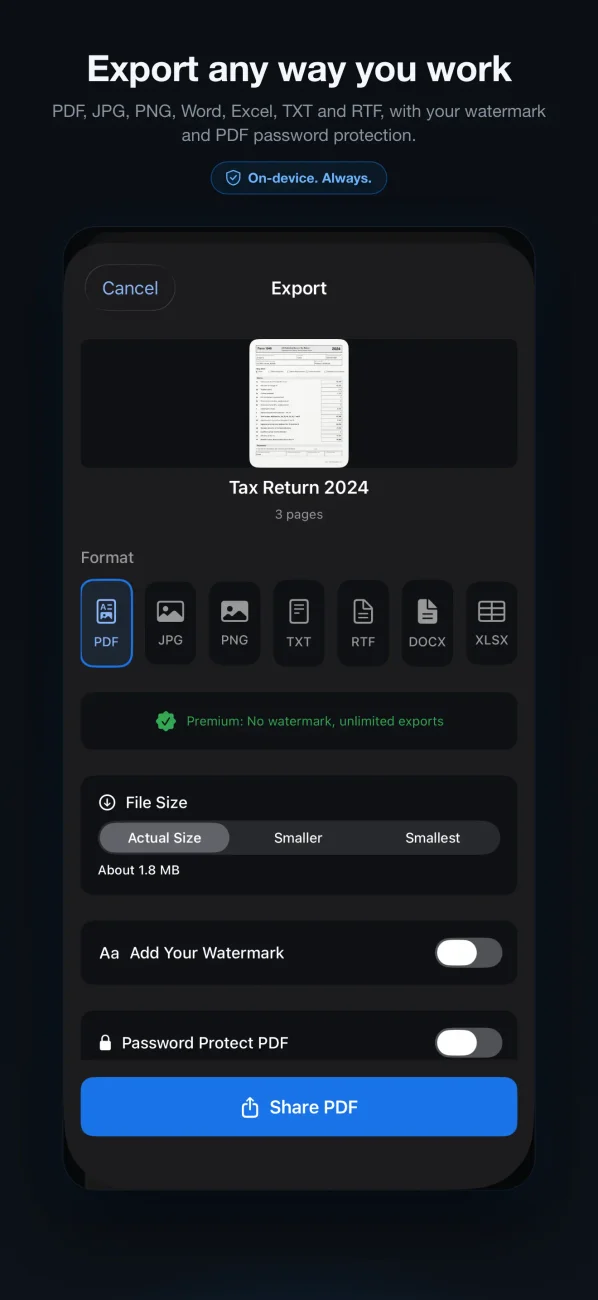
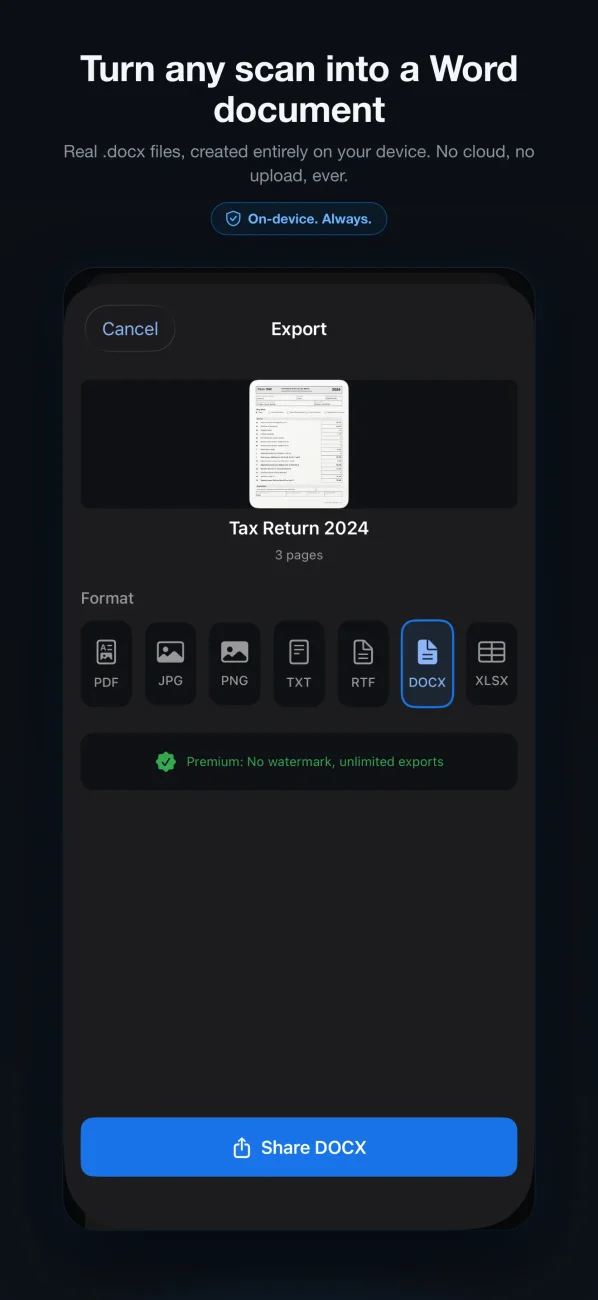
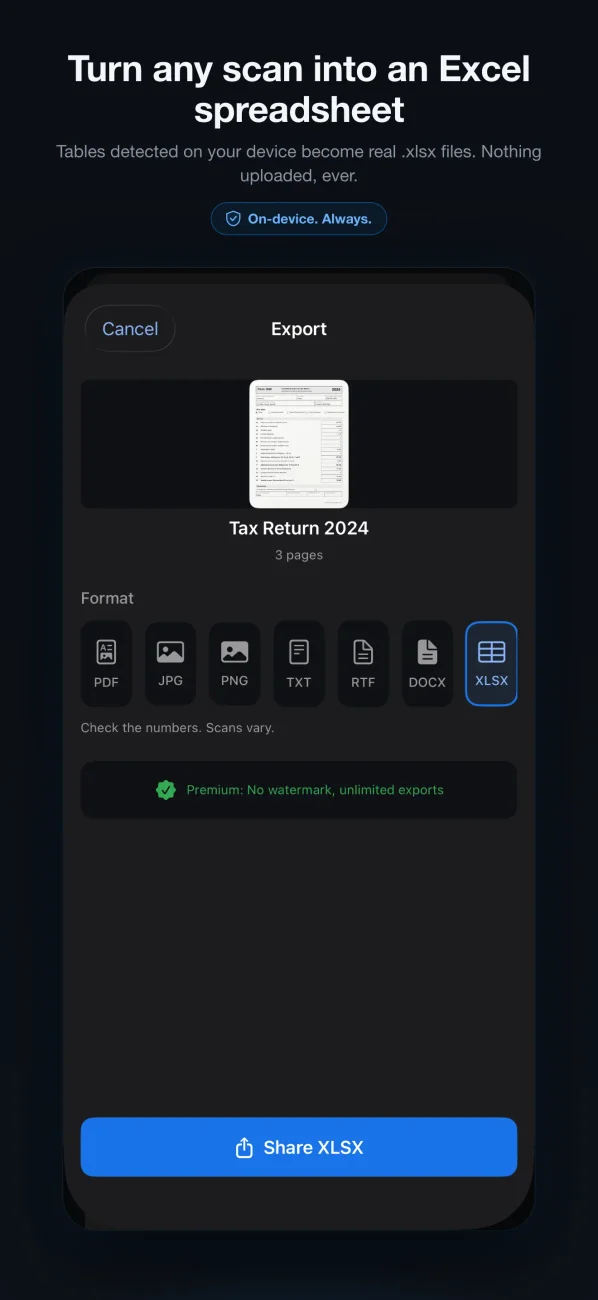
PDF, JPG, PNG, Word, Excel, TXT, and RTF, with file size presets, your own watermark, and password protected PDFs. Word and Excel exports build real .docx and .xlsx files entirely on your device, so even your editable documents never touch a server. Excel export finds the tables in a scan and turns them into rows and columns you can edit. Excel export requires iOS 26.
LOCK IT DOWN
Turn on the app lock and PrivateScan asks for Face ID, Touch ID, or your passcode when it opens. Files are protected with iOS data protection so they stay encrypted while your device is locked. A privacy shield hides your documents in the app switcher.
YOUR DEVICES, YOUR CLOUD
iCloud sync is off by default. Turn it on and your documents sync through your own private iCloud, protected by your Apple Account. We run no servers and could not read your documents if we wanted to.
ONE PRICE, FOREVER
Scanning is free. A single purchase unlocks premium: text extraction, smart naming, Word and Excel export, password protected PDFs, exports without watermarks, and no limits on pages or exports. No subscription. Buy it once, own it forever, share it with your family through Family Sharing.
Your documents stay on your device. The privacy policy says exactly what the anonymous reports carry and how to turn them off: https://freedom-terminal.com/privatescan/privacy/
What’s new
Version 1.21 · Nov 16, 2026
Save to Private Scan: share PDFs and images from any app, several at once, and they land in your library.
Edit the text of a page: fix a recognition mistake before you export to Word, TXT, RTF or a searchable PDF. Recognize Again brings the original reading back.
Translation now runs on your device only, in the app's own sheet, with the languages installed on it (iOS 26 and later).
A new Settings switch asks the system to keep your documents out of device backups.
With App Lock on, closing an iPhone Duo locks the app.
App Lock now asks for Face ID or your passcode before it turns off.
Your purchase and Restore Purchases are always in Settings, and About lists the open source notices.
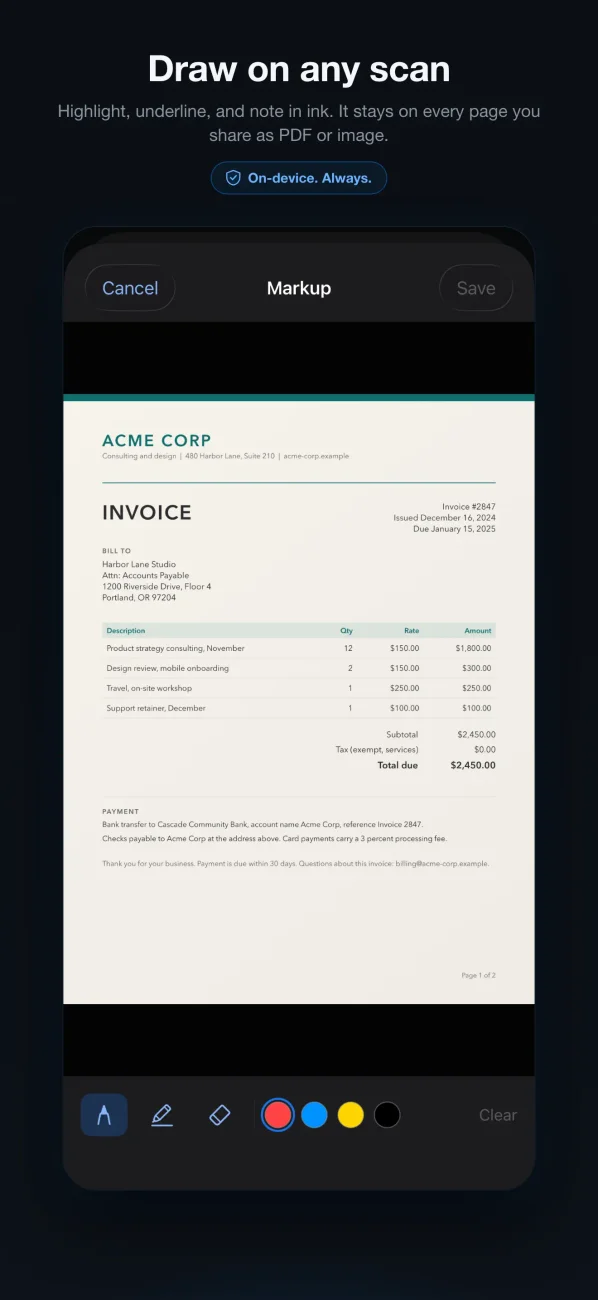
Signatures and markup drawn in dark mode now keep the color you drew them in.
Fill Page and Sign follow the fold on iPhone Duo.
And a round of fixes.
App privacy
What Vishut Dhar declares on the App Store about how this app handles data.
-
Data not linked to you
May be collected but is not linked to your identity.
- Purchases
- Identifiers
- Usage data
- Diagnostics
Privacy practices may vary, for example with the features you use or your age.
Information
- Seller
- Vishut Dhar
- Category
- Productivity
- Version
- 1.21
- Updated
- Nov 16, 2026
- Released
- Jul 8, 2026
- Size
- 42.2 MB
- Requires
- iOS 17.0 or later
- Age rating
- 4+
- Price
- Free
- In-app purchases
- Yes
- Languages
- English
- Copyright
- © 2026 Vishut Dhar
You might also like
-
 PrivateScan PDF ScannerOffline PDF Scanner
-
 Honest Scanner: PDF & OCRScan to PDF — No Watermark
-
 Keep On: Simple Habit TrackerDaily routines that stick
-
 LumenScan: PDF Scanner OfflineGST Invoice, Aadhaar to PDF
-
 Slurp: Text to Speech ReaderListen to anything you save
-
 FairScan: PDF ScannerScan to PDF. Own It Once
-
 Save2PDF for iPhoneConvert it all to PDF!
-
 Repeatable Checklists & TasksDaily Routine & To Do Tracker
-
 Done: Habit TrackerDaily Routine & Goal Planner
-
 ReaderViewRead Web, PDF, Video, Podcasts