
Processing & p5.js iCompiler
#1 App for Processing & p5.js
Designed for iPhone, iPad, iPod touch
Free · In-app purchases
- Age rating4+
- CategoryDeveloper Tools
- Developerriedel.wtf apps S.L.
- LanguagesEnglish+ 4 more
- Size10.0 MB
Links to the official App Store page
Download.org hosts no file of Processing & p5.js iCompiler. The button opens its official App Store page, published by riedel.wtf apps S.L. Listing last checked on Nov 20, 2026.
Screenshots
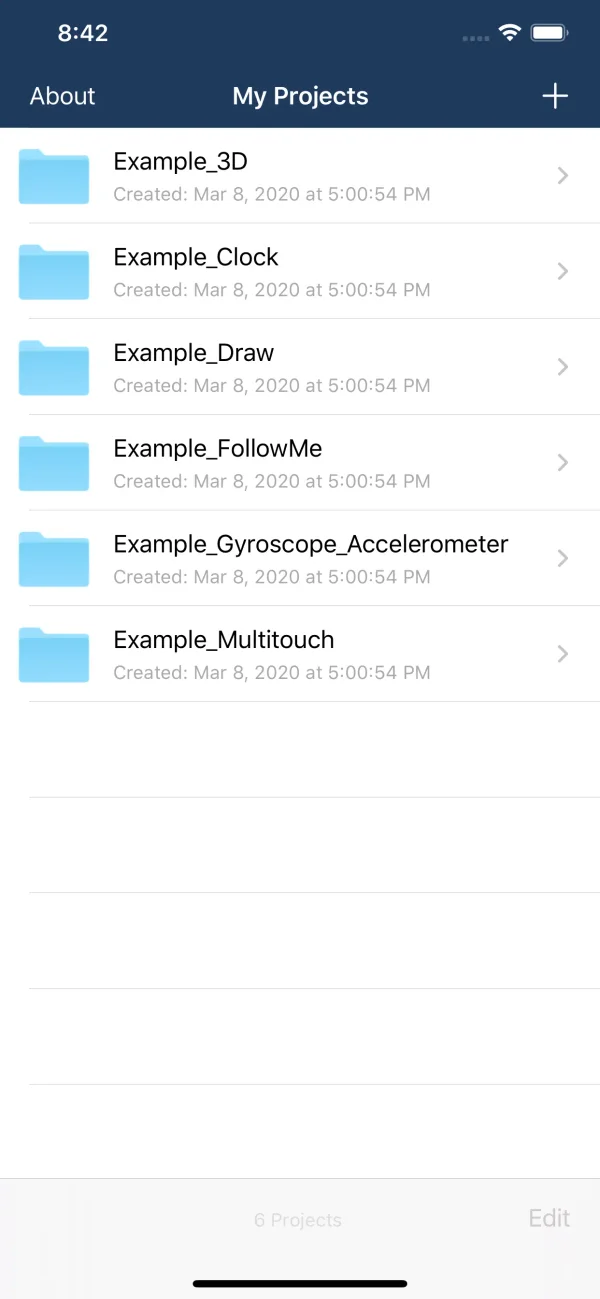

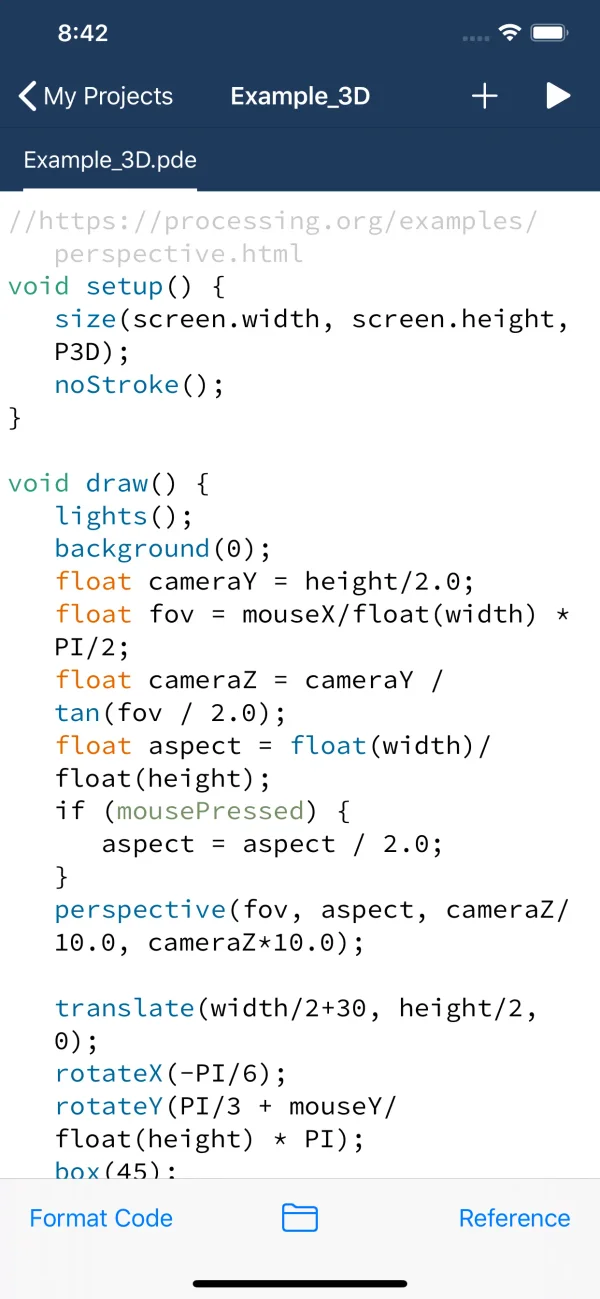
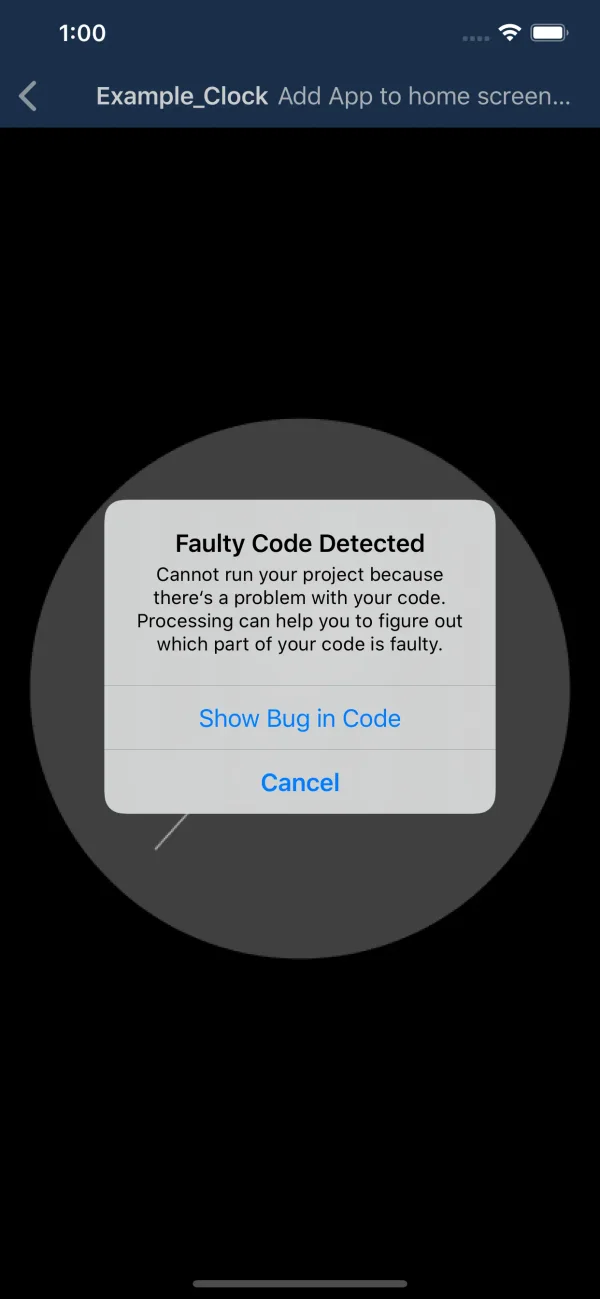
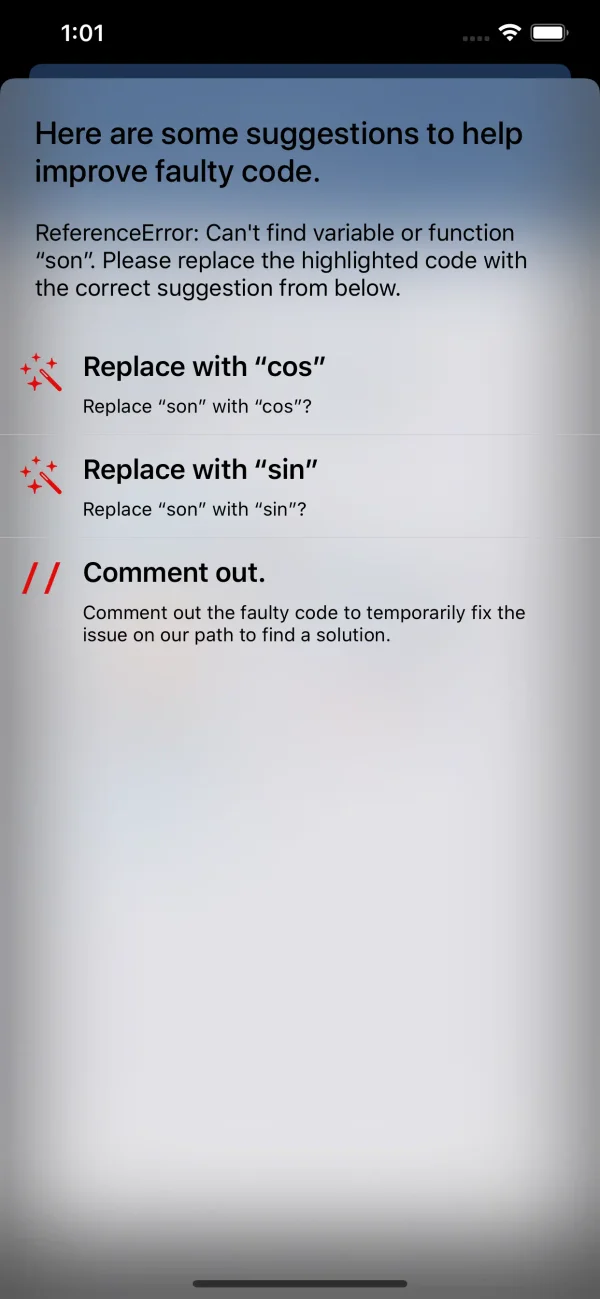

About
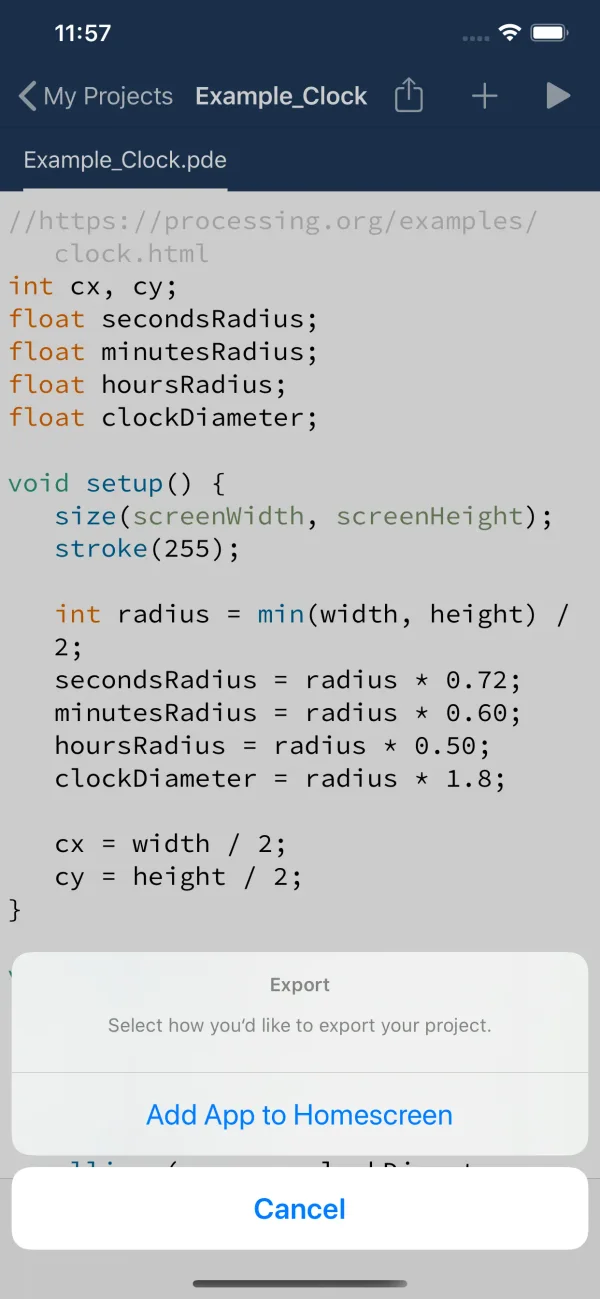
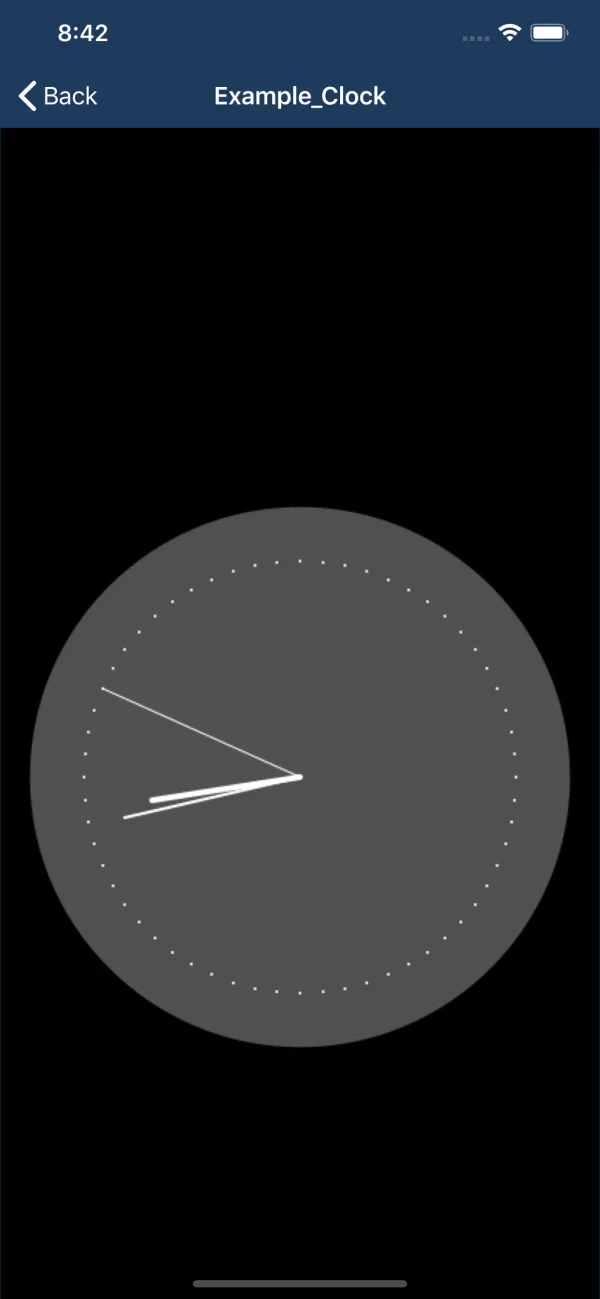
Compose and compile your Processing & p5.js projects right on your phone or iPad, wherever your are!
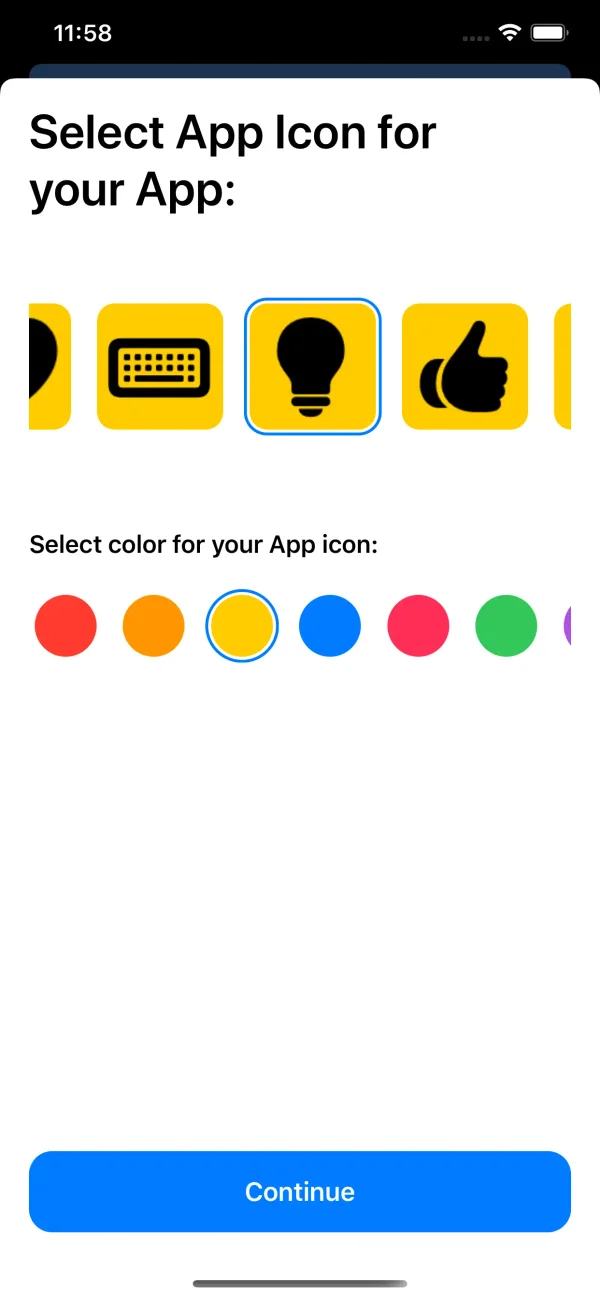
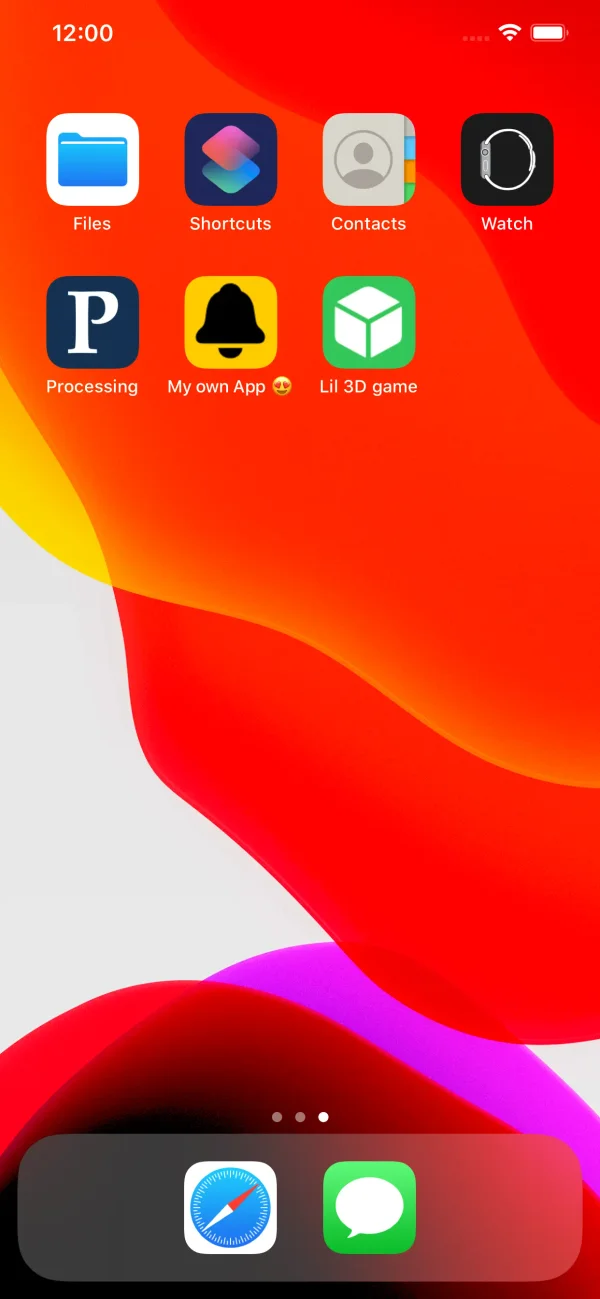
Export your Processing projects as App on your home screen:
1. Select an App icon for your Processing project.
2. Add it to your home screen.
You can now use the app offline, just like any other app!
This app is already being used in high schools and universities to teach and learn Processing & p5.js.
Your code is highlighted and formatted for excellent reading-comfort.
Processing Pro allows you to see which parts of your code are causing problems.
3D sketches and games are supported.
This is not an official app by processing.org or p5.js
Available subscription: Processing Pro, offers additional functionalities, such as exporting your sketches as apps.
Trailer Music: Circle of Alchemists
Privacy and Terms: http://processing-app.org/terms/
What’s new
Version 3.0 · Oct 12, 2026
Processing 3.0 is now completely free for everyone! All features are included, with no in-app purchases or subscriptions.
A better place to create
• Sharper rendering (retina quality!).
• Add a front or back camera to your sketches with CameraView, and explore more device sensors.
• Save your drawings as PNG or JPEG images.
More comfortable coding
• Write with improved syntax highlighting, code completion, find and replace, undo and redo, and adjustable text size.
• Keep your work protected with autosave and help resolving conflicting edits.
• Find problems faster with clearer error messages and a console for printed output.
• Run your sketches repeatedly with improved reliability.
Easier project management
• Import complete projects or choose individual sample projects to try again.
• Rename and duplicate projects and files.
• Open project folders from Files, including supported iCloud Drive locations, and share whole projects.
Learn and explore
• Browse a searchable offline reference with examples you can copy.
• Add compatible JavaScript libraries to p5.js projects and choose their load order.
• Enjoy expanded Processing compatibility, including StringList, circle, and square.
The old Add to Home Screen feature has been removed because it no longer works reliably unfortunately.
App privacy
What riedel.wtf apps S.L. declares on the App Store about how this app handles data.
-
Data not linked to you
May be collected but is not linked to your identity.
- Usage data
- Diagnostics
Privacy practices may vary, for example with the features you use or your age.
Information
- Seller
- riedel.wtf apps S.L.
- Category
- Developer Tools
- Version
- 3.0
- Updated
- Oct 12, 2026
- Released
- May 20, 2013
- Size
- 10.0 MB
- Requires
- iOS 15.0 or later
- Age rating
- 4+
- Price
- Free
- In-app purchases
- Yes
- Languages
- English, French, German, Japanese, Spanish
- Copyright
- © Frogg GmbH
You might also like
-
 Flutter UI TemplatesDeveloper Tools
-
 React Native PaperDeveloper Tools
-
 Visual File EditorA must have source code editor
-
 LadderTouchLitegraphical programming language
-
 Python Recipes: Code & SQLRunnable Python cheat sheet
-
 Gearence: Godot Class DocsOffline Docs for Godot 2–4.x
-
 Secure TerminalSSH & SFTP & XWindow
-
 'Proto' for Figma, Claude and+Prototype-App (for Figma and+)
-
 JavaScript Recipes: Code & SQLRunnable JS cheat sheet
-
 Device Info ToolkitMonitor CPU, RAM, Battery