
- Age rating4+
- CategoryBusiness
- DeveloperTrimble Inc.
- LanguagesEnglish
- Size42.3 MB
Links to the official App Store page
Download.org hosts no file of ProContractor Mobile. The button opens its official App Store page, published by Trimble Inc. Listing last checked on Nov 19, 2026.
Screenshots
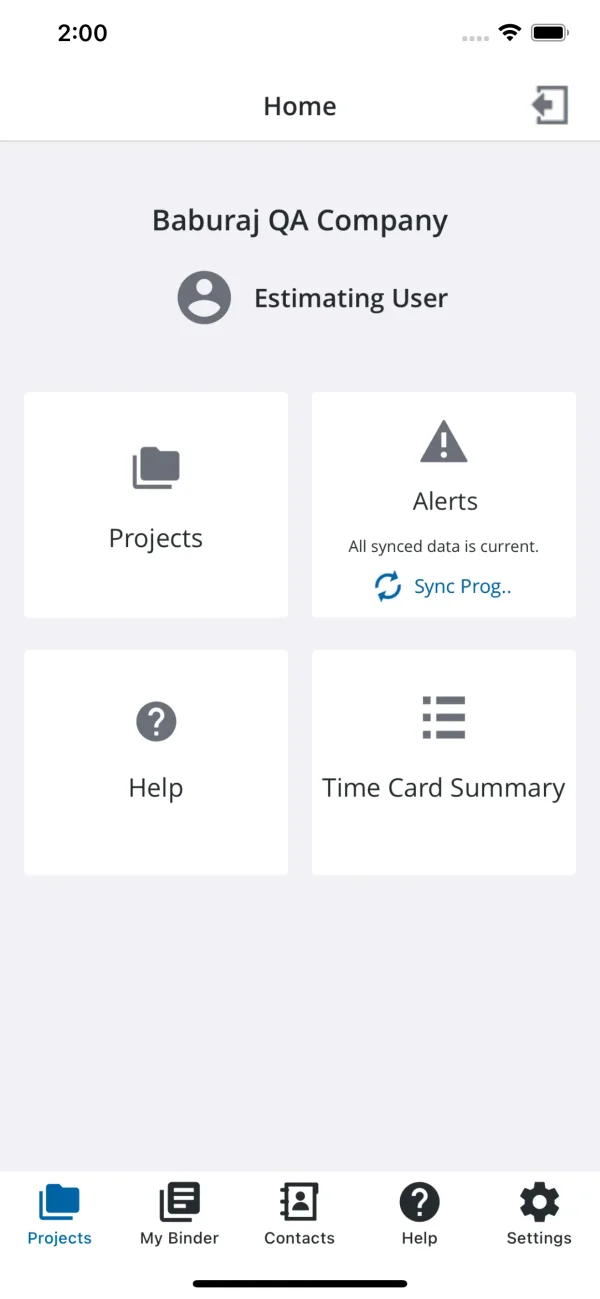
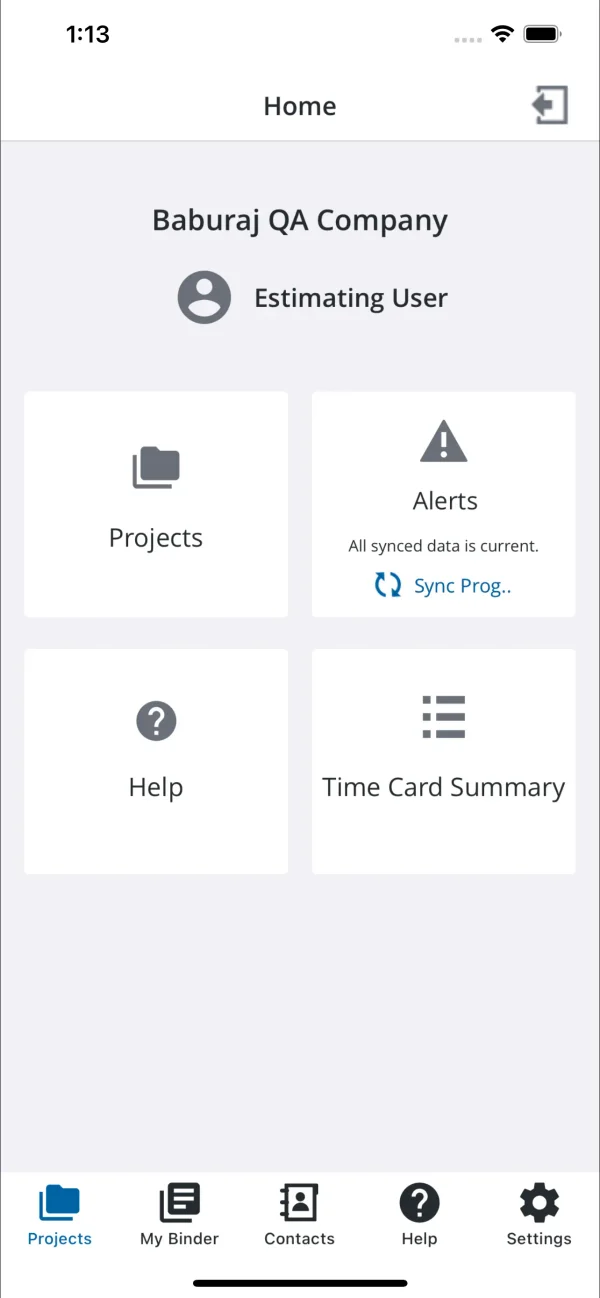
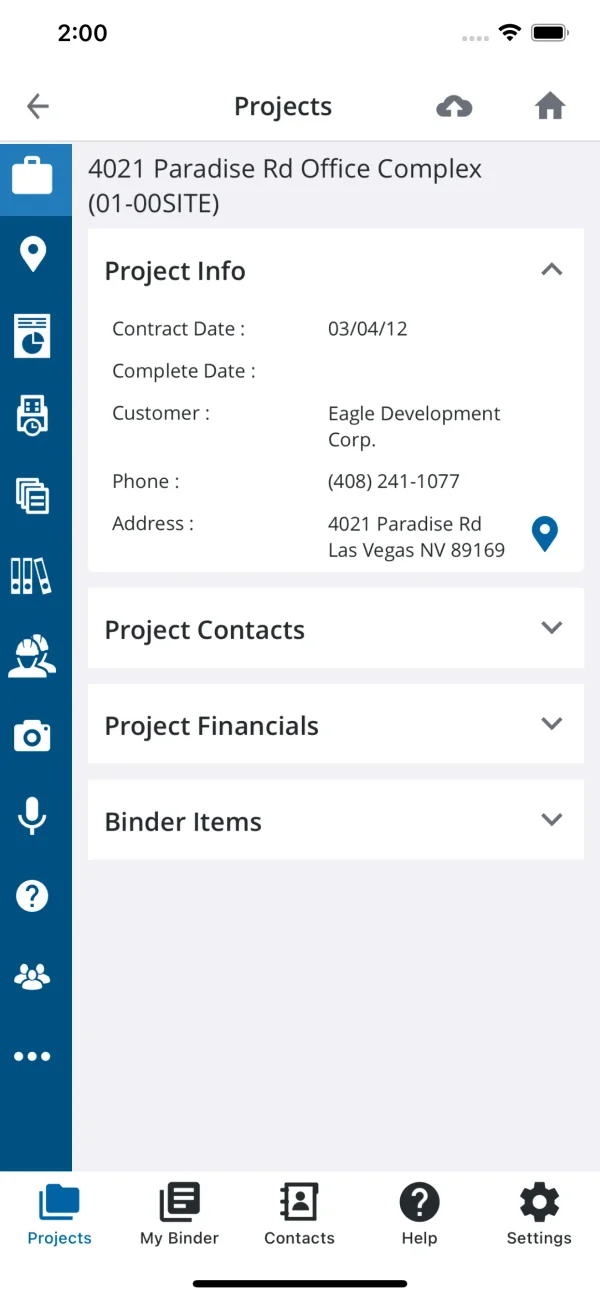
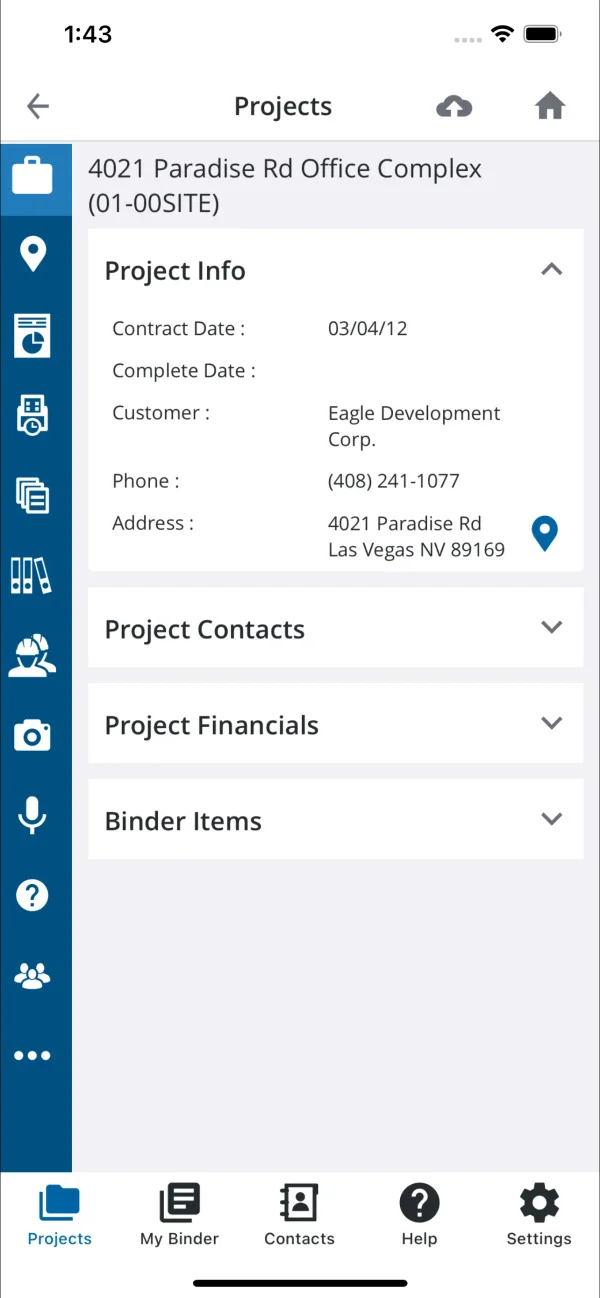
About
ProContractor Mobile is the mobile extension of ProContractor by Trimble that allows you to access your mission-critical project information, any time and any place on your iOS device.
Easily track progress of projects, be more agile in the field, and better account for all aspects of the job from beginning to end, to proactively and profitably execute projects.
ProContractor Mobile allows you to:
• Stop carrying around bulky binders and rolls of drawings, which also means less wasted time walking back and forth to the job trailer, as well as reduced risk of errors due to not having the most up-to-date project information.
• Create Daily Field Reports in the field by, managing equipment usage, capturing progress (WIP entry), and noting weather and jobsite conditions. You can also document the worksite by taking and attaching photos and voice memos, all of which sync back to the office for date stamping, safe storage and easy reference.
• Access the files and attachments in your office application, including project documents, drawings, subcontracts, change orders, purchase orders, and more.
• Manage at a glance with quick snapshots of each project’s Contract, Billed, Cost to Date, Cost to Complete, Earned Profit, and Profit Percent to date with drill-down to details.
• Submit timecards from the field directly to ProContractor for approval. Approved timecards are then fully synchronized with ProContractor payroll to ensure prompt payment.
Manage projects more efficiently and effectively with easy access to important project documents and data at all times, whether in the office or on the job site.
This app is intended for use by existing ProContractor by Trimble users. Your authentication code and user pin can be found on the Mobile Settings screen within your ProContractor desktop application. For access in demo mode, please enter “12345” as your Authentication Code and "abcde" your PIN. If you are currently not a ProContractor by Trimble customer and you are interested in learning more, please contact us at https://www.trimble.com/en/products/viewpoint
What’s new
Version 11.0.2 · Nov 18, 2026
UI Enhancements
App privacy
What Trimble Inc. declares on the App Store about how this app handles data.
-
Data not collected
The developer does not collect any data from this app.
Privacy practices may vary, for example with the features you use or your age.
Information
- Seller
- Trimble Inc.
- Category
- Business
- Version
- 11.0.2
- Updated
- Nov 18, 2026
- Released
- May 30, 2015
- Size
- 42.3 MB
- Requires
- iOS 16.0 or later
- Age rating
- 4+
- Price
- Free
- Languages
- English
- Copyright
- © 2026, Trimble Inc. All Rights Reserved.