
Procrastination Lock
Block distractions. Finish.
Designed for iPhone
Free · In-app purchases
- Age rating4+
- CategoryProductivity
- DeveloperVasile Catana
- LanguagesEnglish
- Size84.7 MB
Links to the official App Store page
Download.org hosts no file of Procrastination Lock. The button opens its official App Store page, published by Vasile Catana. Listing last checked on Nov 14, 2026.
Screenshots
About
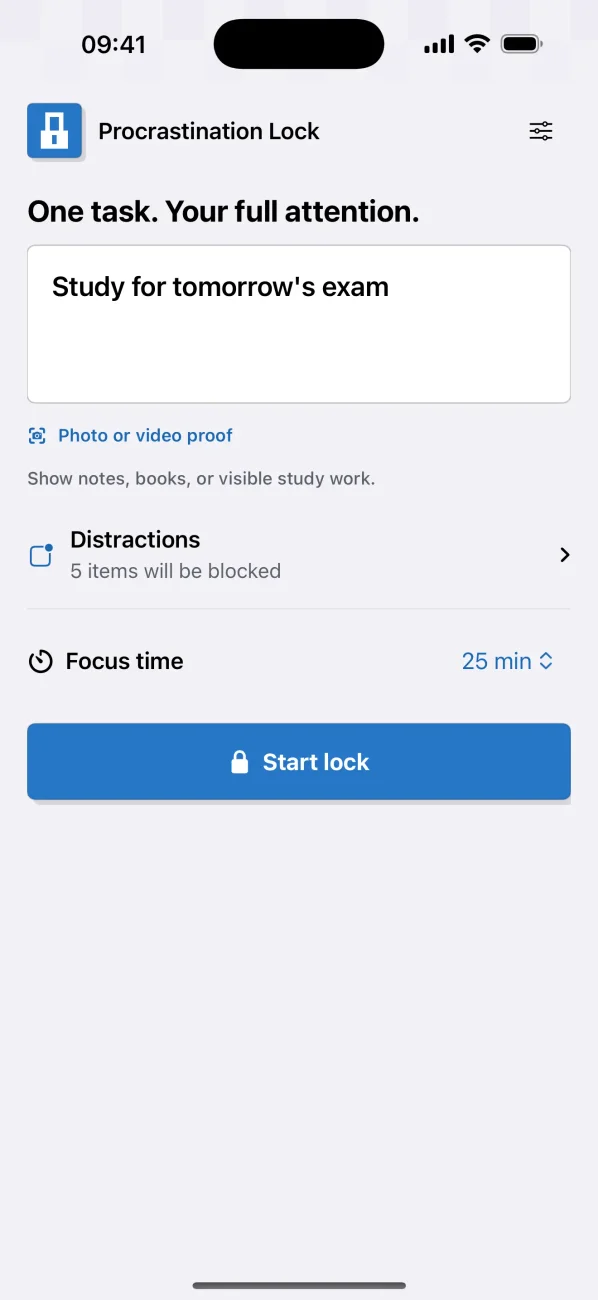
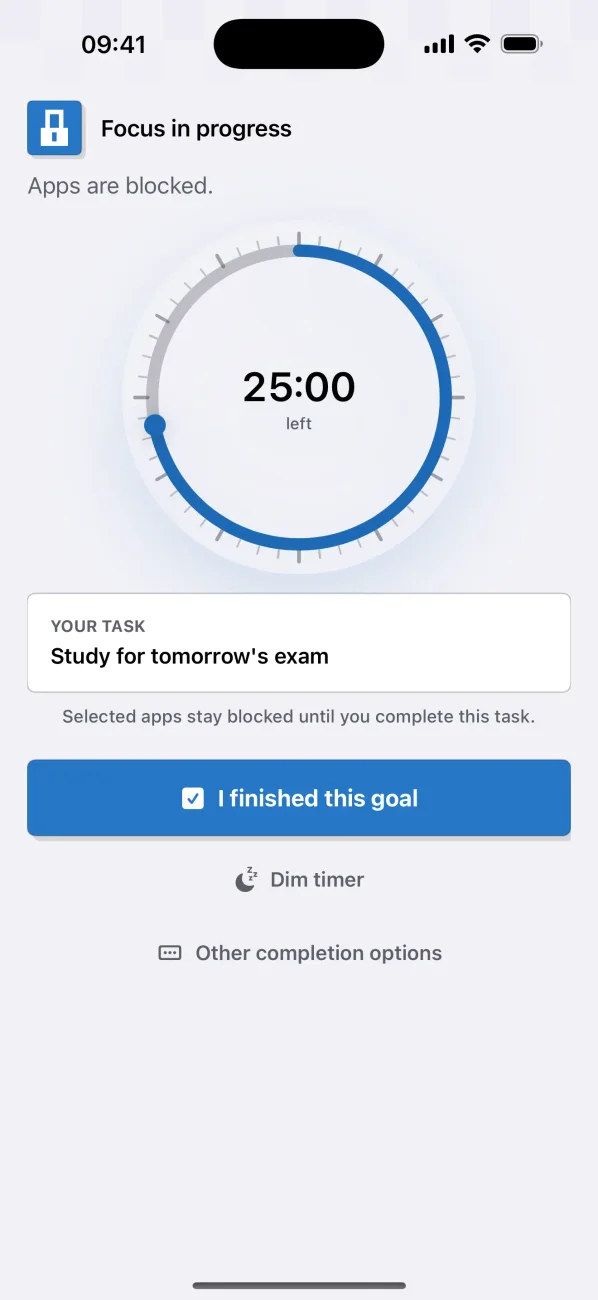
Procrastination Lock helps you focus on one task at a time. Enter your goal, choose distracting apps, and set your focus time from one setup screen. Selected apps are blocked using Apple Screen Time while you work.
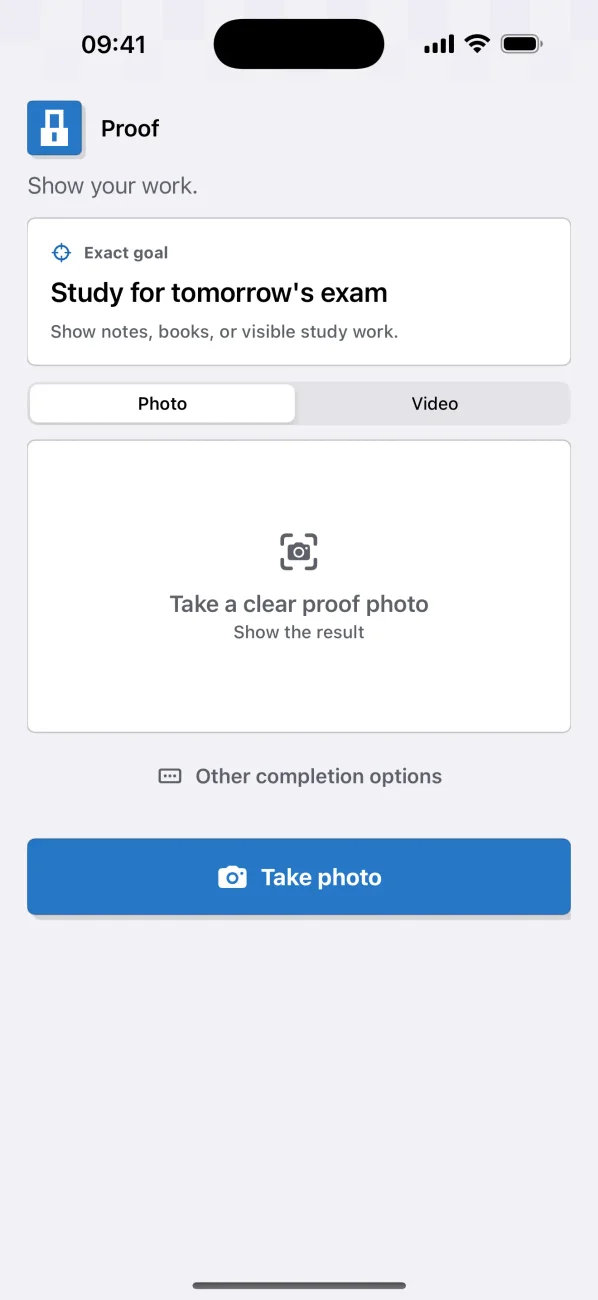
When you are ready, submit a photo or a short video showing the result. AI-assisted verification checks the evidence against your goal. A timer finishing alone does not mark a task complete.
START WITH 3 SUCCESSFUL LOCKS FREE
Your first three successfully completed locks are free. An incomplete session or technical recovery does not use one of these successful completions. After all three are used, a weekly or yearly subscription is required to start more locks.
CLEAR WAYS TO END A SESSION
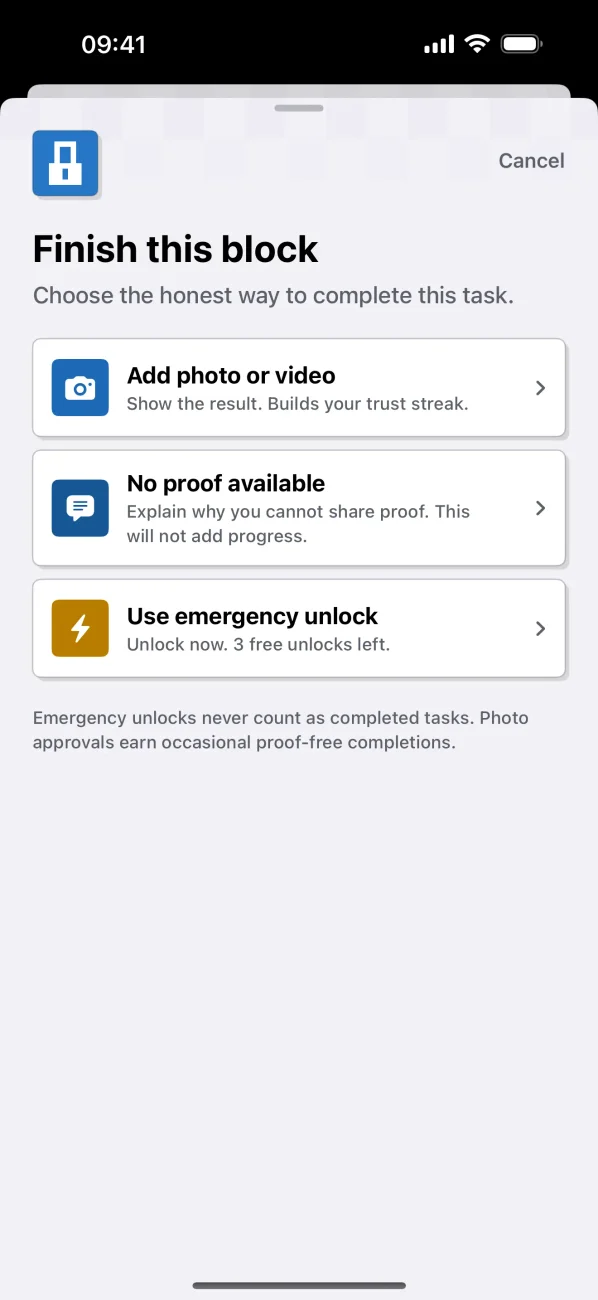
New users receive three separate free voluntary emergency unlocks. Existing users keep their saved remaining allowance; updating does not reset it. Once that allowance is used, an additional voluntary emergency unlock costs US $0.99 as a one-time purchase in the United States; the app shows the local App Store price elsewhere. An emergency unlock ends the session as incomplete, not as a completed task.
If proof verification is unavailable because of a technical problem, you can end the lock for free. This does not require a purchase, use a voluntary emergency unlock, or count as a successful task.
SUBSCRIPTIONS
Weekly and yearly plans renew automatically unless canceled. Eligible customers can receive a one-week free trial on the yearly plan. Trial eligibility, subscription price, billing period, and renewal terms are shown before purchase. The app displays the current localized price returned by the App Store. Manage or cancel your subscription in your Apple Account settings.
Privacy Policy: https://dontdelay.xyz/privacy
Terms of Use: https://dontdelay.xyz/terms
Support: https://dontdelay.xyz/support
What’s new
Version 1.0.6 · Oct 5, 2026
Set your goal, choose distracting apps, and select a focus time on one setup screen.
Clearer free access: three successful locks. New users receive three separate free voluntary emergency unlocks; existing users keep their remaining allowance. Technical verification failures can be ended for free without using either allowance.
Improved session recovery and purchase handling. Completed-task counts reflect successful sessions; emergency exits remain incomplete.
App privacy
What Vasile Catana declares on the App Store about how this app handles data.
-
Data used to track you
May be used to track you across apps and websites owned by other companies.
- Identifiers
-
Data linked to you
May be collected and linked to your identity.
- Identifiers
-
Data not linked to you
May be collected but is not linked to your identity.
- User content
- Usage data
Privacy practices may vary, for example with the features you use or your age.
Information
- Seller
- Vasile Catana
- Category
- Productivity
- Version
- 1.0.6
- Updated
- Oct 5, 2026
- Released
- May 31, 2026
- Size
- 84.7 MB
- Requires
- iOS 17.0 or later
- Age rating
- 4+
- Price
- Free
- In-app purchases
- Yes
- Languages
- English
- Copyright
- © 2026 Vasile Catana
You might also like
-
 Prove It: App BlockerLimit Screen Time
-
 Do First: Alarm & App BlockerWake up. Do tasks. Unlock apps
-
 Fokusd - App BlockerPhone Addiction, Wellbeing
-
 ShowPostPost-production tracking
-
 Goals LockScreen time, Earned with sweat
-
 Groggy: Stop Scrolling in BedTasks done, apps unlock
-
 Deny: Screen Time LockBeg friends for screen time
-
 Held: Focus & Screen TimeAI Rituals & App Blocking
-
 SpeeAI: Text to Speech ReaderNatural AI Text to Speech
-
 RepGate: Squat to Unlock AppsScreen Time Blocker & Workout