- Age rating4+
- CategoryPhoto & Video
- DeveloperAdobe Labs, Inc.
- LanguagesEnglish
- Size347.2 MB
Links to the official App Store page
Download.org hosts no file of Project Indigo. The button opens its official App Store page, published by Adobe Labs, Inc. Listing last checked on Nov 20, 2026.
Screenshots


About
Welcome to Project Indigo, a new camera experience from Adobe Labs. With a custom computational photography pipeline, a natural image look, and full set of manual camera controls, it offers something for professional and casual photographers alike. Also with new controls for computational cameras and a glimpse into the future of AI image processing on our Tech Previews page.
Available for iPhone 12 and 13 Pro/Pro Max, and all 14-series or newer iPhones, with initial support for iPads.
For best experience we recommend using iPhone 15 Pro or newer.
A COMPUTATIONAL PHOTOGRAPHY CAMERA
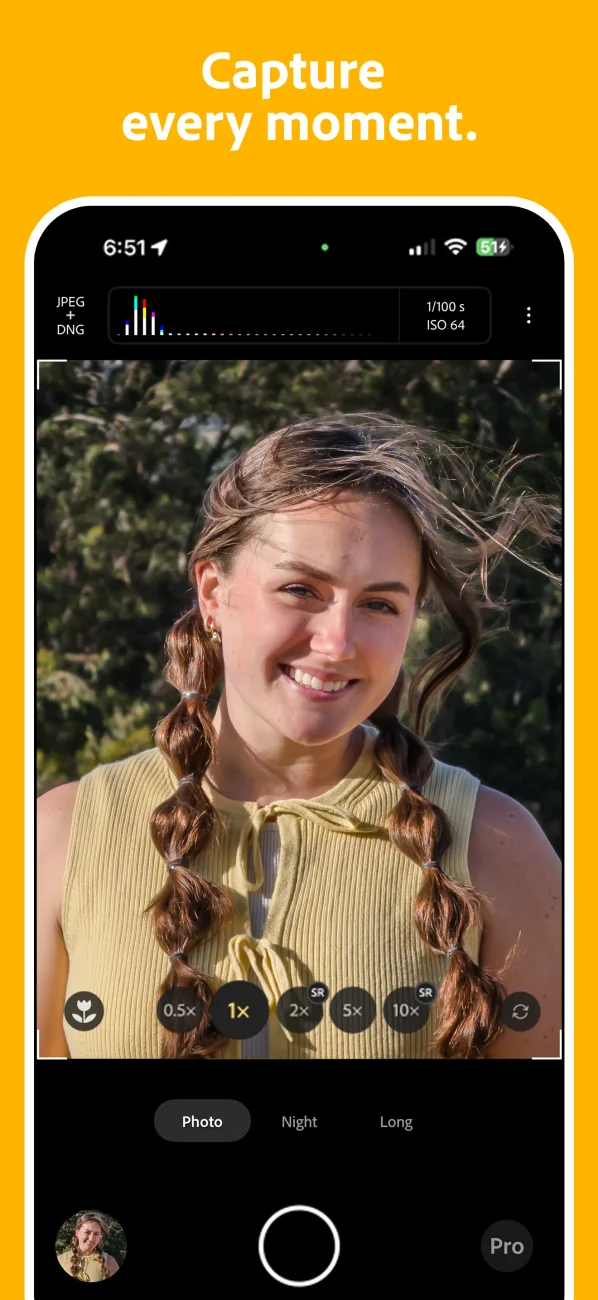
Instead of capturing a single photo, for every photo Indigo captures a burst of photos and combines them together to produce a high-quality photo with lower noise and higher dynamic range.
PHOTO MODE VS NIGHT MODE VS LONG EXPOSURE MODE
Photo mode is intended for everyday use in good lighting and has zero shutter lag, meaning it captures the moment you wanted.
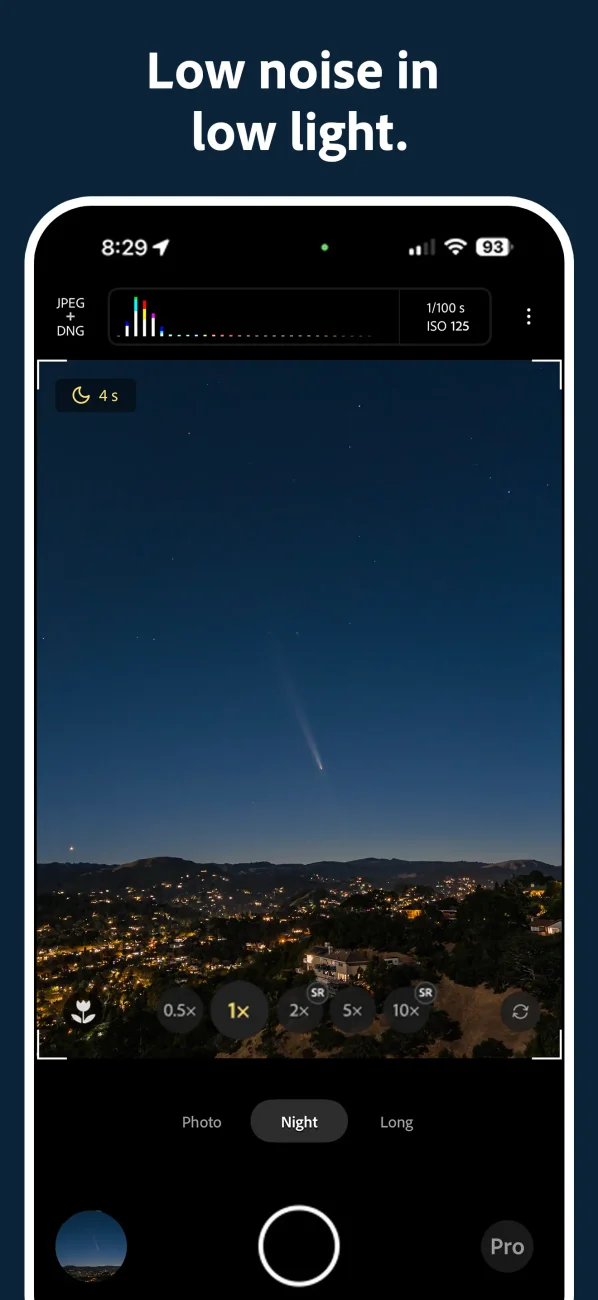
Night mode is intended for use in low light. In this mode images are captured after you press the shutter button, but use longer exposure times, further reducing noise.
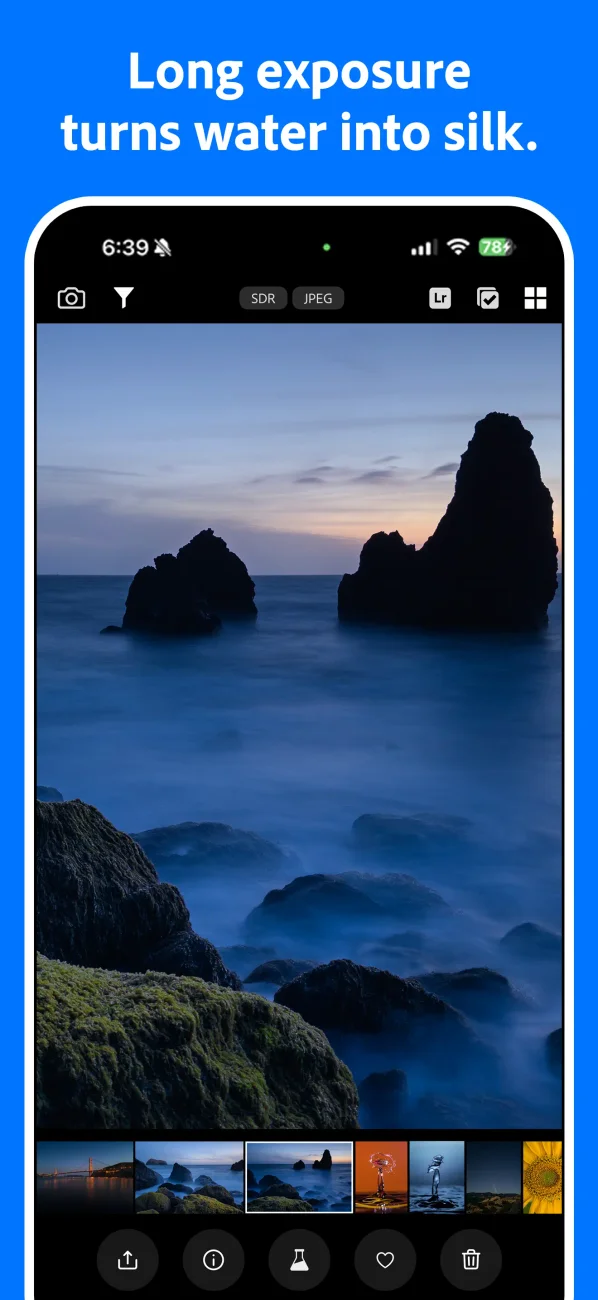
There is also a Long Exposure mode: if the phone is on a tripod, this allows the capture of synthetic long exposure effects like “water-into-silk", effects with light painting, strobe lights, fireworks, and many more.
NATURAL LOOK
Photos produced by Indigo employ computational photography and AI to produce a natural (SLR-like) look for your photos, including special (but gentle) treatment of subjects and skies. This look is applied when generating JPEG images and is embedded as a rendering suggestion in raw DNG files (if enabled). All raw pixels remain intact – the look does not alter them.
PRO CONTROLS
Take full control of how Indigo captures the image: manually specify focus, exposure time and ISO, exposure compensation, or white balance. Includes an optional magnified loupe for setting precise focus, and white balance control allows you to tap on an object known to be neutral gray.
Unique to Indigo’s Night mode is manual control over the number of frames aligned and merged into a final photo. More frames result in lower noise but longer capture time.
SUPER-RESOLUTION FOR ZOOM
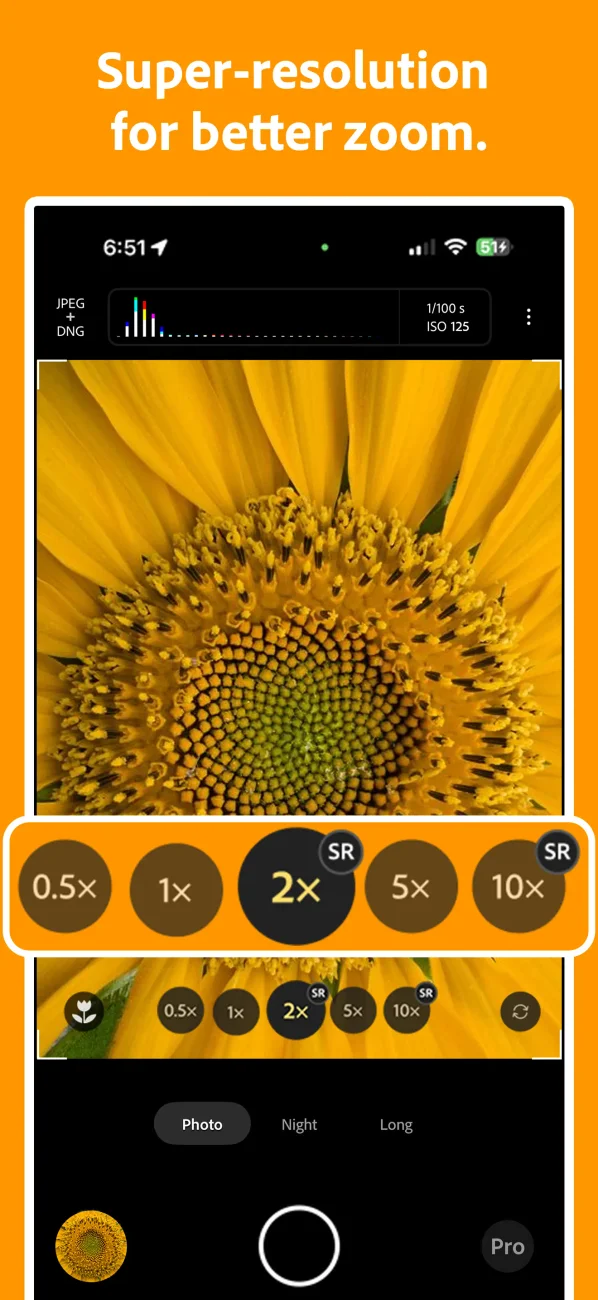
Using pinch-to-zoom in any camera app often results in image quality loss. To recover the image Indigo employs multi-frame super-resolution which can restore much of the lost quality. ‘SR’ indicator on the zoom buttons shows when it is active.
MACRO MODE
Enable Macro from the viewfinder and capture stunning close-up shots.
VIEWFINDER
Provides a view of the camera parameters that will be used for capture, a live histogram of the scene, zebra striping that shows you where there are over-exposed areas in the image, and a level to help you capture straight images.
LIGHTROOM INTEGRATION
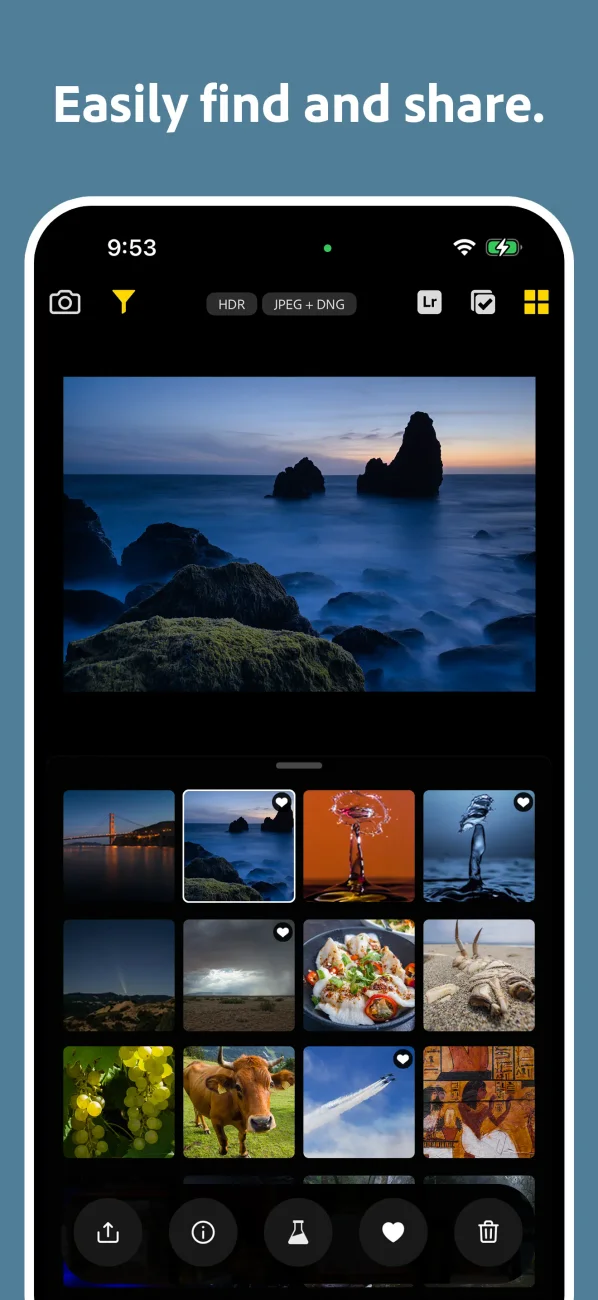
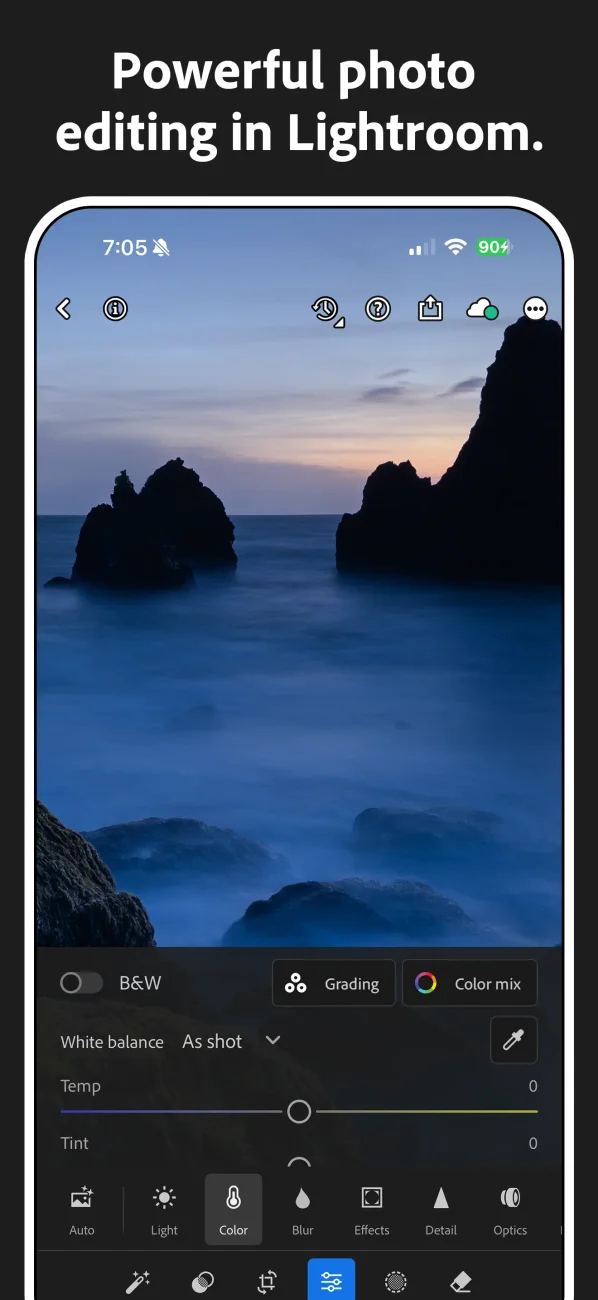
Adobe Lightroom for mobile is the most powerful photo editor in the App Store. Indigo filmstrip allows you to send an image directly to Lightroom mobile app for editing. In addition, our raw DNG files provide maximum compatibility with Adobe Lightroom and Photoshop.
TECHNOLOGY PREVIEWS
Technology Previews will be a place where we will offer an early look at technologies that may eventually be deployed in Adobe’s flagship products, or that already appear in these products in a slightly different form:
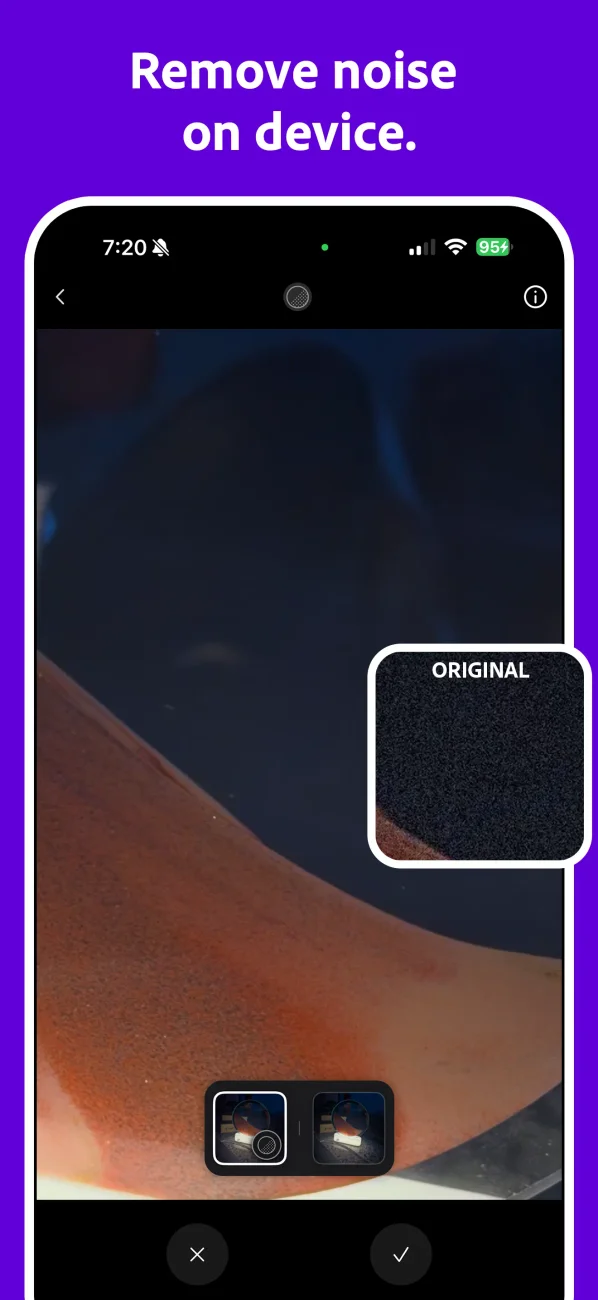
- AI Denoise is a variant of the AI-based denoising from Camera Raw and Lightroom desktop clients. It uses DNG as input, and it saves a new DNG to your camera roll.
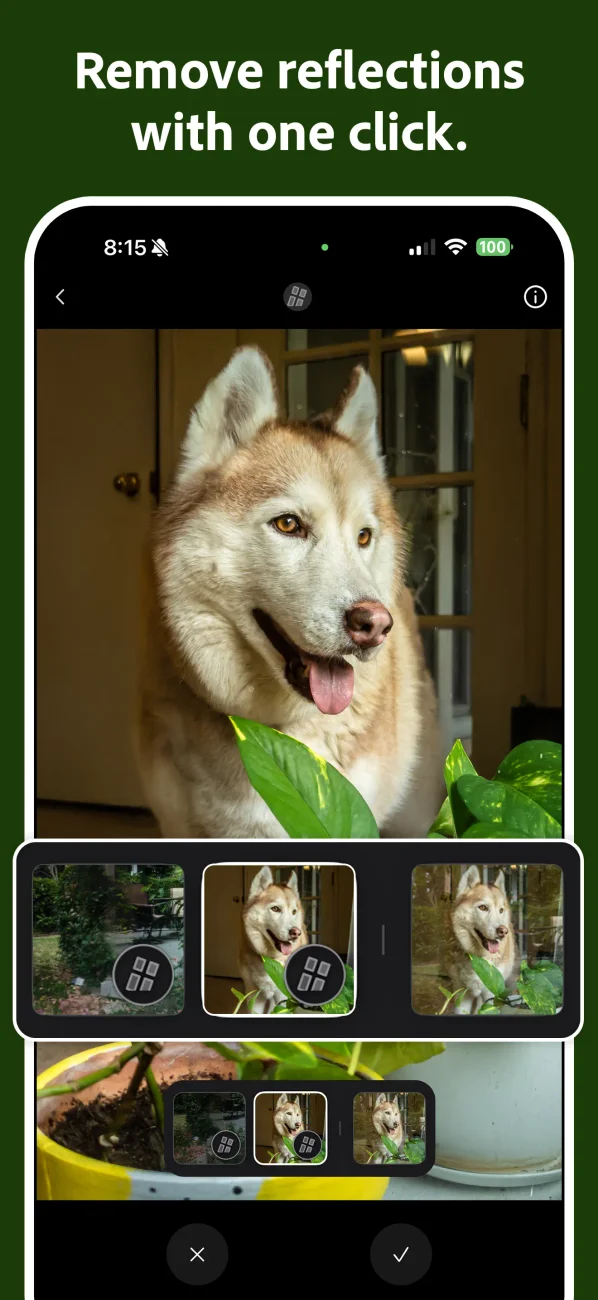
- Remove Reflections is a variant of the technology from Camera Raw and Lightroom desktop clients. It uses DNG as input, and it saves a medium-resolution JPEG to your camera roll. It tries to remove reflections when shooting through plate glass windows covering most of the camera field of view.
- Face Dewarp corrects warp on faces near the edge of images captured using wide-angle lenses. It uses DNG or JPEG as input and saves a JPEG to your camera roll.
What’s new
Version 1.2.0 · Nov 19, 2026
Long Exposure mode
- A new dedicated capture mode in Indigo.
- Select between Average and Blend modes, number of frames to merge, and capture stunning effects.
- Supports Pro control adjustments and live preview while capturing.
- Find out more on our new blog (link available inside the feature).
Other improvements:
- Tap on the 1x lens to cycle through different zoom levels (1x -> 1.2x -> 1.5x; 24mm -> 28mm -> 35mm in equivalent focal length).
- Zoom map now appears when the 8x lens is selected (iPhone 17/18 Pro and Pro Max devices).
- Smoother display of focal lengths when using pinch-to-zoom gesture.
- Adjust grid line color and opacity.
Bug fixes:
- Fixed a rare race condition where committing the captured photo to the Camera Roll would fail.
App privacy
What Adobe Labs, Inc. declares on the App Store about how this app handles data.
-
Data not linked to you
May be collected but is not linked to your identity.
- Location
- Identifiers
- Usage data
Privacy practices may vary, for example with the features you use or your age.
Information
- Seller
- Adobe Labs, Inc.
- Category
- Photo & Video
- Version
- 1.2.0
- Updated
- Nov 19, 2026
- Released
- Jun 12, 2025
- Size
- 347.2 MB
- Requires
- iOS 18.5 or later
- Age rating
- 4+
- Price
- Free
- Languages
- English
- Copyright
- © 2025 Adobe. All rights reserved.
You might also like
-
 No Fusion-Powerful Pro CamLive, Portrait, RAW, HDR, Film
-
 Leica LUX - Pro Manual CameraCapture RAW Digital Photos
-
 Halide Mark III - Pro CameraZero AI, Natural Photos, RAW
-
 (Not Boring) CameraPro Camera with Natural Photos
-
 Luminar: Photo Editor&EnhancerAI Image Editing & Retouch
-
 VSCO Capture: Preset CameraLive Photo & Video Filters
-
 Varlens - DSLR in PhoneAll in One Ultimate Pro Camera
-
 Labbet: Photo & Video EditingGrain, Textures & Film effects
-
 ProCamera. Professional CameraPro HDR, RAW+ Manual Video Cam
-
 DaVinci Resolve for iPadHollywood’s edit & color tools