
Project Lens
Powerful Jobsite Documentation
Designed for iPhone
Free · In-app purchases
- Age rating4+
- CategoryBusiness
- DeveloperProject Lens
- LanguagesEnglish
- Size62.7 MB
Links to the official App Store page
Download.org hosts no file of Project Lens. The button opens its official App Store page, published by Project Lens. Listing last checked on Nov 17, 2026.
Screenshots



About
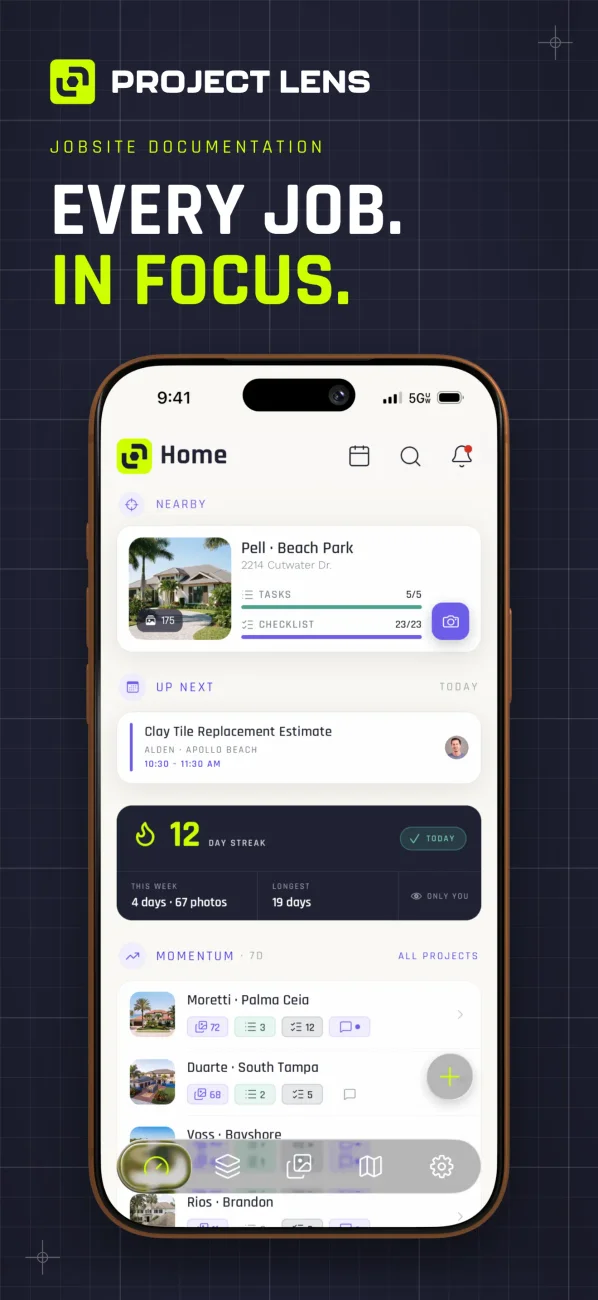
Every job. In focus.
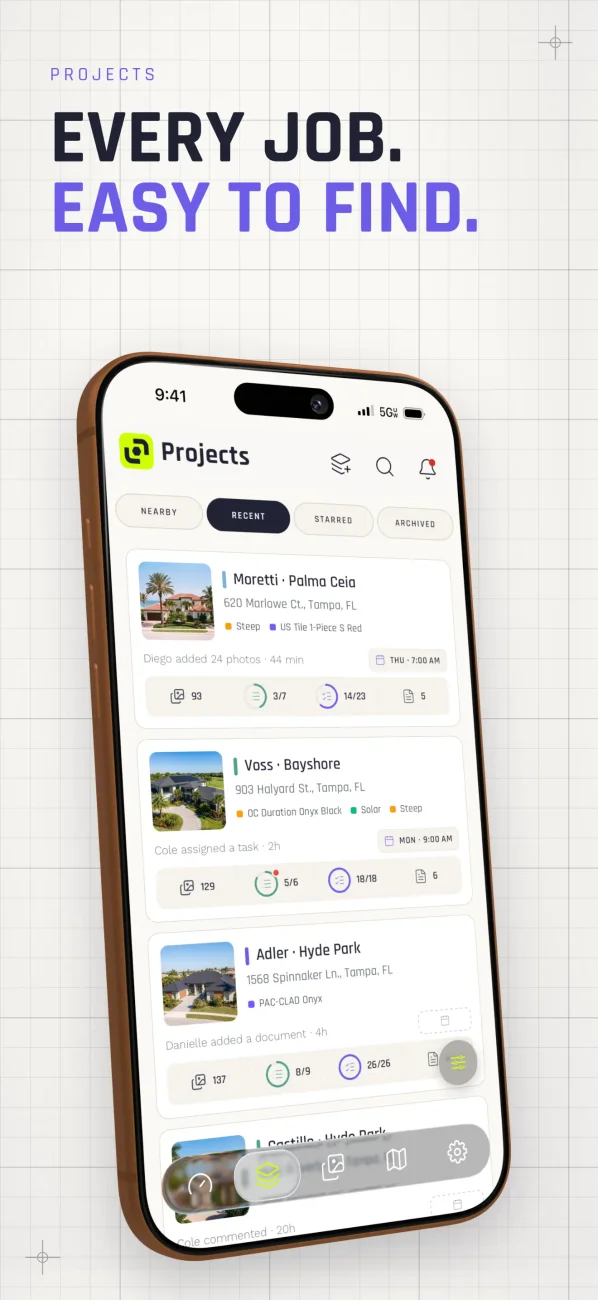
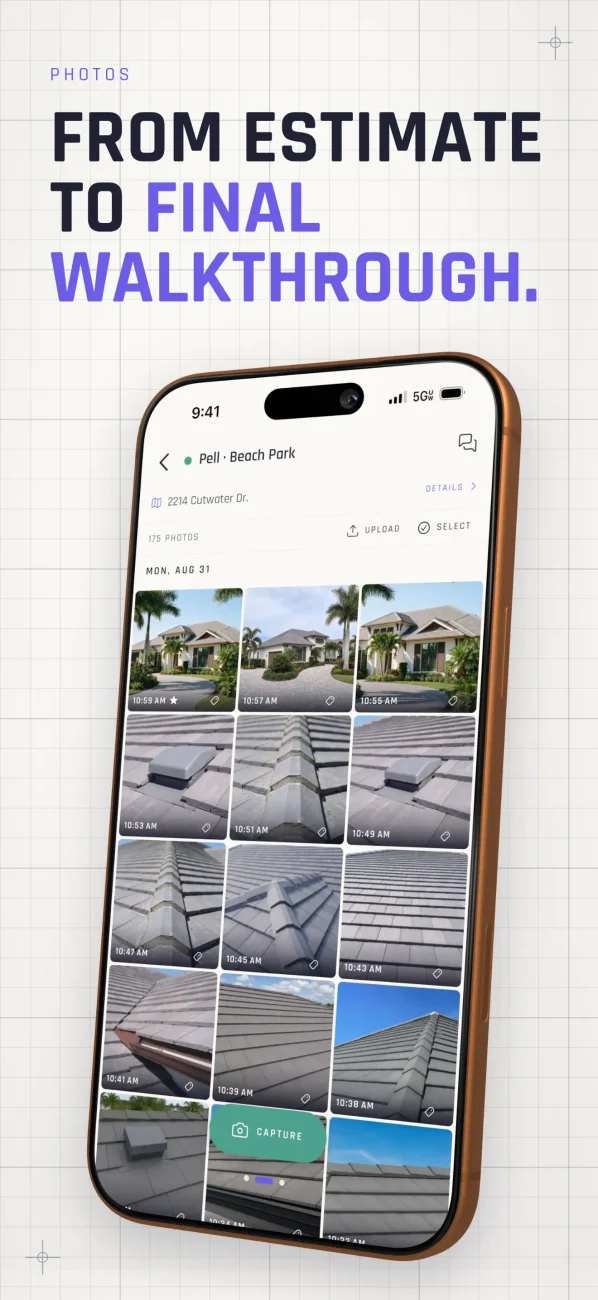
Project Lens helps contractors document jobs with photos and videos, track progress, and keep crews and clients informed. From the first estimate to the final walkthrough, keep the details of every job together.
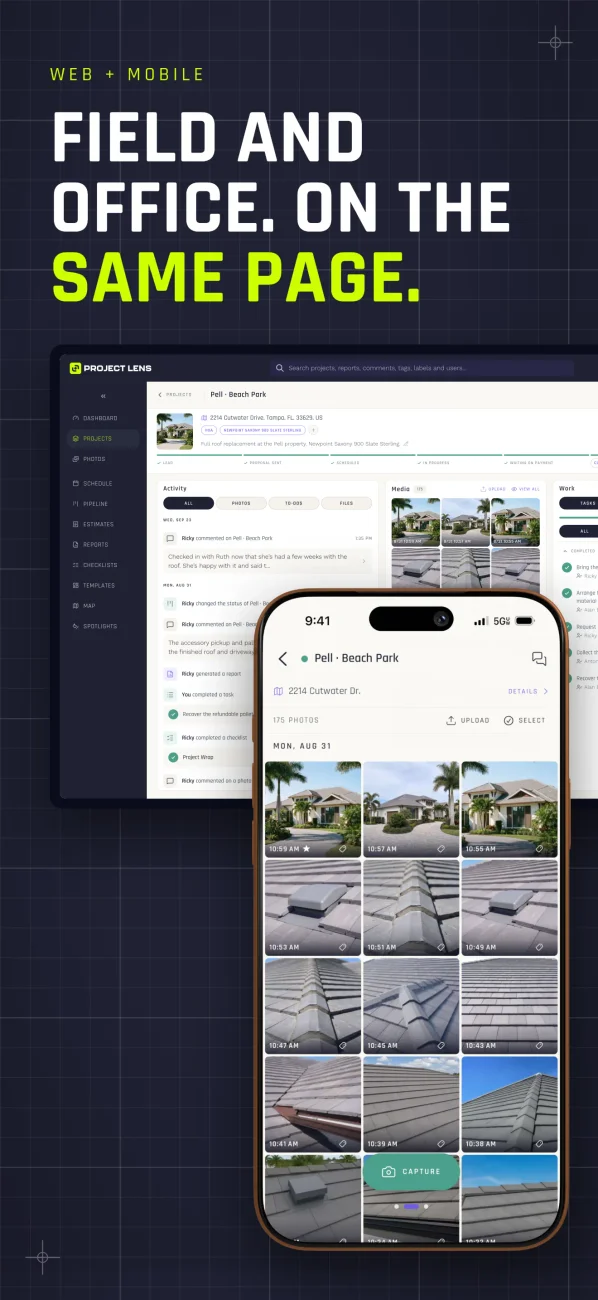
Your projects, photos, and updates stay organized and accessible on mobile and web, keeping the field and office on the same page.
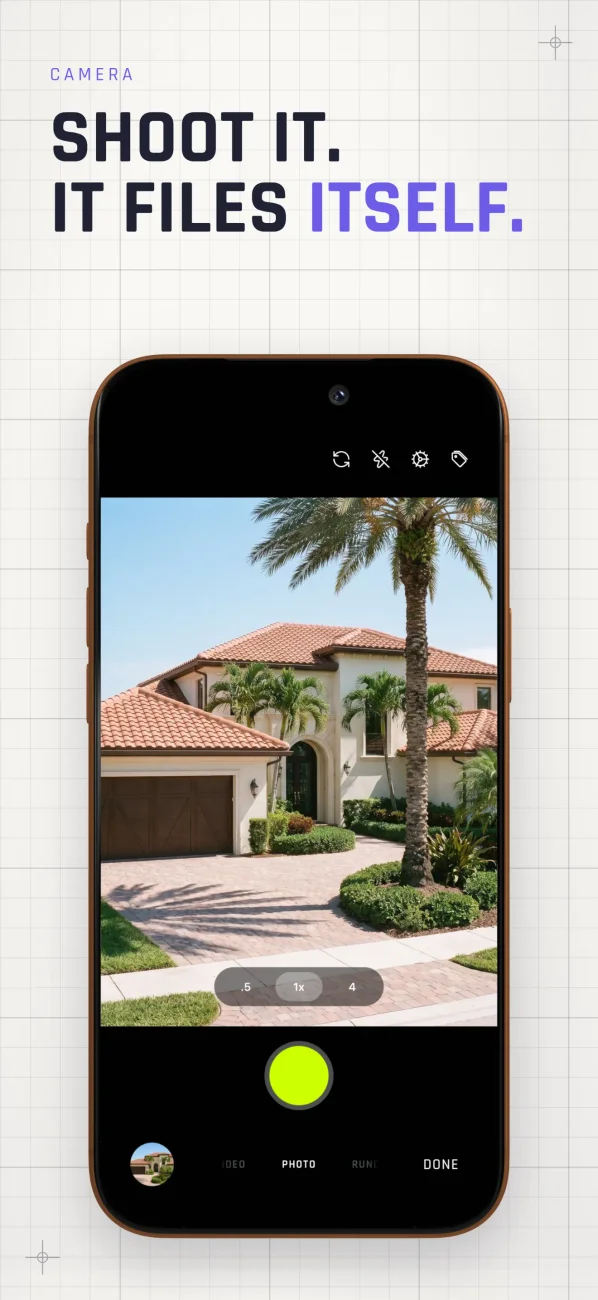
- Jobsite photos and videos: Capture work with the in-app camera and keep photos and videos organized by project. Document conditions, progress, and completed work with unlimited photo and video storage.
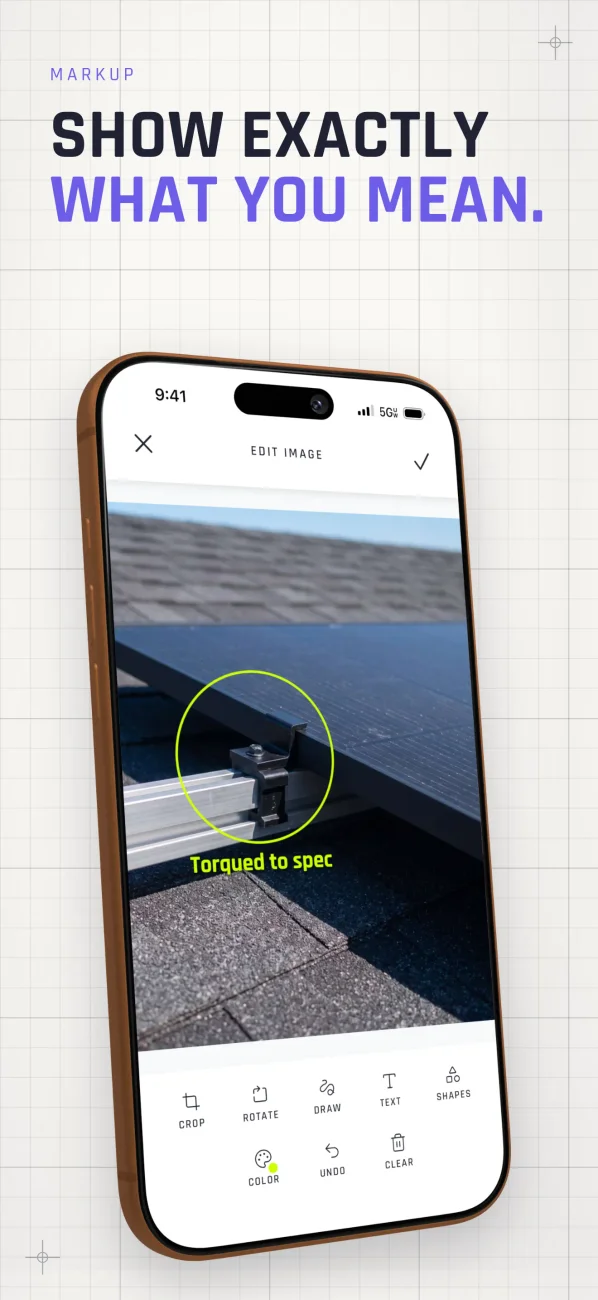
- Photo markup: Add arrows, shapes, drawings, and text to jobsite photos. Point out damage, highlight an installation detail, or show your crew exactly what you mean.
- Tasks and checklists: Assign work, follow project checklists, and track completion. See what's done and what still needs attention.
- Activity history: See who did what and when. Follow photo uploads, task completions, comments, and project updates in one activity feed.
- Project conversations: Keep questions, instructions, and follow-up attached to the job. Talk with your team from the field or the office, with comments on projects and individual photos.
- Client updates: Share photo galleries and reports with customers to show progress, explain findings, and provide a clear record of completed work.
- AI Rundowns: Talk through the job while taking photos. Turn your voice and photos into clear, structured job documentation with AI. Export a PDF to share with your team or clients.
- Your schedule: Check upcoming appointments and scheduled work from your phone so you know where you're headed and what's next.
- Documents and photo reports: Keep project files with the job and open documents in the field. Create photo reports on the web to bring your photos and job details together.
- Estimates on the web: Prepare customer estimates in the web app and keep them connected to the project, alongside its photos, documents, and updates.
Terms of Use: https://www.apple.com/legal/internet-services/itunes/dev/stdeula/
Privacy Policy: https://projectlens.io/privacy
What’s new
Version 1.0.40 · Nov 14, 2026
We've been busy on-site. Fresh coat of paint, tightened a few bolts.
App privacy
What Project Lens declares on the App Store about how this app handles data.
-
Data linked to you
May be collected and linked to your identity.
- Purchases
- Location
- Contact info
- User content
- Search history
- Identifiers
- Usage data
- Diagnostics
Privacy practices may vary, for example with the features you use or your age.
Information
- Seller
- Project Lens, LLC
- Category
- Business
- Version
- 1.0.40
- Updated
- Nov 14, 2026
- Released
- Sep 18, 2025
- Size
- 62.7 MB
- Requires
- iOS 16.4 or later
- Age rating
- 4+
- Price
- Free
- In-app purchases
- Yes
- Languages
- English
- Copyright
- © Project Lens LLC
You might also like
-
 Refinery Custom CabinetsJobsite photos and punch lists
-
 PunchifyConstruction Made Simple
-
 HubEngage - Employee AppONE App for 360° Engagement
-
 TaskTag: How to project.Manage construction projects
-
 RelayCam: Job Photo AppCamera, Jobsite, Photo App
-
 Project Proctor: ConstructionPunch List, Crew & Job Costs
-
 JobSight Restoration SoftwareBusiness
-
 UploadCam. Company CameraCamera for Work and Teams
-
 Properly Visual ChecklistsPicture-Perfect Properties
-
 D-Tools CloudD-Tools Cloud Mobile App