
- Age rating12+
- CategoryBusiness
- DeveloperSergei Petrov
- LanguagesEnglish+ 1 more
- Size72.3 MB
Links to the official App Store page
Download.org hosts no file of Projecto – PM Tool. The button opens its official App Store page, published by Sergei Petrov. Listing last checked on Nov 23, 2026.
Screenshots

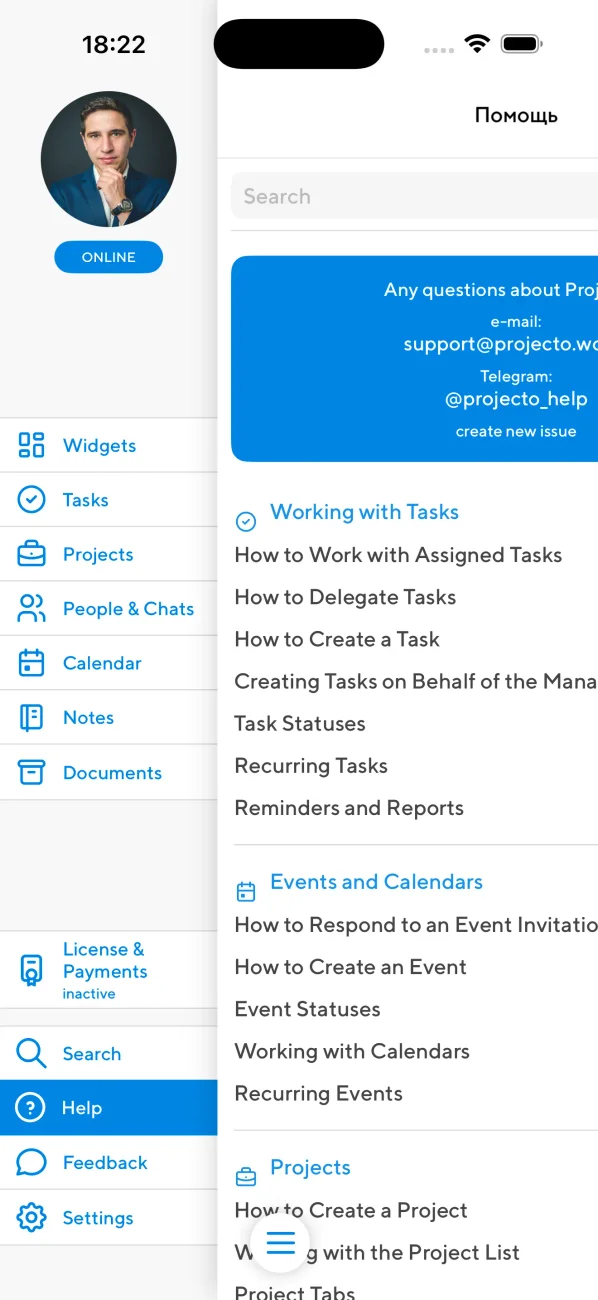
About
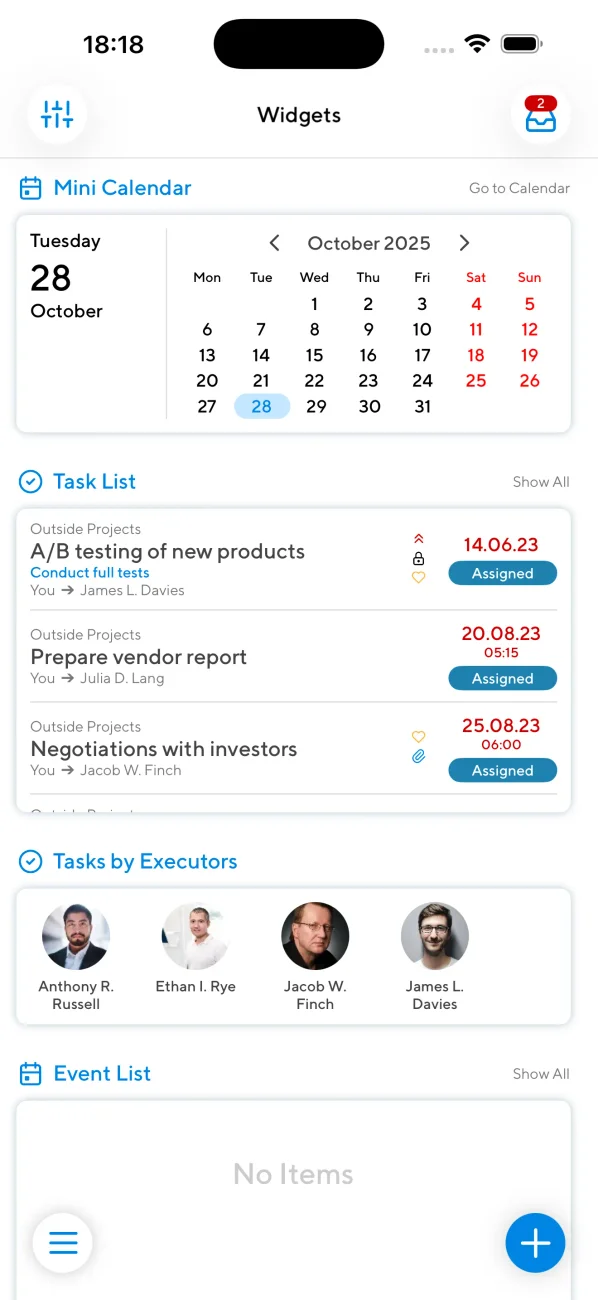
A mobile client of the Projecto system for the project management, task delegation and event planning. Its capabilities are equal to the web version of Projecto and available as a native iOS application.
Our main features are:
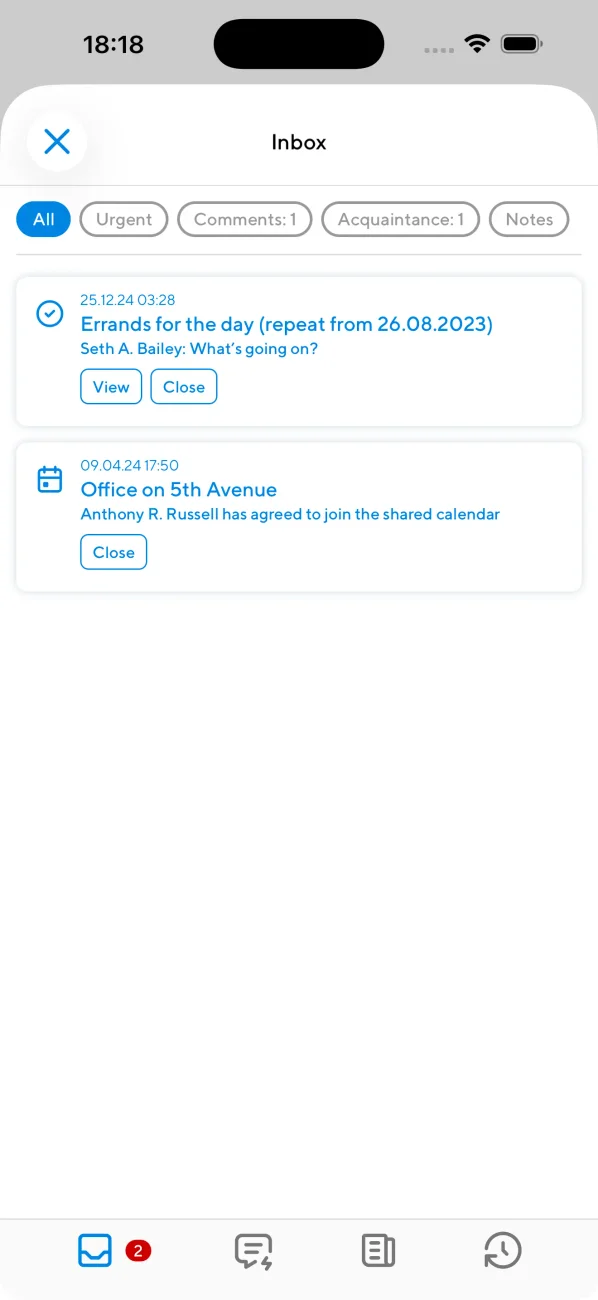
INBOX
Inbox accumulates all notifications requiring your attention or reaction, as well as any corpoprate announcements. One of your main purposes in Projecto is to respond opportunely to urgent notifications in the inbox, keeping it empty.
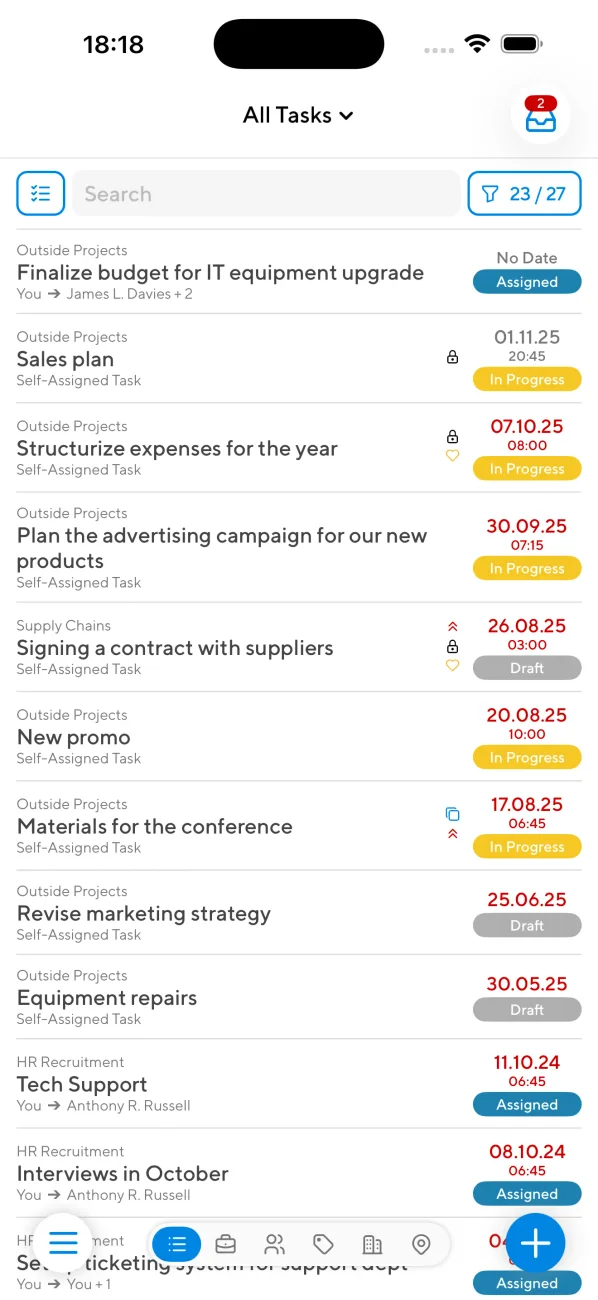
TASKS
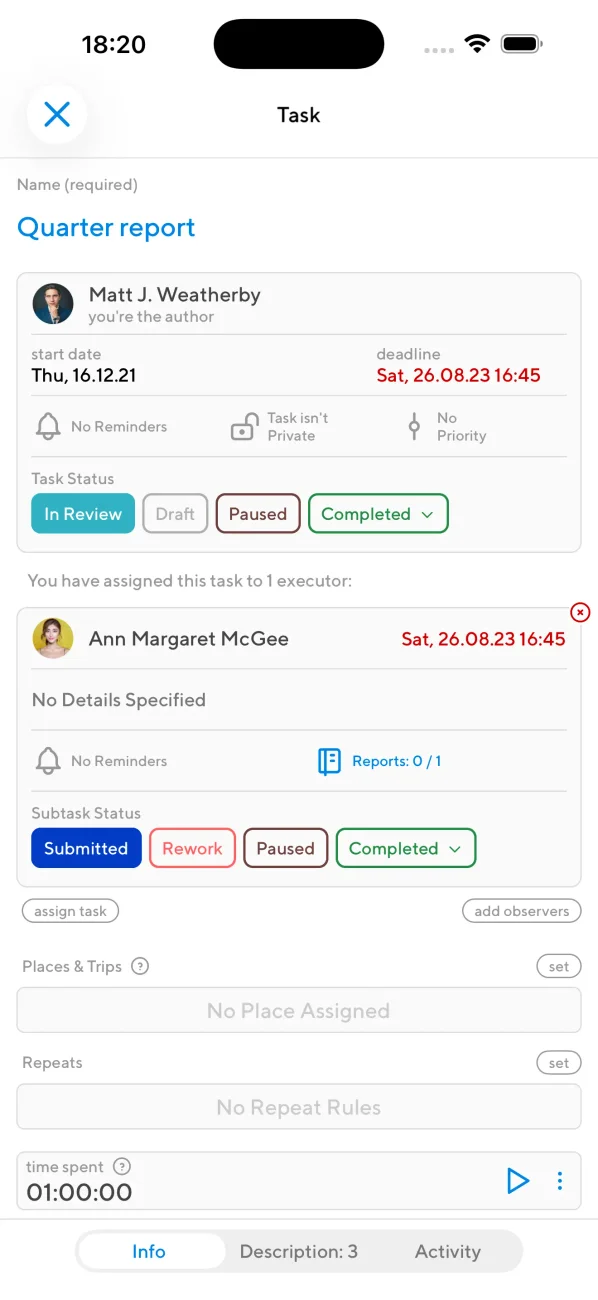
In this section, you'll see all tasks you've contributed to, grouped into various categories: created by you, assigned to you, under your supervision, overdue, etc. Any task can be divided into subtasks, creating a multi-level delegation tree where each performer is assigned a specific portion of the task by a specific deadline.
PROCESSES
Processes allow you to automate the creation and movement of tasks across Kanban board columns. Design stages, create rules, configure actions, and save your company time by minimizing routine work.
PROJECTS
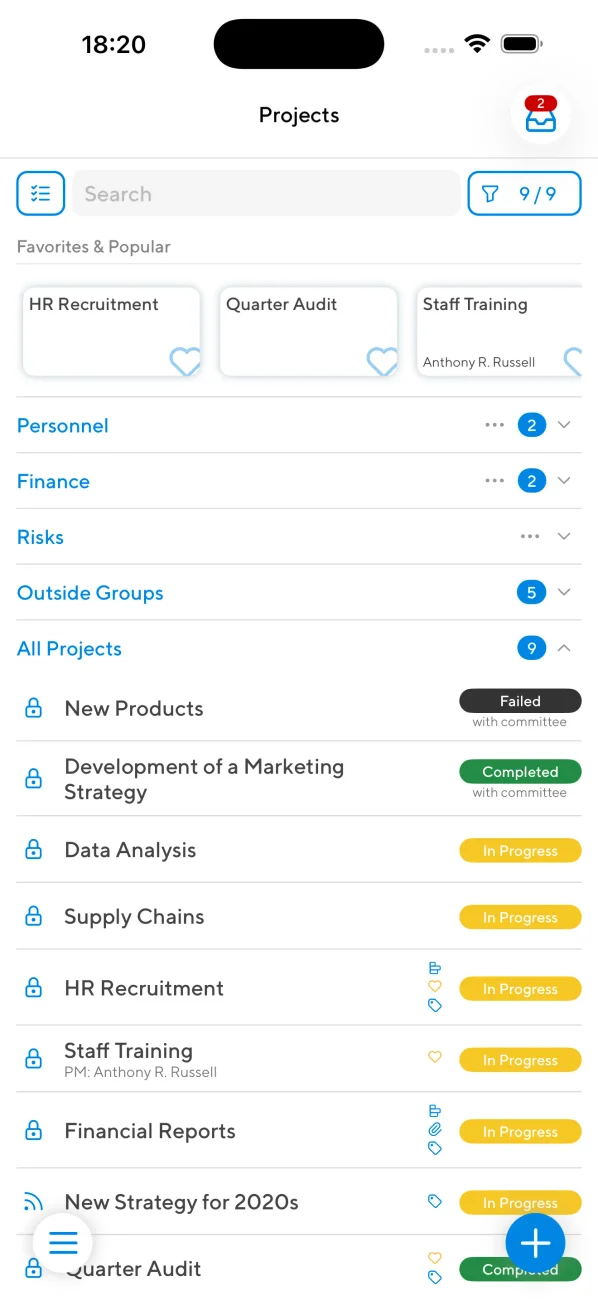
This section is designed to help you manage the project structure by organizing projects using folders. For any project, you can get the detailed summary, milestones, list of participants, tasks, events, notes and files attached to the project. Of course, Projecto supports Gantt charts, Kanban boards and other essential PM features.
PEOPLE & COMPANIES
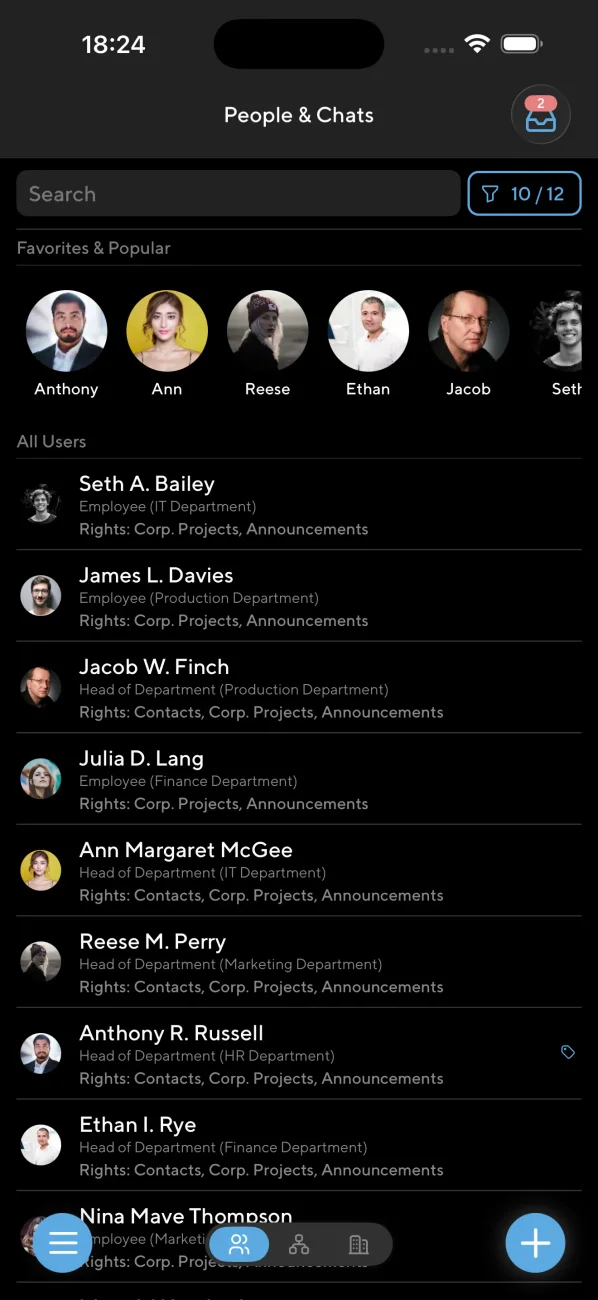
It's the simple yet powerful corporate address book supporting either the list mode or the organizational structure. You can call or write an e-mail directly from the users's profile. A visual organizational structure of the company is available on the "Departments" tab. The "Companies" tab displays a list of the companies you work with.
CHATS
This is the main communication hub of your company. All chats related to you (tasks, events, projects, documents, personal and group chats) are collected here in a single list and sorted by the date of the last message. None of important comments will get lost.
CALENDAR
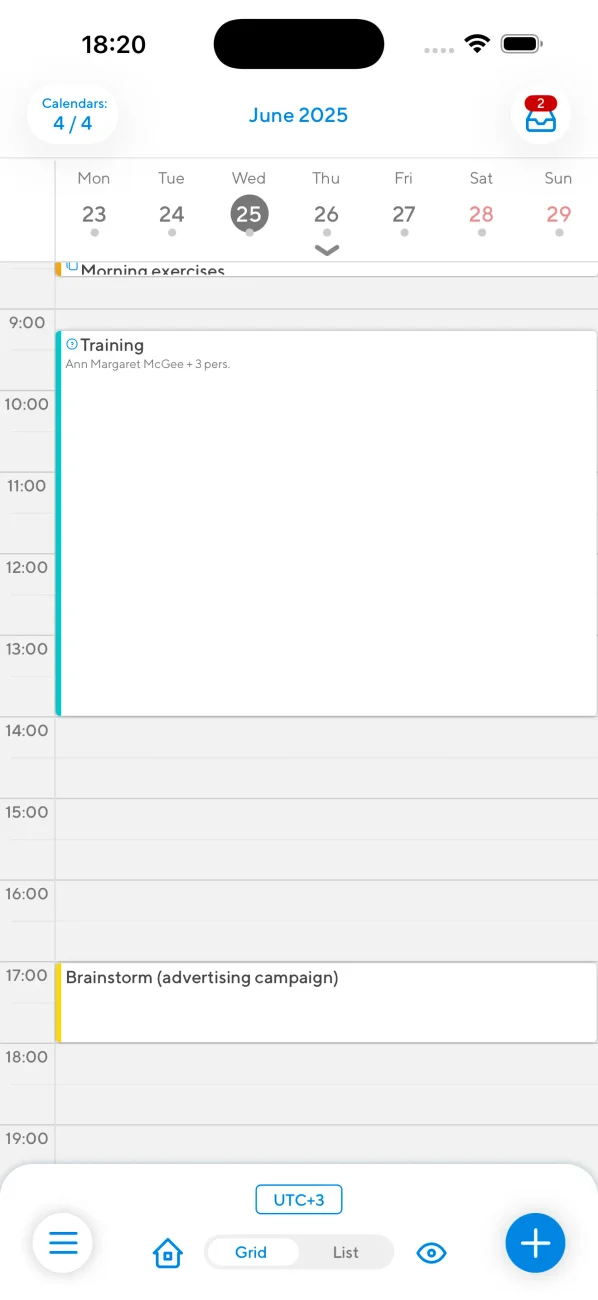
Projecto app provides a lot of useful features regarding the calendar grid. Turn on the calendars you need, drag events, create new events with a long tap, view your working hours in the day, week or month mode. It also supports timezones, business trips, matching time for planning events and much more.
DOCUMENTS
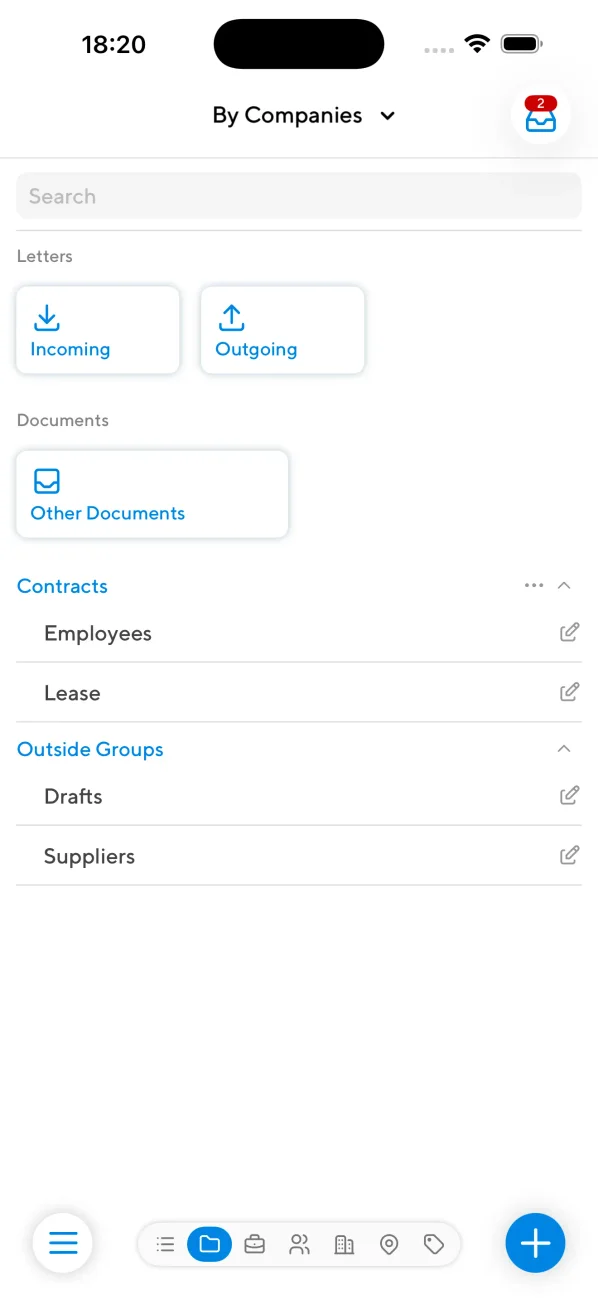
Projecto supports importing files from other applications or instant addition of photos and videos from the Projecto camera, audio and text notes are also supported. These files may be combined into corporate documents, stored by types and groups with flexible registration cards. Projecto supports even the approval process of corporate documents by certain queues of managers.
SEARCH
You can search through all your information at once, setting up the output on the go. It also contains the history of recent search queries, as well as your favorite items, places and tags.
Apple Standard EULA: http://www.apple.com/legal/itunes/appstore/dev/stdeula
Terms & Conditions: https://projecto.world/terms/
Privacy Policy: https://projecto.world/privacy/
What’s new
Version 2026.7.0 · Nov 23, 2026
- Automation rules for tasks in projects
- New flexible filtering options for custom fields in all filters
- Five-day week view (with weekends hidden)
- Support for authenticator apps (TOTP)
- Choose which tab opens when you click a project
- Bulk editing in Structure
- Reorganized Administrator Settings
- Centralized management of custom fields
- Company-wide option to prevent users from rejecting task invitations
- Offline support in Projecto desktop apps
- Attaching documents to deals
- Company-wide option to prevent closing milestones with incomplete tasks
- New “Create reminder” and “Send e-mail” actions in the Funnel and Process Configurators
- When setting up automatic creation of a task or event in the Funnel and Process Configurators, you can now specify the due date and participants
- New conditions in the CRM and Process Configurators: date is approaching, contains a number greater than / less than / equal to
- Quick conversion of any custom field into a corporate one (so it can be used across the whole company)
- Task and event history now records when any block is added to or removed from the description (or agenda)
- Clicking a project can now open its Tasks, Kanban or Gantt right away
- New “Project List” report in the Reports section
- Bulk editing in Structure (changing parent departments and deleting departments)
- Fixed pasting text into tables in the notes editor
App privacy
What Sergei Petrov declares on the App Store about how this app handles data.
-
Data not linked to you
May be collected but is not linked to your identity.
- Location
- Contact info
- Contacts
- Search history
- Identifiers
- Diagnostics
Privacy practices may vary, for example with the features you use or your age.
Information
- Seller
- Sergei Petrov
- Category
- Business
- Version
- 2026.7.0
- Updated
- Nov 23, 2026
- Released
- Jun 17, 2016
- Size
- 72.3 MB
- Requires
- iOS 16.0 or later
- Age rating
- 12+
- Price
- Free
- In-app purchases
- Yes
- Languages
- English, Russian
- Copyright
- © 2016 Projecto
You might also like
-
 Projecto for Teams & ProjectsOrganize projects & teams
-
 LeaderTask: Task PlannerTo-Do List, Reminder, Calendar
-
 Yandex CalendarPlan your time on the go
-
 YouGile: Task Tracker & ChatsBusiness
-
 amoCRM 2.0Cloud based CRM system
-
 myDSS 2.0Signature in your smartphone
-
 MeisterTask - Task ManagementKanban Project Management
-
 OTP Bank onlineПриложение мобильного банка
-
 MTS LinkBusiness
-
 Alice: AI assistantChat with AI-assistant Alice