
Projects: Construction Manager
Contractor estimate & invoice
Designed for iPhone, Mac
Free
- Age rating4+
- CategoryBusiness
- DeveloperWill Cabral
- LanguagesEnglish
- Size112.5 MB
Links to the official App Store page
Download.org hosts no file of Projects: Construction Manager. The button opens its official App Store page, published by Will Cabral. Listing last checked on Nov 17, 2026.
Screenshots
About
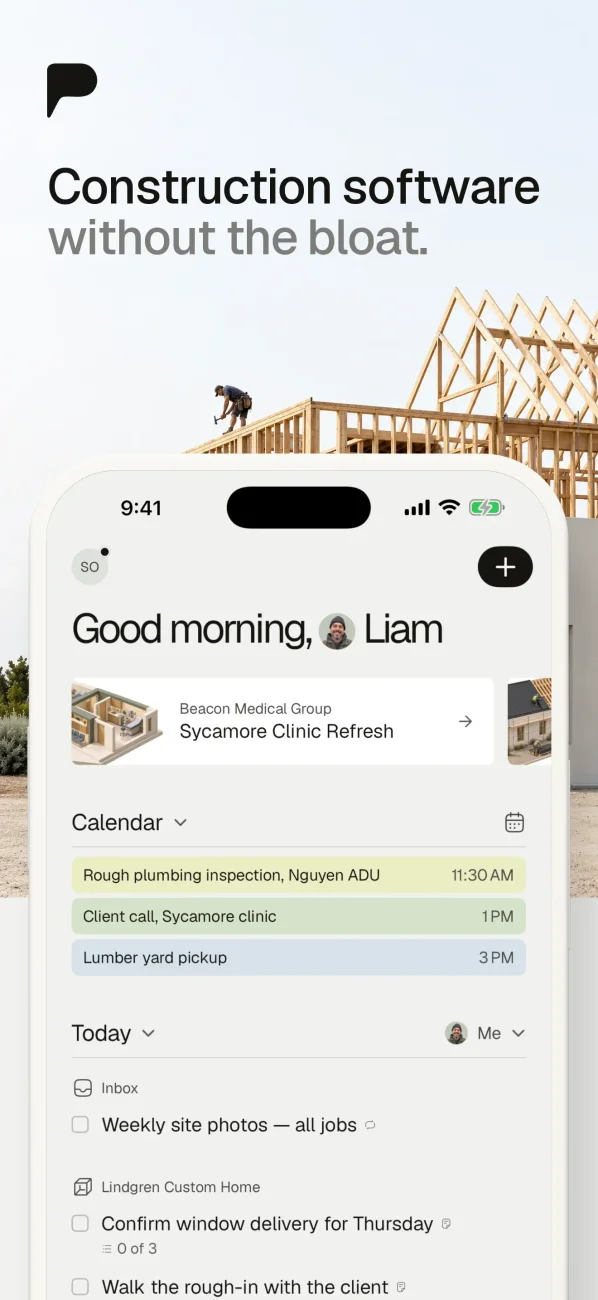
Construction software without the bloat. Run every job from your phone or the web: tasks, estimates, invoices, plans, Gantt charts, lookaheads and portals for your clients and subs.
Tasks and your day
Add a task in seconds, give it a date and a person, break it into subtasks, and keep its photos and comments with it. Home shows today's tasks, your calendar and the jobs you've pinned.
All your projects
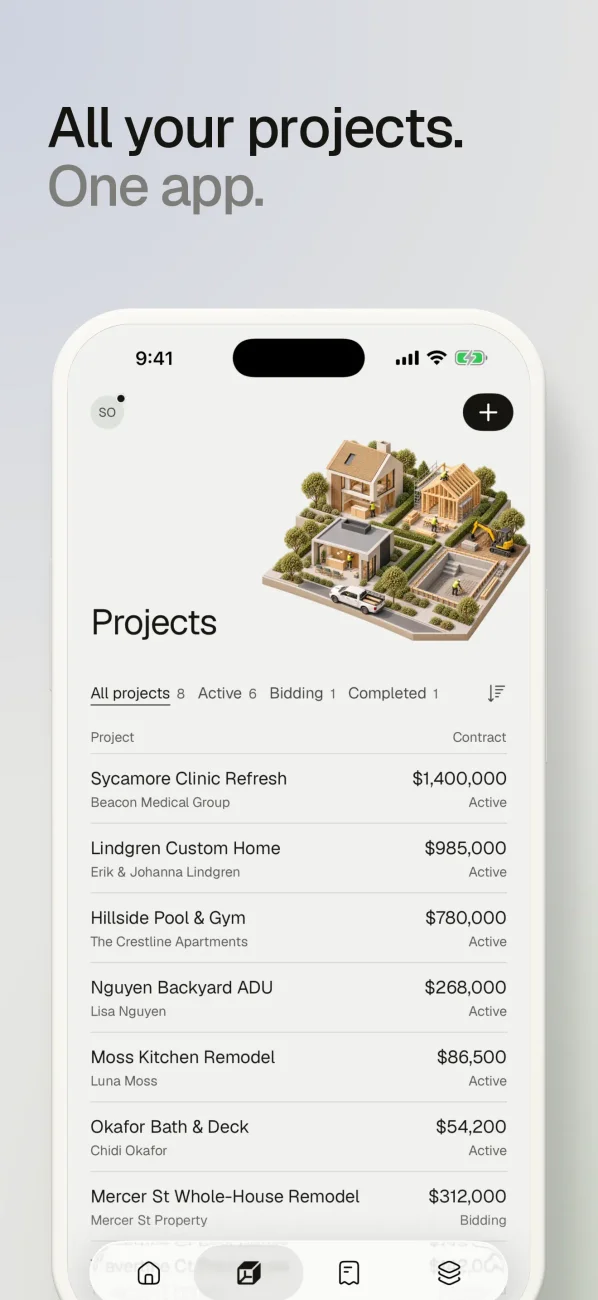
Every job keeps its tasks, money, schedule and plans together, with the client's details close by.
Estimates and invoices
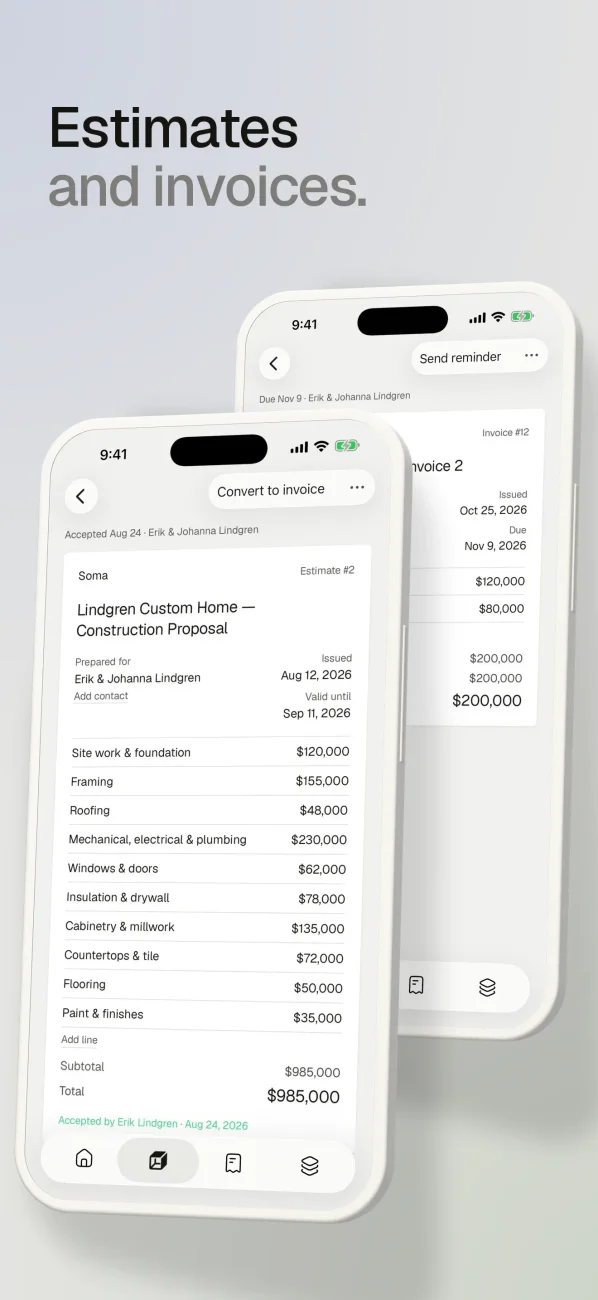
Write estimates, convert them to invoices, and see what's paid and what's due.
Plans and markups
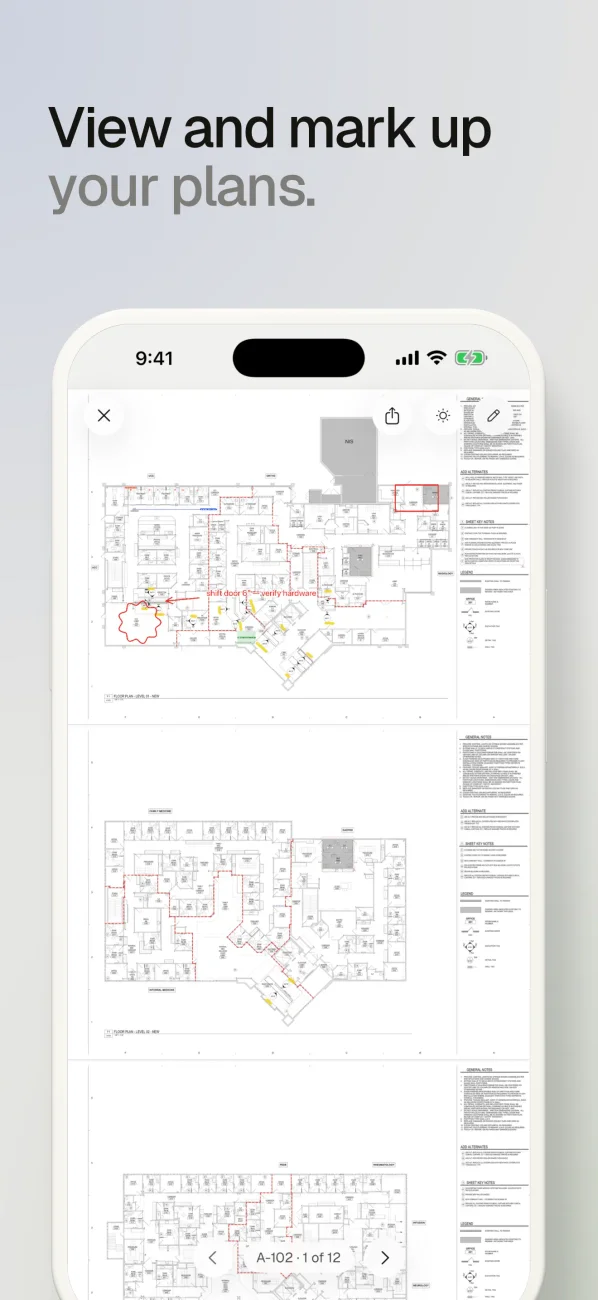
Open a plan set on site, view any sheet and mark it up with your finger.
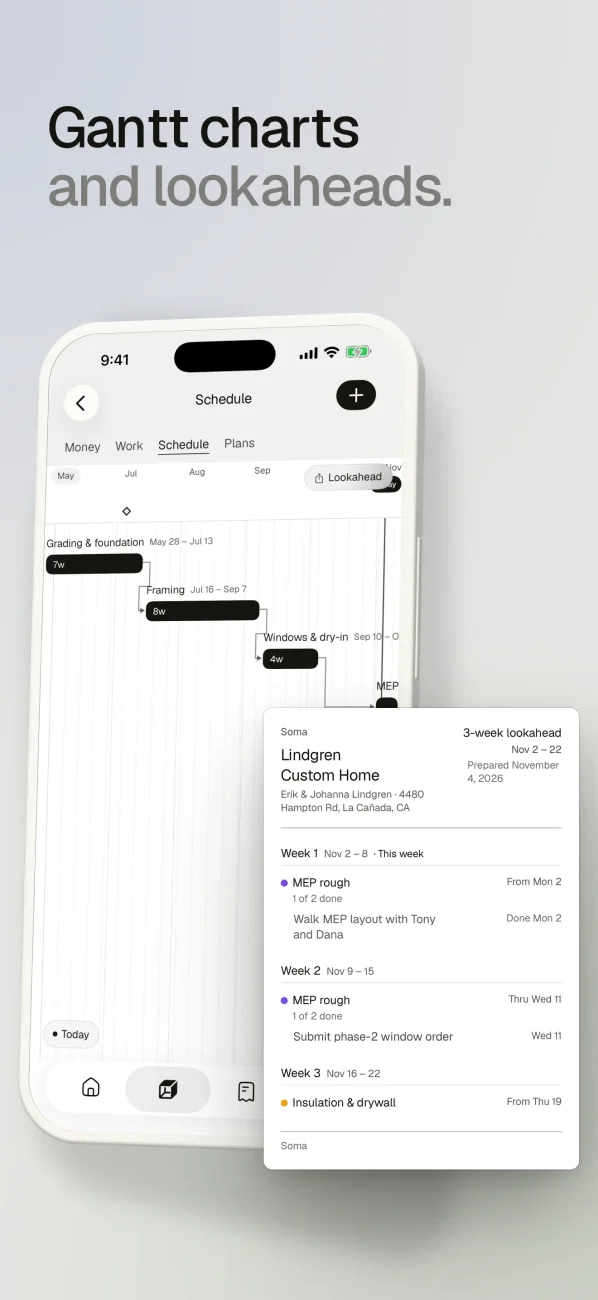
Gantt charts and lookaheads
See every phase on a Gantt chart. Move one and the phases after it follow. Send a 1 to 6 week lookahead on your letterhead.
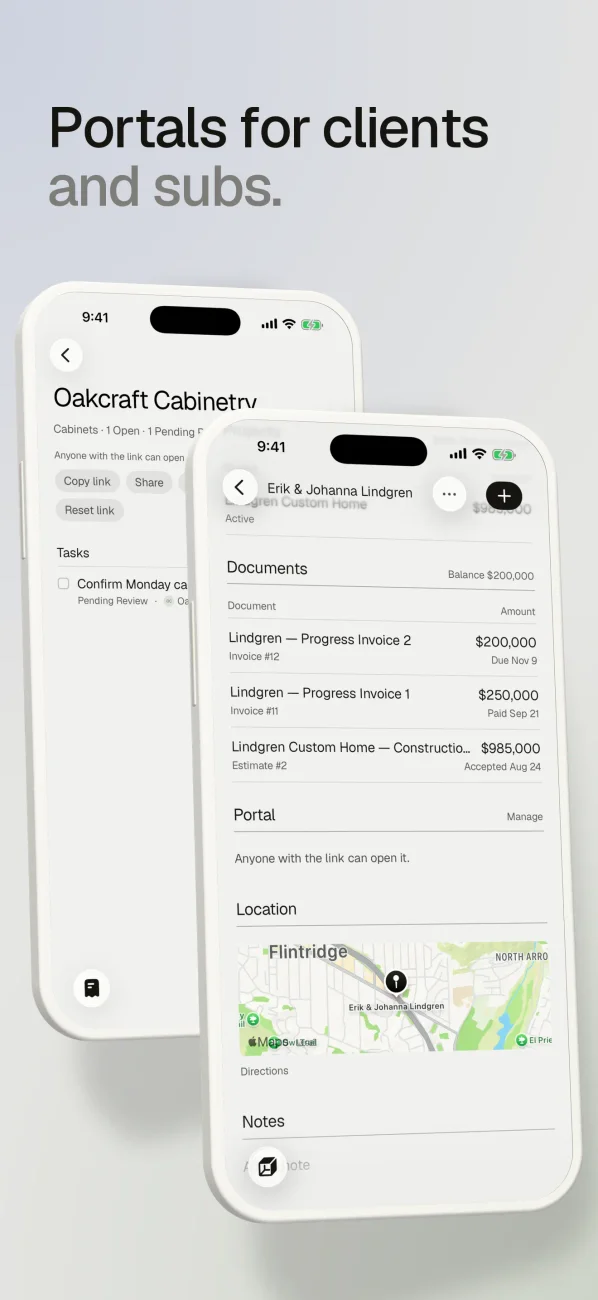
Portals for clients and subs
Give clients and subs their own page with a link. Subs send their work back for your review.
On iPhone and the web
Use Projects on your phone on site and on the web at your desk. Everything stays in sync.
Start with a free account. Some features require a paid plan. Available tools depend on your workspace plan and role.
What’s new
Version 1.0.12 · Nov 5, 2026
• Pick a cover when you create a project: one of six scenes or your own photo.
• Draw on a plan with your finger. Ink keeps its color in dark mode.
• Task cards: the title holds still while you type, the sheet opens complete, and dragging only reorders.
• Plan, markup and receipt uploads no longer fail, and photo plans open.
• Empty pages show one clear next step.
• A new sign-up screen.
App privacy
What Will Cabral declares on the App Store about how this app handles data.
-
Data linked to you
May be collected and linked to your identity.
- Contact info
- User content
- Identifiers
-
Data not linked to you
May be collected but is not linked to your identity.
- Usage data
- Diagnostics
Privacy practices may vary, for example with the features you use or your age.
Information
- Seller
- Will Cabral
- Category
- Business
- Version
- 1.0.12
- Updated
- Nov 5, 2026
- Released
- Jul 17, 2026
- Size
- 112.5 MB
- Requires
- iOS 17.0 or later
- Age rating
- 4+
- Price
- Free
- Languages
- English
- Copyright
- © 2026 Projects.build
You might also like
-
 ConstructionBearPaperwork written from the job
-
 ConstructeamsConstruction field management
-
 CPro360 ConstructionRun your jobsite anywhere
-
 MARSANPartner finances, settled fair
-
 BuildProof ConstructionConstruction Punch Lists
-
 WorkReels AIAI Construction Software
-
 FieldGrid - Construction AppConstruction Management
-
 FieldForce (Construction)Construction Blueprint & PDF
-
 Foreman: Construction PMRun your jobsite from here
-
 BlueprintHQ: Plans on SiteBlueprints synced for crews