
- Age rating4+
- CategoryEducation
- DeveloperPromethean
- LanguagesEnglish+ 27 more
- Size66.1 MB
Links to the official App Store page
Download.org hosts no file of Promethean. The button opens its official App Store page, published by Promethean. Listing last checked on Nov 18, 2026.
Screenshots
About
Put classroom collaboration into the hands of students and teachers and panel management into the hands of school IT administrators.
The Promethean mobile app is designed for teachers and students to interact with Promethean ActivPanels from anywhere in the classroom. Teachers have the ability to sign in and access their Promethean profile. For IT administrators, the Promethean mobile app helps to enroll ActivPanels into their panel management to make updates easier.
Students can
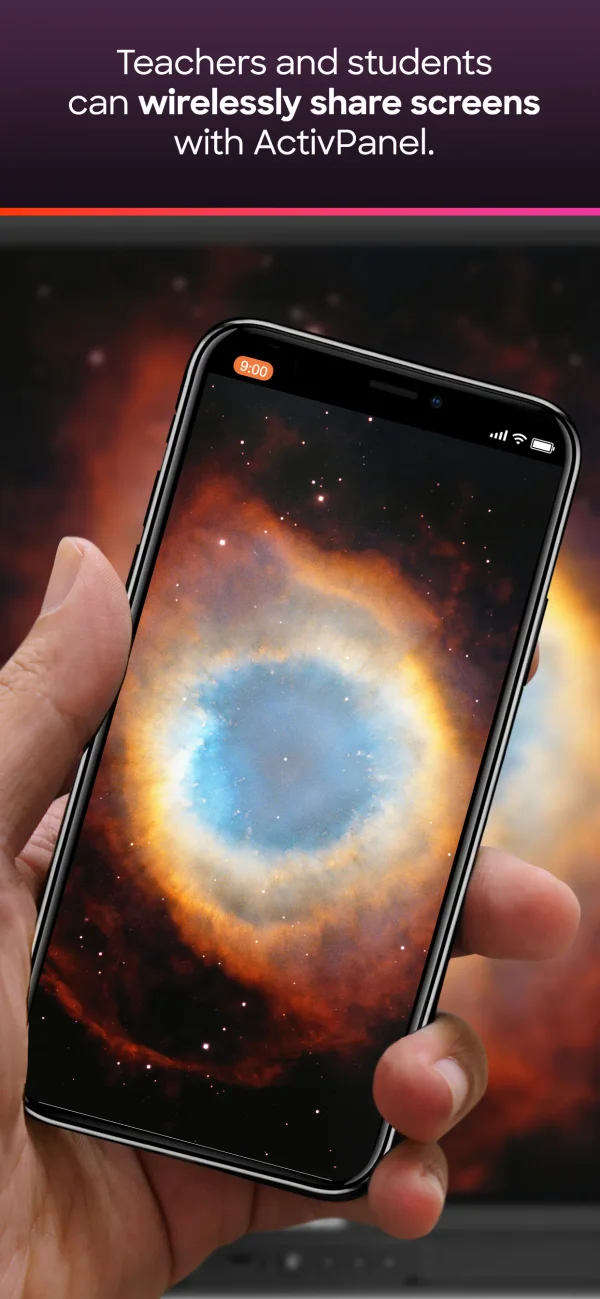
• Wirelessly share the screen from their mobile device to ActivPanels with Screen Share or Screen Share in Promethean ActivSuite.
• No sign-in required.
Teachers can
• Wirelessly share the screen from their mobile device to ActivPanels with Screen Share or Screen Share in Promethean ActivSuite.
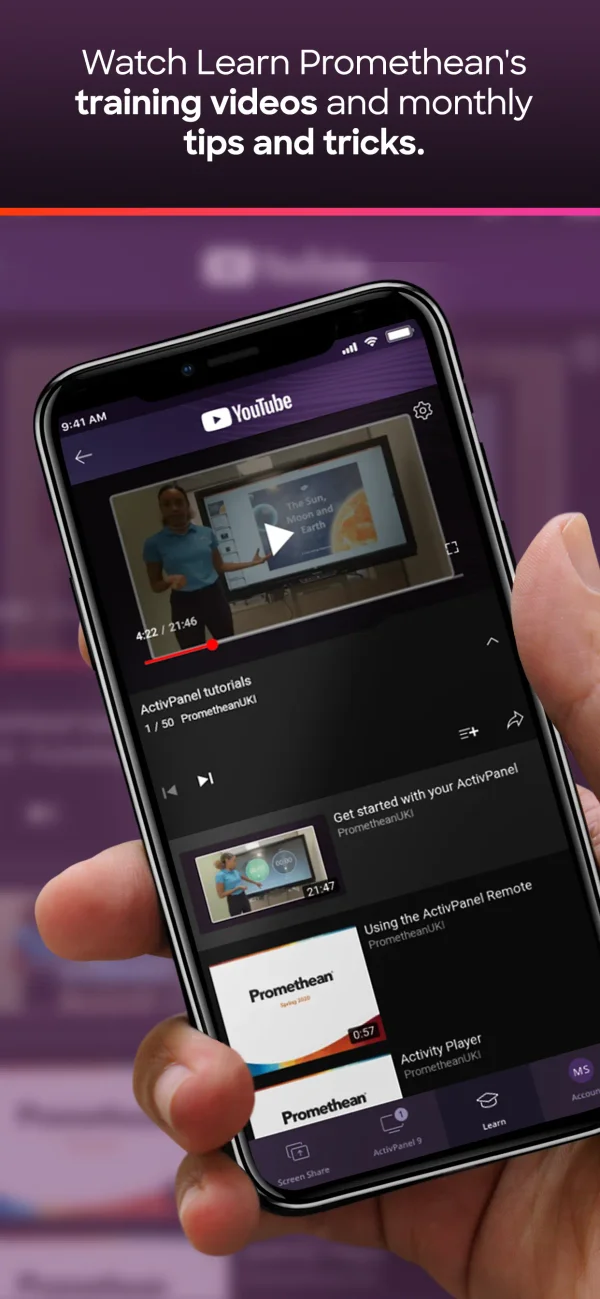
• Access Promethean user tutorials and training materials on Learn Promethean directly through the app.*
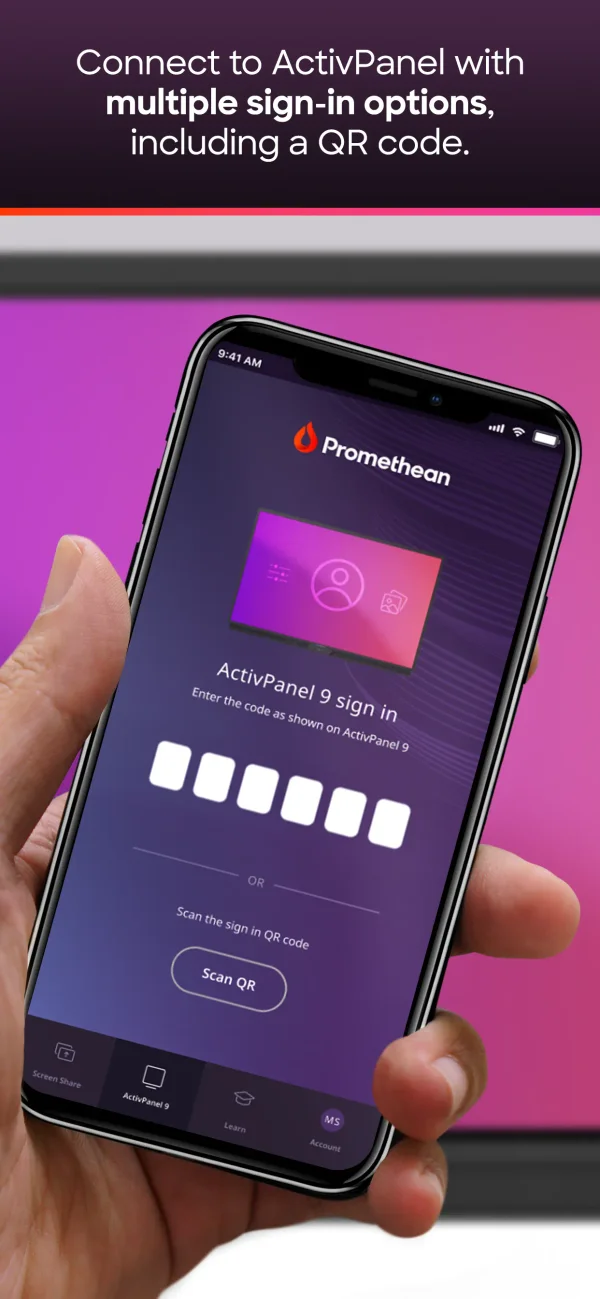
• Sign in to their Promethean account to access Promethean ActivSuite and sign in to their ActivPanel 9.
IT Administrators can
• Sign in to their Promethean account.
• Wirelessly share the screen from their mobile device to ActivPanels with Screen Share or Screen Share in Promethean ActivSuite.
• Access Promethean user tutorials and training materials on Learn Promethean directly through the app*
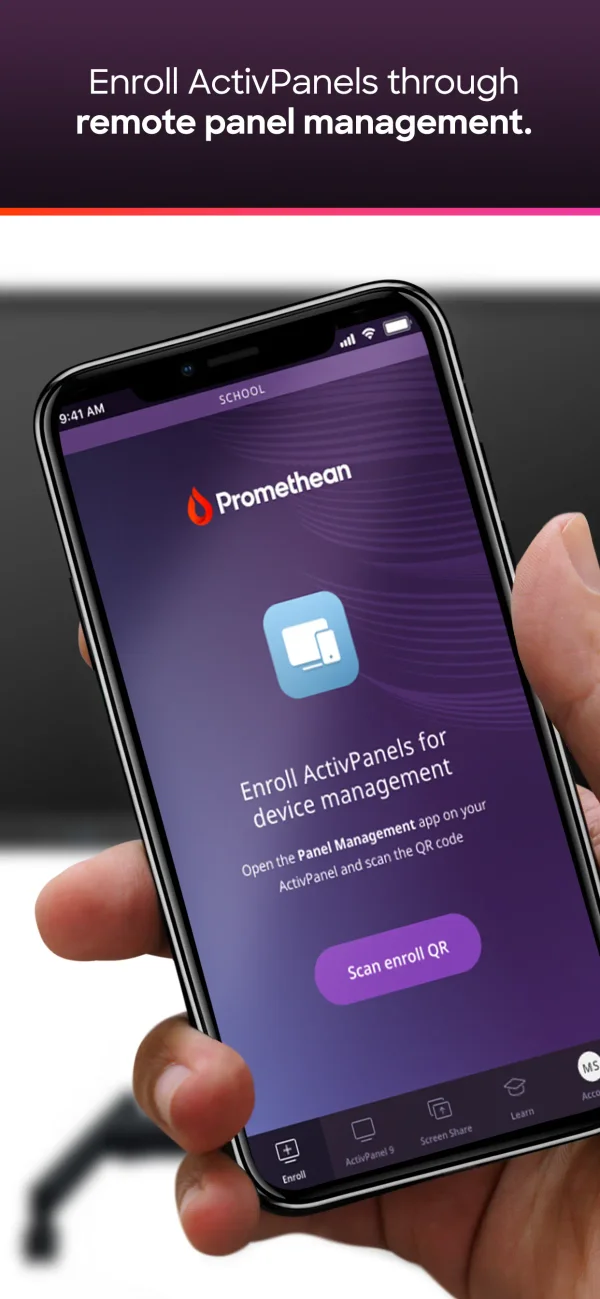
• Enroll ActivPanels into a school organization, name the panel, associate it with groups and verify that it was enrolled successfully.
NOTES:
• The Promethean app requires a device where a Promethean account can be accessed or Promethean ActivPanel Elements (Nickel, Cobalt, Titanium) series panels with Software Release (SR) 3.2 or newer.
• Panel sign in is only available for ActivPanel 9 series.
• Screen Share must be enabled on ActivPanel to utilize Screen Share from the Promethean app.
* Dependent upon language"
What’s new
Version 4.5.0 · Jul 27, 2026
• QR Code-based authentication for faster sign-in to a Promethean account.
• 6-character verification code entry to confirm user identity.
• Real-time sign-in validation with visual progress indicators.
• Clear error messaging when an invalid code is entered.
• Successful sign-in confirmation screen upon authentication.
• View Devices option to review signed-in devices currently.
• Ability to scan a new QR code or use another code if needed.
App privacy
What Promethean declares on the App Store about how this app handles data.
-
Data not linked to you
May be collected but is not linked to your identity.
- Usage data
Privacy practices may vary, for example with the features you use or your age.
Information
- Seller
- Promethean
- Category
- Education
- Version
- 4.5.0
- Updated
- Jul 27, 2026
- Released
- Jul 20, 2019
- Size
- 66.1 MB
- Requires
- iOS 15.0 or later
- Age rating
- 4+
- Price
- Free
- Languages
- English, Arabic, Czech, Danish, Dutch, Finnish, French, German, Hungarian, Indonesian, Italian, Japanese + 16 more
- Copyright
- © 2018 Promethean Limited
You might also like
-
 Explain Everything WhiteboardVideo Lessons, Drawing & Notes
-
 TPT (Teachers Pay Teachers)PreK-12 Resources for Teachers
-
 PBIS Rewards StaffEducation
-
 Raptor AlertEmergency Management for K12
-
 Planbook MobileThe leading lesson planner
-
 Red Rover K12Absence Management, Simplified
-
 SmartFind ExpressMobile App for Substitutes
-
 TEACHERS | TalkingPointsSchool Communication
-
 Boom CardsActivities Made By Educators
-
 Canvas TeacherMobile teaching companion