
- Age rating4+
- CategoryProductivity
- DeveloperMuhammad Zeeshan Hussain
- LanguagesEnglish
- Size34.4 MB
Links to the official App Store page
Download.org hosts no file of Prompt Designer. The button opens its official App Store page, published by Muhammad Zeeshan Hussain. Listing last checked on Nov 16, 2026.
Screenshots



About
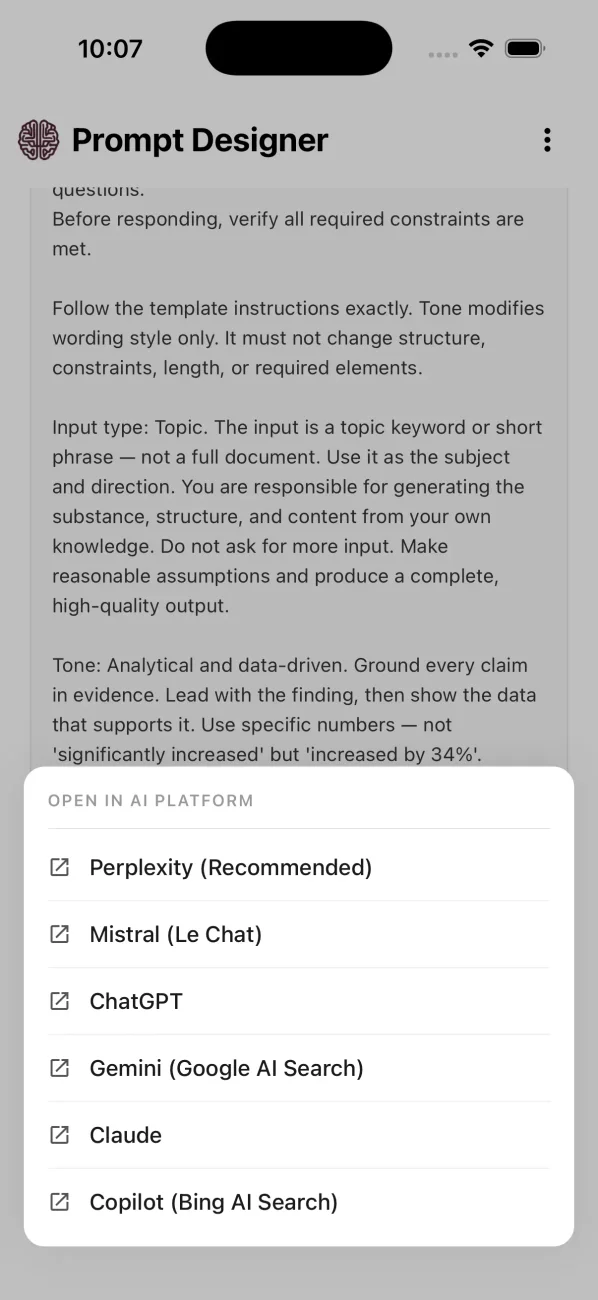
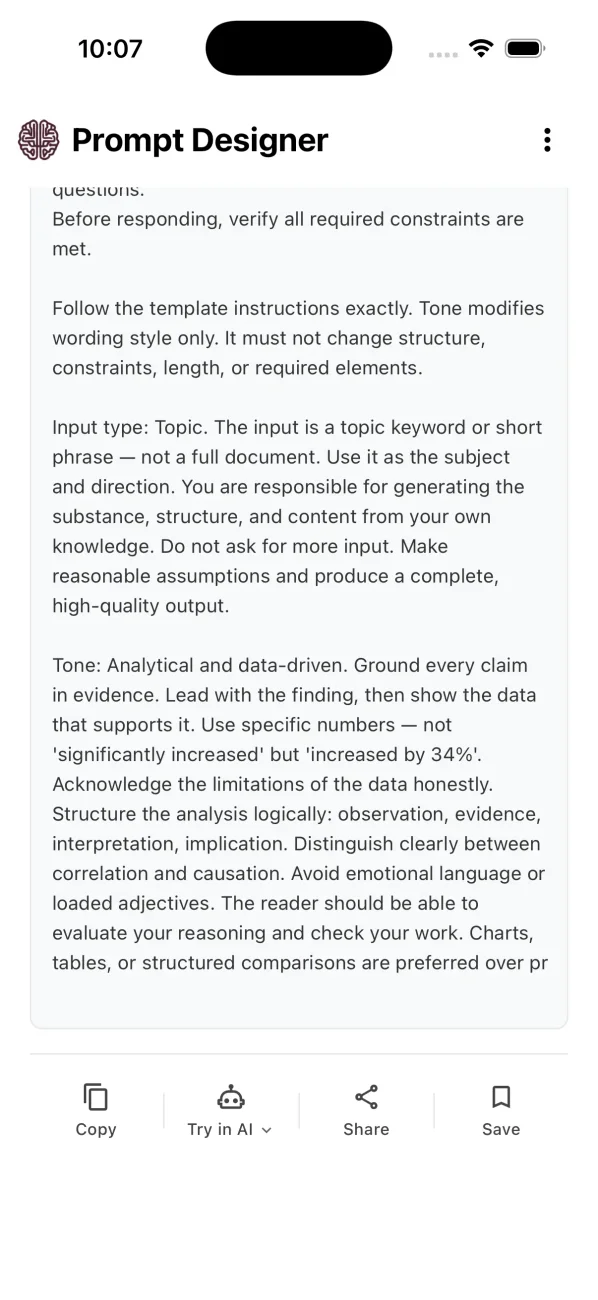
Prompt Designer helps you create, refine, save, share, and test high-quality AI prompts from your phone.
Whether you're writing content, building workflows, testing integrations, or turning rough ideas into polished prompts, Prompt Designer gives you a structured way to work faster and get better AI output.
Create better prompts with less guesswork
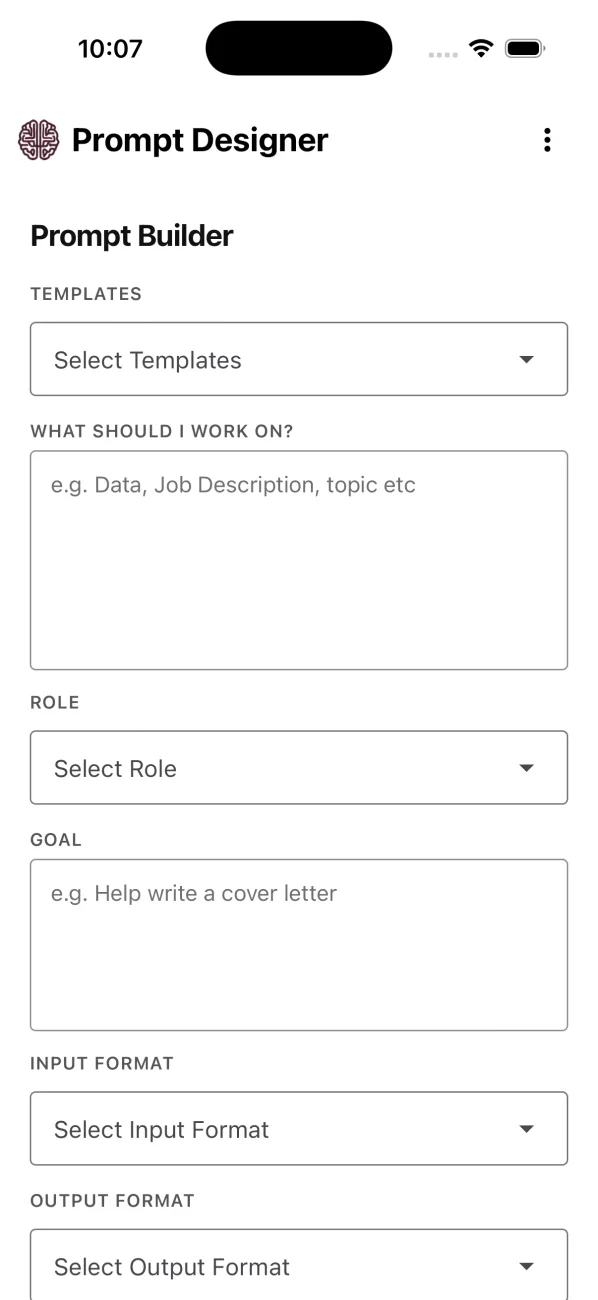
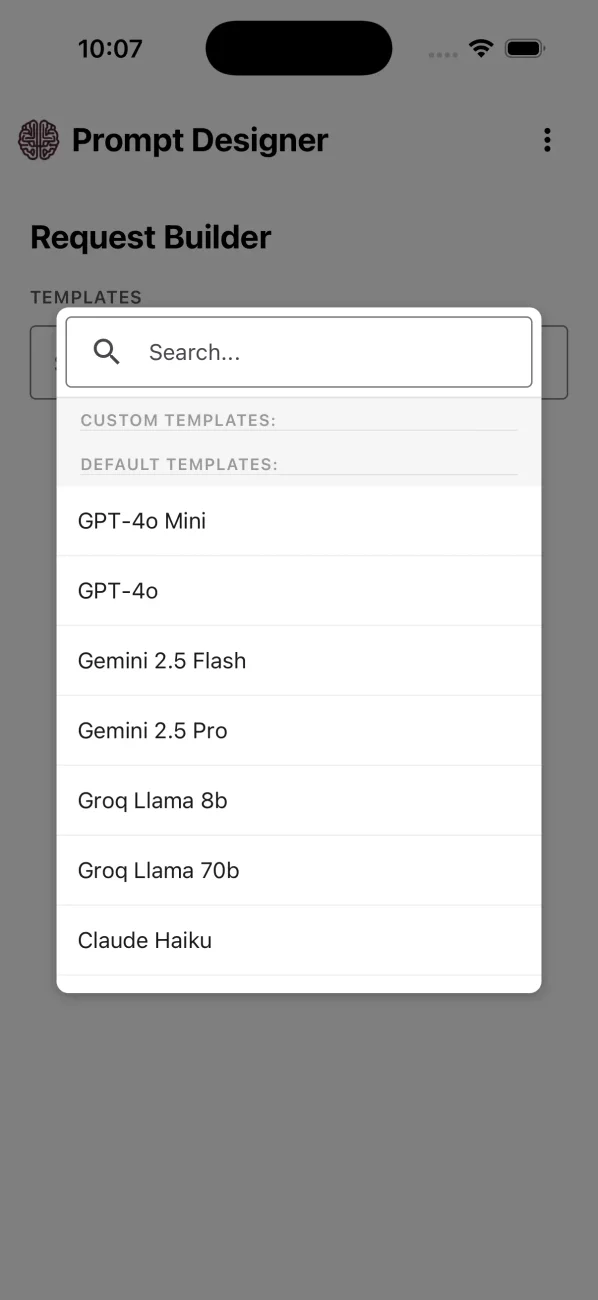
Build prompts using guided fields for role, goal, input, output format, tone, and additional instructions. Start from scratch or use ready-made templates for common use cases.
Convert rough ideas into structured prompts
Use Prompt Converter to turn simple or messy prompt ideas into cleaner, reusable prompt templates. Great for improving consistency and speeding up your workflow.
Save, reuse, and share your best prompts
Create your own prompt templates, save them locally, and share prompts with others when you want to collaborate or reuse winning workflows across devices and teams.
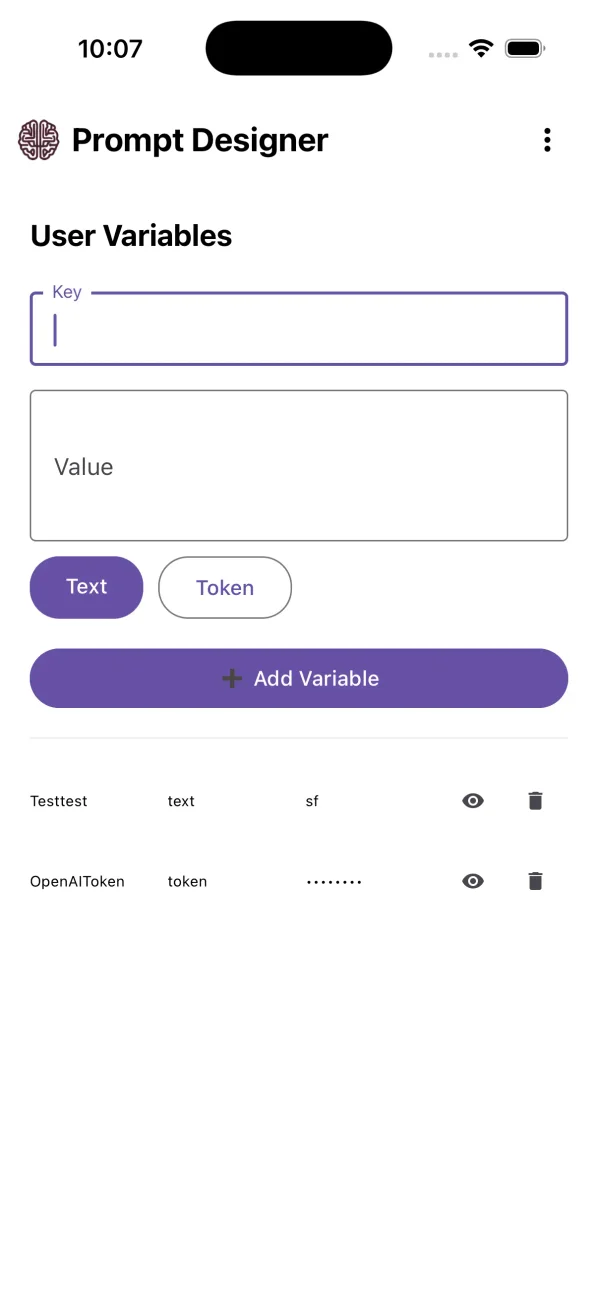
Store variables once
Save API keys, tokens, and frequently used values as User Variables, then insert them into prompts and request templates without repetitive copy and paste.
Test APIs and webhooks
Build and send requests directly from the app using custom headers, body parameters, methods, and saved variables. Useful for developers, builders, and anyone working with AI integrations.
Private by default
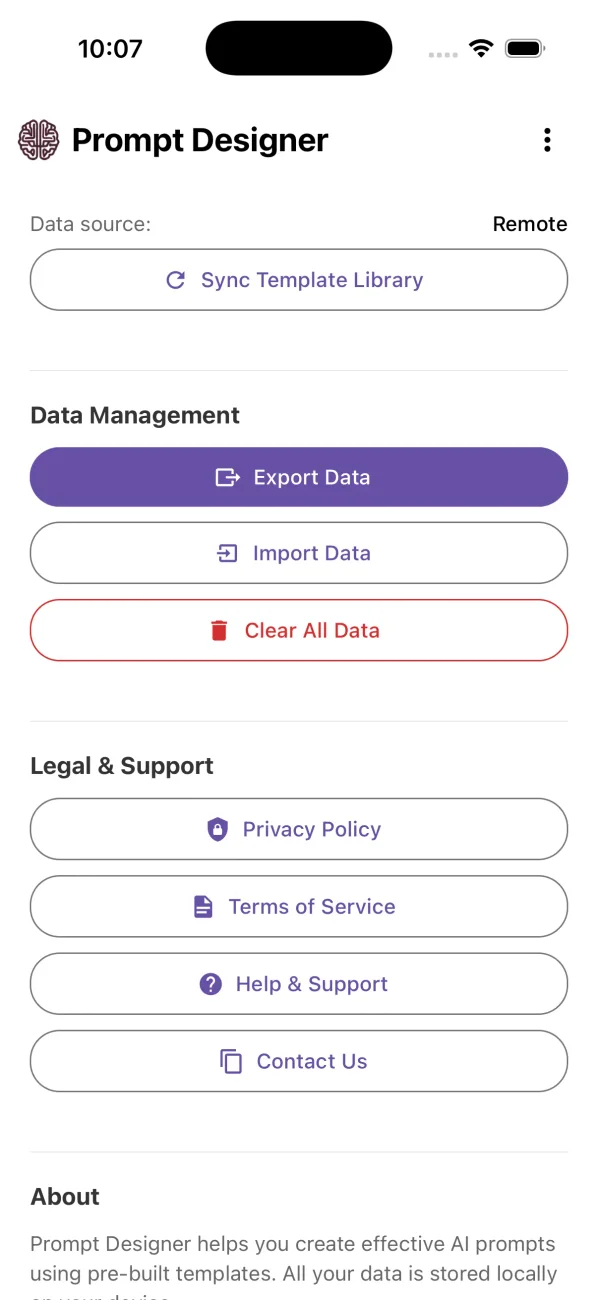
Your templates, saved variables, and prompt data stay on your device unless you choose to share them. No account required.
What you can do with Prompt Designer
Build structured AI prompts
Use ready-made prompt templates
Convert rough prompts into polished prompt structures
Save and reuse custom templates
Share prompts with others
Store tokens and reusable variables
Test APIs and webhooks
Export and import local data
Work without creating an account
Great for
Anyone who wants better results from AI tools
People who struggle to write clear prompts
AI power users and prompt engineers
Developers and builders testing workflows
Marketers, writers, and content creators
Founders, operators, and teams using AI at work
What’s new
Version 2.0.2 · Apr 16, 2026
- UI Improvements
- Keyboard overlap issue
App privacy
What Muhammad Zeeshan Hussain declares on the App Store about how this app handles data.
-
Data not linked to you
May be collected but is not linked to your identity.
- Identifiers
- Usage data
- Diagnostics
Privacy practices may vary, for example with the features you use or your age.
Information
- Seller
- Muhammad Zeeshan Hussain
- Category
- Productivity
- Version
- 2.0.2
- Updated
- Apr 16, 2026
- Released
- Jan 27, 2026
- Size
- 34.4 MB
- Requires
- iOS 15.1 or later
- Age rating
- 4+
- Price
- Free
- Languages
- English
- Copyright
- © 2026 Adeptimus
You might also like
-
 PromptSmithAI Prompt Creation Assistant
-
 AI Mr PromptMaster the Art of AI Prompting
-
 Prompt Tutor: AI Prompt MakerPrompt Engineering Templates
-
 Promtify: AI Prompt GeneratorAI Writing & Prompt Optimizer
-
 QuickPrompts: AI Prompt HelperYour Mobile Prompt Library
-
 ChatLLM: AI Chat, Bot & AgentVoice, Image, Video & Notes
-
 Base44: Build with AITurn ideas into software
-
 Google AI Edge GalleryPrivate, Fast, Offline AI
-
 Locally AI by LM StudioLocal & Private AI Assistant
-
 Lovable: Build Apps With AIBuild Websites & Tools Fast