
Prompt Timer
Teleprompter countdown remote
Designed for iPhone, iPad
Free · In-app purchases
- Age rating4+
- CategoryProductivity
- DeveloperSwift7Media Ltd
- LanguagesEnglish
- Size4.4 MB
Links to the official App Store page
Download.org hosts no file of Prompt Timer. The button opens its official App Store page, published by Swift7Media Ltd. Listing last checked on Nov 17, 2026.
Screenshots
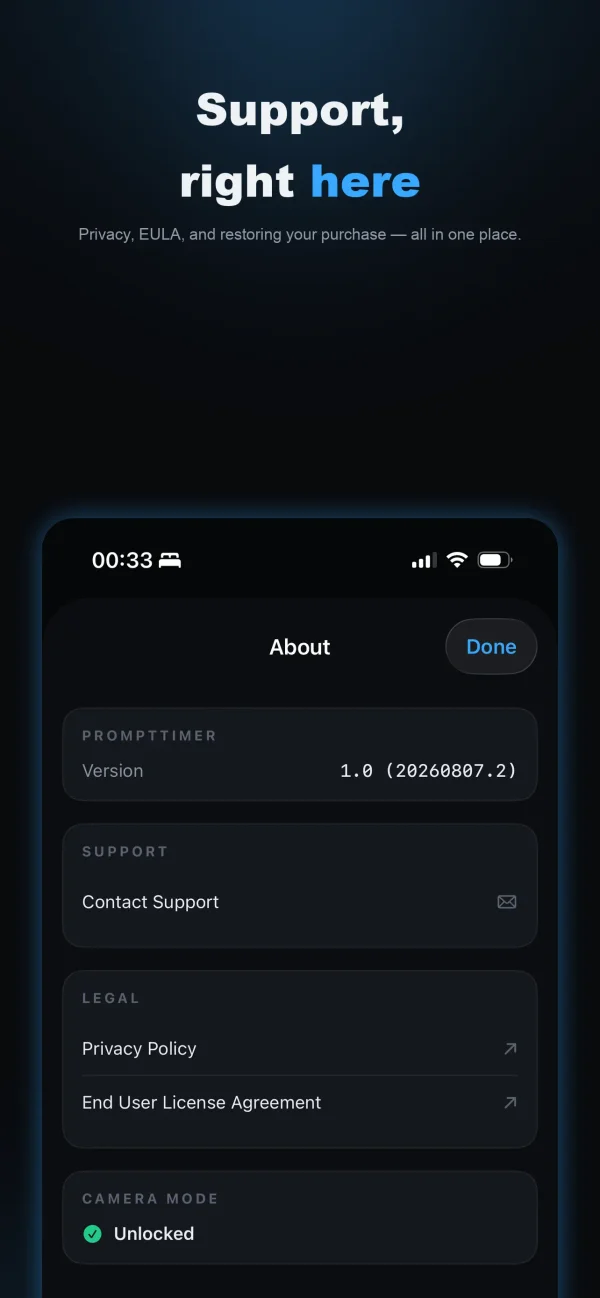
About
PromptTimer transforms your devices into a full-service countdown rig.
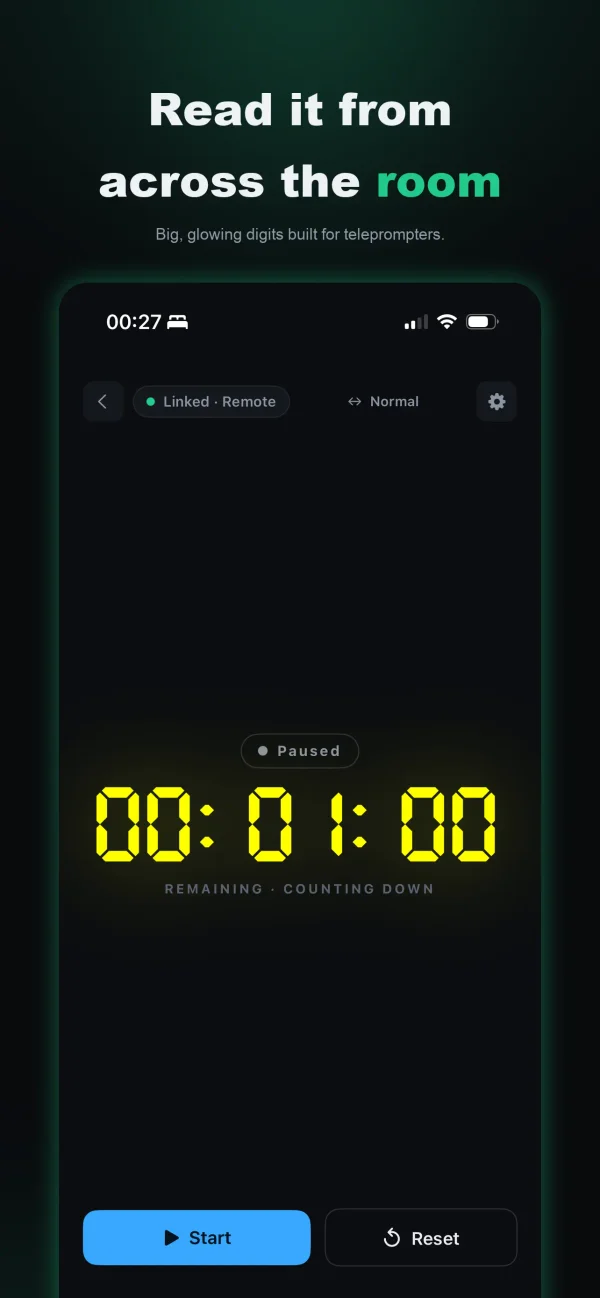
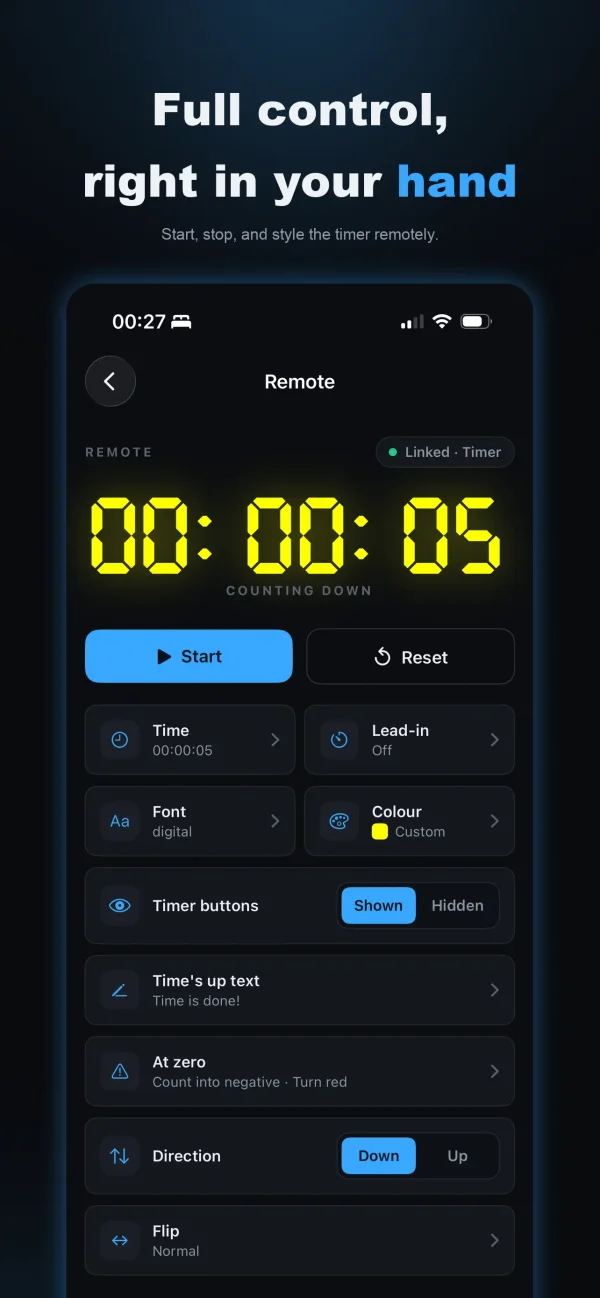
Your first selected device displays the large countdown timer for a presenter to see, while the second device can sit in your hand, or even on your wrist. It allows you to start, stop and adjust the timer display without interrupting the camera shot or the presenter.
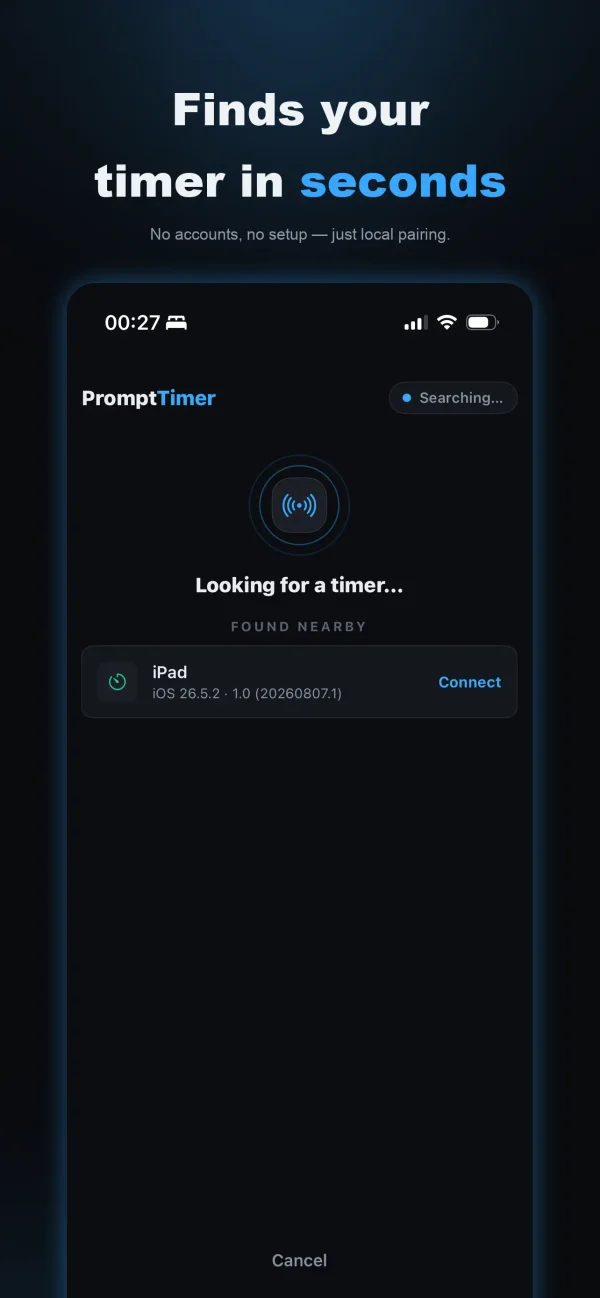
There are no accounts or internet required. Simply open the app on both devices and they'll automatically find each other.
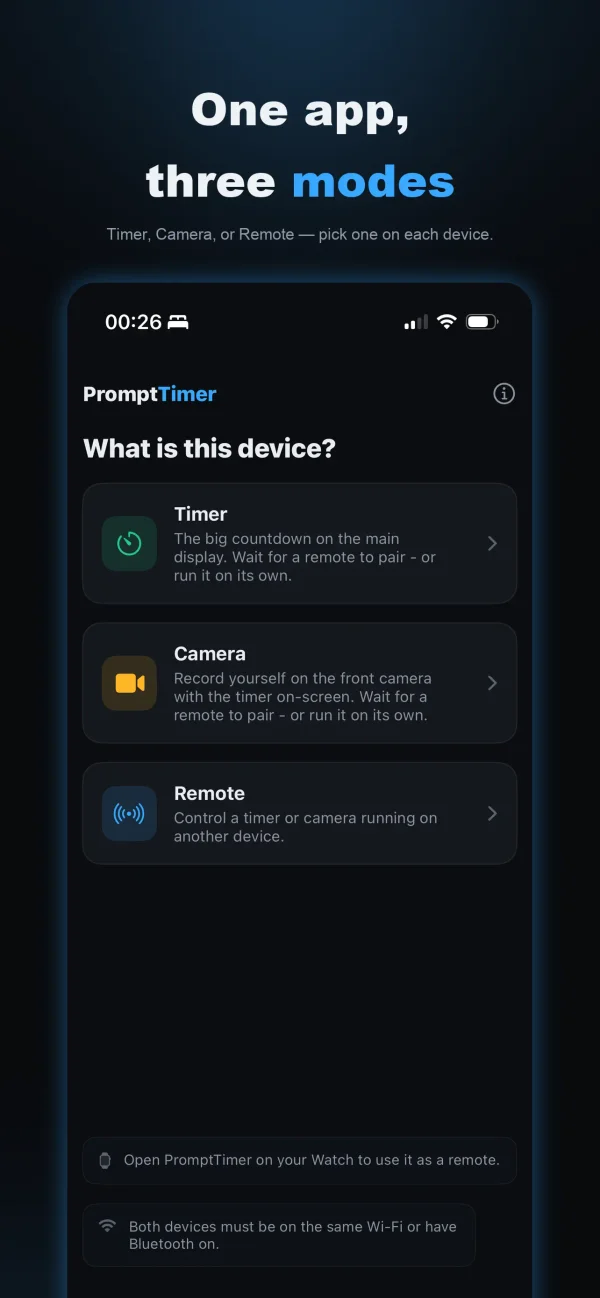
Choose a mode for each device:
Timer: Displays a large countdown timer, which can be placed on a surface in front of the presenter
Camera: Records from the front camera, while clearly displaying the countdown on screen, in a choice of positions
Remote: Controls the main timer, allowing you to start, pause, reset and style the timer on the other device.
Using the app but only have one device? That works too! Simply tap "Start without a remote" to begin.
Apple Watch remote included:
Wear the remote instead of holding it. Prop your iPhone or iPad up as the Timer or Camera and run the whole take from your wrist - no second phone or tablet needed!
- Watch the live countdown at a glance
- Start, pause and reset without touching the main timer display
- Begin and end your recording in Camera mode
- Set the duration with the Digital Crown, or tap one of the built-in presets
- Adjust the lead-in between takes.
Seamless pairing:
Your devices communicate directly with each other. They simply need to be on the same Wi-Fi network or have Bluetooth enabled.
(Note: Filmed content remains on the device that captured it and is automatically saved to your camera roll.)
What’s new
Version 1.1 · Oct 22, 2026
Updated for iPhone Duo
App privacy
What Swift7Media Ltd declares on the App Store about how this app handles data.
-
Data not linked to you
May be collected but is not linked to your identity.
- Usage data
Privacy practices may vary, for example with the features you use or your age.
Information
- Seller
- Swift7Media Ltd
- Category
- Productivity
- Version
- 1.1
- Updated
- Oct 22, 2026
- Released
- Aug 17, 2026
- Size
- 4.4 MB
- Requires
- iOS 17.6 or later
- Age rating
- 4+
- Price
- Free
- In-app purchases
- Yes
- Languages
- English
- Copyright
- © 2026 PromptTimer
You might also like
-
 Time Travel ProWorld Clock & Meeting Planner
-
 LiveClock the Gig TimerPro Precision Gig Timer
-
 EdworkingRemote Work
-
 Ask Me Anything - Ai assistantChat GPT Writing Assistant
-
 Stage TimerRemote Controlled Countdown
-
 Emoji Emoticon KeyboardArt Text Pics
-
 Wingman: AI agent & assistantAI agent to help run business
-
 Tally & Click CounterScore, Track and Export
-
 Yoodoo: ADHD Daily PlannerTime Blocking & Focus Timer
-
 Habit TrackerProductivity & Daily Planner