
- Age rating4+
- CategoryBusiness
- DeveloperJustin Bohrer
- LanguagesEnglish
- Size15.1 MB
Links to the official App Store page
Download.org hosts no file of PropertyReporter. The button opens its official App Store page, published by Justin Bohrer. Listing last checked on Nov 22, 2026.
Screenshots



About
PropertyReporter is a professional property inspection and reporting app designed for property managers, inspectors, and real estate professionals.
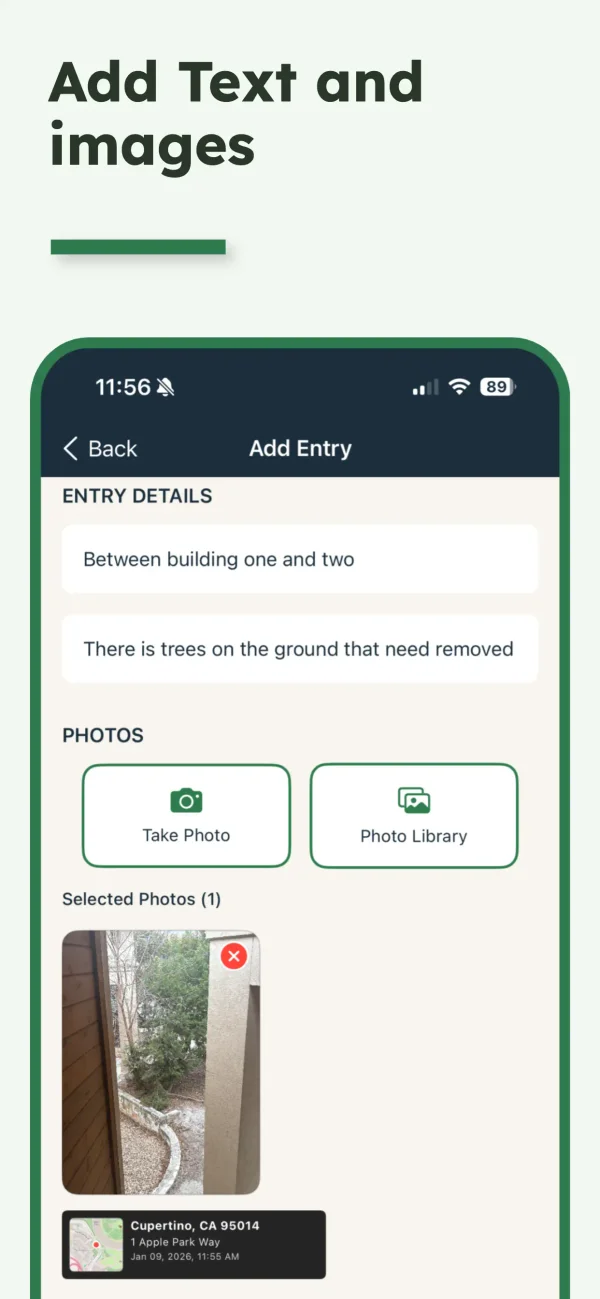
Create detailed inspection reports with photos, notes, and location data — even without an internet connection. PropertyReporter uses an offline-first design, so your work is always saved locally and automatically synced when you’re back online.
Key Features
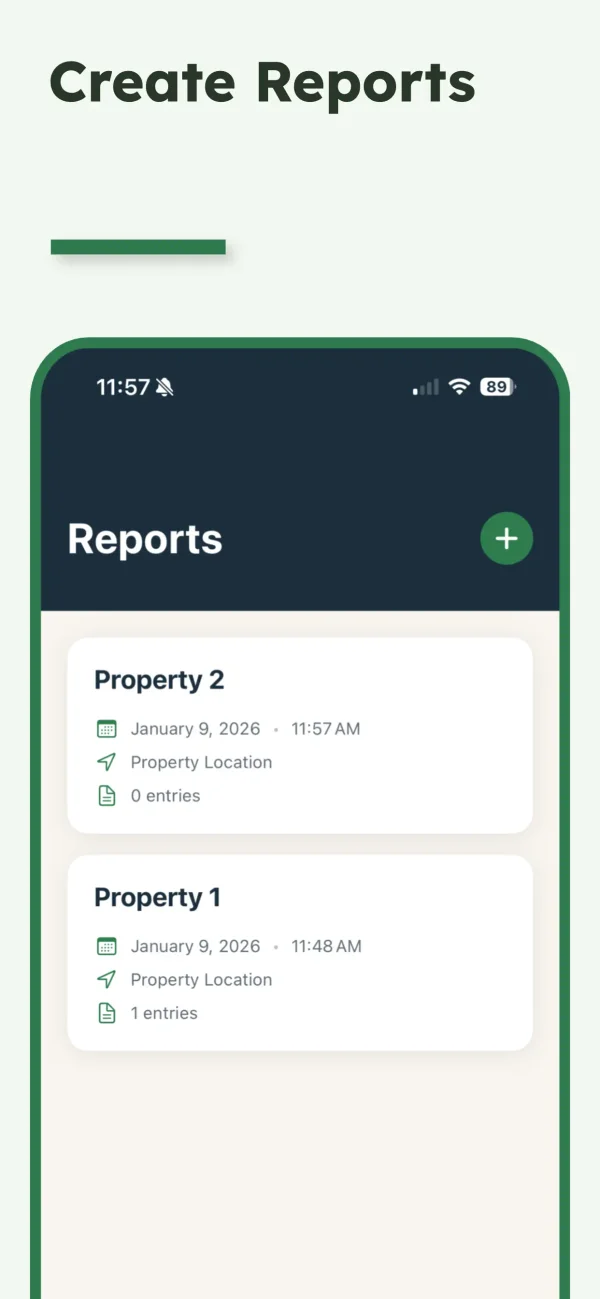
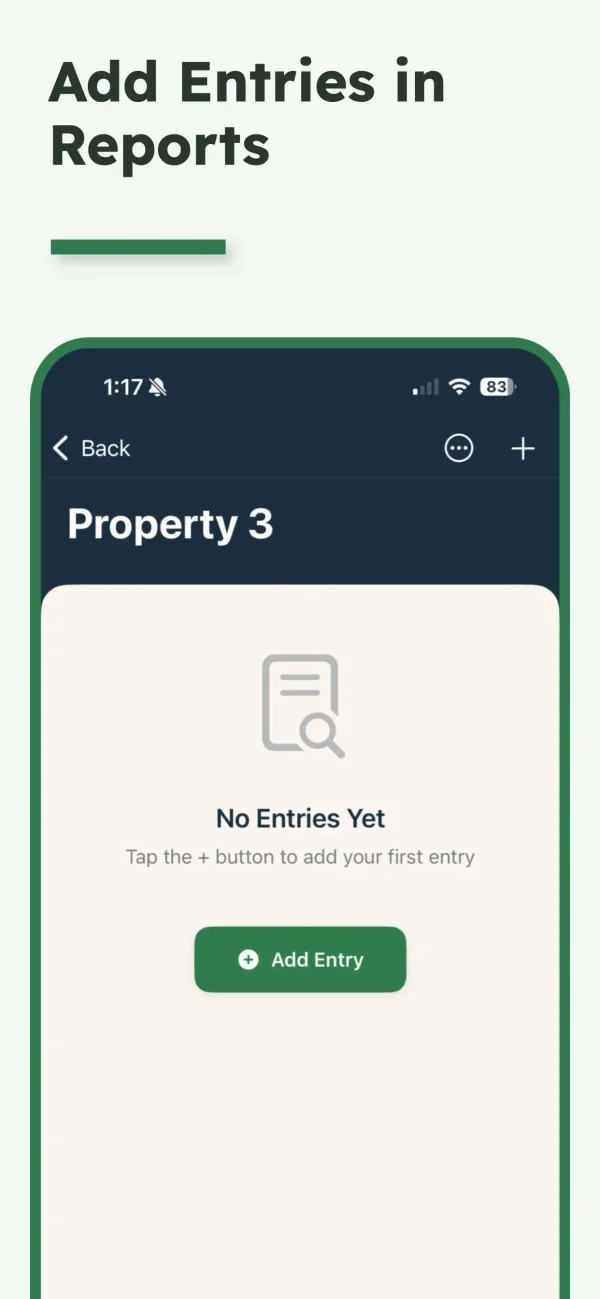
• Create and manage property inspection reports
• Add multiple photos per entry with notes and metadata
• Automatic GPS location tagging and address lookup
• Generate and export professional PDF reports
• Secure user accounts with Firebase authentication
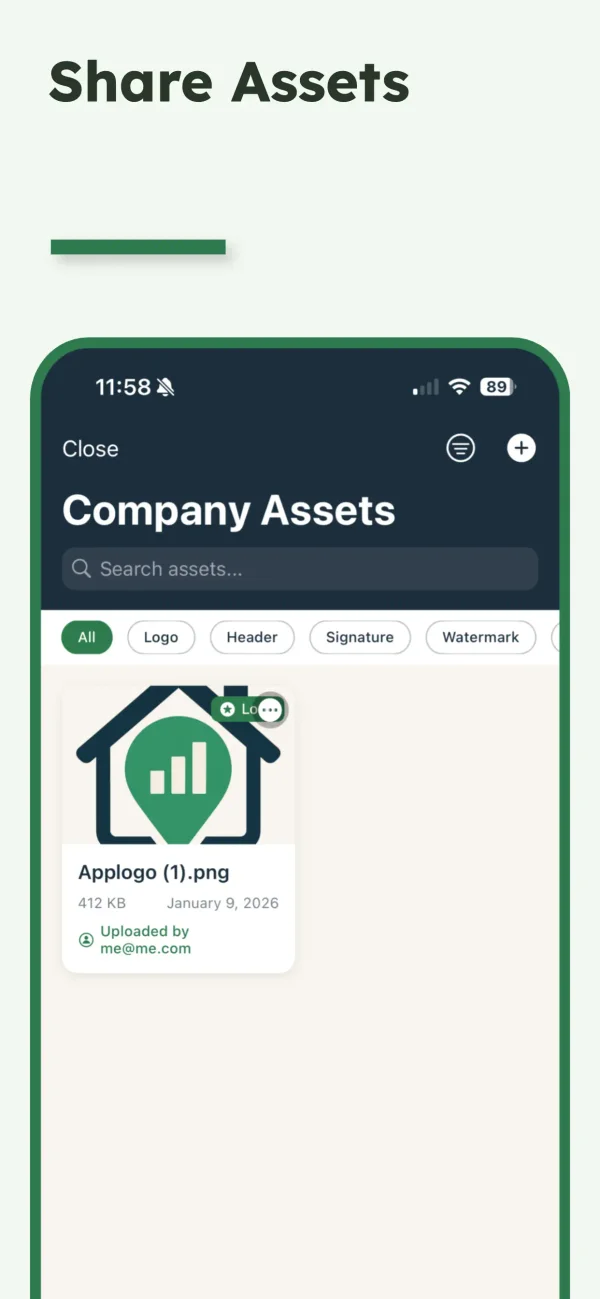
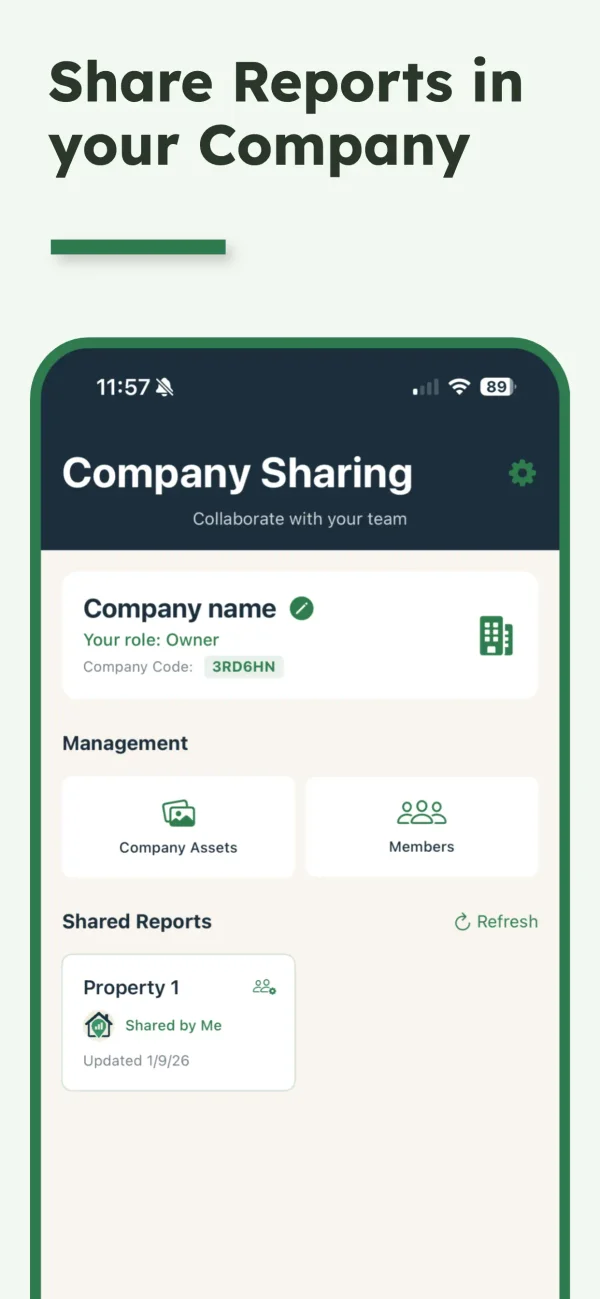
• Company collaboration with shared reports and assets
• Offline-first reliability with background sync
Built for Teams
Invite your team to a shared company workspace using a secure company code. Share reports, manage members, and collaborate in real time — with role-based permissions for owners, admins, and members.
Offline-First Reliability
• Work without internet access
• Automatic background syncing
• Visual sync status indicators
• No data loss on poor connections
Designed for iOS
PropertyReporter is built with SwiftUI and modern iOS design patterns, delivering a clean, fast, and intuitive experience optimized for all iPhone sizes.
Whether you’re on-site or in the office, PropertyReporter keeps your inspections organized, accurate, and professional.
What’s new
Version 1.20 · Jun 17, 2026
PDF Exports
New export options panel lets you choose which entries to include before generating a PDF
Add your company logo to any PDF export — place it at the top or bottom of the document
Fixed an issue where landscape photos appeared zoomed in or cropped in exported PDFs
Images in PDFs now export at full size with a sharper, more professional appearance
Image Editing
Full image editing support including crop, rotation, and drawing
Faster performance with optimized preview images
Background upload with clear progress indicators
Improved PDF exports with edits automatically applied
Improvements
Better memory handling for large images to prevent crashes
Faster image processing and export performance
Improved syncing reliability and reduced duplicate uploads
General UI improvements across photo and PDF workflows
Compatibility improvements for iOS 26
Fixes and Stability
Addressed potential crashes related to image handling
Improved background upload consistency
Reduced unnecessary logging and cleaned up performance issues
Notes
No migration required for existing users
Older images without edits will continue to display normally
App privacy
What Justin Bohrer declares on the App Store about how this app handles data.
-
Data linked to you
May be collected and linked to your identity.
- Location
- Contact info
- User content
- Identifiers
Privacy practices may vary, for example with the features you use or your age.
Information
- Seller
- Justin Bohrer
- Category
- Business
- Version
- 1.20
- Updated
- Jun 17, 2026
- Released
- Jan 16, 2026
- Size
- 15.1 MB
- Requires
- iOS 16.4 or later
- Age rating
- 4+
- Price
- Free
- Languages
- English
- Copyright
- © Justin Bohrer
You might also like
-
 WalkCheckMove-In & Move-Out Walkthrough
-
 TenantEazy - Property & TenantRent smarter, live easy
-
 LandlordR: Property ManagerRentals, rent & maintenance
-
 Inspection Manager by JPMProperty inspections made easy
-
 Notify TenantPowered by Tenants
-
 SetRents Maintenance ManagerMaintenance & Work Orders
-
 TenantSyncAll in one for your properties
-
 happinest.ai | AI LeasingLease Faster. Maximize NOI.
-
 Asphyre for LandlordsRental Property Management
-
 RentAdminlyRental Property Management