
ProTune AI Camera
AI Auto: Shutter ISO Focus
Designed for iPhone, iPad
Free · In-app purchases
- Age rating4+
- CategoryPhoto & Video
- DeveloperGrepAwk LLC
- LanguagesEnglish
- Size20.1 MB
Links to the official App Store page
Download.org hosts no file of ProTune AI Camera. The button opens its official App Store page, published by GrepAwk LLC. Listing last checked on Nov 23, 2026.
Screenshots


About
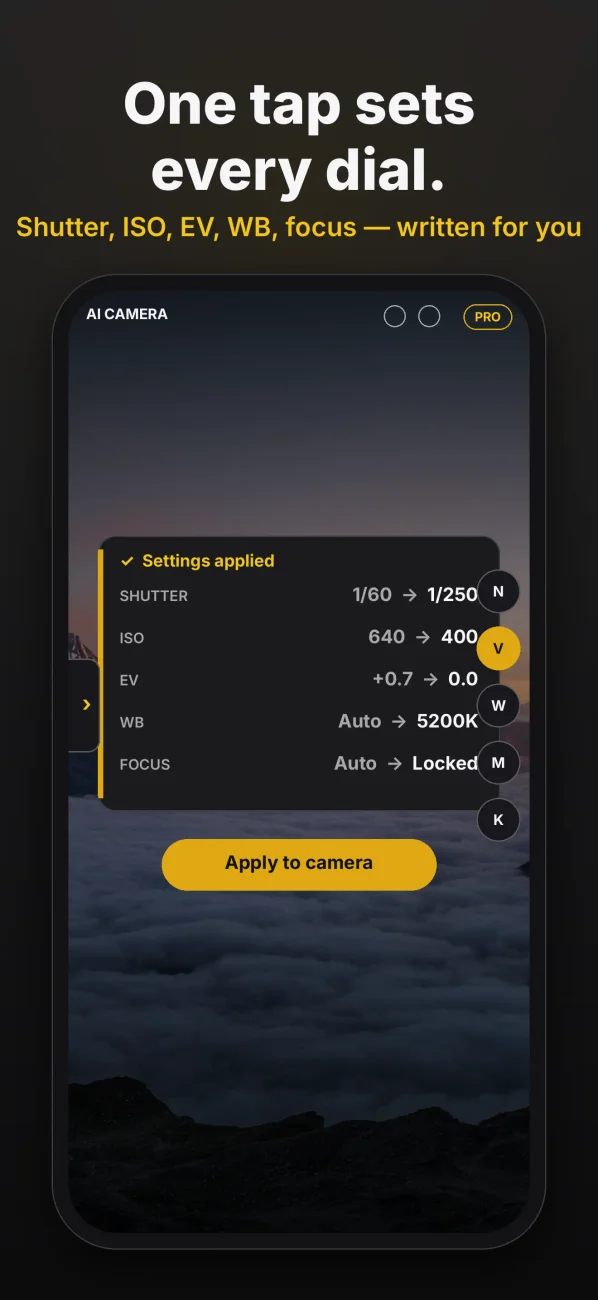
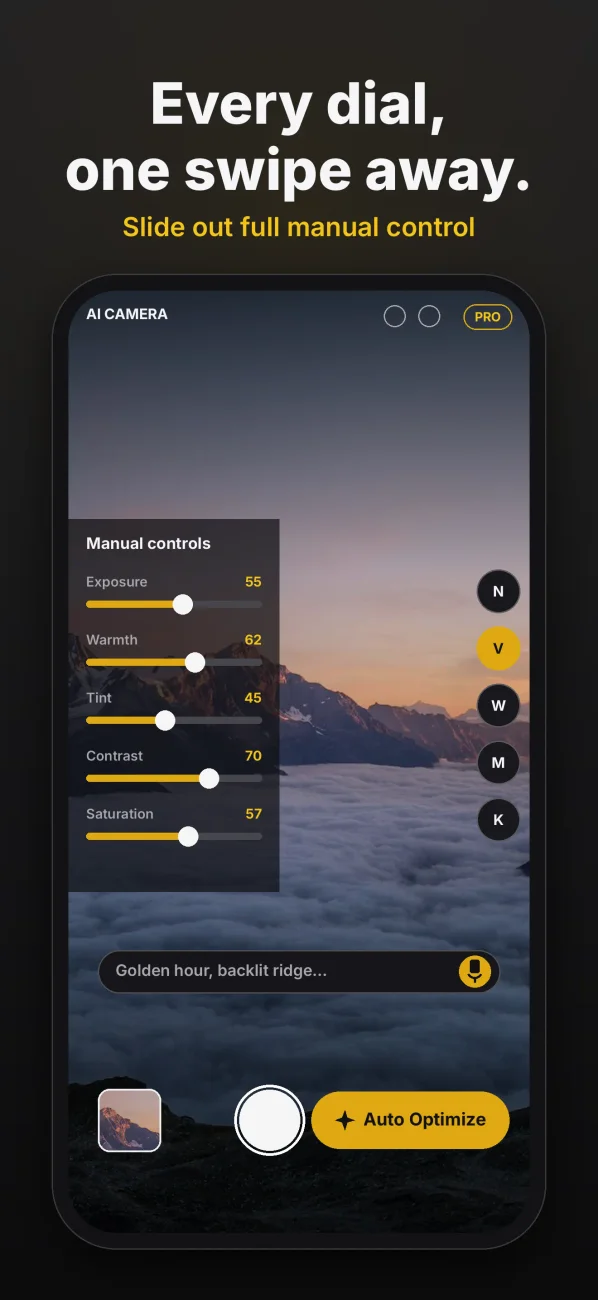
Better photos from your iPhone — no f-stops required. The camera is rebuilt around Auto Optimize: one primary button by the shutter sets every dial for you, field looks sit on a right-edge rail, and full manual control slides out from the left.
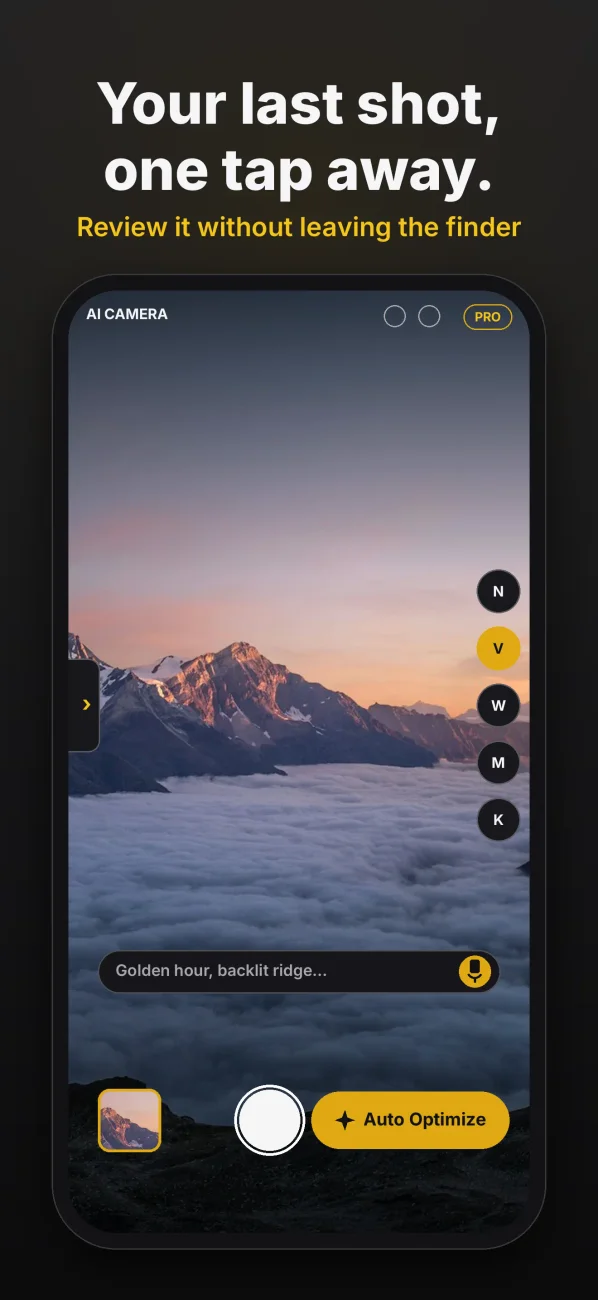
ProTune AI Camera is a field camera for photographers who want the recipe AND the dial position. Auto Optimize reads the scene, picks the right photo recipe, and writes real capture dials on your iPhone — shutter, ISO, EV, white balance, focus and zoom. Not filters. Real dials. Your last photo is always one tap away, and you can dictate the scene with the mic.
WHAT AUTO OPTIMIZE SETS
• Shutter / exposure duration
• ISO
• EV bias
• White balance (temp & tint)
• Focus lock
• Zoom / lens and torch, when the scene calls for it
EVERY DIAL, EXPLAINED
Teach Mode shows which recipe was chosen, which dials moved and why — an instructor over your shoulder, not a chat wall.
REAL DIALS, NOT FILTERS
Field looks are capture grades applied live in the viewfinder — golden hour, mono ink, teal orange and more — with intensity you control. Name one out loud or type it and it's applied on-device. Never beauty filters. Never sky replacement.
SELFIE MODE
Front camera gets the same treatment: face-tuned Auto Optimize and fixed capture, so self-portraits get real exposure decisions too.
FREE PEEK VS PRO
• Free: browse every recipe, live viewfinder, 1 Auto Optimize per day
• AI Camera Pro: unlimited Auto Optimize, manual dials, full Teach Mode, interactive field checklists
$7.99/month or $59.99/year with a 7-day free trial. Subscriptions via Apple In-App Purchase.
Terms of Use (EULA): https://www.apple.com/legal/internet-services/itunes/dev/stdeula/
Privacy Policy: https://photo.grepawk.com/privacy
BUILT FOR THE FIELD
Recipes come from classic field technique — panning, motion control, HDR, focus discipline, low angle — each with dials, steps and checklists.
What’s new
Version 1.8 · Nov 21, 2026
Fixed the camera in landscape: the preview stays upright, all controls stay on screen, and landscape photos save the right way up.
App privacy
What GrepAwk LLC declares on the App Store about how this app handles data.
-
Data used to track you
May be used to track you across apps and websites owned by other companies.
- Identifiers
-
Data linked to you
May be collected and linked to your identity.
- Purchases
- Identifiers
-
Data not linked to you
May be collected but is not linked to your identity.
- User content
Privacy practices may vary, for example with the features you use or your age.
Information
- Seller
- GrepAwk LLC
- Category
- Photo & Video
- Version
- 1.8
- Updated
- Nov 21, 2026
- Released
- Sep 30, 2026
- Size
- 20.1 MB
- Requires
- iOS 17.0 or later
- Age rating
- 4+
- Price
- Free
- In-app purchases
- Yes
- Languages
- English
- Copyright
- © 2026 Yisheng Jiang
You might also like
-
 Dual Camera: Front & Back ShotDouble Take Video Recorder
-
 LikeThis: Recreate PhotosPhoto Overlay Camera & Poses
-
 Strips CameraThe everything camera.
-
 Olino: Film & Creator CameraVintage looks, collage & 3D
-
 Evoke: AI Photo Color GradingPro Colorist Grade in One Tap
-
 WonderFilm: Cinema CameraShoot like a filmmaker
-
 Same Kind: AI Photo EnhancerFix Blurry Photos & Camera
-
 Refined: AI Video EditorVideo Editor for Yappers
-
 ClixlyTransform photos with AI magic
-
 Tonalier: Photo EditorProfessional edits in one tap