
Prune – storage cleaner
Clean up photos, free up space
Designed for iPhone
In-app purchases
- Age rating4+
- CategoryUtilities
- DeveloperYevhen Lavrynenko
- LanguagesEnglish+ 2 more
- Size11.4 MB
Links to the official App Store page
Download.org hosts no file of Prune – storage cleaner. The button opens its official App Store page, published by Yevhen Lavrynenko. Listing last checked on Nov 10, 2026.
Screenshots



About
Prune finds what's actually filling up your iPhone — and lets you decide what to do about it, one confirmed step at a time.
FIND WHAT'S EATING YOUR STORAGE
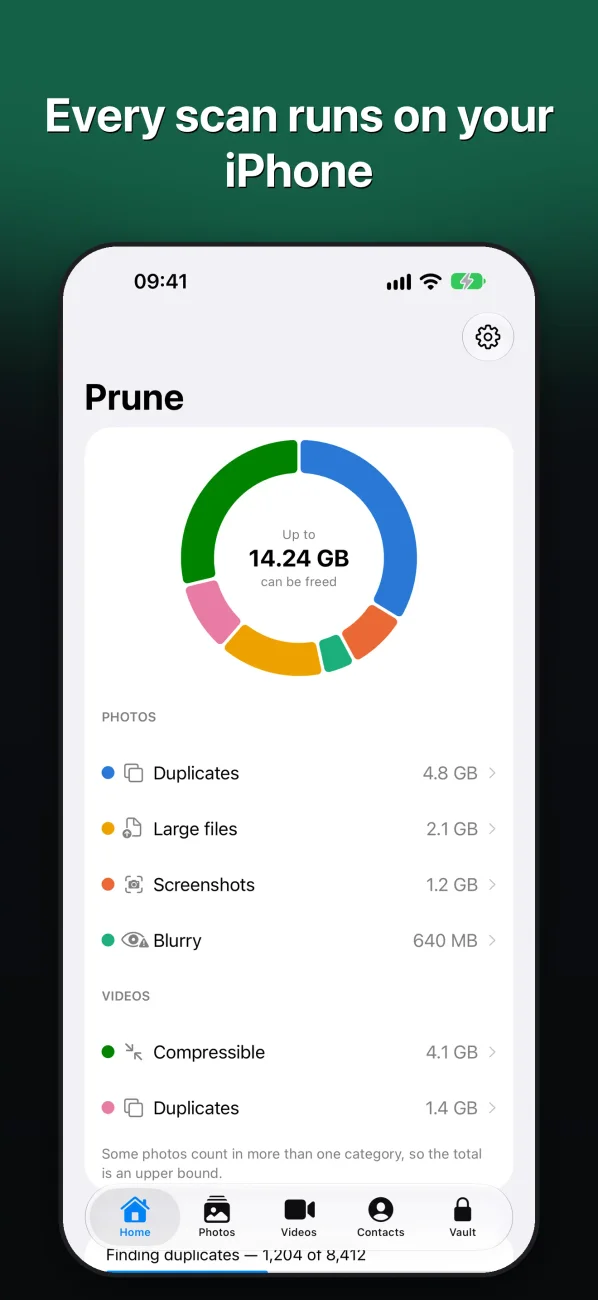
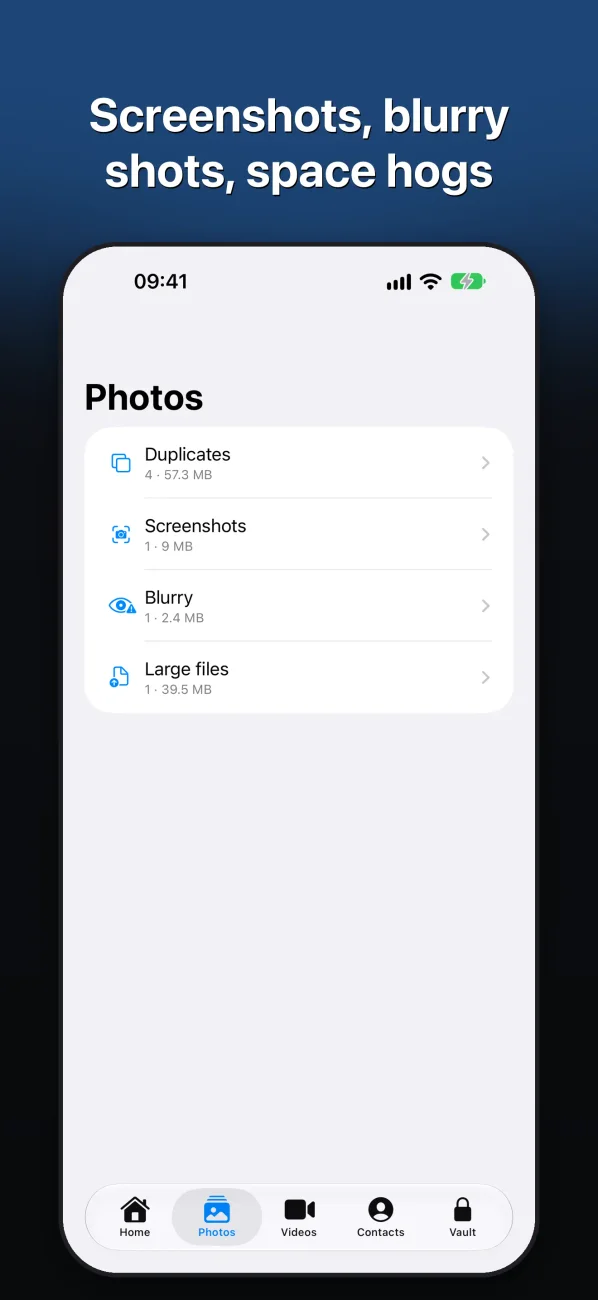
Open Prune and a single scan shows exactly where your space went: duplicate photos, screenshots you never look at again, blurry shots, oversized files, and videos that could be smaller with no visible loss in quality. A donut chart on the Home screen breaks it all down by category, so you know what to tackle first.
PHOTOS, HANDLED
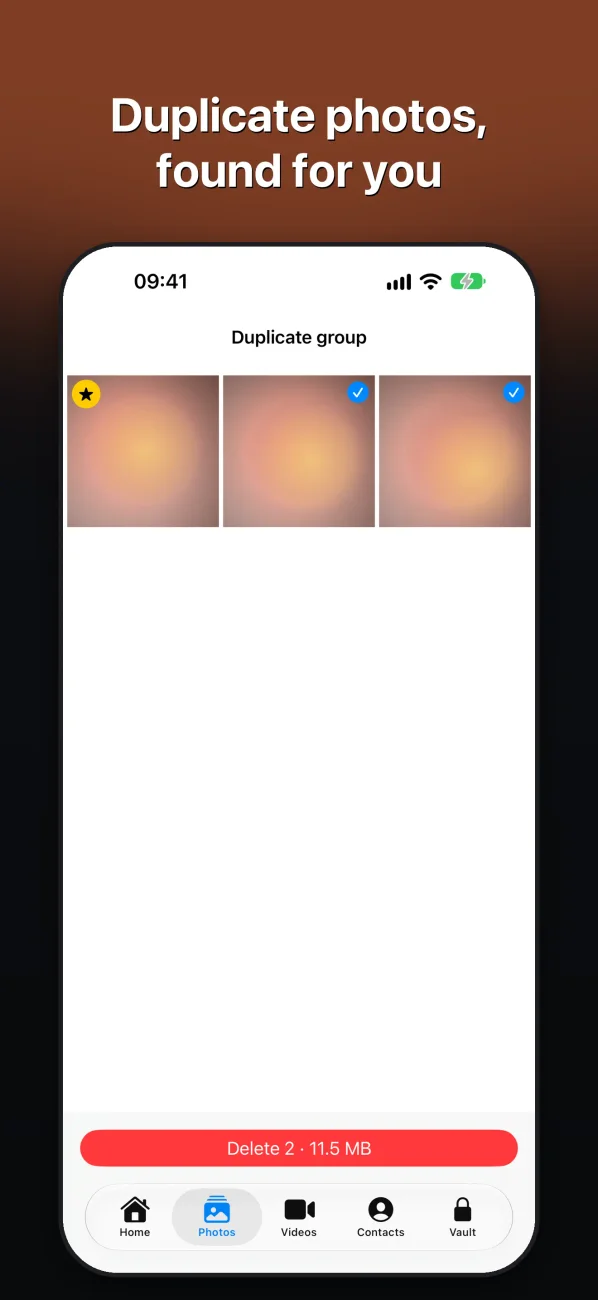
Prune finds duplicate photos using on-device image analysis — not just identical files, but near-duplicates: burst shots, edited copies, re-saved screenshots. Every group comes with a suggested keeper, so cleaning up is a review, not a guessing game.
VIDEOS, SMALLER
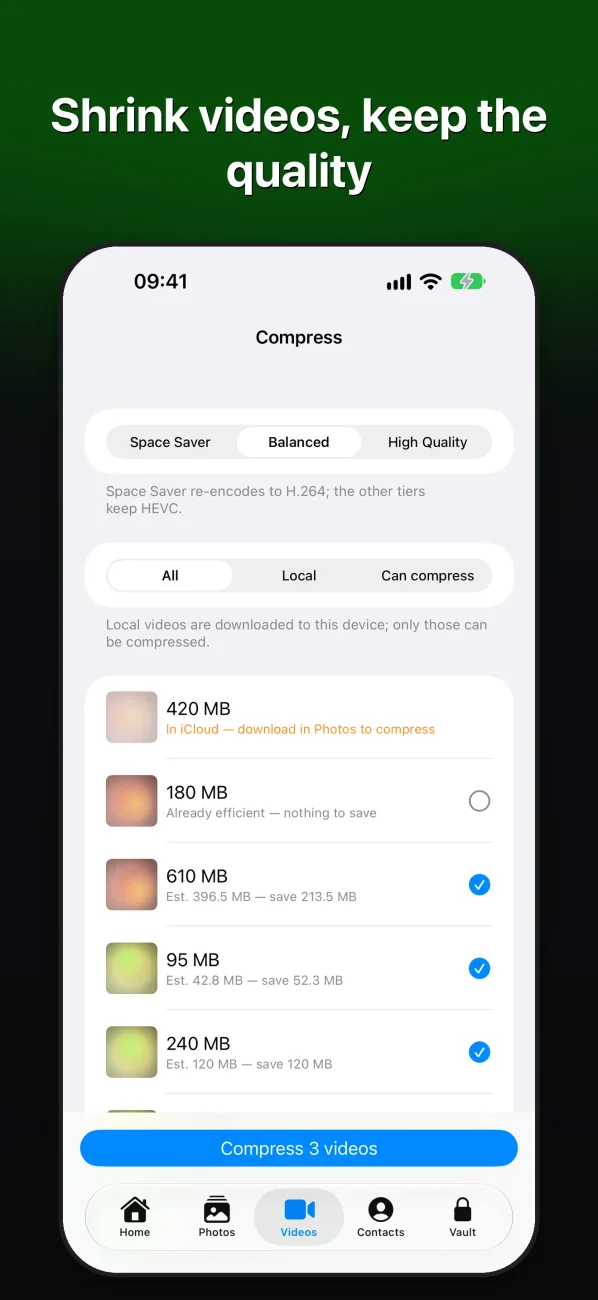
Find duplicate videos and compress the large ones with three quality tiers — Space Saver, Balanced, and High Quality — before you touch a single delete button. Review a compressed video against the original, side by side, with sound, before deciding whether to keep it.
CONTACTS, MERGED
Prune finds duplicate contacts by phone number, email, or similar name, shows you exactly what a merge will add or keep, and backs up every card automatically before it touches anything.
A VAULT FOR WHAT'S PRIVATE
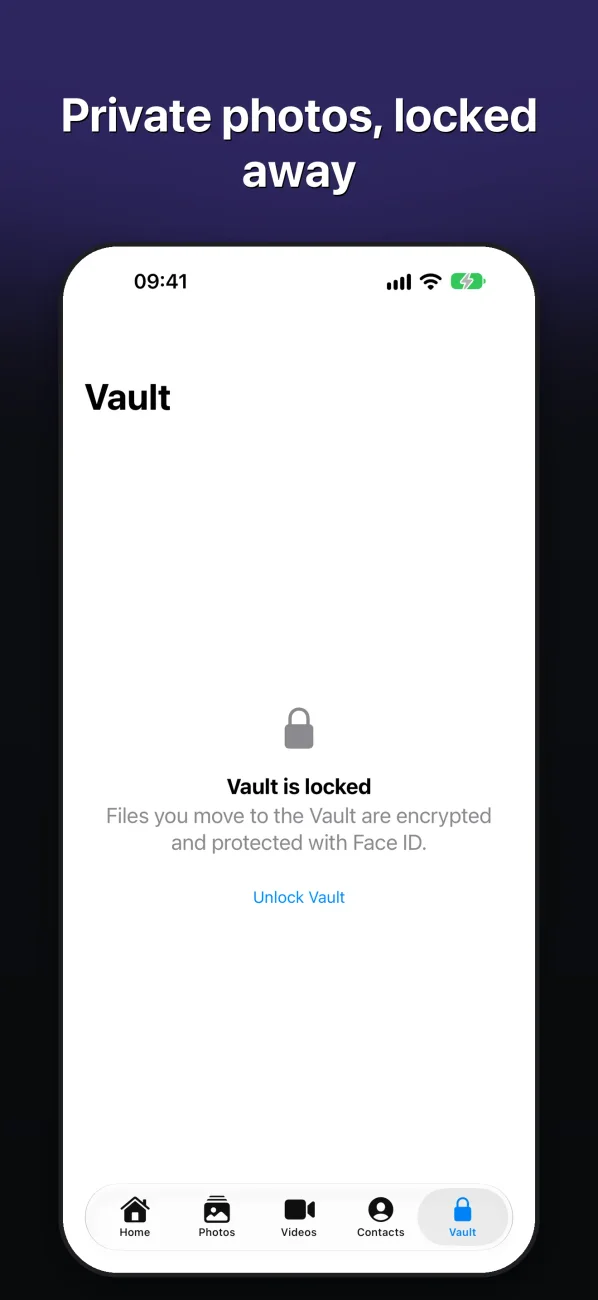
Move sensitive photos and videos into an encrypted Vault, protected by Face ID or your device passcode. Vault files are excluded from iCloud and device backups by design — they exist only on this iPhone.
HONEST, ON PURPOSE
Prune tells you the truth about what it can and can't do:
• Deleting doesn't free space immediately — iOS holds deleted photos in Recently Deleted for 30 days. Prune tells you exactly how to empty it.
• Reclaimable totals can overlap between categories, so a total is always described as an upper bound, never a guarantee.
• Compressing a video doesn't delete the original — that's a separate step you control.
• Nothing is ever deleted without your confirmation.
PRIVATE BY DESIGN
Every scan — photos, videos, contacts — runs entirely on your iPhone. Your photos and videos never leave your device, and neither do your contacts. There's no account, no sign-up, and no backend of Prune's own.
FREE FOR 7 DAYS
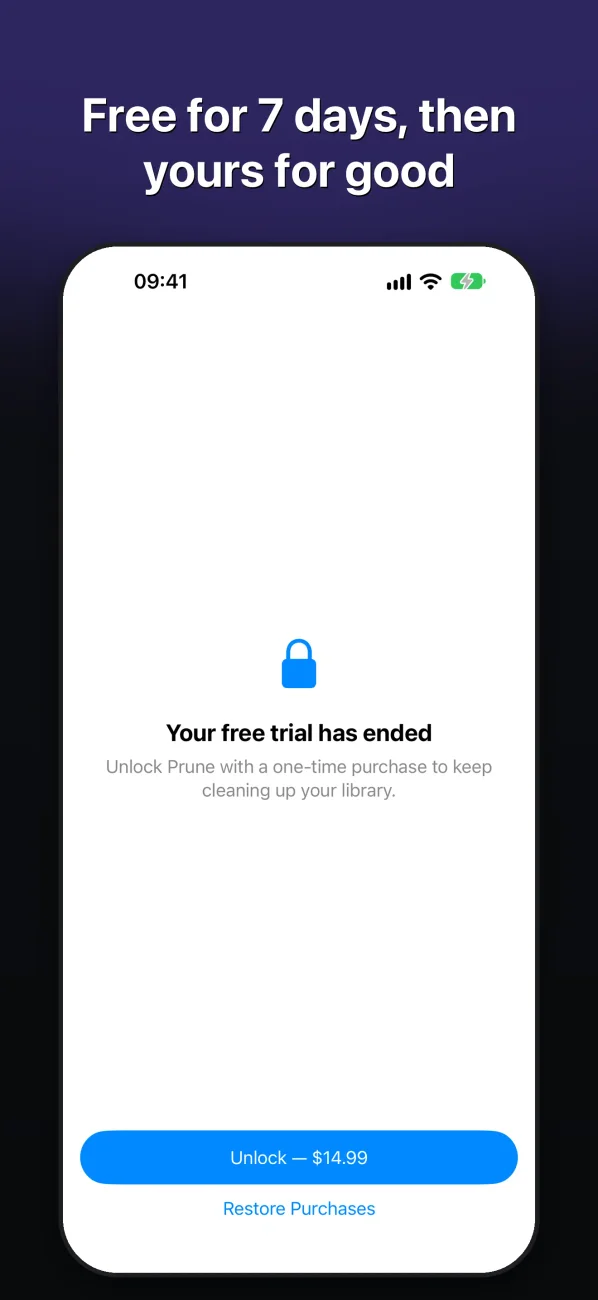
Try every feature for a full week at no cost. After that, a single one-time purchase unlocks Prune for good — no subscription, ever.
App privacy
What Yevhen Lavrynenko declares on the App Store about how this app handles data.
-
Data not linked to you
May be collected but is not linked to your identity.
- Purchases
- Identifiers
Privacy practices may vary, for example with the features you use or your age.
Information
- Seller
- Yevhen Lavrynenko
- Category
- Utilities
- Version
- 1.0.0
- Updated
- Sep 21, 2026
- Released
- Sep 21, 2026
- Size
- 11.4 MB
- Requires
- iOS 26.0 or later
- Age rating
- 4+
- In-app purchases
- Yes
- Languages
- English, Russian, Ukrainian
- Copyright
- © 2026 Synckord
You might also like
-
 Gao BrowserUtilities
-
 Compresso: Shrink Video PhotoCompress and Reduce Media Size
-
 Level..Level & angle
-
 Whiz: Aviation CalculatorE6B flight computer & W&B
-
 SimplyPlay Audio Video PlayerOrganizer & player for iCloud®
-
 Черги відключення Черкаси 2026Utilities
-
 Eliyo: Your Car AssistantMaintenance, Mileage & Costs
-
 Gabcloud: WebDAV ClientView & Download Shared Docs