- Age rating4+
- CategoryNavigation
- DeveloperFabian David Koder
- LanguagesGerman+ 1 more
- Size57.0 MB
Links to the official App Store page
Download.org hosts no file of PT Widgets. The button opens its official App Store page, published by Fabian David Koder. Listing last checked on Nov 23, 2026.
Screenshots


About
See your next public transport departures before you even open the app.
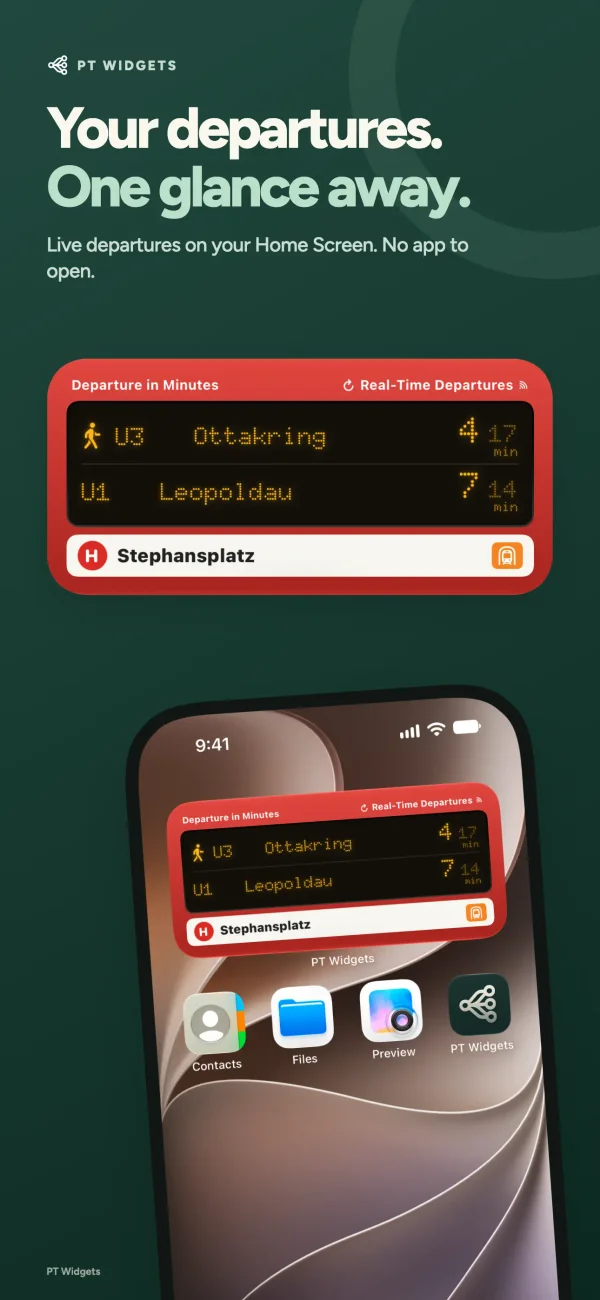
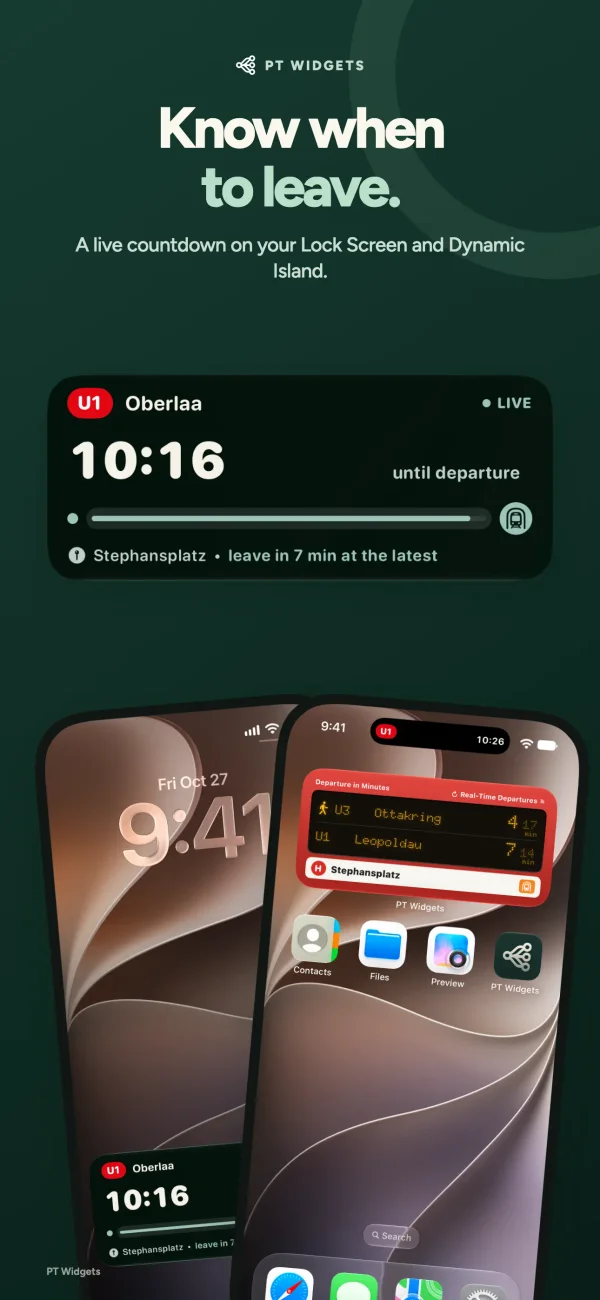
PT Widgets brings real-time departures to your Home Screen and Lock Screen through authentic stop and station displays. Save the stations that matter, add a widget, and see delays, platform changes, and disruptions at a glance. Track a departure as a Live Activity on the Lock Screen and Dynamic Island.
AVAILABILITY
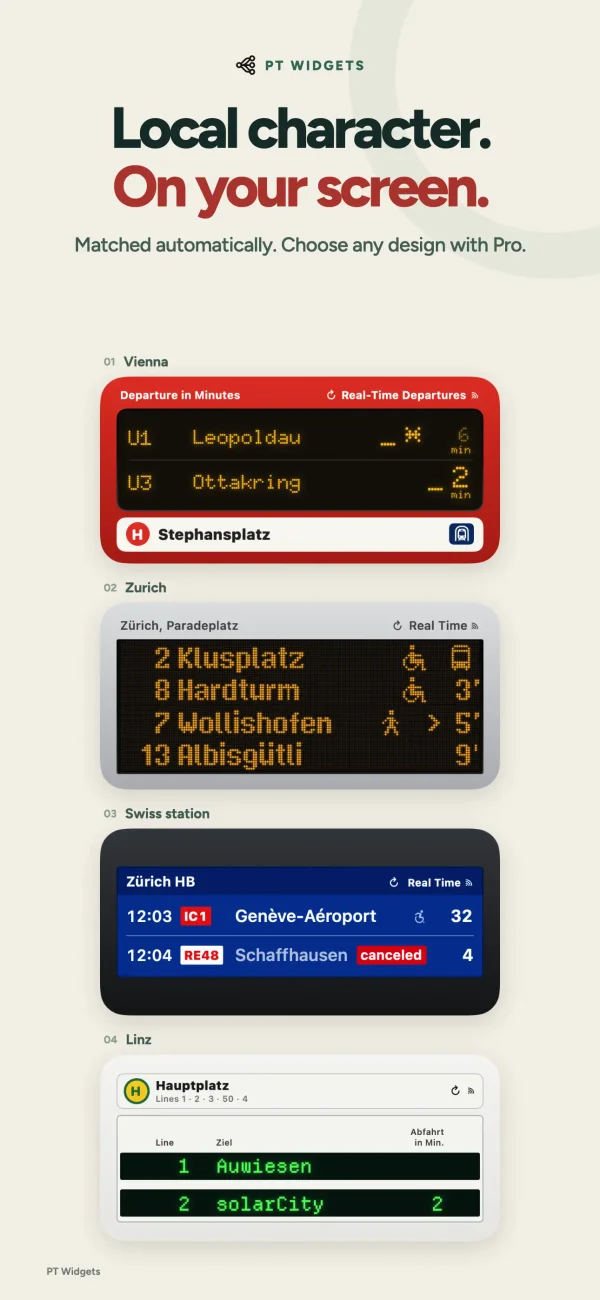
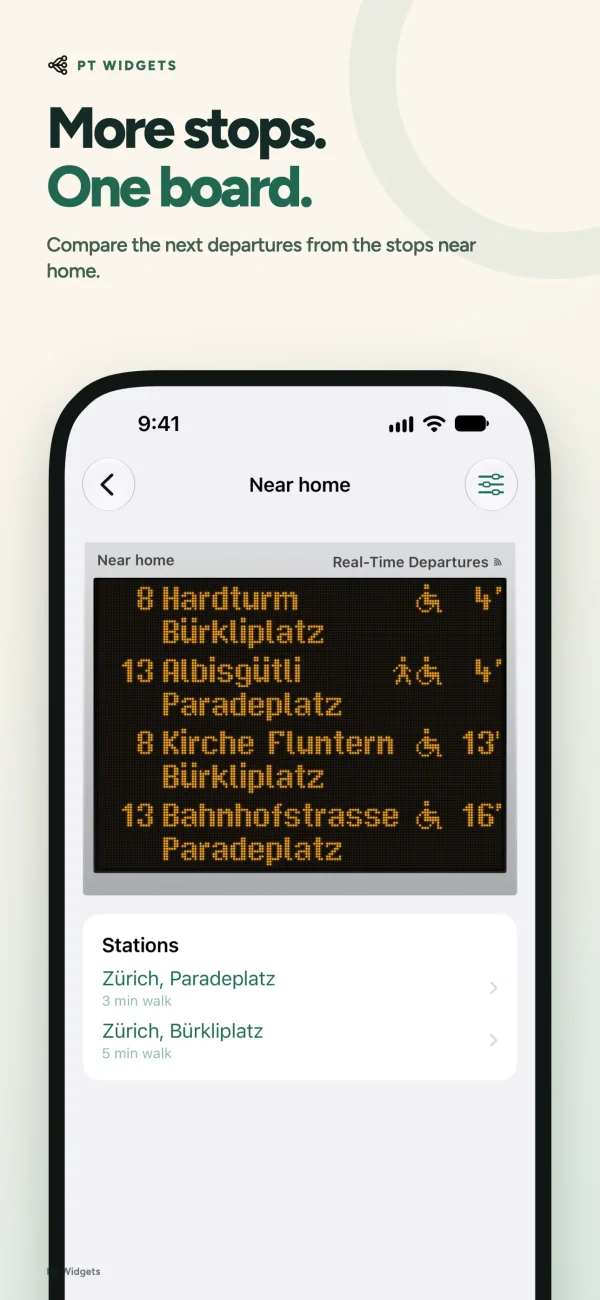
PT Widgets covers Vienna and Linz, all of Switzerland and all of Norway. Every station wears its network's own display: the Vienna and Linz stop monitors, the stop displays of Zurich, Basel, Bern, Lucerne, St. Gallen and Geneva, and the blue departure board of Swiss stations. Real-time availability depends on the data supplied by each transport provider and service. More regions and providers are planned.
YOUR DEPARTURES AT A GLANCE
• Widgets for favourite stations and combined boards
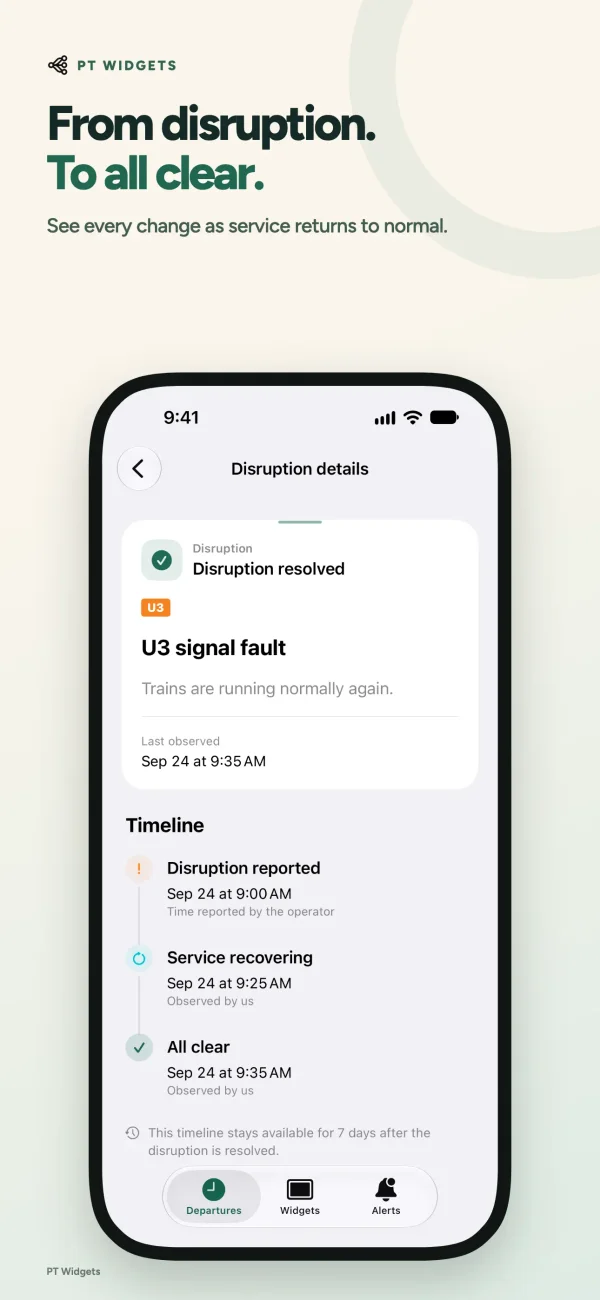
• Real-time departures, delays, platforms, and disruption notices
• Clear indication whenever departure data is no longer fresh
• Live Activity with a countdown until it is time to board
• Multiple authentic display styles, selected automatically for each region
MADE FOR EVERYDAY JOURNEYS
• Find nearby stations or search manually
• Account for your walk to the stop
• Filter lines and directions for stations and combined-board widgets
• See installed widgets and their settings in one place
• Automatically show your nearest favourite in a widget
• Light, dark, and full-screen monitor presentations
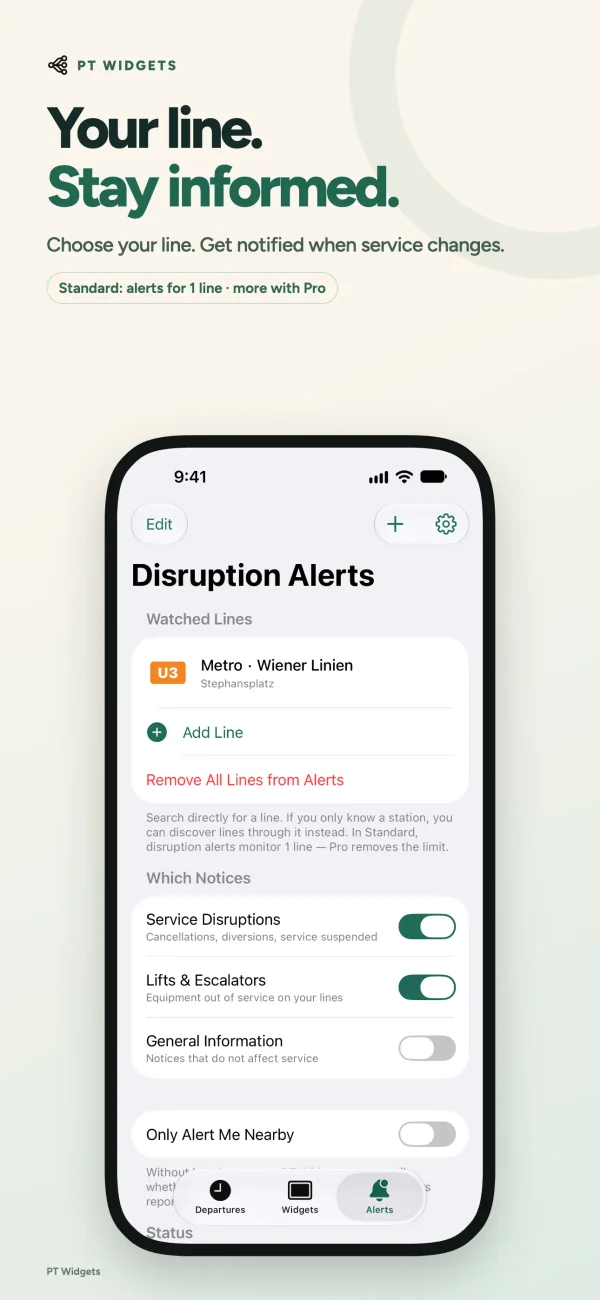
• Optional disruption alerts for supported lines, now with line search
STANDARD & PRO
All core features are included with Standard. Optional Pro brings instant updates to every widget station instead of two, so delays and disruptions show up as soon as they're reported. Pro also extends combined boards from two to four stations, unlocks your choice of display style, and removes the one-line limit for supported disruption alerts. Monthly, yearly, and one-time options unlock the same Pro features.
PRIVACY FIRST
No account, no ads, and no advertising identifiers. Optional product analytics is off by default and can be turned off anytime in App Settings. With consent, PT Widgets sends usage, device, widget-count and purchase information for product analytics under a random installation identifier, never stations, locations or search text. Favourites and settings are stored on your device. Crash diagnostics and sampled performance measurements help keep the app reliable. No data is used for advertising or cross-app tracking.
Terms of Use (Apple Standard EULA):
https://www.apple.com/legal/internet-services/itunes/dev/stdeula/
All data sources and licences: https://pt-widgets.app/data-sources/
What’s new
Version 1.4.1 · Nov 9, 2026
New in 1.4.1
• Optional product analytics helps improve PT Widgets. It starts only when you choose to share it.
• Change your choice anytime in App Settings › Permissions & Privacy › Share product analytics.
• Your station names, coordinates and search text stay out of analytics.
App privacy
What Fabian David Koder declares on the App Store about how this app handles data.
-
Data linked to you
May be collected and linked to your identity.
- Purchases
- Identifiers
- Usage data
-
Data not linked to you
May be collected but is not linked to your identity.
- Purchases
- Identifiers
- Diagnostics
Privacy practices may vary, for example with the features you use or your age.
Information
- Seller
- Fabian David Koder
- Category
- Navigation
- Version
- 1.4.1
- Updated
- Nov 9, 2026
- Released
- Aug 26, 2026
- Size
- 57.0 MB
- Requires
- iOS 26.0 or later
- Age rating
- 4+
- In-app purchases
- Yes
- Languages
- German, English
- Copyright
- © 2026 Fabian David Koder
You might also like
-
 Uhrschnell – Vienna TransitDepartures, routes & stops
-
 Wien AbfahrtReal-Time Vienna Departures
-
 Meine HaltestelleNavigation
-
 flightboard.Live flight & ship tracker
-
 Vienna Route PlannerPublic Transportation Vienna
-
 JournēYour public transport app
-
 Wien LiveLive departures on lock screen
-
 Commute ETA: When to LeaveDrive Time & Traffic Widget
-
 MyStop Berlin: BVG DeparturesU-Bahn, S-Bahn & Bus Widget
-
 RailNow: Live Europe TransportRealtime trains, metro, tram