Pull Ups: Workout & Counter
100-Day Pull-Up Training Plan
Designed for iPhone
Free · In-app purchases
- Age rating4+
- CategoryHealth & Fitness
- DeveloperYuriy Dehtyaruk
- LanguagesEnglish
- Size56.9 MB
Links to the official App Store page
Download.org hosts no file of Pull Ups: Workout & Counter. The button opens its official App Store page, published by Yuriy Dehtyaruk. Listing last checked on Nov 12, 2026.
Screenshots

About
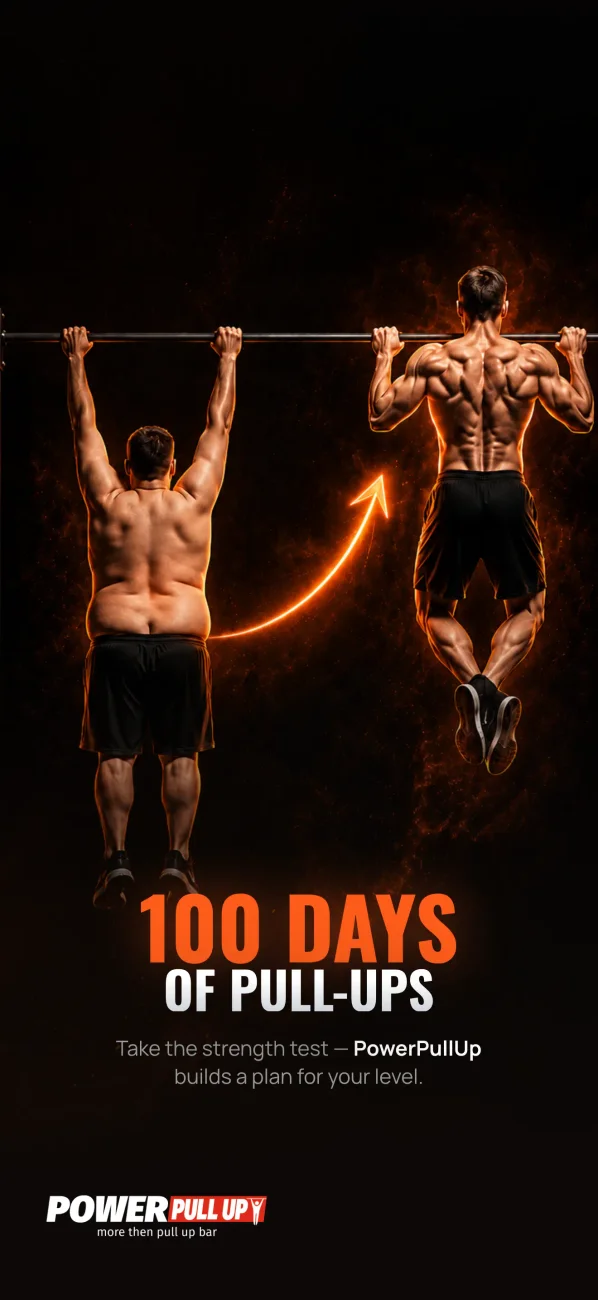
Do more pull-ups with PowerPullUp — a pull-up workout plan and a pull-up counter in one app. Take a max test, get a 100-day training program for your level, and let the phone in your pocket count the reps.
HOW THE PROGRAM WORKS
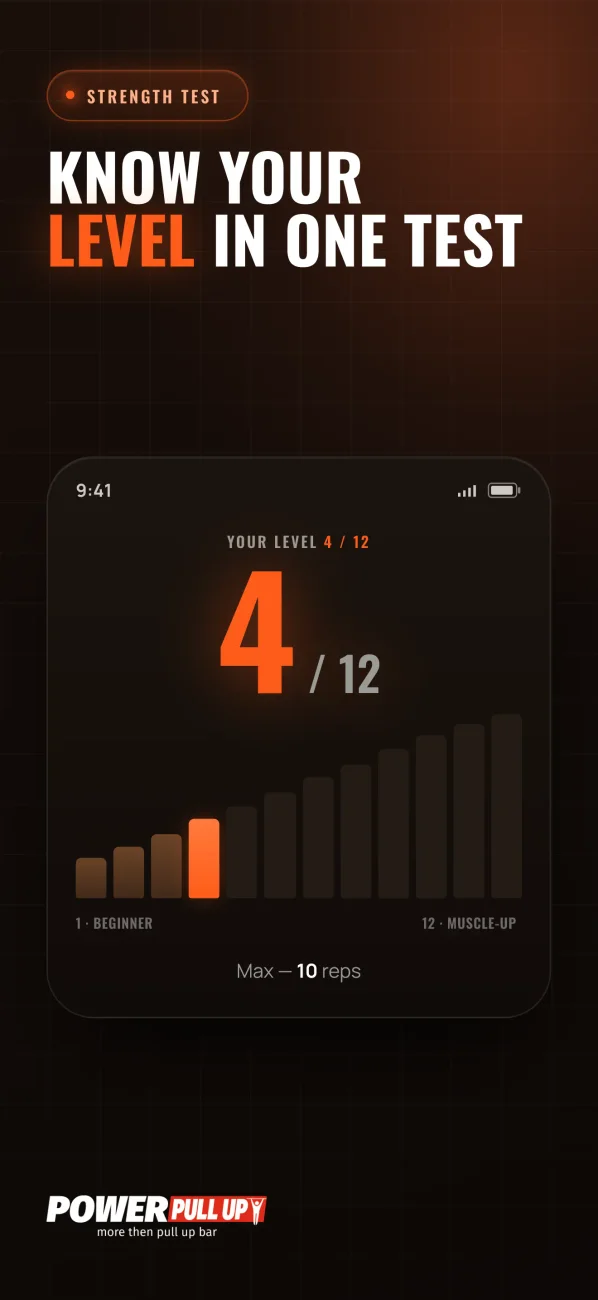
1. A max test shows how many pull-ups you can do now.
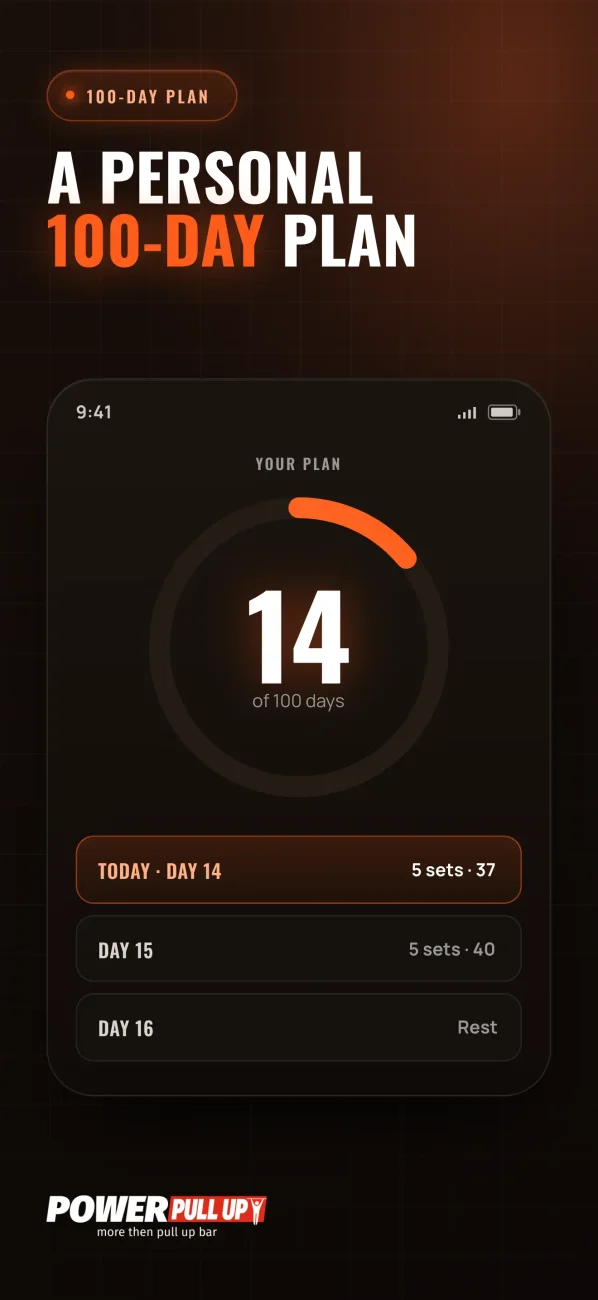
2. The app builds a 100-day plan for your level: training days and recovery days.
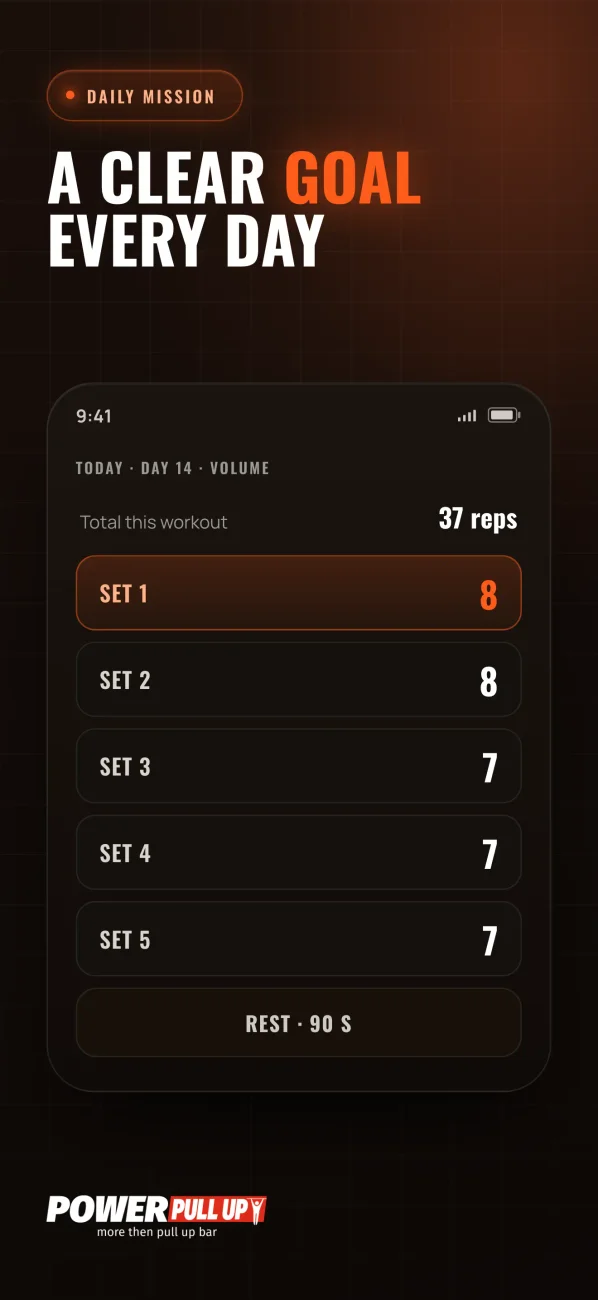
3. Every workout is ready: sets, target reps and a rest timer.
No need to invent your workload at the bar — open today's workout and follow it.
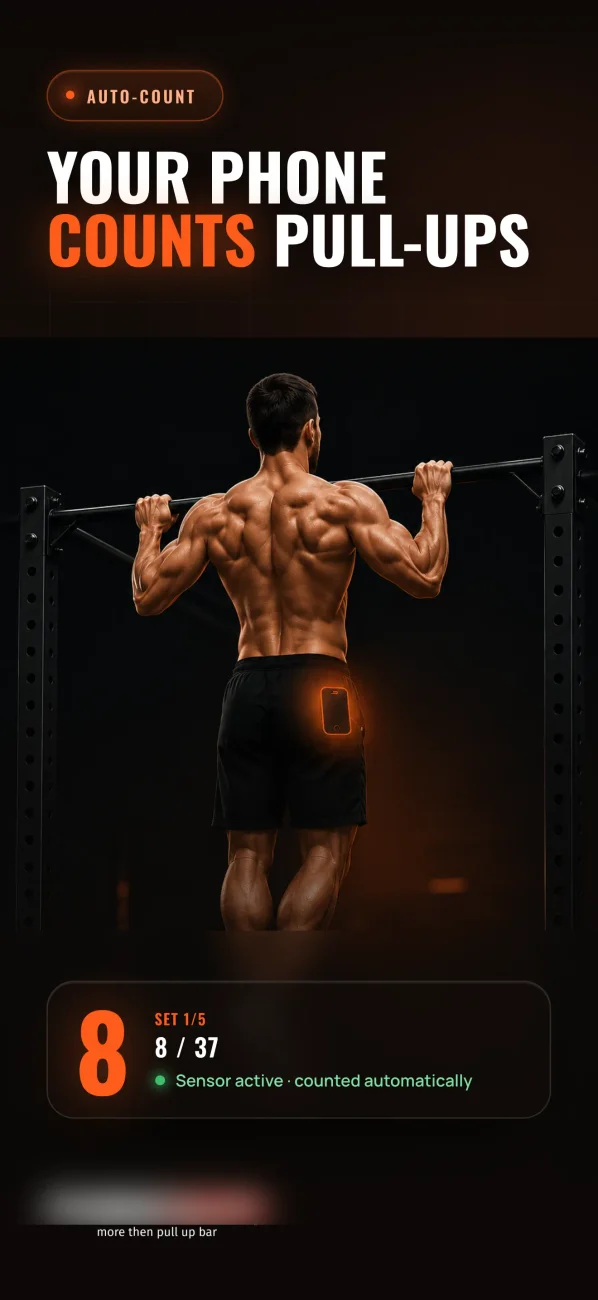
YOUR PHONE COUNTS YOUR PULL-UPS
The automatic pull-up counter uses your phone's motion sensors — no camera and no tapping between reps.
1. Tap Start.
2. Put your phone upright in a snug pocket.
3. Hang still for 1–2 seconds and wait for the long signal.
4. Do your set — the app counts the reps.
If a rep is missed, you can correct the count after the set.
WHAT'S INSIDE
• 100-day pull-up program based on your max test
• Sets, target reps and rest timer for every workout
• Automatic pull-up counter with count correction
• Workout history, total reps and progress statistics
• Training streaks and achievements
• Freestyle mode for workouts outside the program
PROGRESS IN NUMBERS
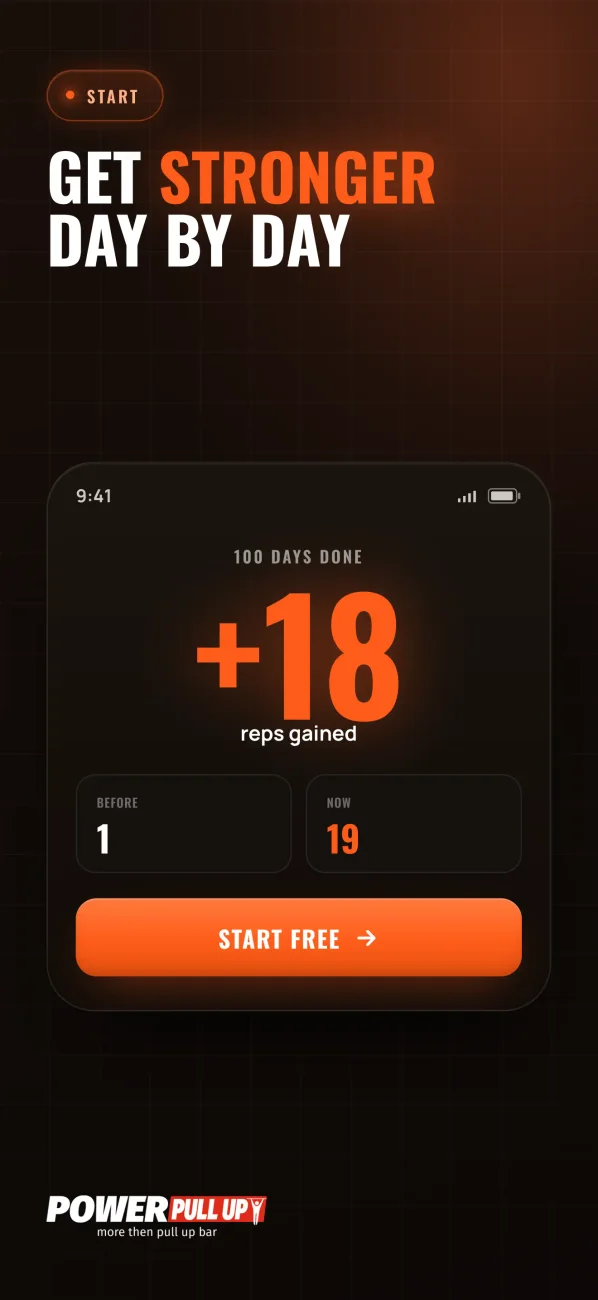
Every workout is saved. See how many sets and reps you've done and how your pull-ups change over time.
FAQ
How do I increase my pull-ups? Train regularly, with proper rest between sets and between training days. PowerPullUp calculates sets and reps for your level, so you don't have to guess the workload.
Do I need a gym? No. A pull-up bar at home, in the park, on a street workout ground or at the gym is enough.
Where should I keep my phone? Upright in a snug pocket — the counter is more accurate that way.
I can only do 1–2 pull-ups. Is it for me? Yes. The main program starts from one pull-up in the max test.
WHO POWERPULLUP IS FOR
For anyone who wants to do more pull-ups, train consistently or bring structure to pull-up bar training, street workout and calisthenics. PowerPullUp is focused on pull-ups — it is not a full-body exercise library.
Take your max test and start your first workout with a plan.
Terms of Use (EULA): https://powerpullup.pro/terms.html
Privacy Policy: https://powerpullup.pro/privacy.html
What’s new
Version 4.0.3 · Oct 18, 2026
• "Road to your first pull-up": no motion-sensor screen before a session — it is led by timer and voice.
• "Road to your first pull-up": start the next exercise right from the result screen.
• A workout without a single rep no longer counts toward your stage.
• Fixes and improvements.
App privacy
What Yuriy Dehtyaruk declares on the App Store about how this app handles data.
-
Data linked to you
May be collected and linked to your identity.
- Health and fitness
- Purchases
- Identifiers
- Usage data
- Diagnostics
Privacy practices may vary, for example with the features you use or your age.
Information
- Seller
- Yuriy Dehtyaruk
- Category
- Health & Fitness
- Version
- 4.0.3
- Updated
- Oct 18, 2026
- Released
- Jul 19, 2022
- Size
- 56.9 MB
- Requires
- iOS 16.0 or later
- Age rating
- 4+
- Price
- Free
- In-app purchases
- Yes
- Languages
- English
- Copyright
- © Yuriy Dehtyaruk
You might also like
-
 Pull-Up TrackerLog Reps in Seconds
-
 100 Pull-Ups ChallengePull-up & pullup challenge
-
 My Coach: Pull-UpsPersonal Pull-Up Trainer
-
 Pull Ups Hero: Workout PlanCalisthenics & Chin Up Trainer
-
 Pull Ups Master: Workout CoachCalisthenics Program & Tracker
-
 PushUps — 100 Push-Up TrainerChallenge Plan & Rep Tracker
-
 Need to pump uphome workout
-
 SkillMax: Calisthenics WorkoutMuscle-Up, Planche, Handstand
-
 100 Pull Ups WorkoutTraining plan from 0 to 100
-
 Pull Ups 30 - Pull Up WorkoutChin up counter & back plan