
Pulsar Chess Engine
Multilevel Chess Program
Designed for iPhone, iPad, Mac, iPod touch
- Age rating4+
- CategoryBoard
- DeveloperMichael Adams
- LanguagesGerman+ 4 more
- Size11.3 MB
Links to the official App Store page
Download.org hosts no file of Pulsar Chess Engine. The button opens its official App Store page, published by Michael Adams. Listing last checked on Nov 6, 2026.
Screenshots

About
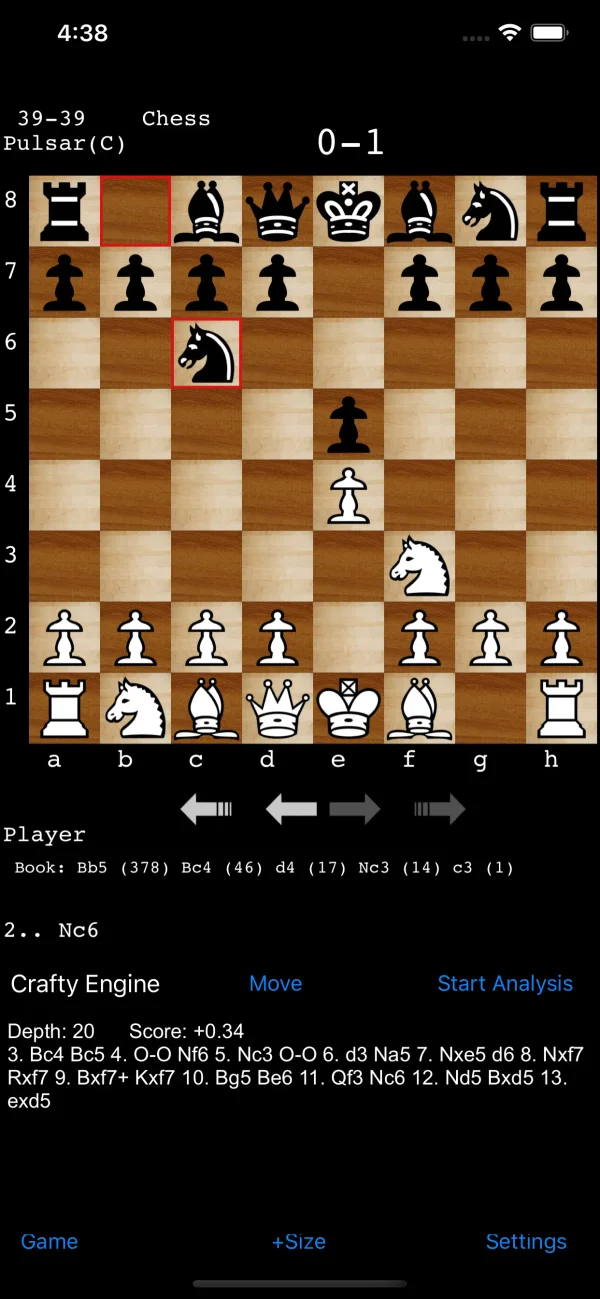
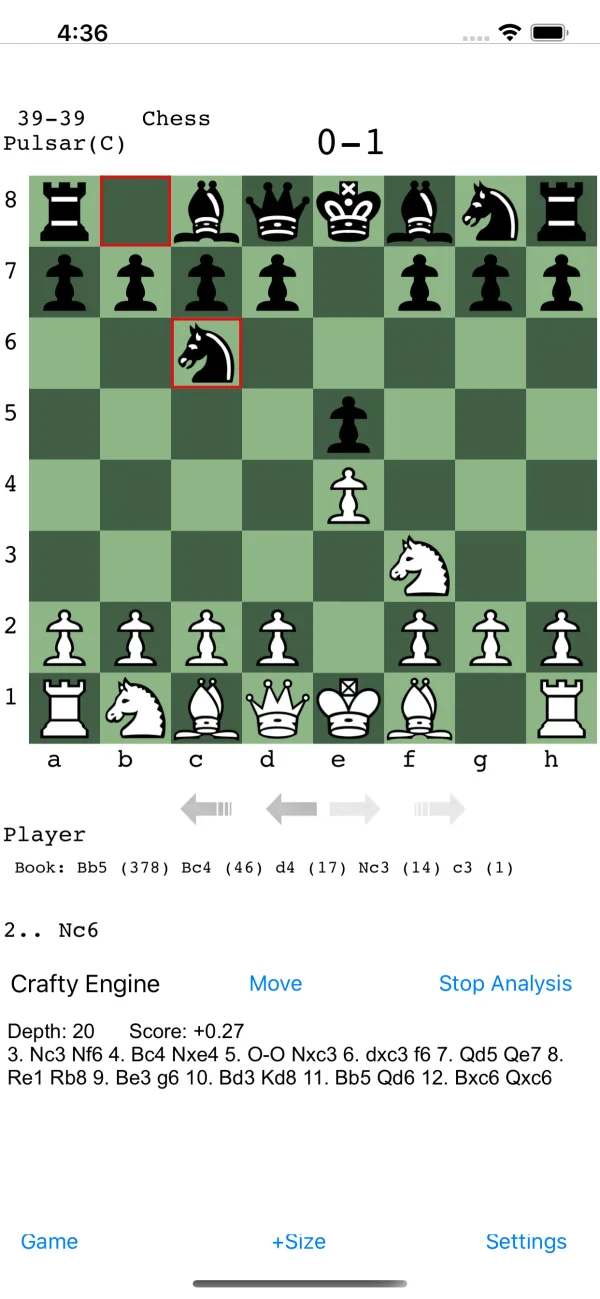
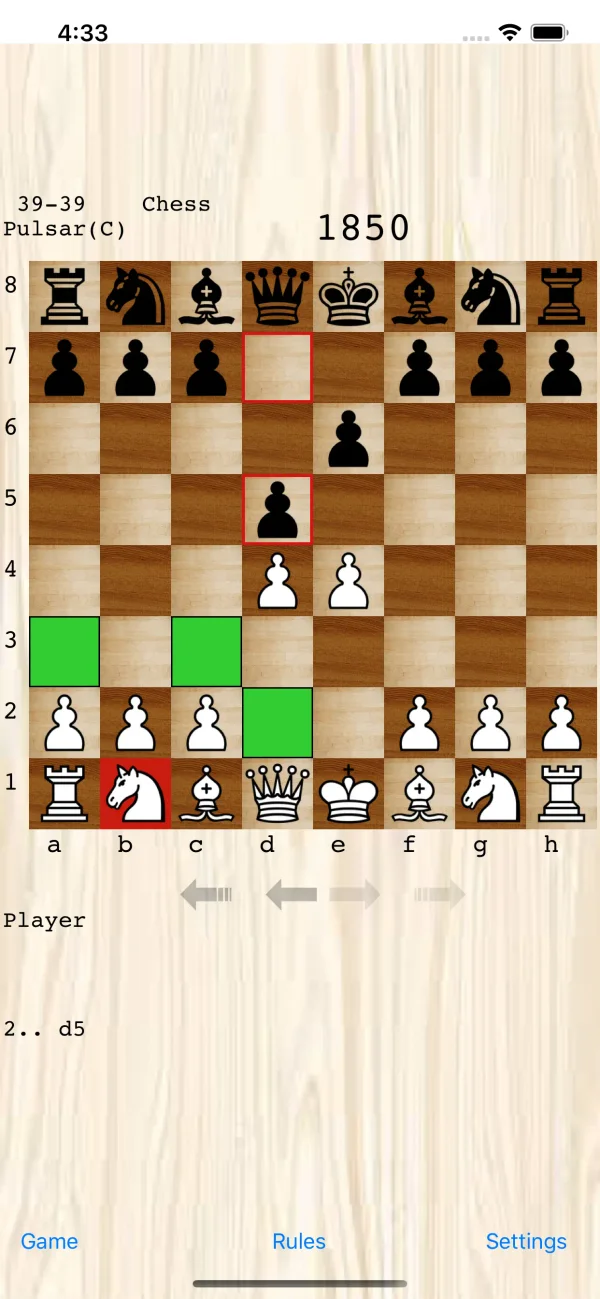
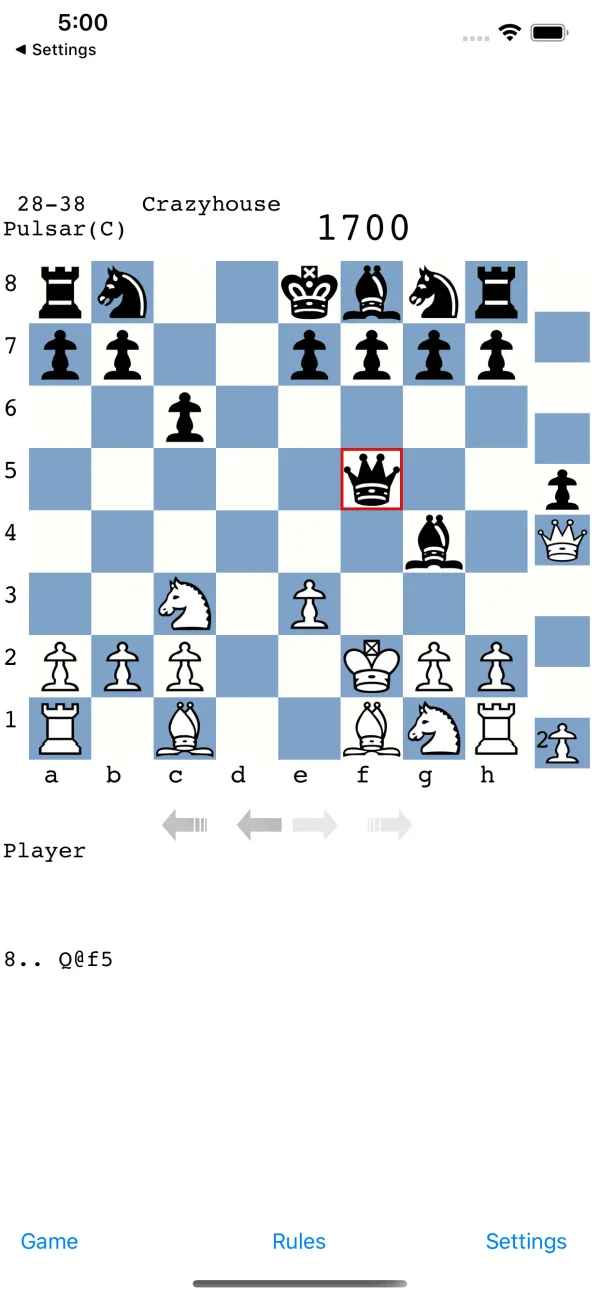
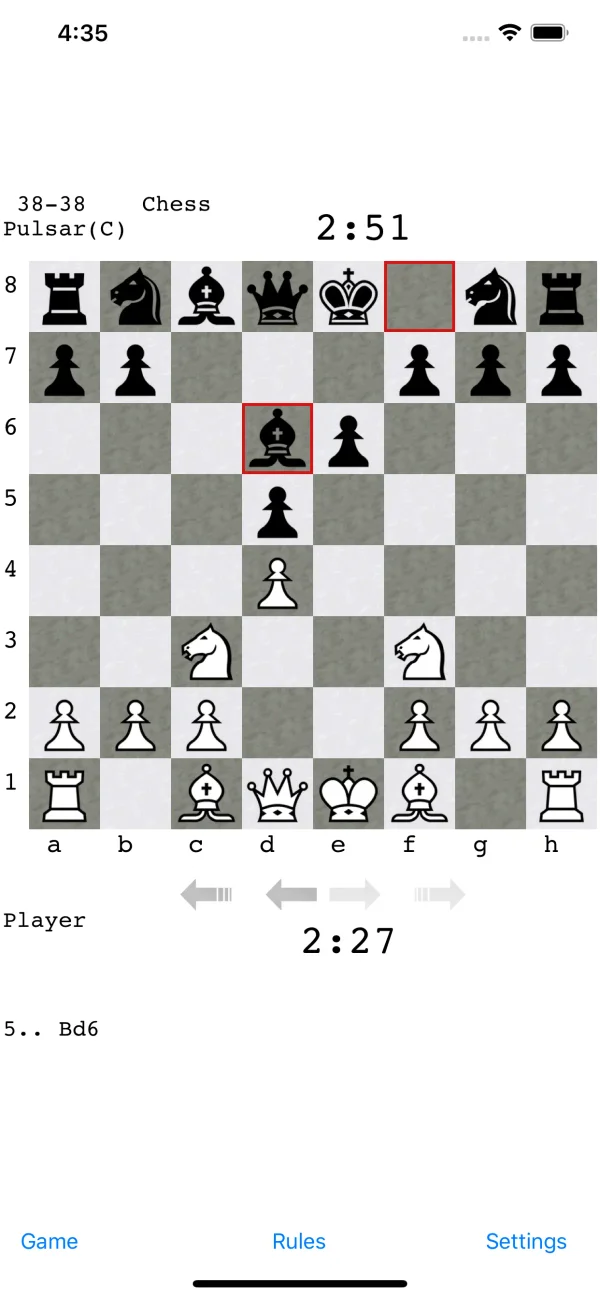
The Pulsar Chess Engine plays Chess and six variants all with multiple levels. The variants are Chess960, Crazyhouse, Loser's, Atomic, Three Checks and Giveaway. Rules included in-app. In addition, there is also a review mode to look at the user's log file with analysis available for non variants. 10 game collections of classic and modern master games are included to look at including Kasparov, Fischer, Carlsen, Capablanca and Morphy 1858 collections. These collections and the log file are searchable.
Pulsar values mobility and active positions. In app there is an article with more on its playing style and how to train against it. With the variants, each has its own style. Chess960, Three Checks and Crazyhouse are the more chess like variants and adoptable to learn to play for anyone with interest. The rules of all games are in app.
Pulsar has levels of play from beginner too advanced. Games with a time control are the hardest though Pulsar doesn't call the player's time. The time is more to handicap Pulsar's strength, but users will have a clock and can see if it's gone negative if they want to play the time control.
The game button - configure game menu item, lets the user control the variant and difficulty. It defaults to Chess at Easy(lowest level) but remembers the current settings when the App restarts. There are choices of pieces and board color schemes. The Pulsar program was originally developed by me for computers starting in 1998 and came to mobile for the first time in 2014.
Pulsar's board is accessible to the blind using Voice Over, a screen reader. Tap on a square and it will say whats on it and double tap to move or choose from three move methods. A screen reader can normally read anything with text like a button, but a board is a collection of images. To make it accessible, text must be returned to Voice Over when a tap is in the area of a square.
Pulsar began as a chess program and later learned variants. It ran extensively on two servers for many years both at chess and variants. The ratings on the board reflect strength I saw in rated play on handicapped bots. They are not 100% exact but generalizations I made from the various bots I ran at different settings.
If in the new game selector, Play vs. Computer is unchecked the user can move for both sides. This is to allow two people at same location to use the App as a board for a game and have the app enforce move legality and results for whatever variant is selected.
What’s new
Version 2.50 · Sep 15, 2026
Fix for broken Game menu in iOS 27
App privacy
What Michael Adams declares on the App Store about how this app handles data.
-
Data not collected
The developer does not collect any data from this app.
Privacy practices may vary, for example with the features you use or your age.
Information
- Seller
- Michael Adams
- Category
- Board
- Version
- 2.50
- Updated
- Sep 15, 2026
- Released
- Apr 10, 2014
- Size
- 11.3 MB
- Requires
- iOS 15.6 or later
- Age rating
- 4+
- Languages
- German, English, French, Italian, Spanish
- Copyright
- © 2014-2026 Michael Adams
You might also like
-
 Chess Move - Stockfish EngineOpenings Trainer & Analysis
-
 Openings MastermindMaster your Chess openings
-
 Stockfish Chess AnalysisBest move scanner AI
-
 Chess Tactics Pro (Puzzles)Practice puzzles every day
-
 Chess Problems LiteFun Directmate Chess Puzzles
-
 GPT ChessPowered by ChatGPT & OpenAI
-
 Chess By PostBoard
-
 Chess960 ™Fischer Random Chess
-
 Chess Puzzles & TacticsUnlimited, Offline, Elo-Rated
-
 Royal Chess -Online Board GamePlay & Learn with Real Player