Pulse: tasks & notes
No AI. No tracking. No bloat.
Designed for iPhone, iPad
Free · In-app purchases
- Age rating4+
- CategoryProductivity
- DeveloperVladimir Bykov
- LanguagesEnglish+ 2 more
- Size11.2 MB
Links to the official App Store page
Download.org hosts no file of Pulse: tasks & notes. The button opens its official App Store page, published by Vladimir Bykov. Listing last checked on Nov 28, 2026.
Screenshots
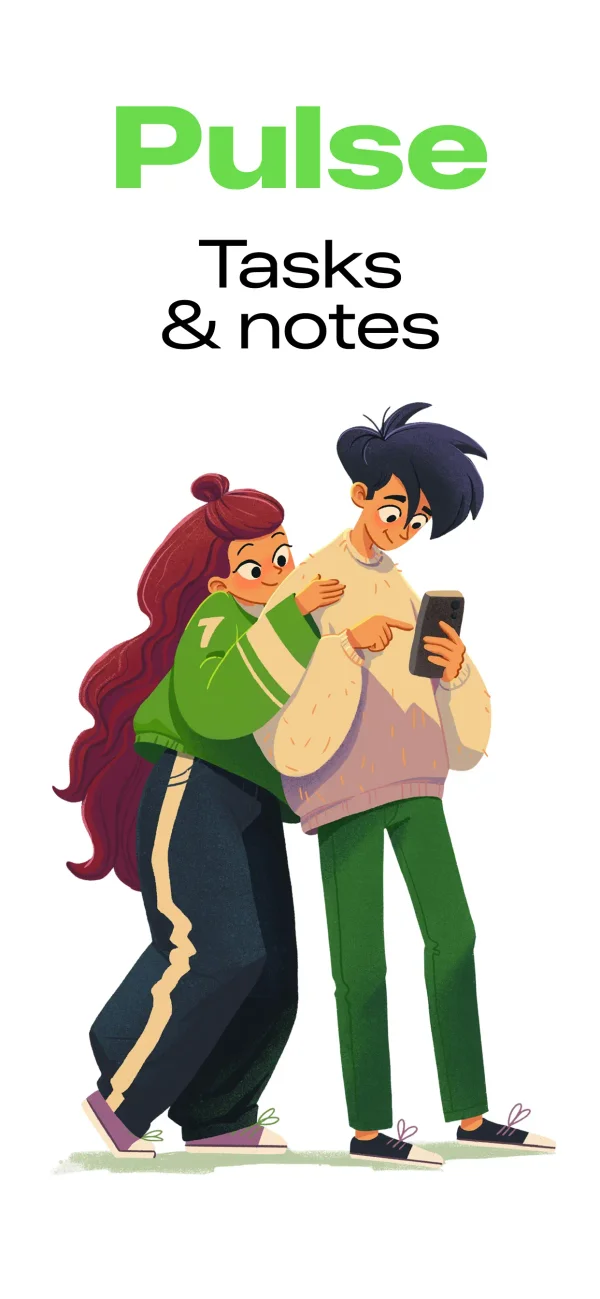
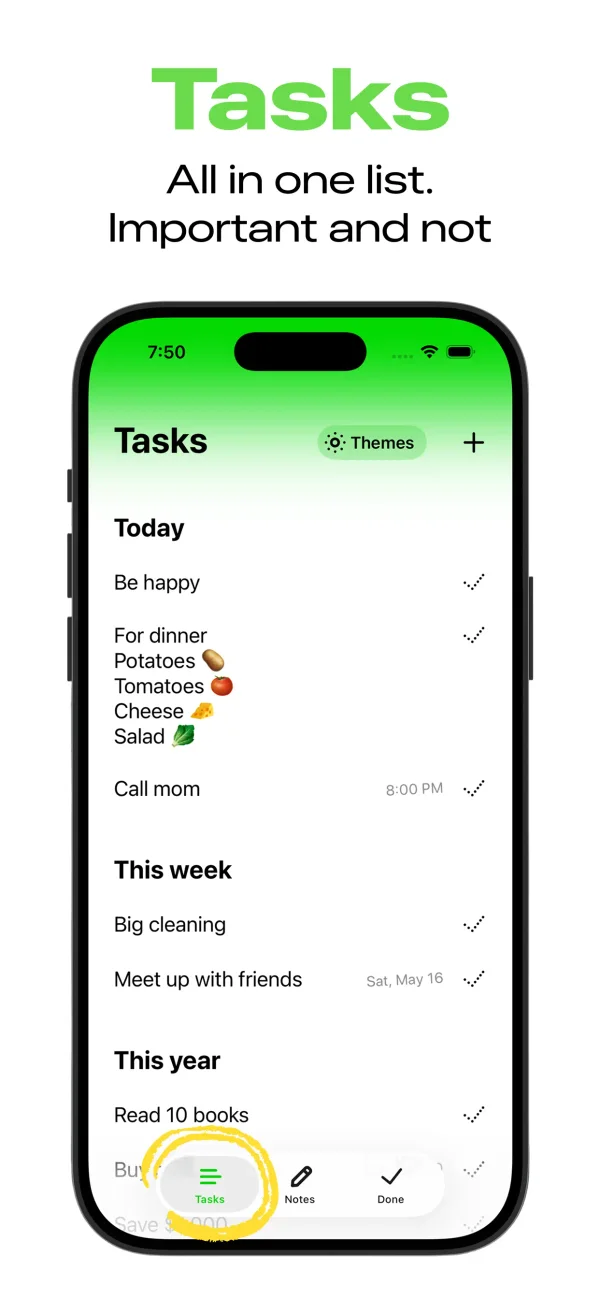

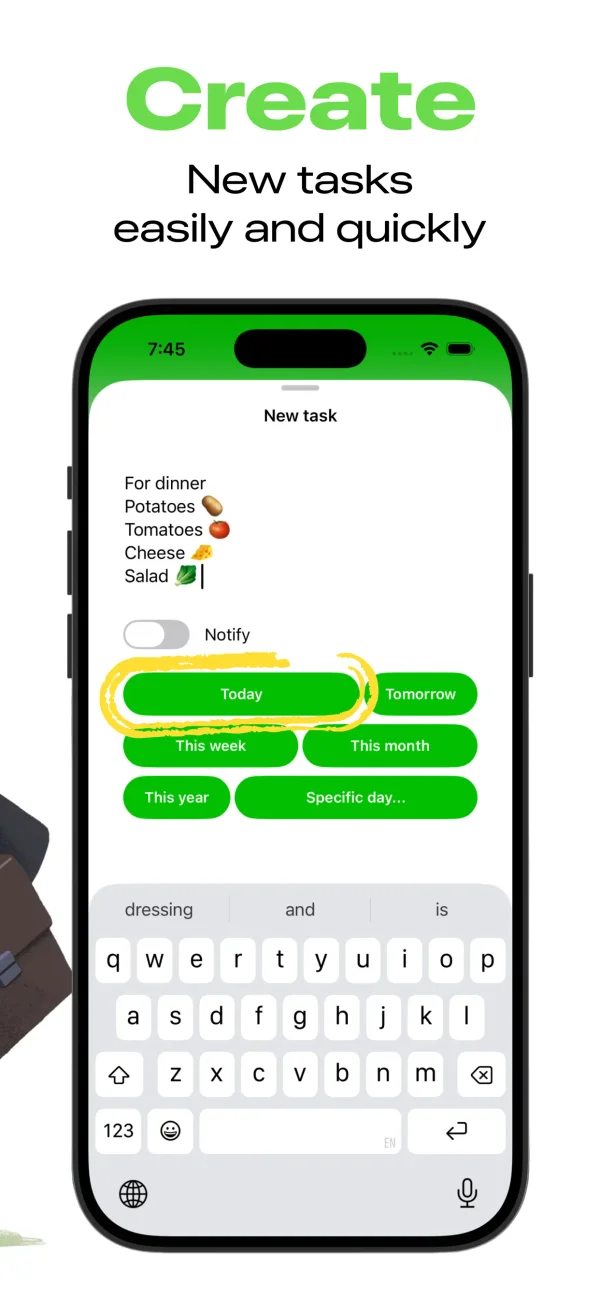


About
Everything in its own time
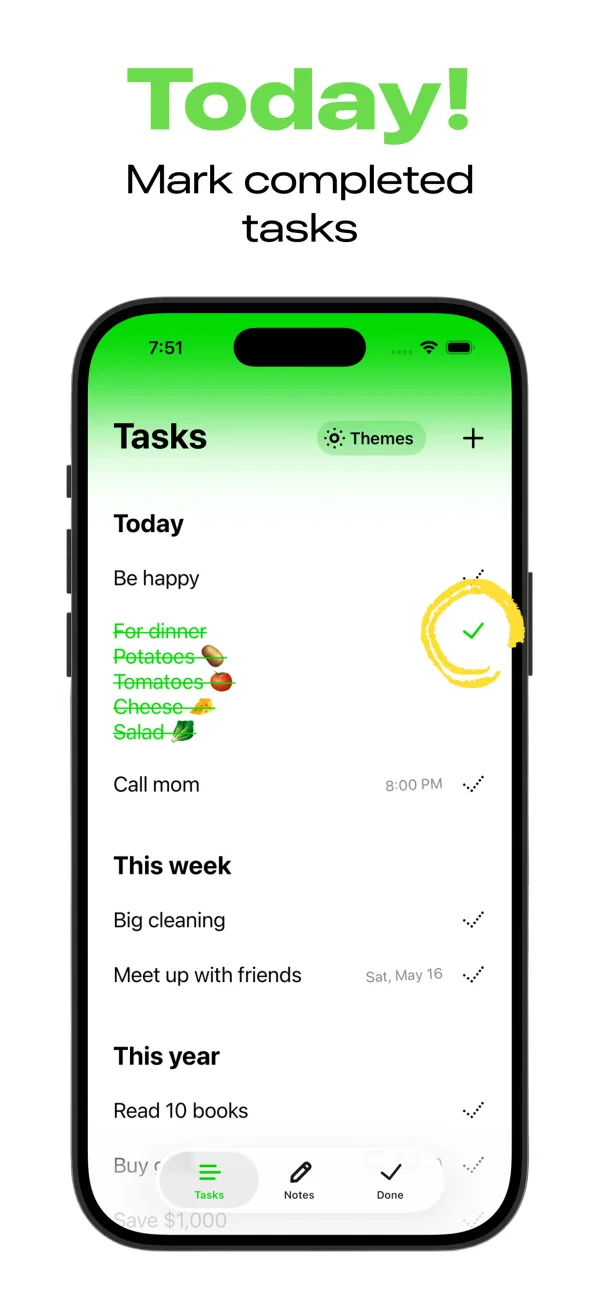
Organize tasks into lists: today, this week, someday — or pick a specific date. Tasks appear in the right place when their time comes.
See what you've done
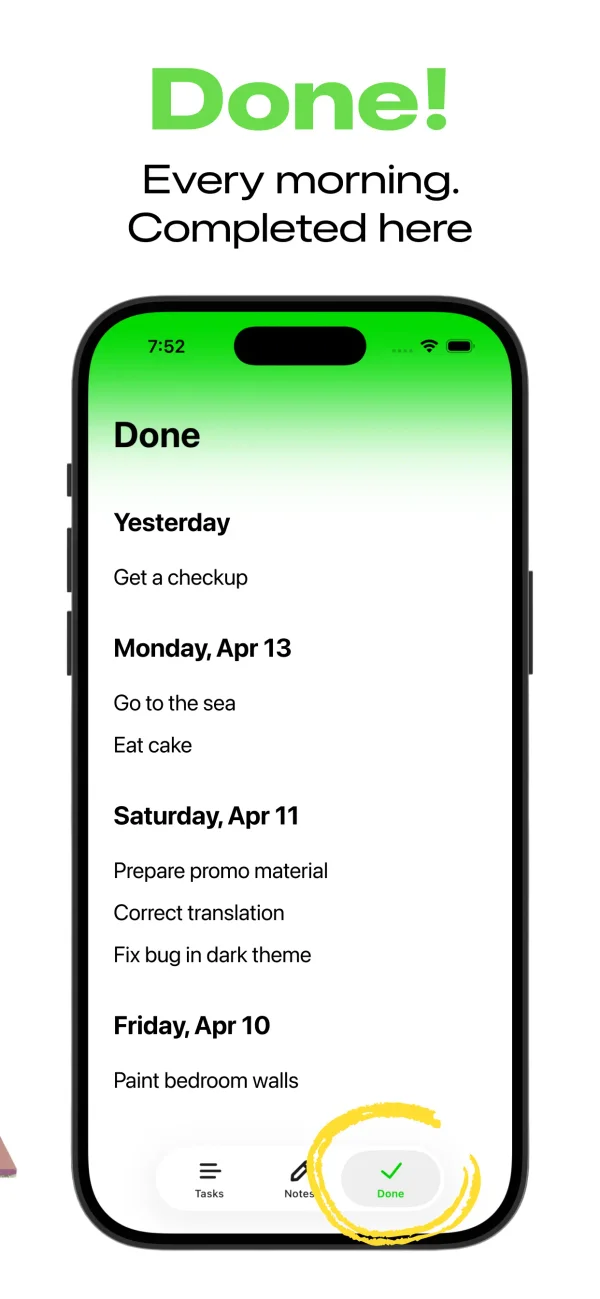
Completed tasks stay in the list until the end of the day — appreciate your progress. The next day you'll find them in the Done list.
Running behind — reschedule
One move and the task shifts to tomorrow or next week.
Notifications on your terms
Reminders only for the tasks that matter to you.
Notes are here too
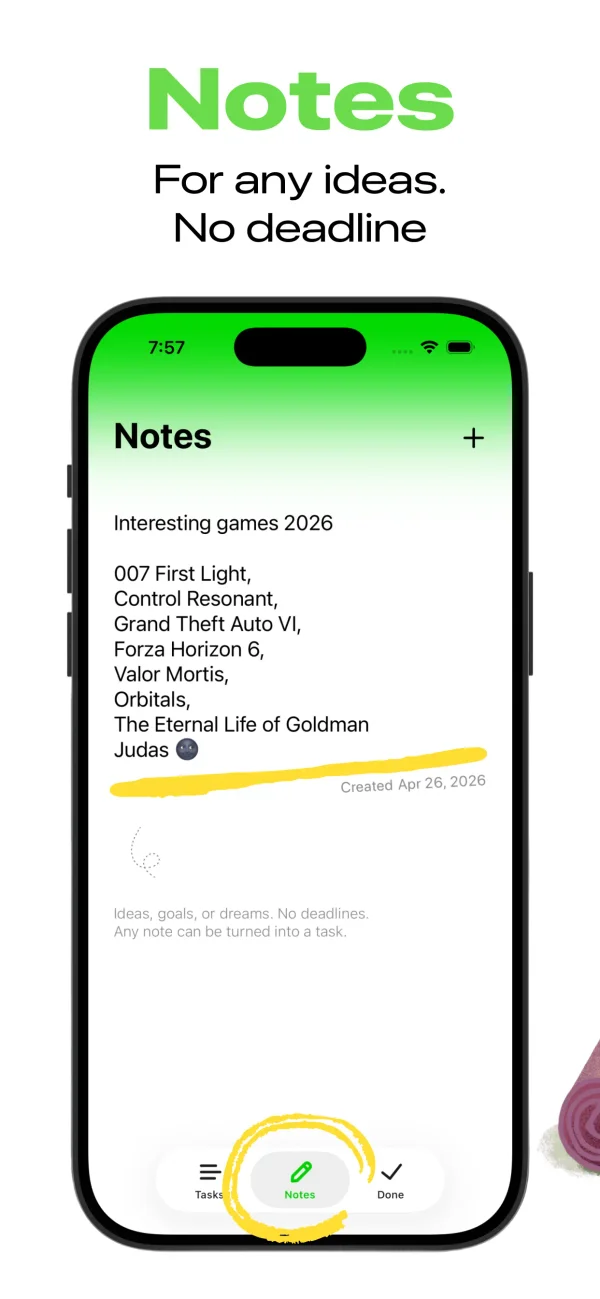
Thoughts, goals, ideas — no deadlines. Any note can be turned into a task, and vice versa.
Nothing gets lost
Built-in search and Spotlight support — across all your tasks and notes at once.
Your records are yours alone
Pulse collects no data. Everything is stored on your devices and synced via iCloud.
Your progress
Pulse has no AI features, but you can analyze your progress or learn about your productivity by sharing your records with your AI assistant and asking it to put together some stats.
Pulse on all your devices
On iPhone, iPad, Mac and Apple Watch. Now on iPhone Duo too — more room for your tasks and notes.
What’s new
Version 2.6.0 · Nov 27, 2026
Pulse is now on Apple Watch. See today's tasks at a glance, check them off, add new ones and edit them right from your wrist. Swipe between Tasks, Notes and Done, just like on iPhone. Add a Pulse complication to your watch face to see how many tasks are left for today. Everything stays in sync with your iPhone.
App privacy
What Vladimir Bykov declares on the App Store about how this app handles data.
-
Data not collected
The developer does not collect any data from this app.
Privacy practices may vary, for example with the features you use or your age.
Information
- Seller
- Vladimir Bykov
- Category
- Productivity
- Version
- 2.6.0
- Updated
- Nov 27, 2026
- Released
- May 16, 2026
- Size
- 11.2 MB
- Requires
- iOS 18.6 or later
- Age rating
- 4+
- Price
- Free
- In-app purchases
- Yes
- Languages
- English, Russian, Simplified Chinese
- Copyright
- © Vladimir Bykov
You might also like
-
 moodik – simple mood trackerPrivate mood tracking app
-
 Memol — Notes, sharing, AINow, you can finally forget.
-
 Pulp - Smart Sticky NotesVoice notes & smart capture
-
 Rotator: Lists That Take TurnsChores, meals & pin boards
-
 Task Manager - TodoitProductivity
-
 sns note - Simple notebook -Productivity
-
 Afterthought: Voice NotesTasks, reminders & meetings
-
 Orbit TasksOrbit your day. Finish tasks.
-
 Pad Notes AI: Note TakingHandwriting, PDF & Study Tape
-
 Pulse HabitYour daily habit tracker