
PulseCut - Silence Remover
Cut Dead Time, Auto Captions
Designed for iPhone, iPad, Mac
Free · In-app purchases
- Age rating4+
- CategoryPhoto & Video
- DeveloperThomas PIQUEPAILLE
- LanguagesEnglish+ 12 more
- Size82.3 MB
Links to the official App Store page
Download.org hosts no file of PulseCut - Silence Remover. The button opens its official App Store page, published by Thomas PIQUEPAILLE. Listing last checked on Nov 14, 2026.
Screenshots

About
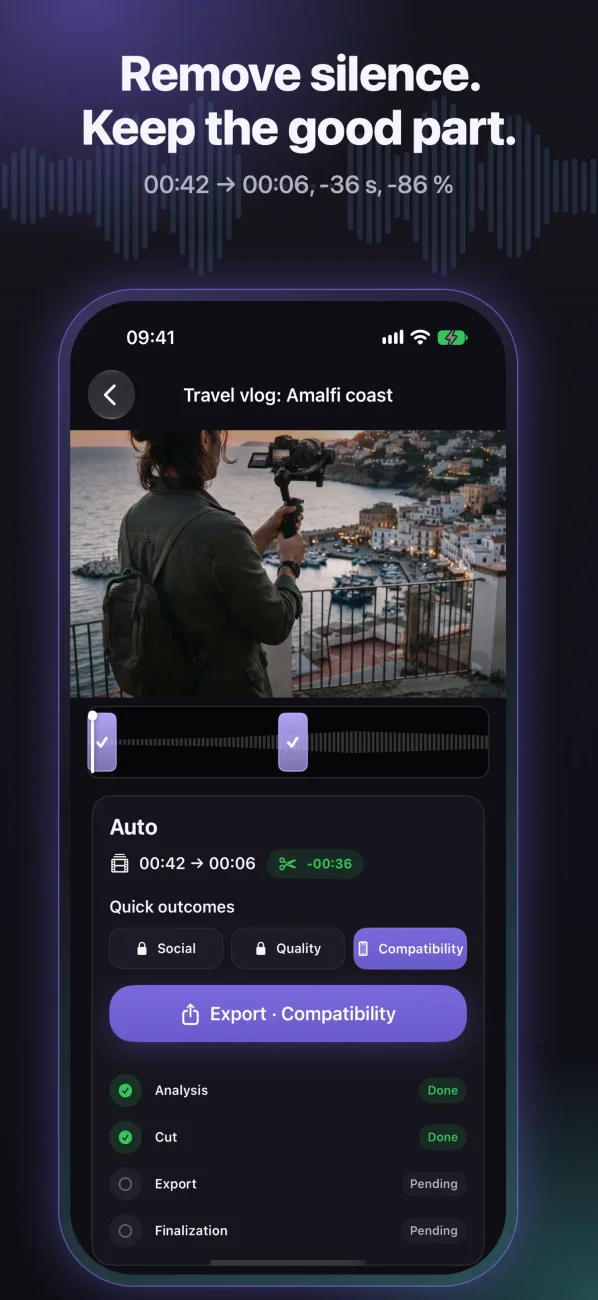
PulseCut is the automatic rush cutter. Drop a raw take and keep only what matters: it cuts silences, moments where nothing moves, or both.
Cooking filmed from above? Cut 15 minutes of simmering and keep your voice. Drawing or painting without showing your face? Turn 40 minutes into 3 where something always happens. Talking to the camera? Remove every pause.
WHAT YOU CAN DO
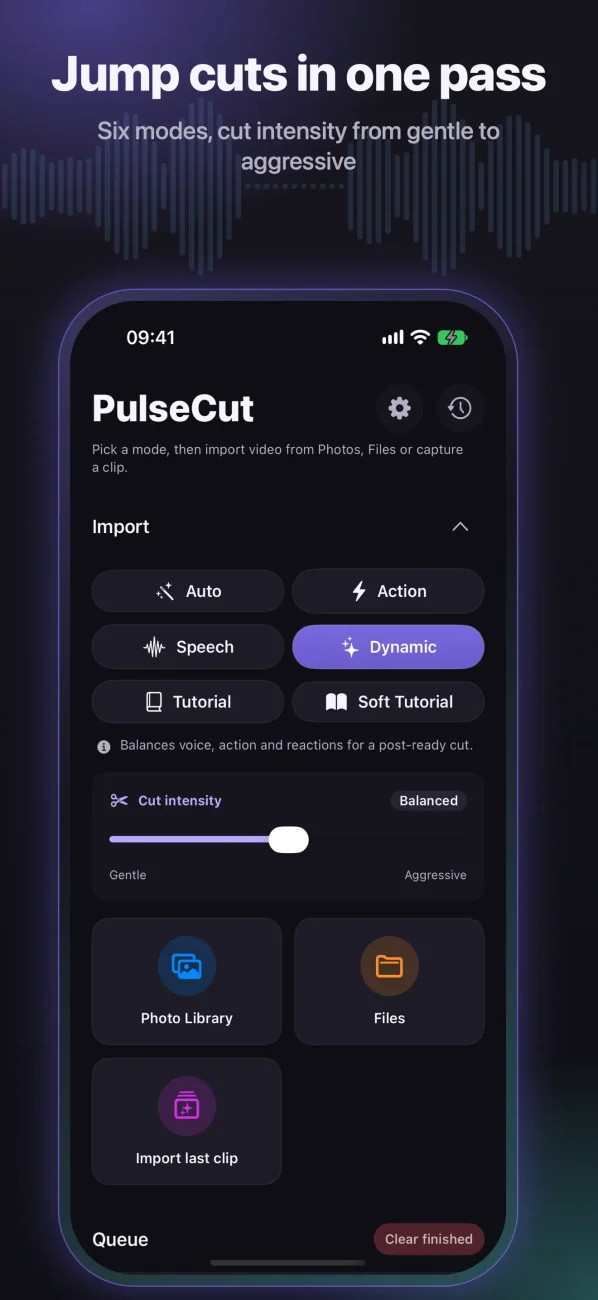
• What to cut? A grid crosses silence and motion: Silences, Still shots, Dead time (silent AND still, the safest) or Everything useless (silent OR still)
• Three rhythms: Natural, Dynamic, Nervous
• One switch for captions, timed automatically on your device, then edit text, position, size, color and black background
• Burn captions into the video and export an .srt file
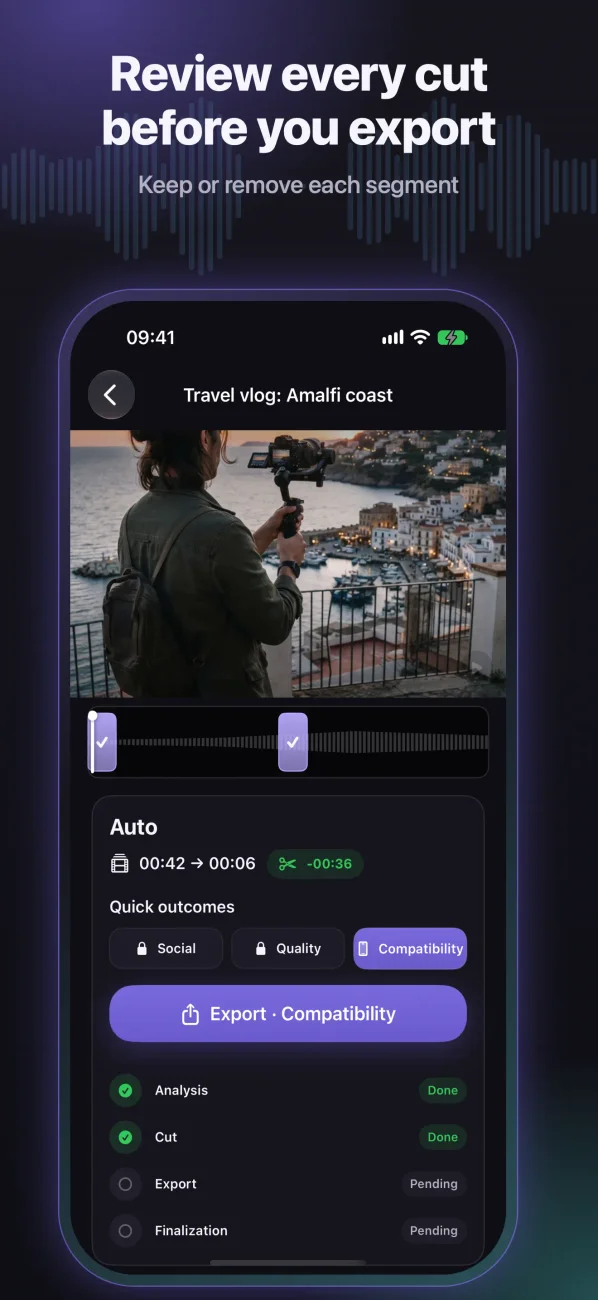
• A waveform under the timeline shows what you keep and what you cut
• iPhone, iPad and Mac: drag and drop
FREE TO TRY
Analysis, preview and caption editing are free for any length. Export is limited to 3 minutes per video, 30 minutes per month, with a small watermark. The first captioned export is on us.
PULSECUT PLUS
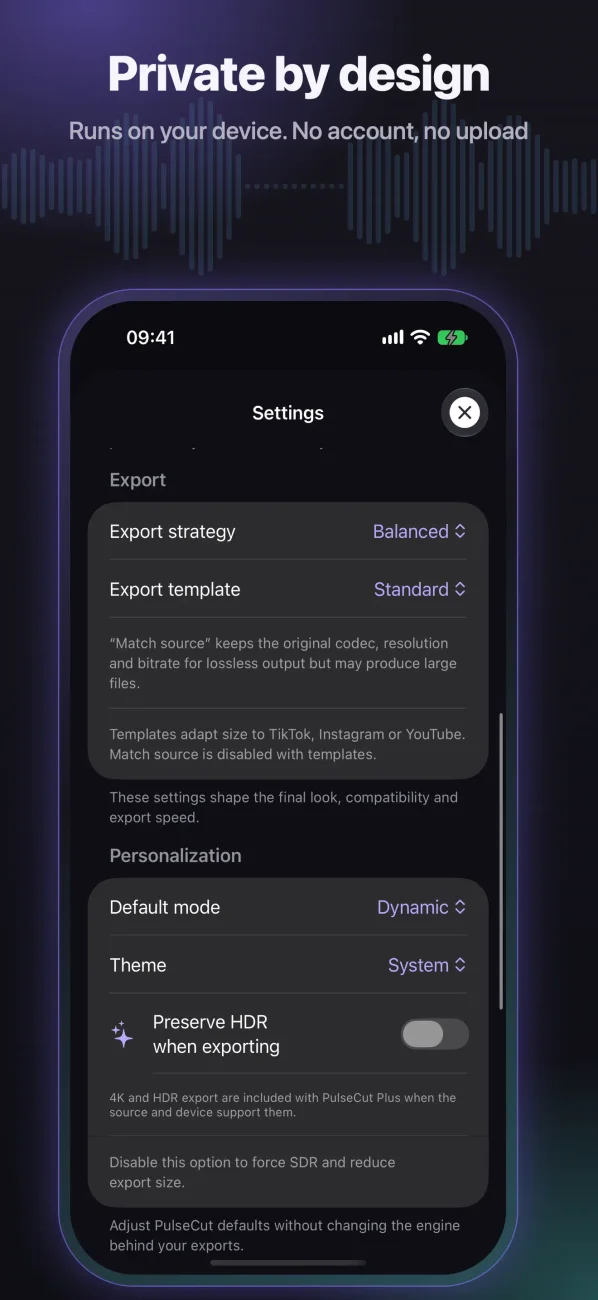
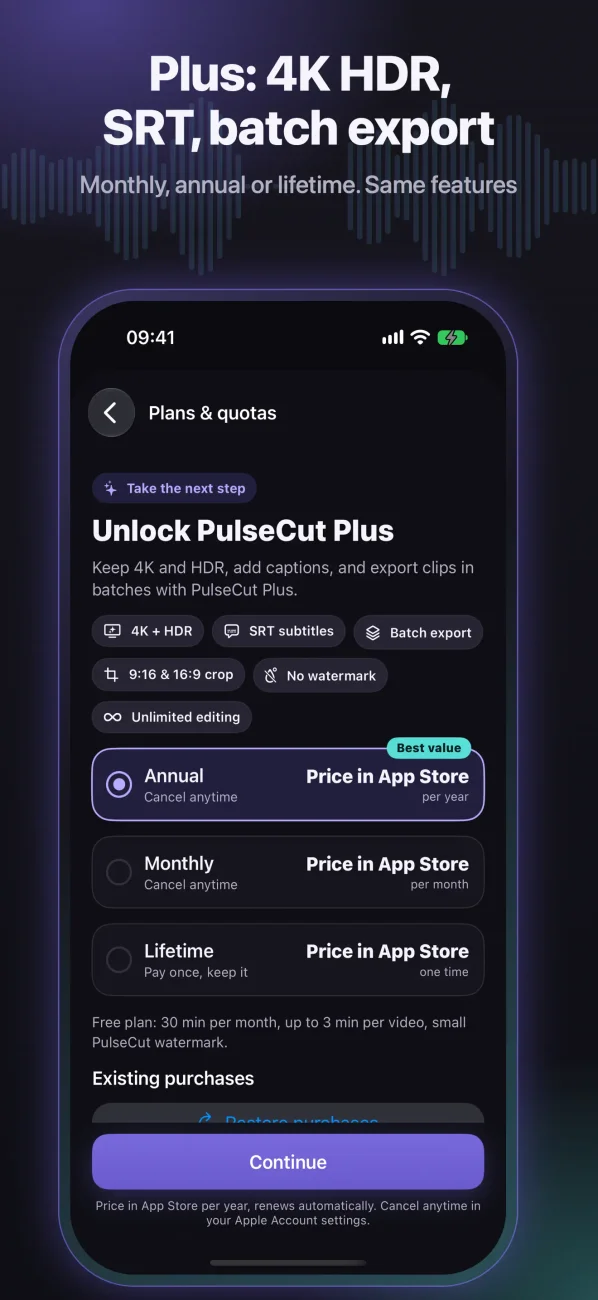
Unlimited export, 4K and HDR, SRT files, templates and batch export. Monthly, annual (7 days free) or lifetime.
Subscriptions renew automatically unless cancelled at least 24 hours before the end of the current period. Manage or cancel in Settings > Apple ID > Subscriptions.
Terms of Use (Apple standard EULA): https://www.apple.com/legal/internet-services/itunes/dev/stdeula/
Privacy Policy: https://asupriifg-hash.github.io/pulsecutlegal/?lang=en#privacy-en
What’s new
Version 2.2.0 · Nov 11, 2026
PulseCut now lets you choose what to cut:
- A grid crossing silence and motion: silences, still shots, dead time or everything
- Waveform under the timeline, lighter thumbnails
- Captions timed automatically, editable, burned in, SRT export
- Export progress in clear steps, no more stalls at 99%
App privacy
What Thomas PIQUEPAILLE declares on the App Store about how this app handles data.
-
Data not collected
The developer does not collect any data from this app.
Privacy practices may vary, for example with the features you use or your age.
Information
- Seller
- Thomas PIQUEPAILLE
- Category
- Photo & Video
- Version
- 2.2.0
- Updated
- Nov 11, 2026
- Released
- Dec 15, 2025
- Size
- 82.3 MB
- Requires
- iOS 17.0 or later
- Age rating
- 4+
- Price
- Free
- In-app purchases
- Yes
- Languages
- English, Arabic, French, German, Indonesian, Italian, Japanese, Korean, Portuguese, Russian, Simplified Chinese, Spanish + 1 more
- Copyright
- © PULSECUT2025
You might also like
-
 Auto Cut: AI Video EditorCaptions, Remove Silence, Zoom
-
 Primecut: AI Video EditorTeleprompter, Captions & Cuts
-
 Video Silence Remover: JumpcutCut Pauses in Audio & Podcasts
-
 Talk - AI Video Editor & MakerEdit by Voice, Auto Captions
-
 Video Splitter - BlitzCut AISubtitles, AI Cut, Transcriber
-
 EasyCut : Video Editor & MakerPro video Editor
-
 PromoCut: AI Video EditorFor brands, products, creators
-
 Auto Captions: Video SubtitlesAI Closed Captioning for Reels
-
 Detail: AI Video EditorVlog, Shorts & Reels Maker
-
 OpusClip - AI video clippingTurn long videos into shorts