
Punch Clock - Work Hours
Timesheet, PDF & CSV Reports
Designed for iPhone, iPad
Free · In-app purchases
- Age rating4+
- CategoryBusiness
- DeveloperMPK Tec AB
- LanguagesEnglish+ 4 more
- Size8.7 MB
Links to the official App Store page
Download.org hosts no file of Punch Clock - Work Hours. The button opens its official App Store page, published by MPK Tec AB. Listing last checked on Nov 15, 2026.
Screenshots

About
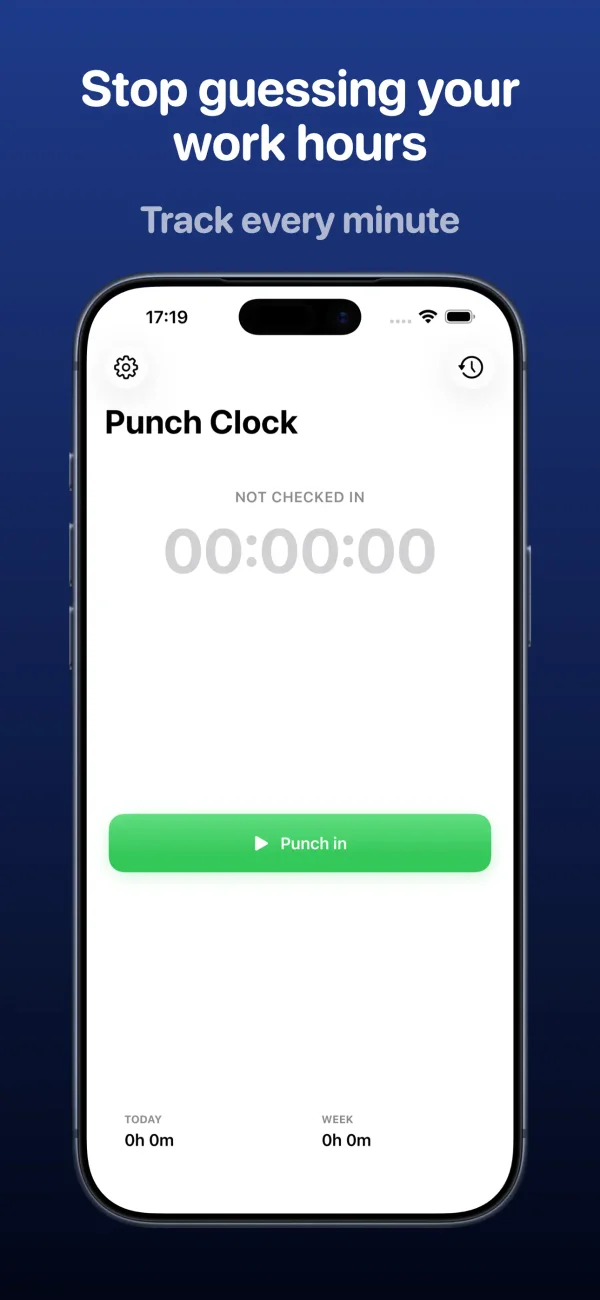
Turn your iPhone and Apple Watch into a simple personal punch clock. Punch Clock helps you document work sessions, breaks, and assignments without accounts, ads, or complicated HR systems.
Punch in with one tap, follow your hours for today and this week, and create clear records for payroll or invoicing support.
Features:
• One-tap punching: Punch in and out quickly from iPhone or Apple Watch.
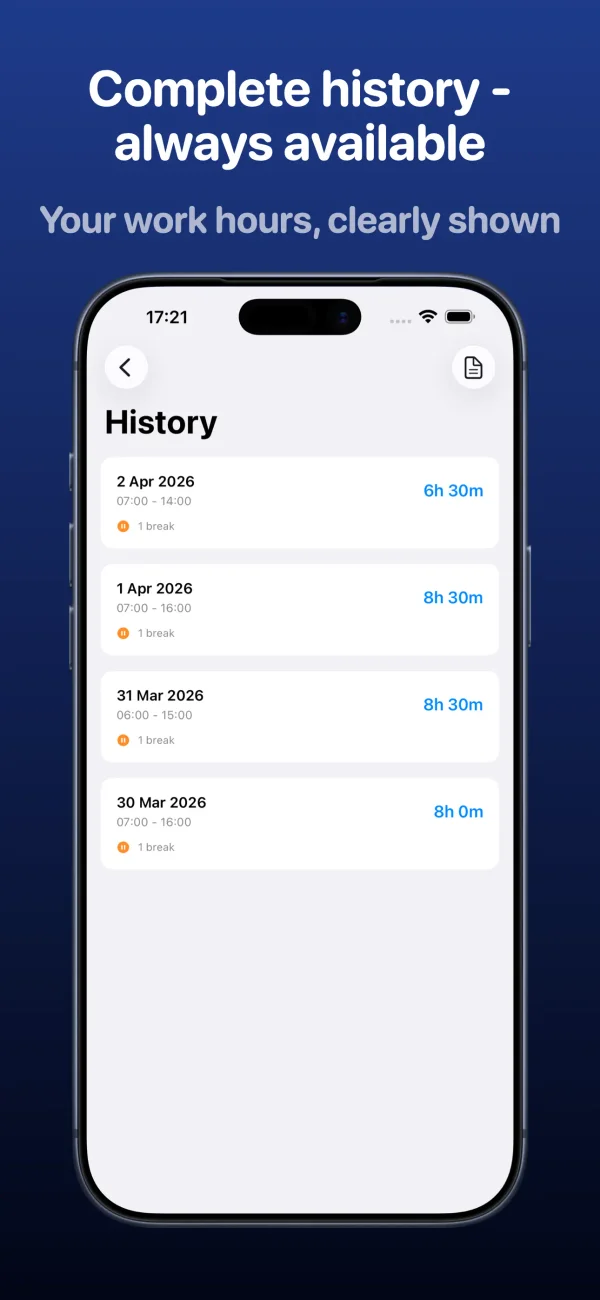
• Break tracking: Start and end breaks manually or use an optional automatic standard break.
• Reliable history: Changes to automatic-break settings never rewrite previously created work sessions.
• Assignments: Create optional assignments, choose a default, and filter history and reports.
• History and editing: Review, add, edit, or delete work sessions and breaks when needed.
• At-a-glance totals: See worked time for today and the current week.
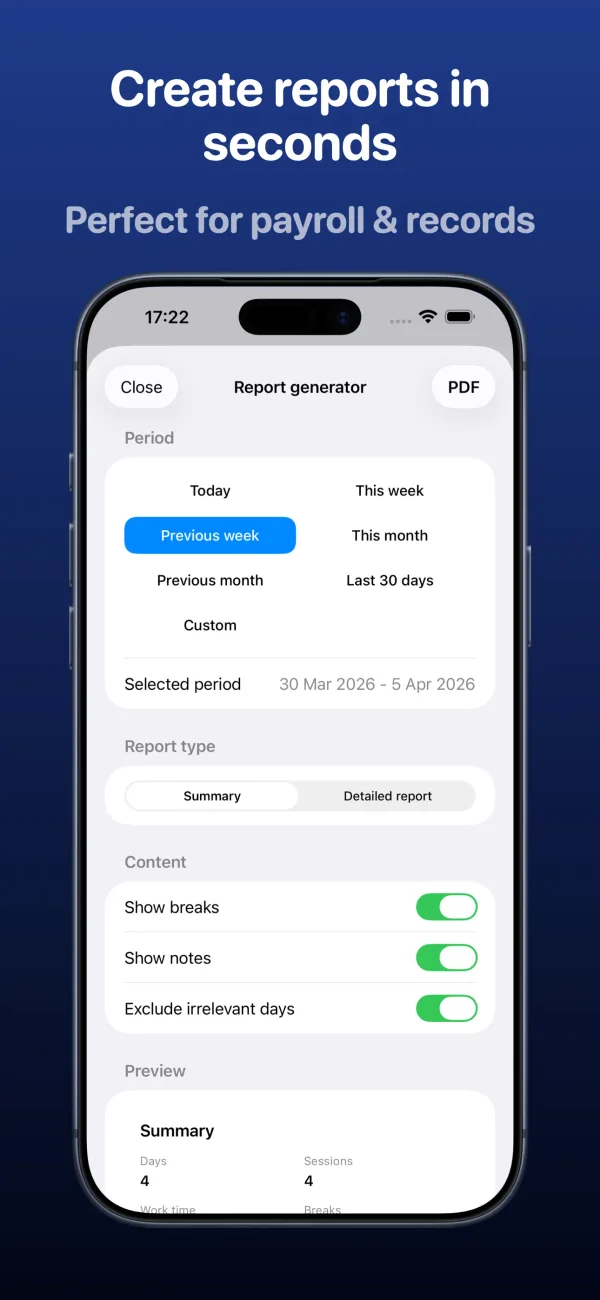
• PDF and CSV: Generate summary or detailed reports for any selected period.
• Flexible reports: Include breaks, notes, assignments, and time zone information when needed.
• Widget and Live Activity: Follow an active session from the Home Screen, Lock Screen, and Dynamic Island on supported devices.
• Siri and Shortcuts: Punch in or out and manage breaks using Siri, Shortcuts, or Home Screen Quick Actions.
Designed for hourly workers, consultants, freelancers, contractors, and small business owners who want a clear personal work-hours record.
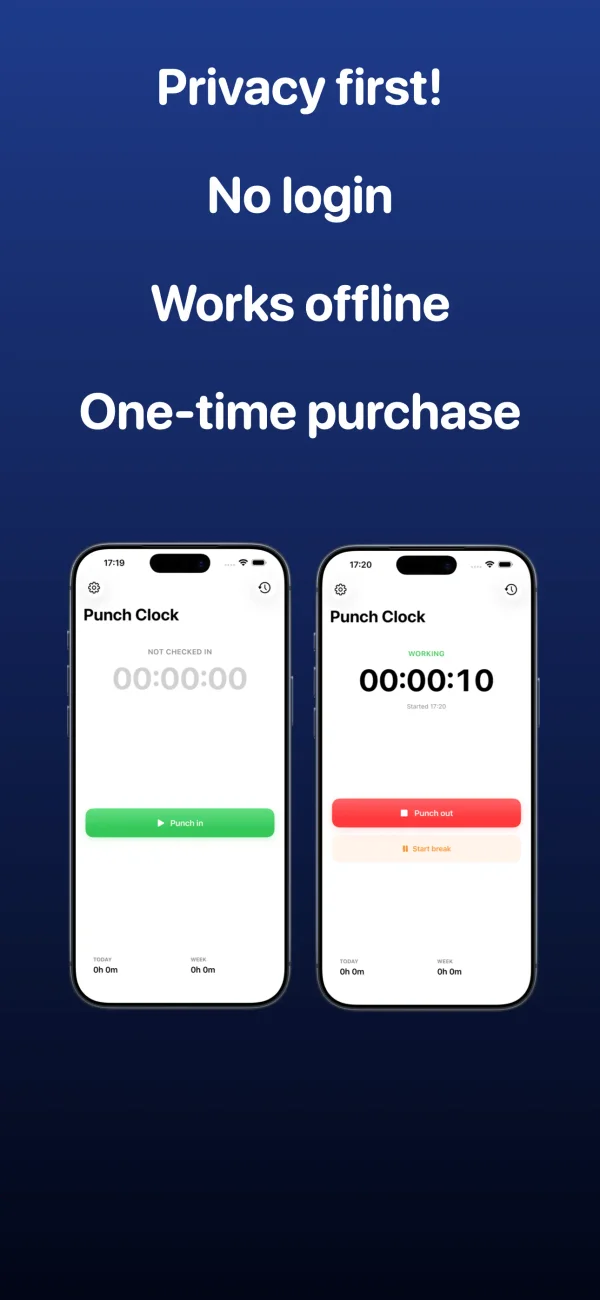
Your information is stored locally on your devices. Punch Clock does not collect your personal work sessions and contains no advertising.
Punch Clock is a personal documentation tool. It is not payroll, invoicing, accounting, legal, or compliance software. You or your employer are responsible for checking which rules and requirements apply.
What’s new
Version 1.1 · Sep 3, 2026
Version 1.1 makes tracking and summarizing your work time even easier.
• Assignments: Attach optional assignments or clients to work sessions and filter history and reports.
• Apple Watch: Punch in and out or start and end breaks directly from your wrist.
• Widgets and Live Activity: Follow active work time from the Home Screen, Lock Screen, and Dynamic Island.
• PDF and CSV: Export clear summaries or detailed time records.
• Siri and Shortcuts: Manage punching and breaks with your voice or a shortcut.
• Safer editing: Delete breaks with a swipe and confirmation without affecting other work sessions.
App privacy
What MPK Tec AB declares on the App Store about how this app handles data.
-
Data not collected
The developer does not collect any data from this app.
Privacy practices may vary, for example with the features you use or your age.
Information
- Seller
- MPK Tec AB
- Category
- Business
- Version
- 1.1
- Updated
- Sep 3, 2026
- Released
- Apr 9, 2026
- Size
- 8.7 MB
- Requires
- iOS 17.0 or later
- Age rating
- 4+
- Price
- Free
- In-app purchases
- Yes
- Languages
- English, French, German, Spanish, Swedish
- Copyright
- © 2026 MPK Tec AB
You might also like
-
 StämpelklockaBusiness
-
 Mobitid Time ClockEasier time reporting
-
 Trackers - Time TrackingLog work hours, avoid overtime
-
 TimeAssistLiteProductivity
-
 ZeitlogProductivity
-
 Stundenzettl: Time TrackingTimesheet & Hours Tracker
-
 JobbTid – TidrapporteringAutomatisk tidrapportering
-
 Punch Clock: Hours & TimesheetTime Tracker & Pay Calculator
-
 WorkTrack - ZeiterfassungProductivity
-
 Hours Tracker: Work LogTime Calculator & Clock In