Punch O'Clock: Time Tracker
Billable hours and invoices
Designed for iPhone, iPod touch
Free
- Age rating4+
- CategoryProductivity
- DeveloperBaan Software
- LanguagesEnglish
- Size71.8 MB
Links to the official App Store page
Download.org hosts no file of Punch O'Clock: Time Tracker. The button opens its official App Store page, published by Baan Software. Listing last checked on Nov 17, 2026.
Screenshots

About
Punch O'Clock — Time Tracking and Invoicing for Professionals
Punch O'Clock is a time tracker built for freelancers, contractors and
professionals who want a clear, reliable record of their working hours — and an
invoice at the end of it.
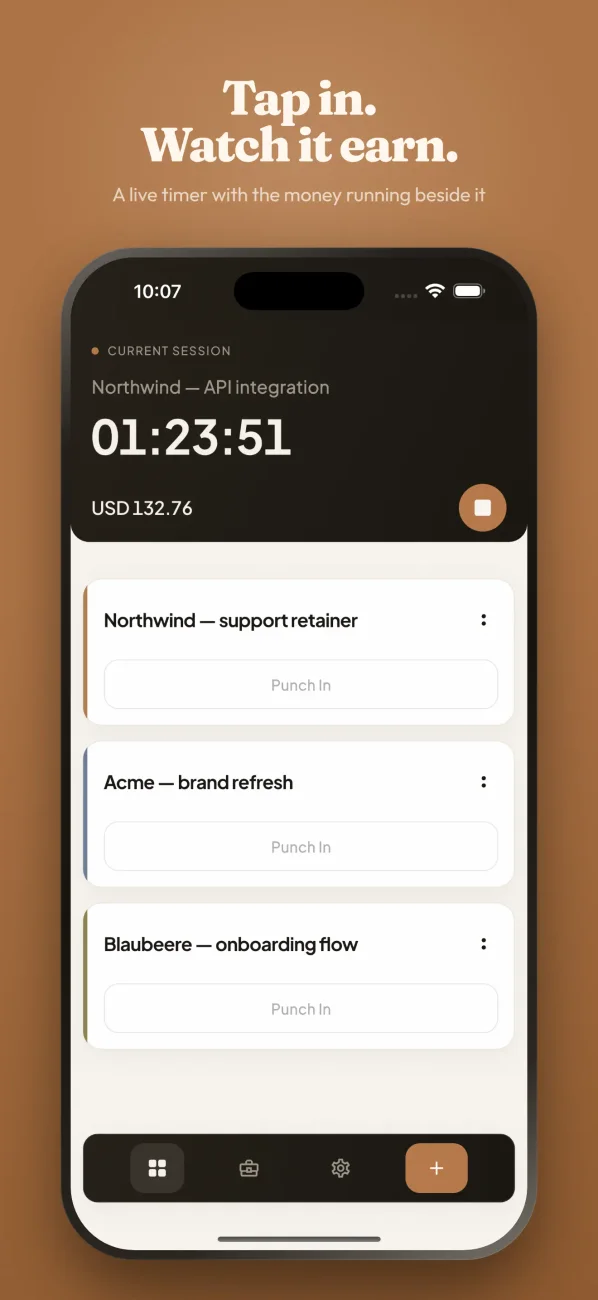
Tap a project to start. Tap it again to stop. Your hours, breaks and earnings
are counted for you, and only one timer can ever run at once, which quietly
prevents the most common error in freelance timekeeping: two overlapping clocks
nobody notices until the invoice.
BILL FOR WHAT YOU TRACKED
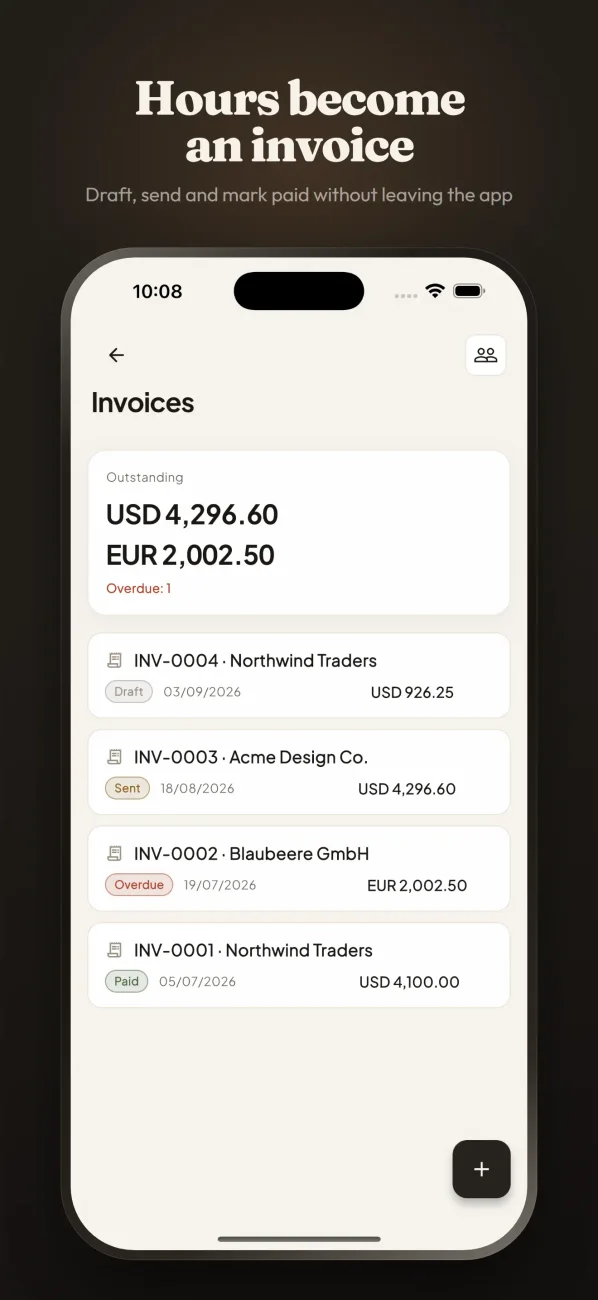
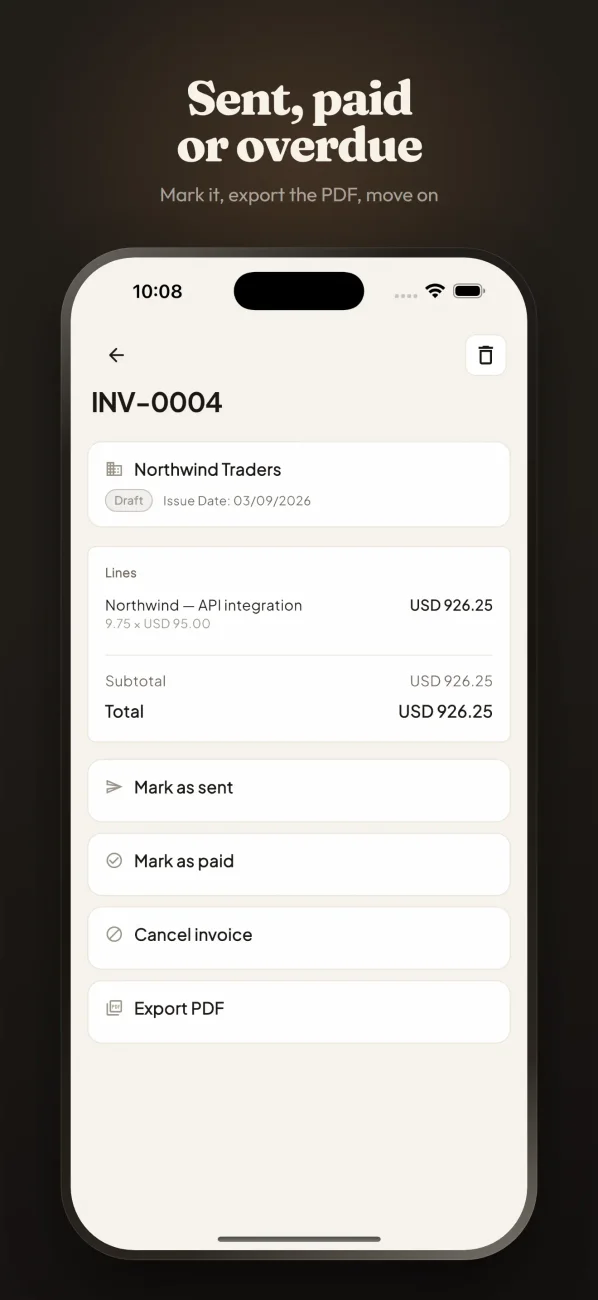
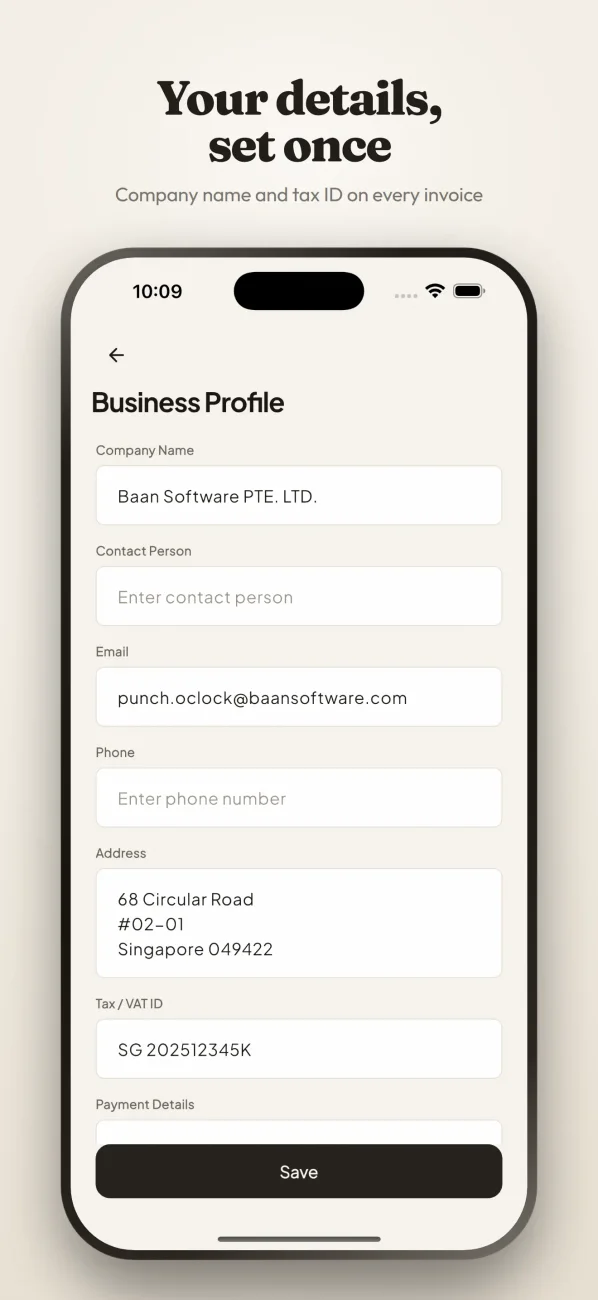
Keep your clients as real records, with their address, tax details and default
rate. Choose a client and a date range and your tracked work becomes an invoice,
grouped by project, by day or by session, with tax, discounts and expenses on
top. Export it as a PDF that looks like an invoice rather than a timesheet, then
follow it from draft to sent to paid and see what you are owed at a glance.
BILL IT THE WAY YOU CHARGE
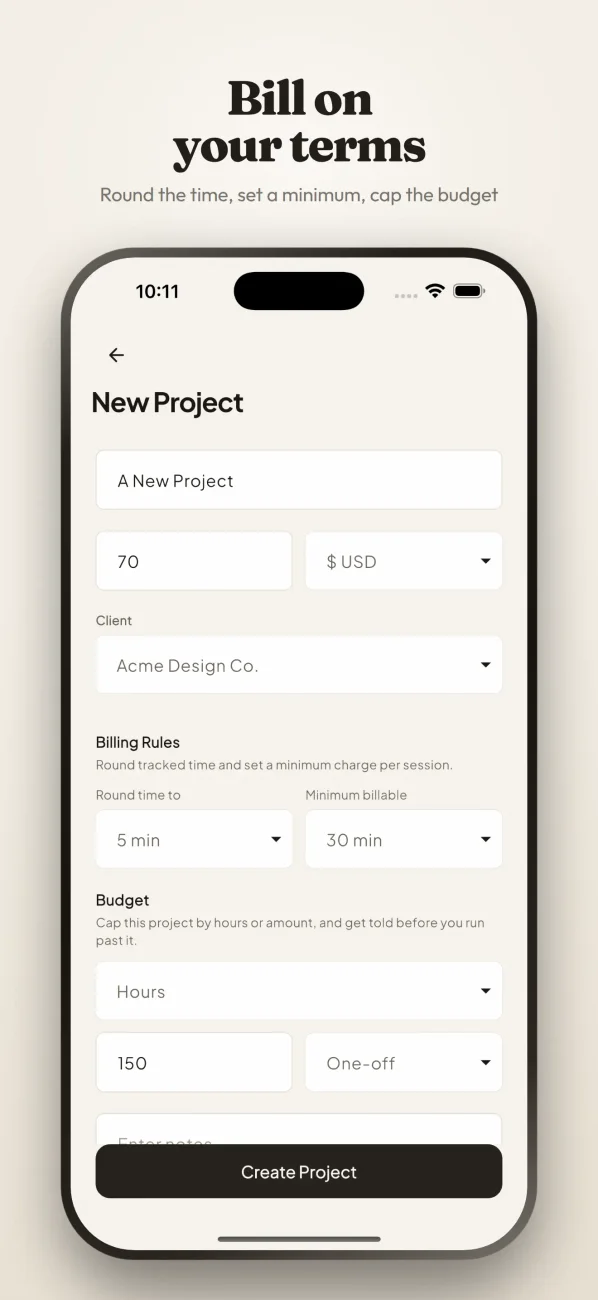
Round tracked time to the nearest 5, 10, 15 or 30 minutes, set a minimum
billable increment per project, and mark any session non-billable so it counts
towards your hours but not your earnings. Every session keeps the rate it was
tracked at, so raising your rate changes what you earn from here on and leaves
past work exactly as it was.
KNOW WHERE THE TIME GOES
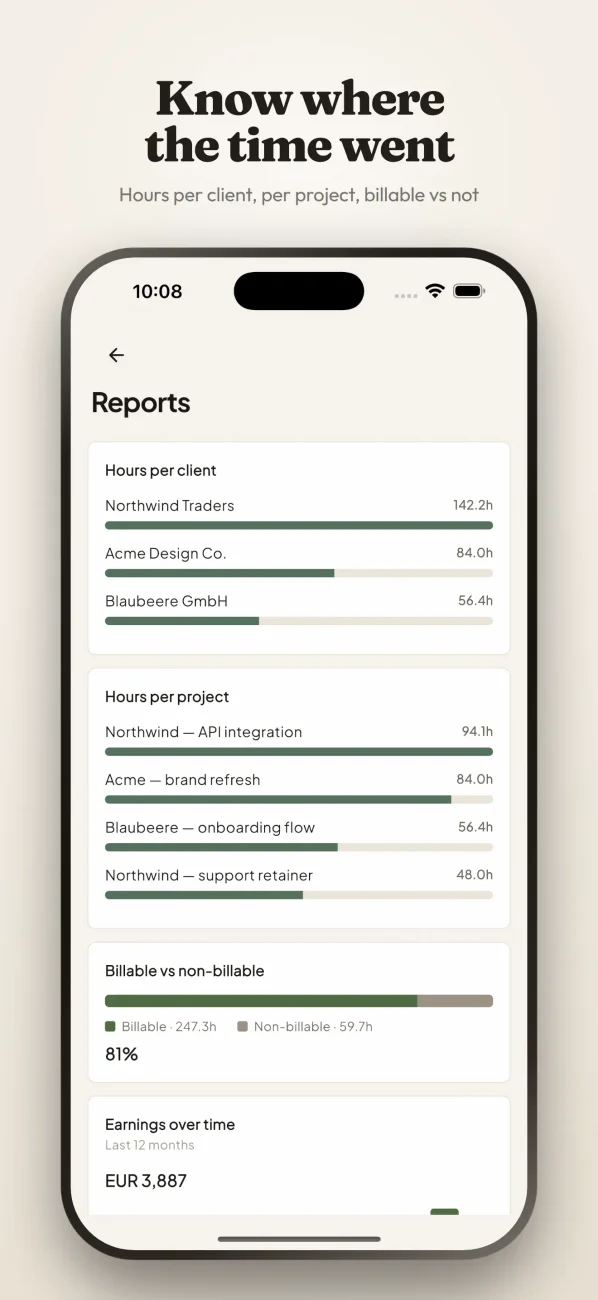
Hours per client and per project, billable against non-billable, earnings over
time, and a heatmap of when you actually work. Cap a project by hours or by
amount, one-off or monthly, and get told at 80 percent — before you run past it.
NEVER LOSE AN HOUR
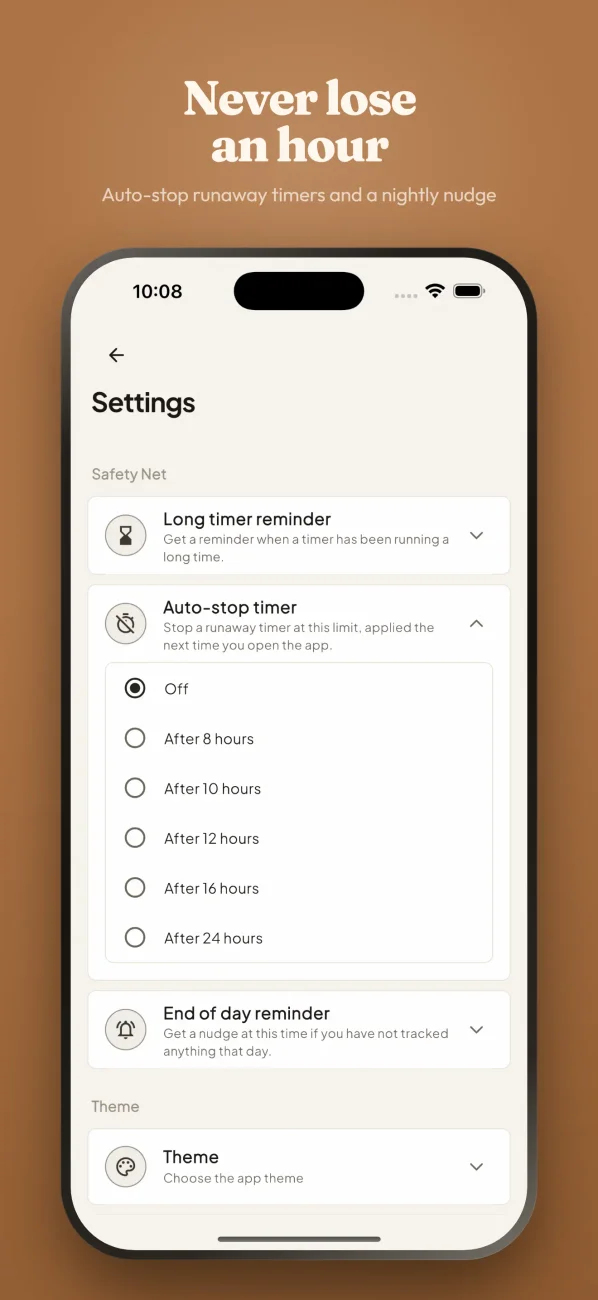
A reminder when a timer has been running for hours, an optional auto-stop for
the one you forgot, and a nudge at the end of a day with nothing tracked. All of
it is off until you switch it on.
YOUR DATA, ON YOUR PHONE
Everything is written to your device first, so the app works with no connection
and no account. Signing in and syncing to your other devices is optional and off
by default. Back everything up to a single file and restore it anywhere, or
bring your history in from a Toggl, Clockify or Harvest CSV export.
KEY FEATURES
- Track hours across multiple projects, one timer at a time
- Hourly rates in 159 currencies, with earnings calculated automatically
- Per-project rounding and minimum billable increments
- Clients, expenses and invoices, exported as PDF
- Reports on hours, earnings and where your time goes
- Project budgets with alerts before you overrun
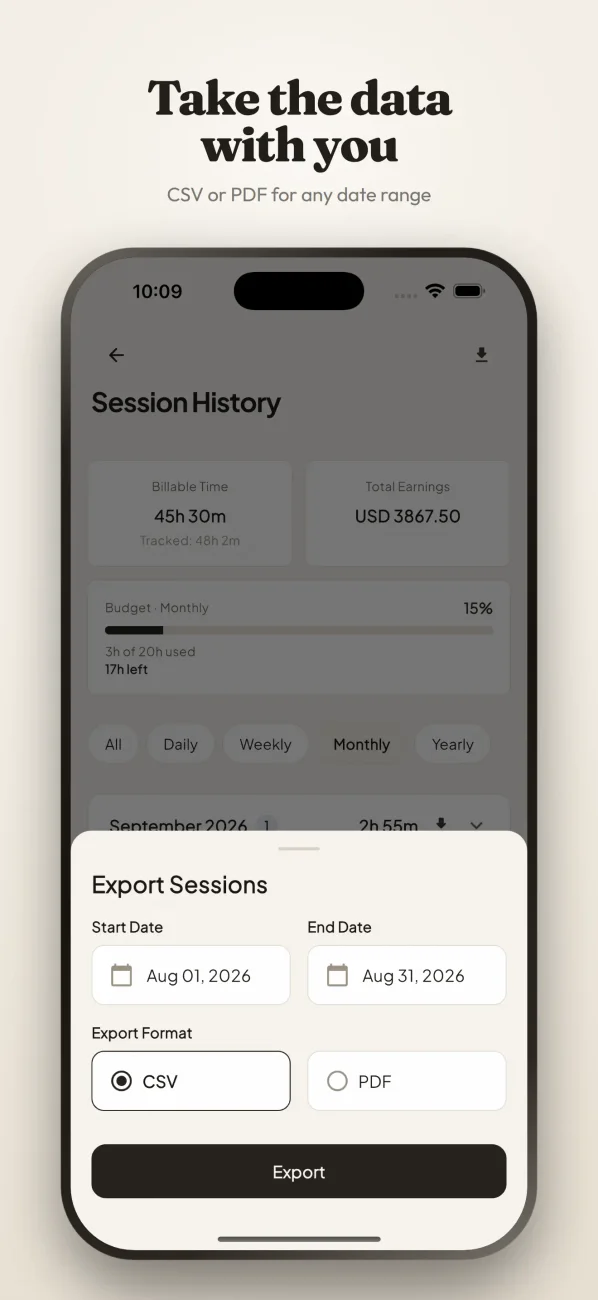
- CSV and PDF export of any date range
- Backup and restore, and CSV import from other trackers
- Works offline; cloud sync is optional
- Eleven languages: English, Spanish, French, German, Portuguese, Italian,
Dutch, Russian, Japanese, Korean and Chinese
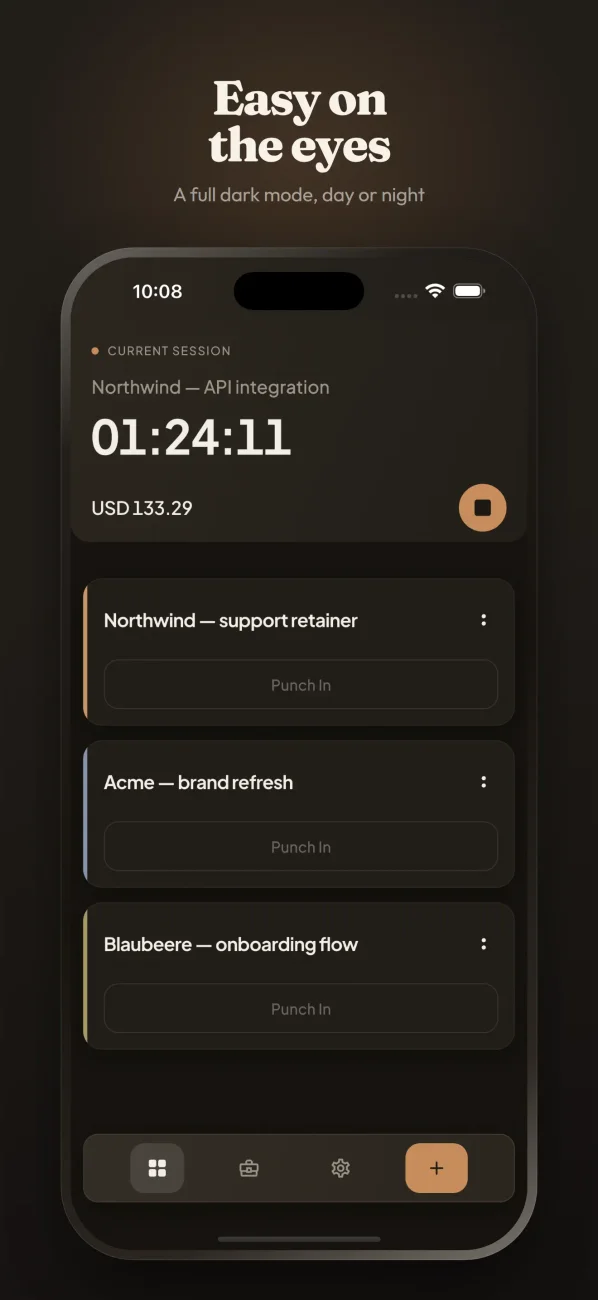
- Three themes, in light and dark
Punch O'Clock is the straightforward way to keep your time, your projects and
your earnings under control.
What’s new
Version 2.0.5 · Nov 4, 2026
- Stronger security for cloud sync
- Bug fixes
App privacy
What Baan Software declares on the App Store about how this app handles data.
-
Data not linked to you
May be collected but is not linked to your identity.
- Contact info
- User content
- Diagnostics
Privacy practices may vary, for example with the features you use or your age.
Information
- Seller
- Baan Software PTE. LTD.
- Category
- Productivity
- Version
- 2.0.5
- Updated
- Nov 4, 2026
- Released
- Jan 7, 2026
- Size
- 71.8 MB
- Requires
- iOS 15.0 or later
- Age rating
- 4+
- Price
- Free
- Languages
- English
- Copyright
- © Baan Software PTE LTD
You might also like
-
 Manny - documentation appProductivity
-
 Punchio KioskEmployee Time Clock Kiosk
-
 ReceiptSync – Receipt TrackerProductivity
-
 iCount TimeiCount's time management app
-
 WorkLog: Time & Shift TrackerTimesheet & Pay Calculator
-
 Transcribe: MP4 to textTranscript & Audio to text
-
 WebWork Time TrackerWork Hours & GPS Tracking
-
 Date Calculator - TimeRangeWork day counter & countdown
-
 Commit: Everyday ConsistencyDaily Discipline
-
 99 Recurring RemindersRoutine & chore tracker