- Age rating4+
- CategoryUtilities
- DeveloperJan Hendrik Ellermann
- LanguagesEnglish+ 1 more
- Size9.7 MB
Links to the official App Store page
Download.org hosts no file of PVE-Manager. The button opens its official App Store page, published by Jan Hendrik Ellermann. Listing last checked on Nov 18, 2026.
Screenshots



About
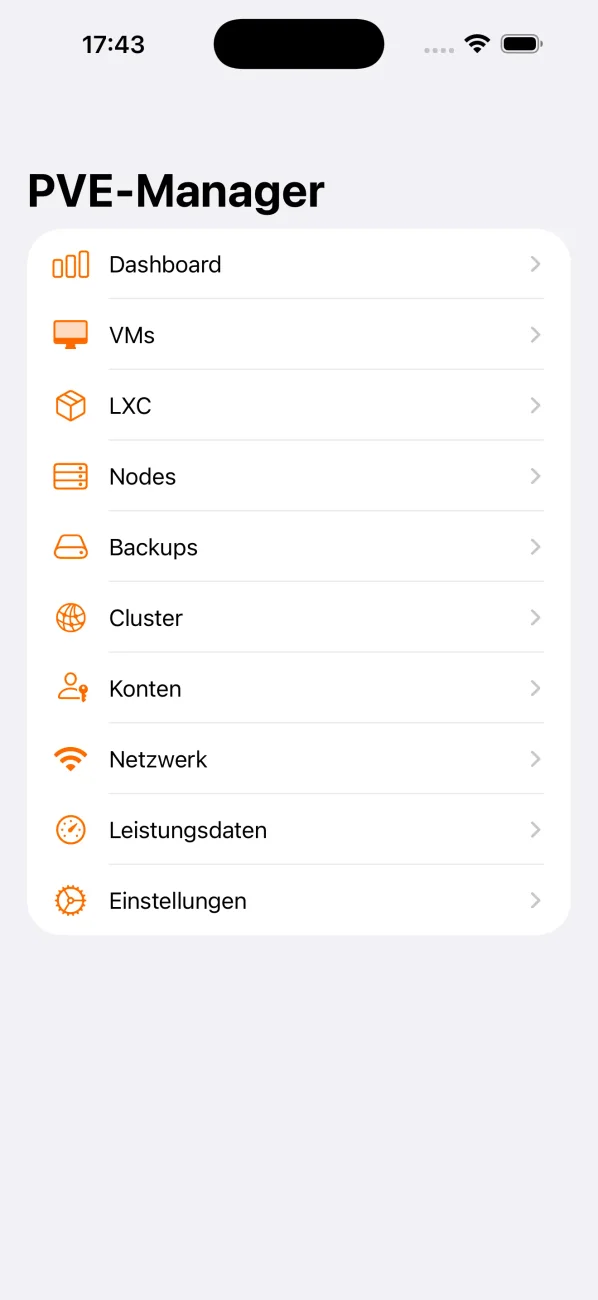
PVE-Manager is the native iOS client for Proxmox Virtual Environment. Manage VMs, containers, and nodes directly from your iPhone or iPad — whether at home on your LAN or remotely via VPN.
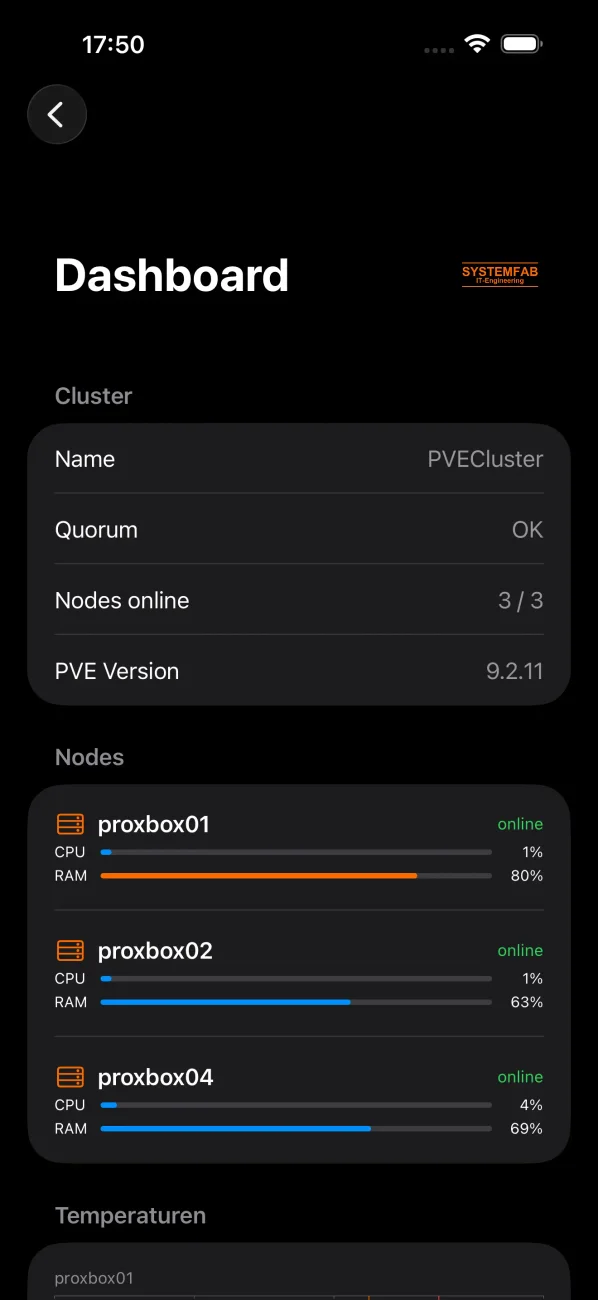
DASHBOARD
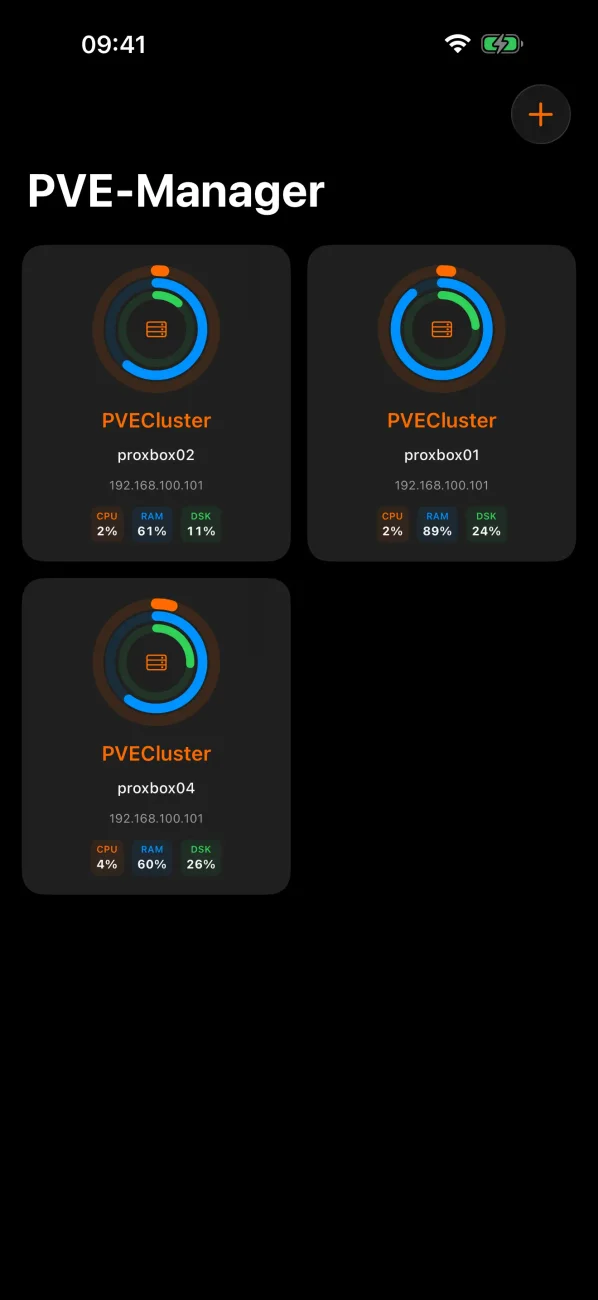
All key metrics at a glance: CPU usage, memory, uptime, and PVE version. Always know how your Proxmox cluster is performing.
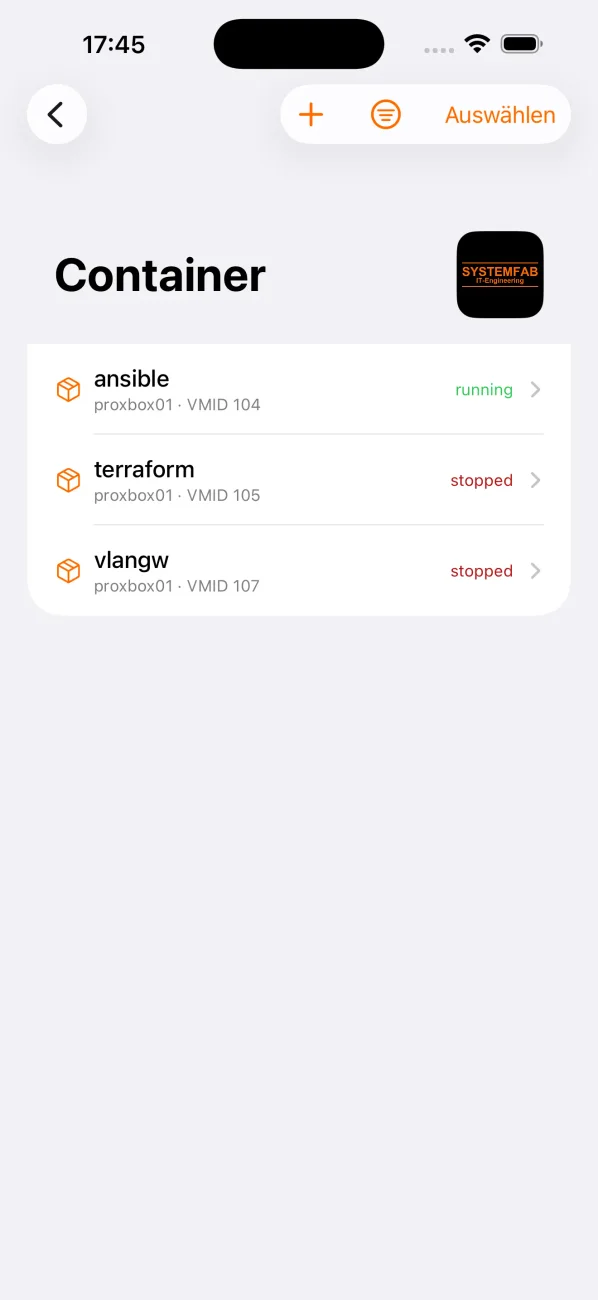
VMs & CONTAINERS
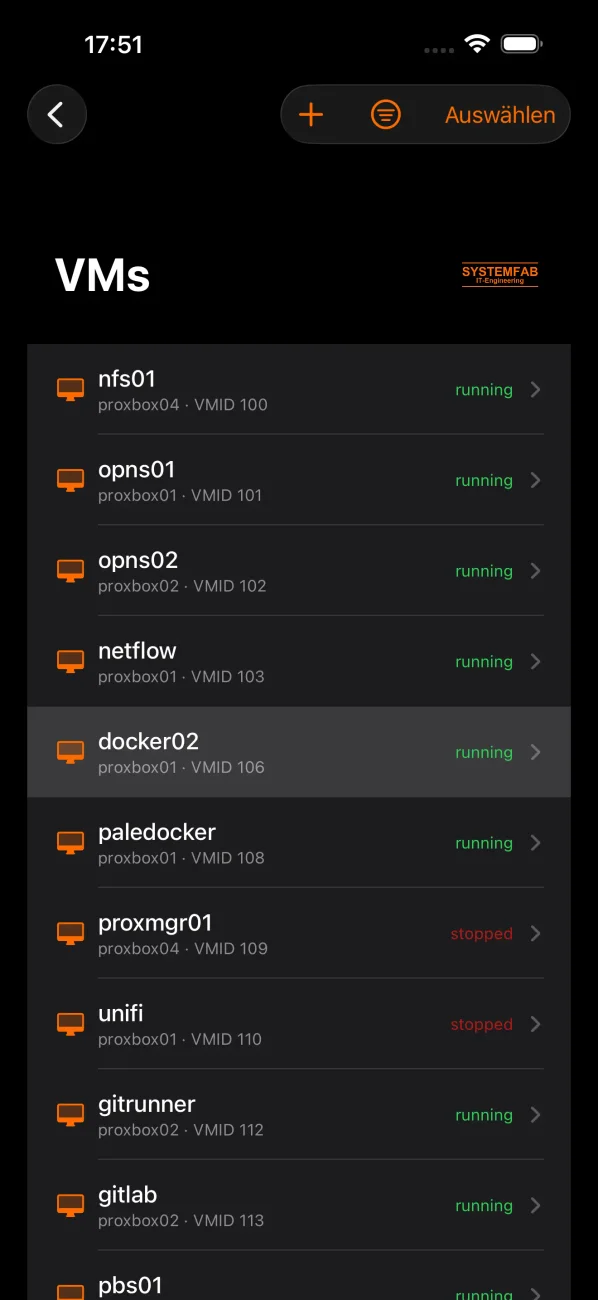
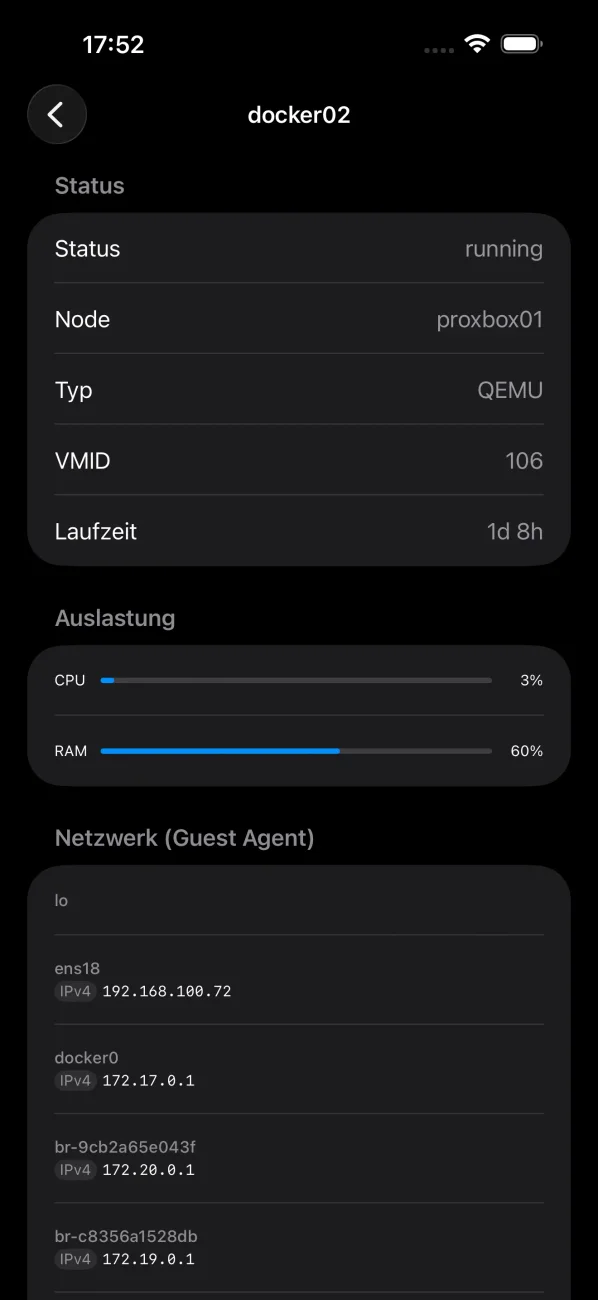
Start, stop, pause, and delete VMs and LXC containers directly from the app. Real-time status — always know what's running.
NODES
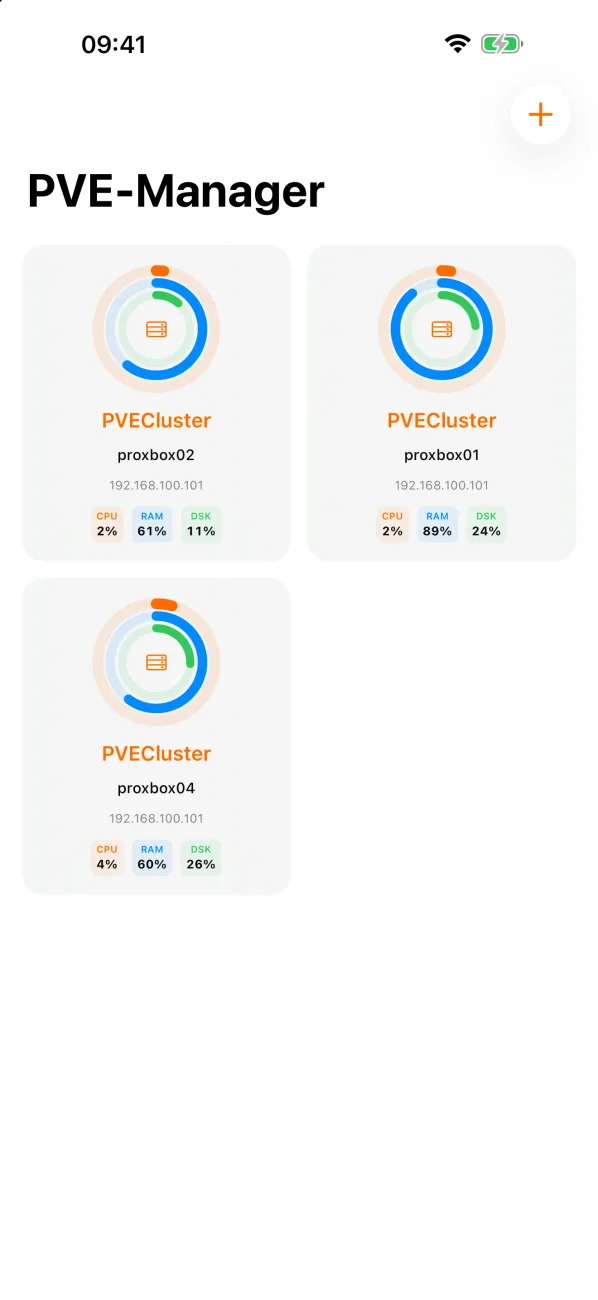
Overview of all cluster nodes with CPU, RAM, uptime, and status. Detail view with network and storage information.
CONSOLE
Direct access to the console of VMs and containers — without going through the web interface.
SSH
Built-in SSH client for quick terminal access to nodes and containers directly from the app.
BACKUPS
Create, run, and monitor backup jobs. Snapshot overview for all guests.
TASKS & LOGS
Full task logs in real time. Spot errors immediately without opening the web interface.
MONITORING
Graphical CPU, RAM, and network history graphs for nodes and guests.
STORAGE
Overview of all storages with usage and available space.
AI ASSISTANT
Built-in AI assistant with support for Claude (Anthropic), ChatGPT (OpenAI), Groq, and local LLMs (OpenAI-compatible). Ask questions about your PVE environment, start or stop VMs — all by voice or text.
Critical actions are always protected by a confirmation prompt.
PUSH NOTIFICATIONS
Get notified about completed tasks and important events in your cluster.
HOME SCREEN WIDGET
Shows the status of your most important nodes and guests directly on the Home Screen.
SECURE & PRIVATE
API tokens and credentials are stored encrypted in the iOS Keychain. No data is shared with third parties. Supports self-signed certificates and custom ports.
COMPATIBILITY
- Proxmox VE 7.x and 8.x
- Token authentication (API Token)
- Username/password authentication
- Self-signed certificates (fingerprint pinning)
What’s new
Version 1.7 · Oct 28, 2026
• New in 1.7: MCP server support — connect the AI assistant to any MCP-compatible server and extend it with your own tools.
• Already included: 28 Proxmox tools covering nodes, VMs, LXC containers, backups, storage, HA, RRD monitoring, APT updates, pools, and users.
• Context-aware: tap the context button in any VM or node detail view and the assistant immediately knows what you're looking at.
• Safe: write actions (start, stop, snapshot rollback, migration) require your confirmation.
• Stability and security improvements.
App privacy
What Jan Hendrik Ellermann declares on the App Store about how this app handles data.
-
Data not collected
The developer does not collect any data from this app.
Privacy practices may vary, for example with the features you use or your age.
Information
- Seller
- Jan Hendrik Ellermann
- Category
- Utilities
- Version
- 1.7
- Updated
- Oct 28, 2026
- Released
- Aug 20, 2026
- Size
- 9.7 MB
- Requires
- iOS 17.0 or later
- Age rating
- 4+
- Price
- Free
- Languages
- English, German
- Copyright
- © 2026 Jan Hendrik Ellermann
You might also like
-
 Server DockAll-in-One Game Server Manager
-
 ReFx Server ManagerGame servers in your pocket
-
 LocalForge MobileUtilities
-
 Mad Ramblings — awesome notesUltimate notes app we deserve
-
 Homerun Go: Server HostingMinecraft server on your phone
-
 VibeStackUtilities
-
 RustCONRust Server Admin Console
-
 Universal TV Control & RemoteGoogle TV, Fire TV & Roku
-
 Web HelperImage Sniffer & JS Debugger
-
 Flyback Transformer DesignerIterate·Custom Lib·Offline