
Pw Drawing Pad
Image and Painting Creation
Designed for iPhone, iPad, iPod touch
Free · In-app purchases
- Age rating4+
- CategoryLifestyle
- Developer伟典 苏
- LanguagesEnglish+ 19 more
- Size309.3 MB
Links to the official App Store page
Download.org hosts no file of Pw Drawing Pad. The button opens its official App Store page, published by 伟典 苏. Listing last checked on Nov 27, 2026.
Screenshots



About
【Introduction】
Pw Drawing Pad: It can be used to create images, drawing, painting, sketching, and simple image modifications. It can also be used for logo design, clothing design, hairstyle design, posters, graphic notes, hand drawn art characters, and more.
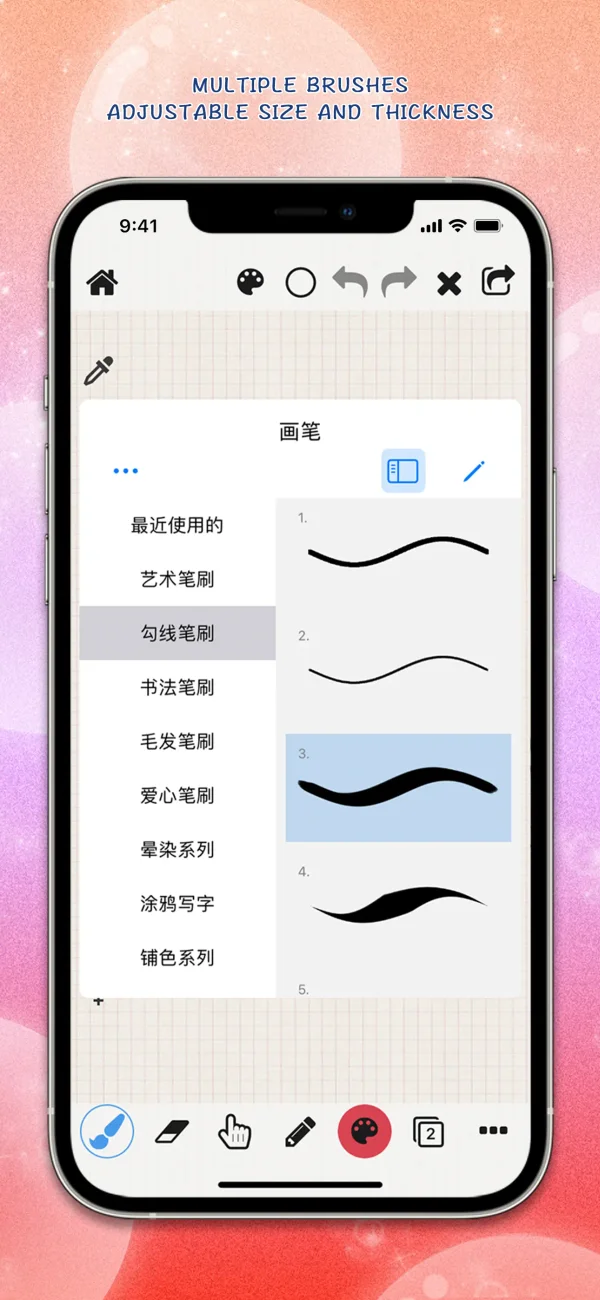
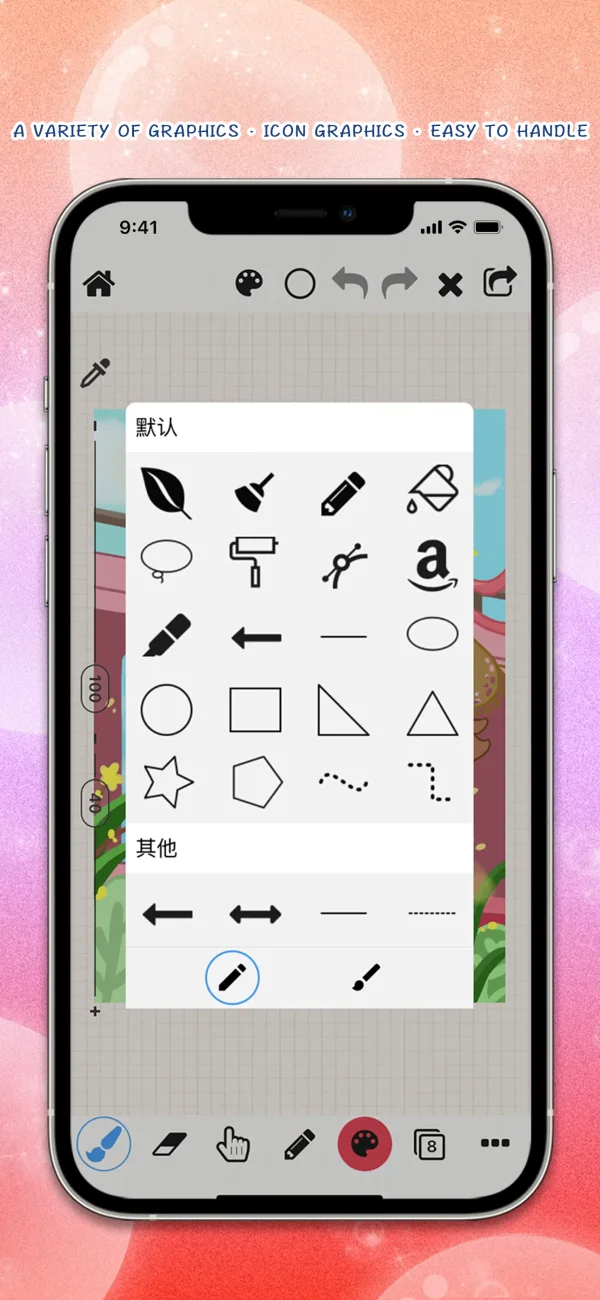
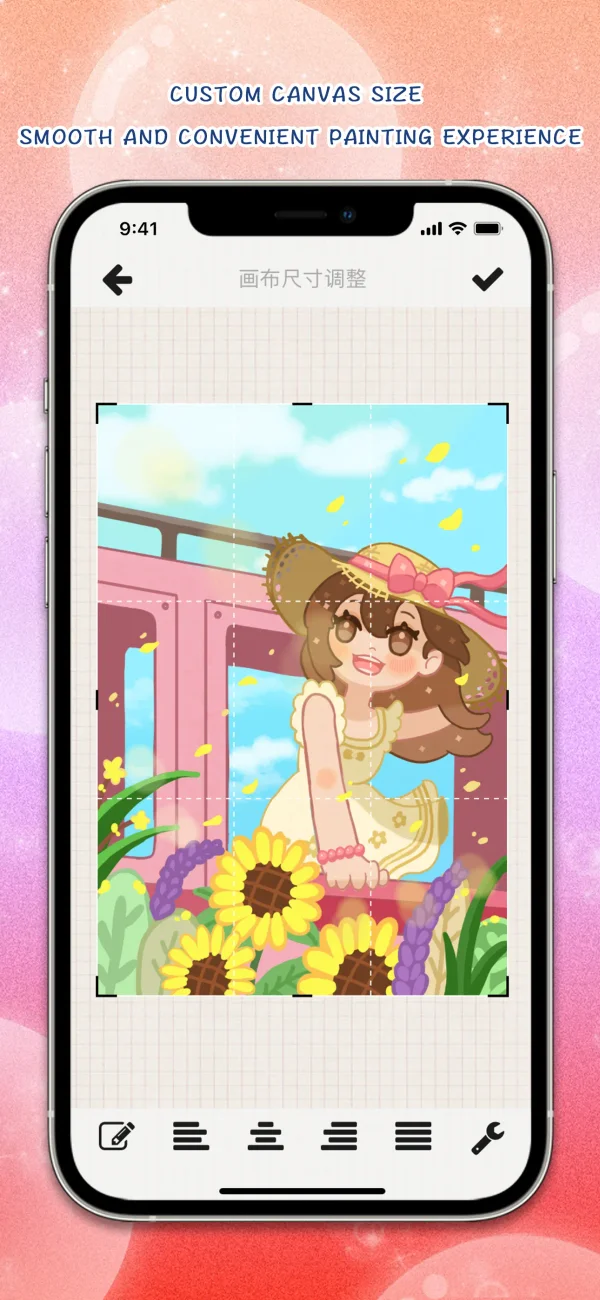
Pw Drawing Pad, which includes functions such as a brush list (hundreds of brush effects, customizable brush thickness, color, transparency, dynamic intensity weight, and other attributes), an eraser list (each brush effect can be used as an eraser), an eraser, a willow leaf brush, a blur pen, a highlighter, Fill (can set tolerance values, whether it works on all layers, etc.) Custom shape graphics (drag by hand to visually design your favorite shape graphics and logo) Custom curve function (can freely design your favorite curves and graphics), text pen (draw text lines in any direction on the page) Polyline pen, dashed line pen, dashed line pen in any direction, and can draw geometric shapes, rectangles, ellipses, etc Circles, lines, arrows, rectangles, triangles, pentagons, polygons, and more, with a rich selection of colors and customized color palettes, Layer list (rich layer related functions, including adding layers, layer merging, deleting, copying, locking transparent pixels, filling layers, creating clip masks, fading, color inversion, effect adjustment, custom textures, custom gradients, changing background layers, vertical and horizontal flipping, layer adjustment transformation, distortion deformation, liquefaction, and 35 different mixing modes that can be set), Add text (write text in the image, allowing custom font styles, sizes, colors, shadows, and other text effects with different styles), import image materials, crop and cut images, create puzzles (insert images into the canvas for texture and puzzle making), and use colorful brushes for graffiti.
More features include: ruler, color balance, tone saturation, color blending curve, effect adjustment (including simple blur, Gaussian blur, dynamic blur, radial blur, as well as obtaining image contour lines, line strokes, particle noise, sharpening, mosaic, deformation, luminescence, sketching line draft, brightness ratio, brightness, RGB adjustment, contrast, exposure, saturation, gamma, and so on).
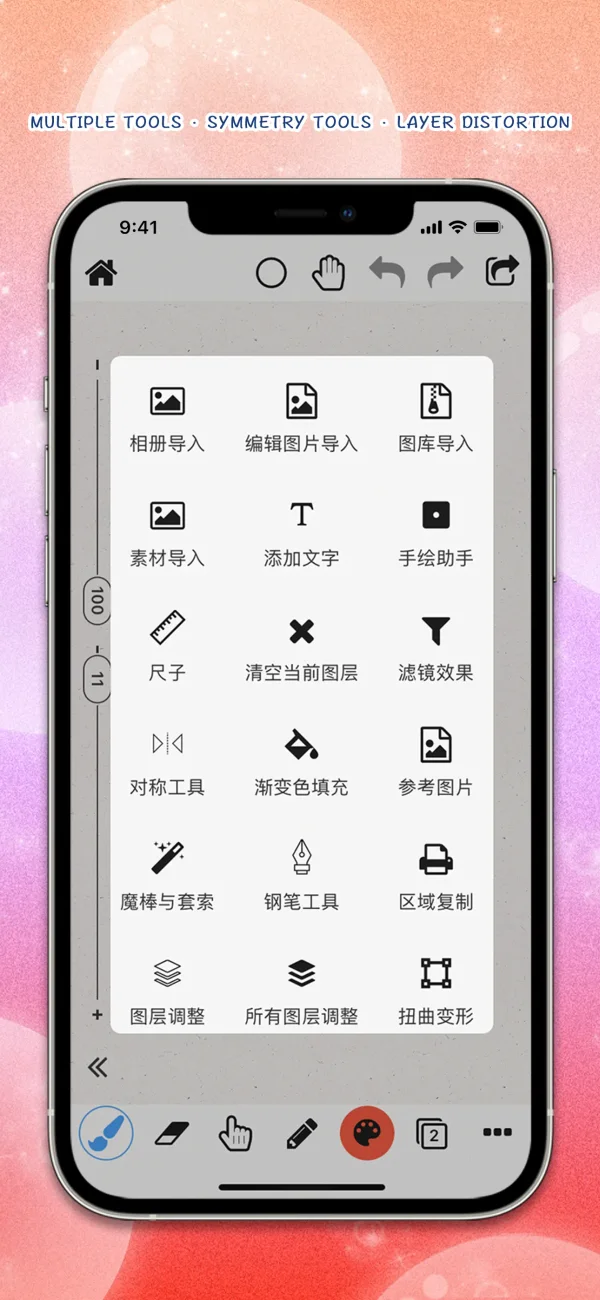
Symmetry tool (allowing left and right symmetry, top and bottom symmetry, etc.), gradient fill, reference image, magic wand lasso selection tool, pen tool, twist deformation, liquefaction deformation, grid reference lines, fill settings, image layer cropping, canvas page size adjustment, color picker, etc.
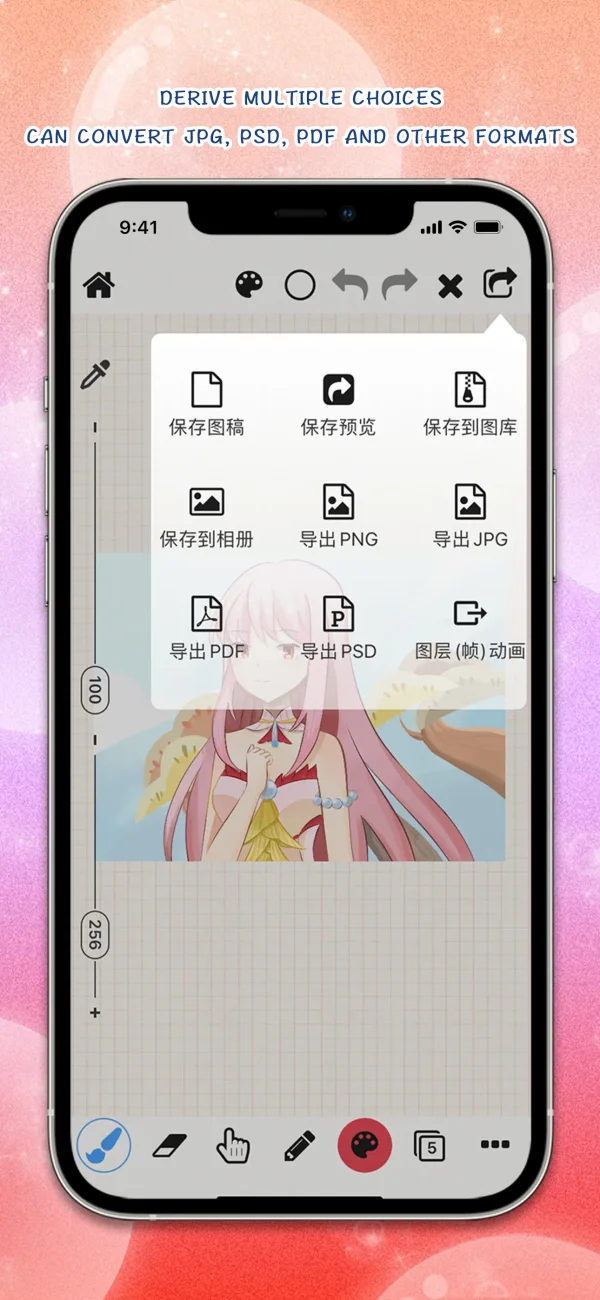
Supports Apple pencil. Support exporting different file formats. jpg,. png,. pdf, and. psd.
If you like our application, we support do better, give me praise it. thank you very much!
【Friendly reminder】
If you use have any problems, please contact us and tell us your application questions and feedback opinions and suggestions.
【contact us】
Contact E-mail: pw_team@163.com
【Special thanks to】
All the love and support of the application of the person.
Subscriptions will be applied to your iTunes account.Your subscription will automatically renew unless canceled at least 24 hours before the end of the current period.You will not be able to cancel the subscription once activated.Manage your subscriptions in Account Settings after purchase. For more information, see our [link to ToS] and [link to Privacy Policy].
Terms of Use : http://draw.s132.com/drawing/termsofuse.html
Privacy Policy : http://draw.s132.com/drawing/privacypolicy.html
What’s new
Version 13.6.1 · Jul 10, 2026
Resolve issues caused by previous version adjustments.
Bug fixes and optimization improvements.
App privacy
What 伟典 苏 declares on the App Store about how this app handles data.
-
Data not collected
The developer does not collect any data from this app.
Privacy practices may vary, for example with the features you use or your age.
Information
- Seller
- 伟典 苏
- Category
- Lifestyle
- Version
- 13.6.1
- Updated
- Jul 10, 2026
- Released
- Apr 7, 2016
- Size
- 309.3 MB
- Requires
- iOS 15.2 or later
- Age rating
- 4+
- Price
- Free
- In-app purchases
- Yes
- Languages
- English, Danish, Finnish, French, German, Greek, Indonesian, Italian, Japanese, Korean, Malay, Norwegian Bokmål + 8 more
- Copyright
- © SD Team
You might also like
-
 Onenote-a good note appdigital planner notes
-
 迷你小组件-万能桌面小组件主题锁屏壁纸Lifestyle
-
 Suki-情侣云养娃互动心情日记恋爱必备appLifestyle
-
 Voice Changer-Recorder&Effectssound effects & voice editor
-
 Wow Daily - Journal & DiaryGood habits Habit Tracker
-
 Diary-Journal with lockPrivate Notebook
-
 Lemon Diary-journaling appDaily notebook with lock
-
 Diary Book - Mood DiaryPrivate journal with Lock
-
 会拍相机Lifestyle
-
 灵动次元 - AI模拟恋爱Lifestyle