Pyroid
Pythonista Compiler Coding App
Designed for iPhone, iPad
Free · In-app purchases
- Age rating4+
- CategoryDeveloper Tools
- DeveloperTERMUX LIMITED LIABILITY COMPANY
- LanguagesEnglish+ 4 more
- Size415.8 MB
Links to the official App Store page
Download.org hosts no file of Pyroid. The button opens its official App Store page, published by TERMUX LIMITED LIABILITY COMPANY. Listing last checked on Nov 14, 2026.
Screenshots
About
Learn Python and run real code on your iPhone or iPad. Pyroid puts a Python 3.13 interpreter, a complete course, 100 practice problems and an on-device AI tutor in one app, and your code runs offline, right on your device.
No account, no server, no setup. Open a lesson or a new file and tap RUN.
LEARN
• A course that comes with the app
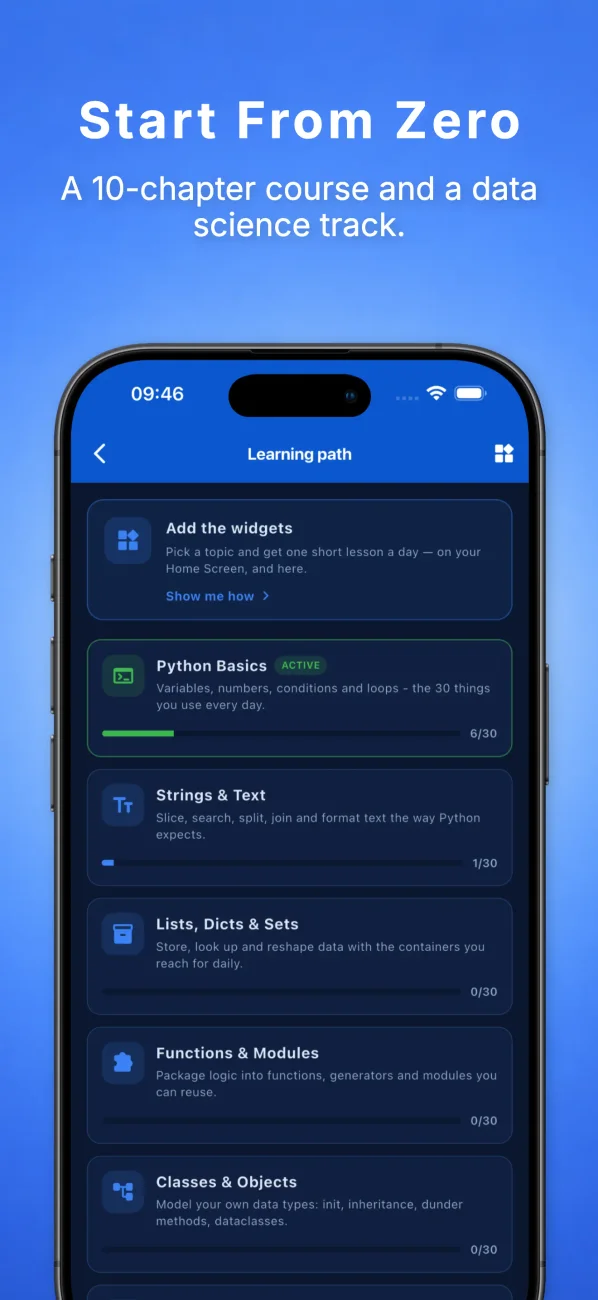
11 chapters, from your first print() to classes, decorators and file handling, plus a data track (NumPy, pandas, Matplotlib, Seaborn) and three complete projects: a Flask web app, Snake and Gomoku. Every lesson is a real file you can edit and run.
• Daily lessons on your Home Screen
8 learning topics with 30 short lessons each. Pin today's lesson and your practice progress as widgets, and get a new lesson every morning.
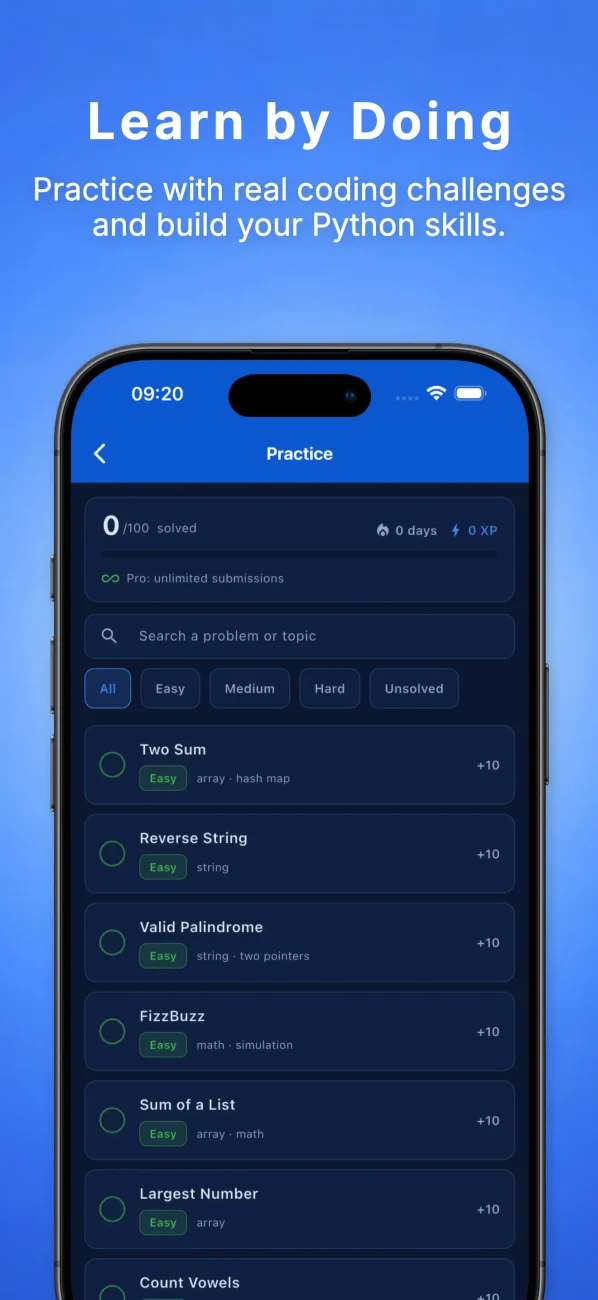
• 100 coding challenges
Write the function, try it on sample cases, then submit and get graded on hidden tests, with hints, XP and a daily streak.
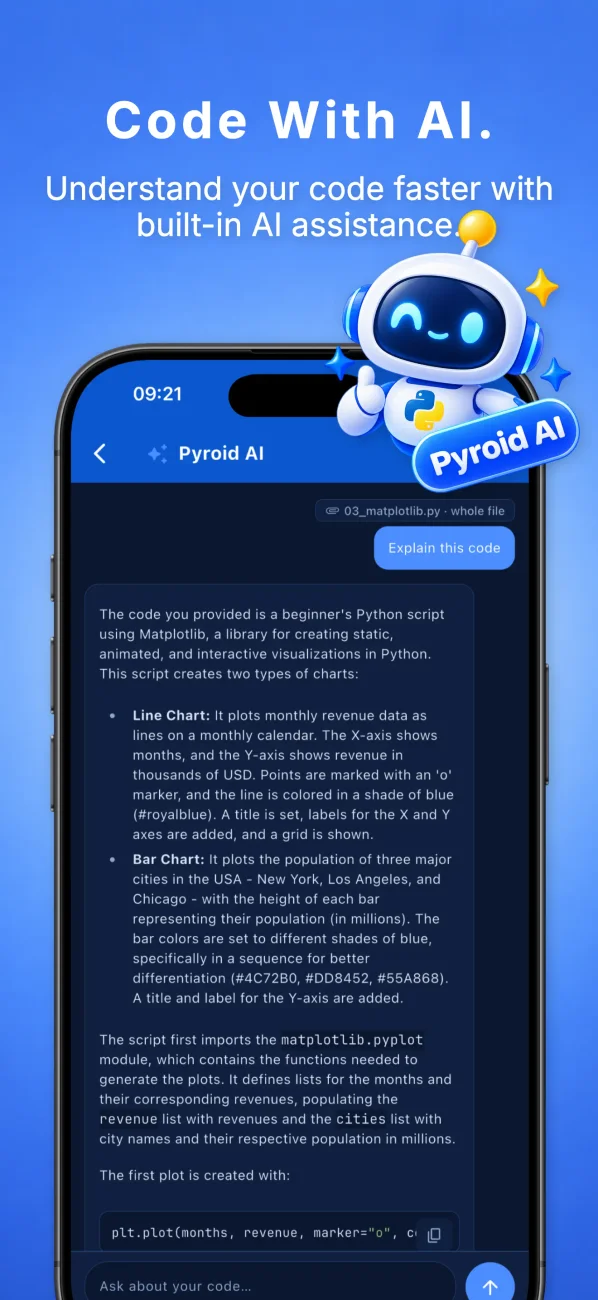
• Pyroid AI tutor
Ask why your code fails and get the line, the reason and the fix. The AI runs entirely on your device after a one-time model download, so your code never leaves the phone.
CODE
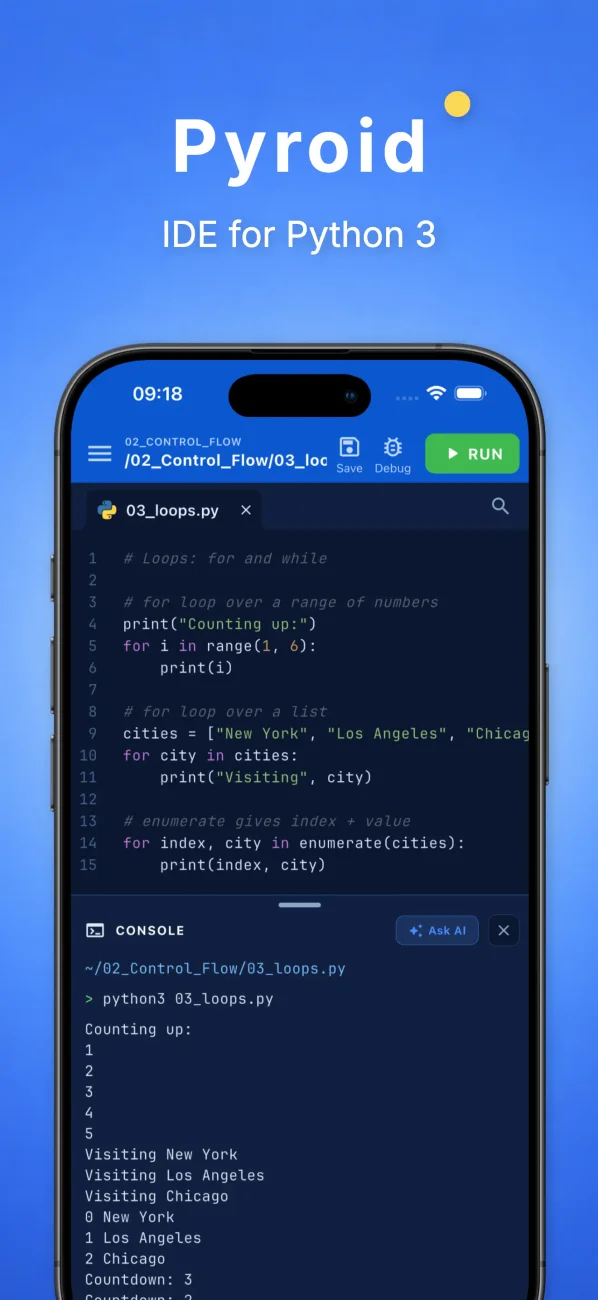
• Run Python offline
A real CPython interpreter is built into the app, so your scripts run without an internet connection.
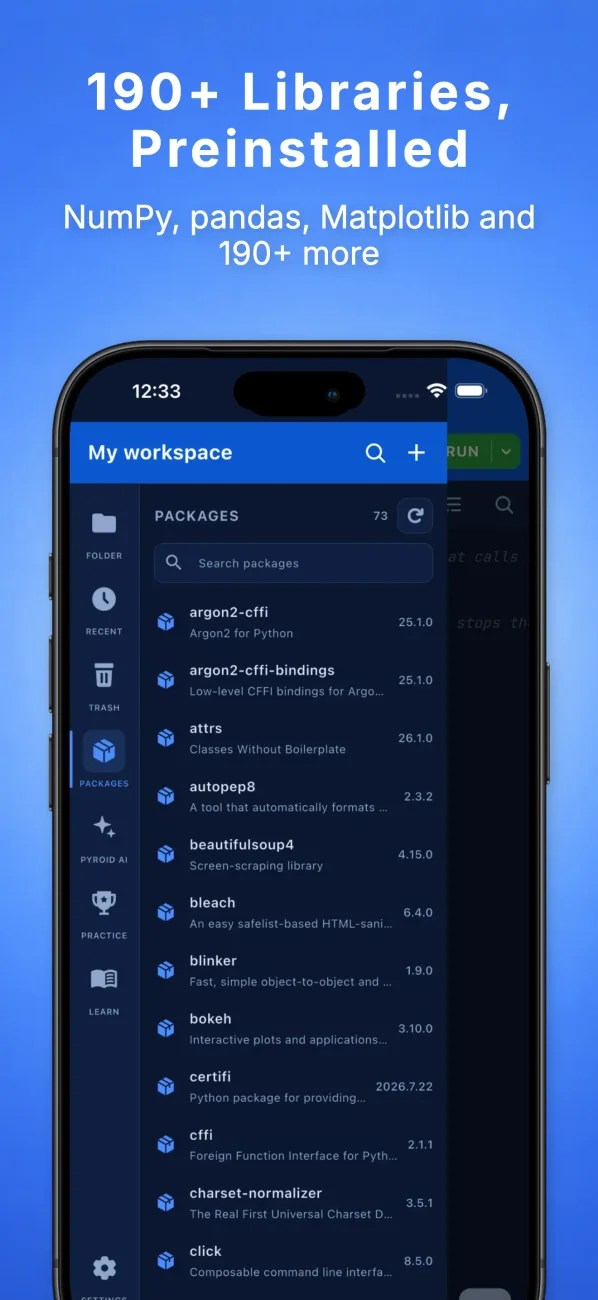
• Popular libraries, preinstalled
NumPy, pandas, Matplotlib, Seaborn, SciPy, Plotly, Bokeh, Pillow, Requests, Beautiful Soup, Flask, Pygame and more: 70+ packages plus the full standard library, ready to import from the first launch. See each one's version and project links, and read its source code inside the app.
• Jupyter notebooks
Open, edit and run .ipynb files in a cell-based editor, with code and Markdown cells, inline output and images.
• Smart editor
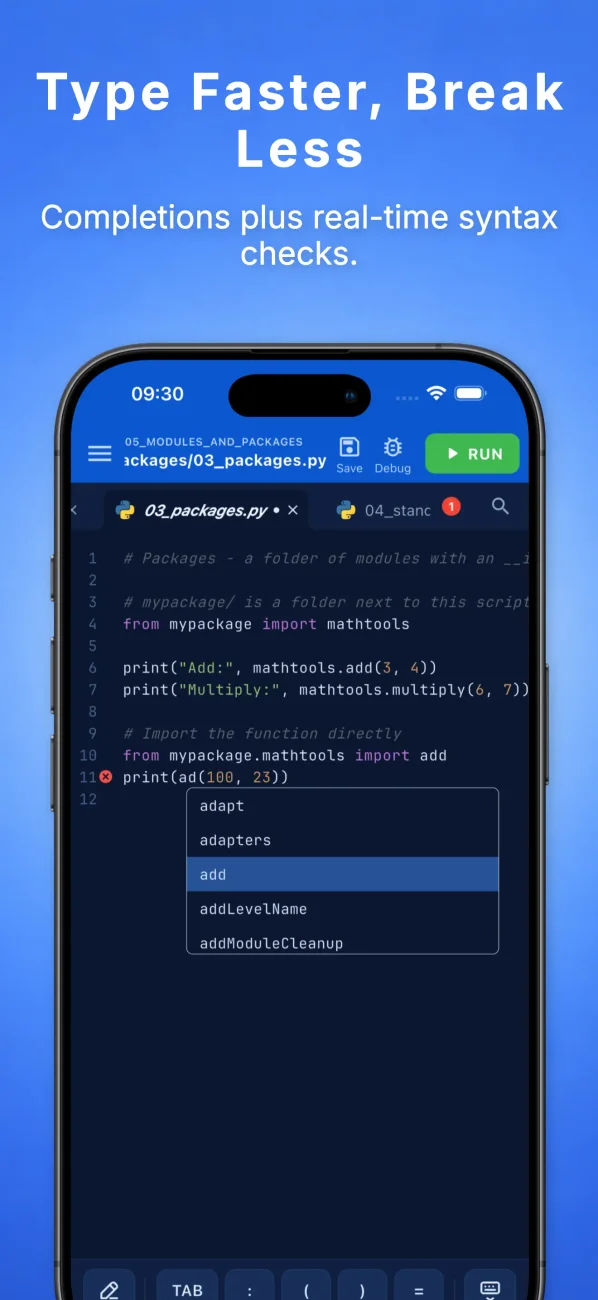
Tabs, syntax highlighting, smart suggestions, real-time error checking with quick fixes, code folding, an outline, go to definition, bookmarks, and Find & Replace across your whole project.
• Step-by-step debugger
Set breakpoints, step over, into or out of your code, and inspect variables, the call stack and watch expressions at every stop.
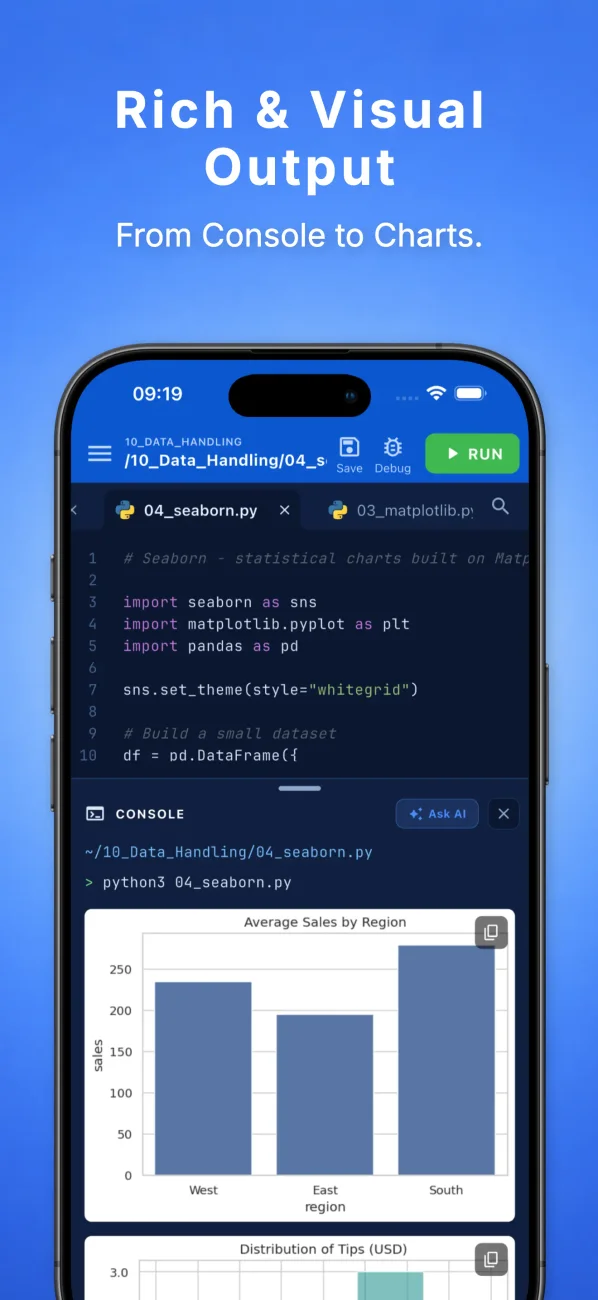
• Rich, visual output
A console with input(); Matplotlib, Plotly and Bokeh charts; Markdown and HTML previews; Flask apps in a built-in browser; and Pygame games that run right in the app.
• A real workspace
Projects, files and folders; import from the Files app; import and export .zip archives; version history for every file; and a Trash to restore anything you deleted.
• Made for you
Dark, Blue and Light themes, code color schemes, an adjustable code font, and a full interface in 12 languages.
FREE VS PYROID PRO
No ads anywhere in the app, free or Pro.
Free includes the whole editor (tabs, debugger, notebooks, library browser, charts and previews) plus 5 code runs (a one-time allowance, not per day), 45 practice problems, 5 practice submissions a day, the first hint of every problem, 3 AI tutor questions a day, and the first learning topic with its Home Screen widget.
Pyroid Pro adds:
• Unlimited code runs
• All 100 practice problems and unlimited submissions
• Every hint, plus the input and expected output of hidden test cases
• All 8 learning topics (240 lessons)
• Unlimited AI tutor questions
Plans: Weekly and Yearly auto-renewable subscriptions , or a one-time Lifetime purchase with no renewals. Payment is charged to your Apple ID at confirmation. Subscriptions renew automatically unless auto-renew is turned off at least 24 hours before the end of the current period; manage or cancel anytime in your Apple ID settings. Any unused portion of a free trial is forfeited when a subscription is purchased.
Your code stays yours: files live in the app's own workspace on your device, and only the code you write or open is executed.
Privacy Policy : https://termux-studio.org/privacy-policy?name=Pyroid
Terms of Use : https://termux-studio.org/terms-of-use?name=Pyroid
What’s new
Version 3.8.0 · Nov 2, 2026
Editor tools, all in one place
Never lose your place in the file list:
- The file you're editing is now highlighted, and opening the file list takes you straight to the folder it lives in.
Start with something that already runs:
- Tell us what you want to build — web, games or data — and we'll open a working example for each. Your first RUN is one tap away.
App privacy
What TERMUX LIMITED LIABILITY COMPANY declares on the App Store about how this app handles data.
-
Data not collected
The developer does not collect any data from this app.
Privacy practices may vary, for example with the features you use or your age.
Information
- Seller
- TERMUX LIMITED LIABILITY COMPANY
- Category
- Developer Tools
- Version
- 3.8.0
- Updated
- Nov 2, 2026
- Released
- Jan 27, 2026
- Size
- 415.8 MB
- Requires
- iOS 16.6 or later
- Age rating
- 4+
- Price
- Free
- In-app purchases
- Yes
- Languages
- English, Hindi, Simplified Chinese, Traditional Chinese, Vietnamese
- Copyright
- © Hieu Nguyen