Python编译器IDE
A good helper for Learn Python
Designed for iPhone, iPad, iPod touch
Free · In-app purchases
- Age rating4+
- CategoryEducation
- Developer长沙春觉信息科技有限公司
- LanguagesEnglish+ 2 more
- Size531.3 MB
Links to the official App Store page
Download.org hosts no file of Python编译器IDE. The button opens its official App Store page, published by 长沙春觉信息科技有限公司. Listing last checked on Nov 12, 2026.
Screenshots


About
Python IDE is an all-in-one Python programming learning tool that integrates intelligent coding assistance and Jupyter Notebook support.
【Main function】
1. One-Click Python Code Execution:
Equipped with a robust built-in Python 3.x interpreter, it supports the creation of Python projects and script files. Compile and run code locally with one click without an internet connection, and instantly experience the fun of coding validation.
2. Intelligent Coding Assistant:
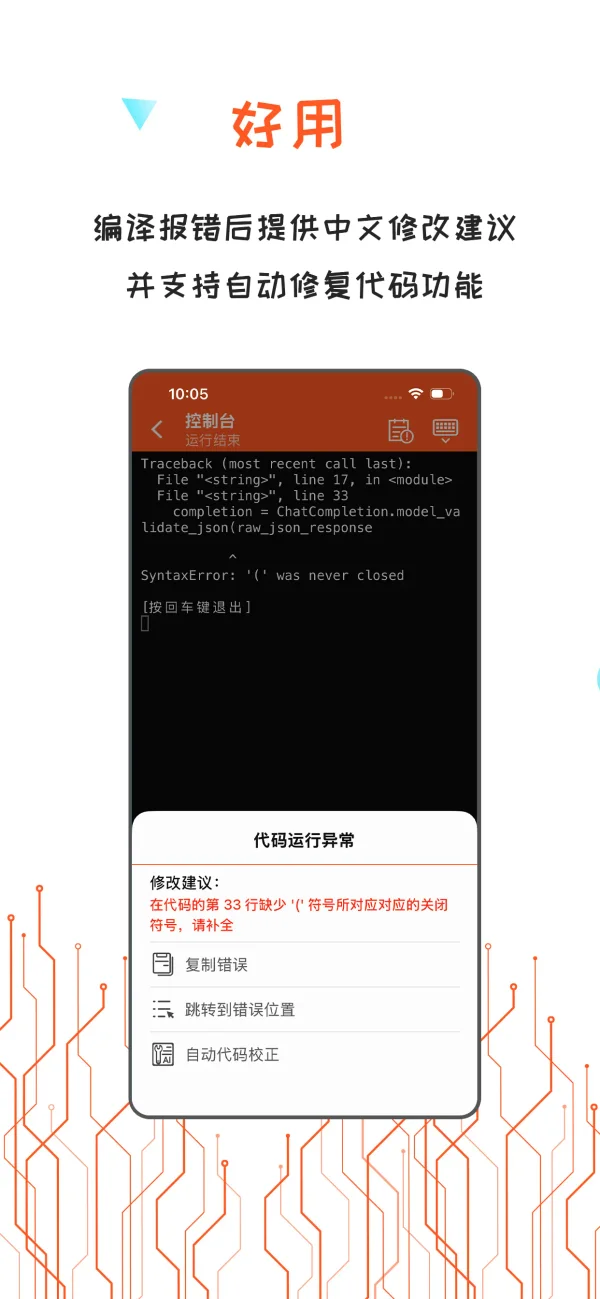
Powered by advanced AI models, it offers practical features including code explanation, code annotation, auto code completion, and auto code correction, significantly boosting efficiency in Python learning and development.
3. Jupyter Notebook Support:
Easily launch a Jupyter Server locally. Run .ipynb files seamlessly via browser, making it ideal for data analysis and scientific computing tasks.
4. Online Package Management:
Built-in a full-featured package manager that allows you to view installed modules, and install/uninstall third-party modules (pure Python modules) with one click.
5. Professional-Grade Code Editor:
A source code editor built on CodeMirror, featuring syntax highlighting, intelligent code hints, auto-indentation, and code folding. It delivers a smooth and intuitive mobile coding experience.
6. Project File Management:
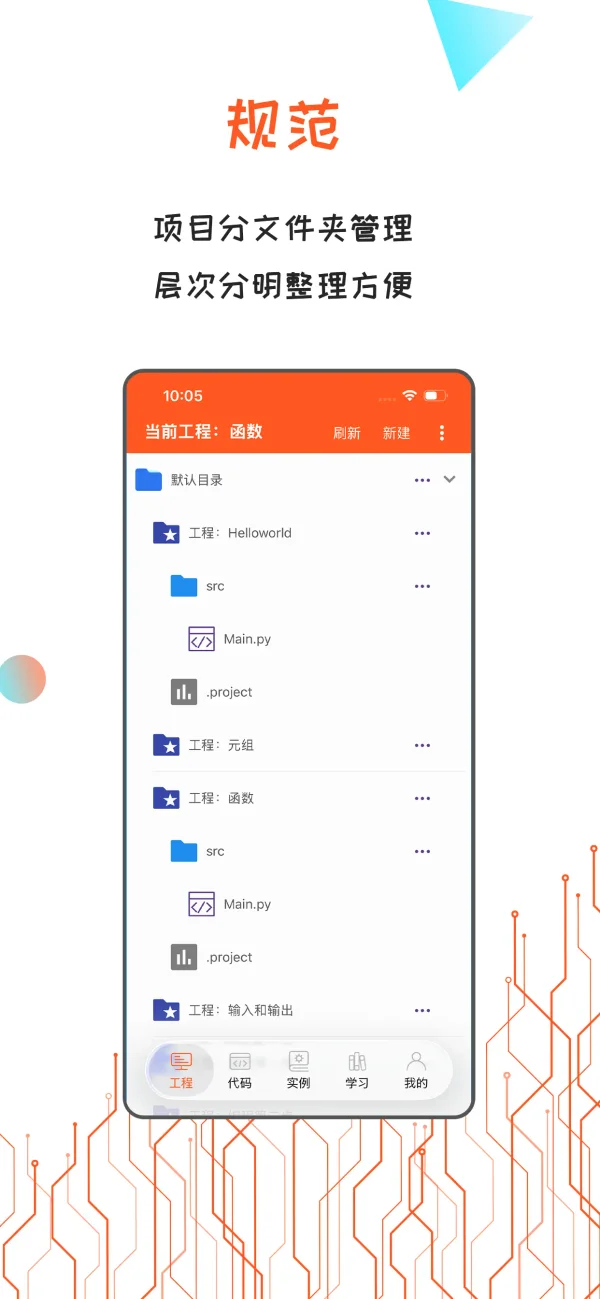
Supports multi-level file directory management, with functions like file renaming, moving, deletion, as well as project import and export. Manage your code assets effortlessly in one place.
7. Rich Python Code Examples:
Comes with a vast collection of classic Python code snippets covering everything from basic syntax to advanced applications. One-click execution and debugging make it the perfect learning companion for Python beginners.
8. Customizable Themes & Skins:
Choose from a variety of sleek editor themes and app skins. Switch freely between dark mode and light mode to create your personalized coding environment.
What’s new
Version 1.0.9 · Nov 6, 2026
-------- New updated content ---------
1. Improved deep thinking, task recovery, and code editing workflows in AI Workbench for more reliable task processing.
2. Fixed an issue where the floating Undo button could unexpectedly disappear after AI code completion.
3. Fixed some known issues and improved the user experience.
App privacy
What 长沙春觉信息科技有限公司 declares on the App Store about how this app handles data.
-
Data not collected
The developer does not collect any data from this app.
Privacy practices may vary, for example with the features you use or your age.
Information
- Seller
- Changsha Chunjue Information Technology Co., Ltd.
- Category
- Education
- Version
- 1.0.9
- Updated
- Nov 6, 2026
- Released
- Jan 29, 2026
- Size
- 531.3 MB
- Requires
- iOS 15.0 or later
- Age rating
- 4+
- Price
- Free
- In-app purchases
- Yes
- Languages
- English, Simplified Chinese, Traditional Chinese
- Copyright
- Copyright © 2026 Changsha Chunjue Information Technology Co., Ltd.