
- Age rating4+
- CategoryTravel
- DeveloperQ-Park Operations
- LanguagesEnglish
- Size185.5 MB
Links to the official App Store page
Download.org hosts no file of Q-Park. The button opens its official App Store page, published by Q-Park Operations. Listing last checked on Nov 21, 2026.
Screenshots

About
Designed for Effortless Parking
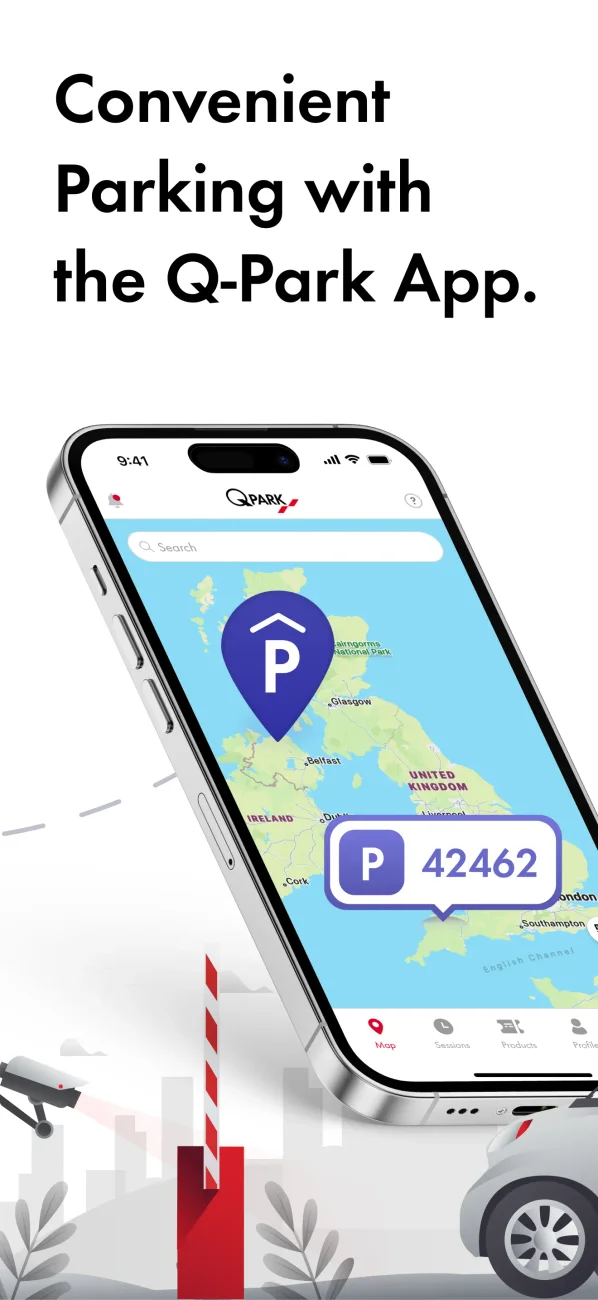
The Q‑Park app delivers a smooth, modern parking experience across our growing network of facilities. From automatic number plate recognition at participating car parks to simple digital payments at Pay & Display locations, the app brings every part of your parking journey into one reliable, easy-to-use platform.
Key Features
Seamless Automatic Access
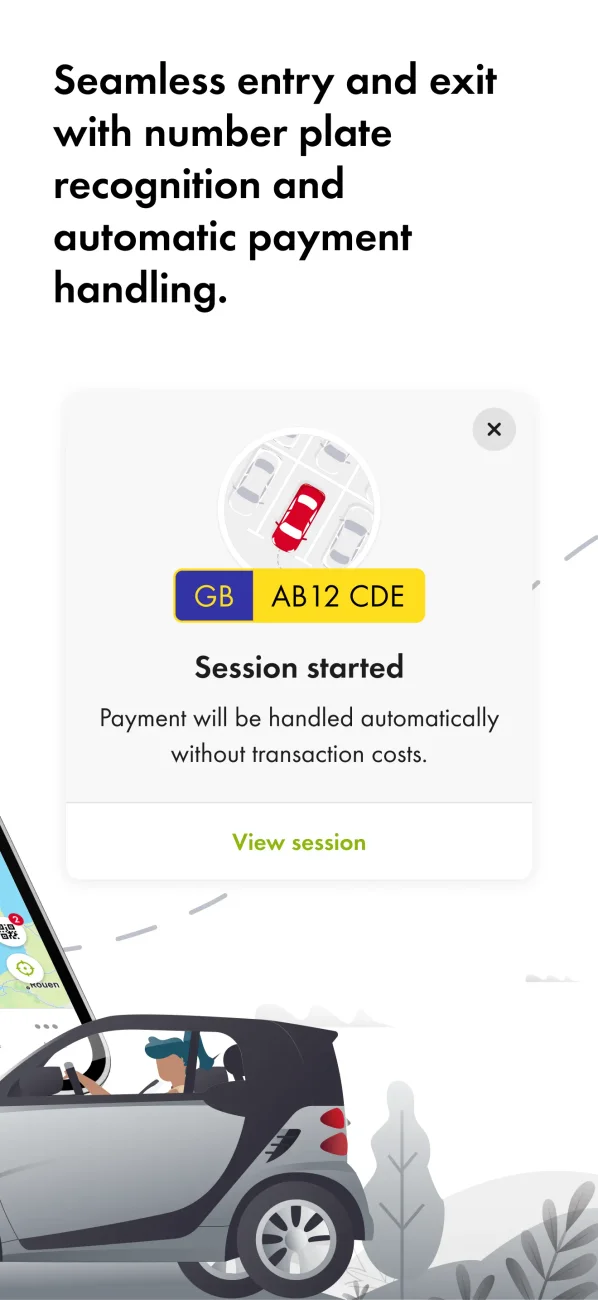
At car parks equipped with number plate recognition, your vehicle is identified on arrival and the barrier opens automatically — no tickets, no payment machines.
Easy, Secure Payment
Add your vehicle and payment details once. Your parking is processed safely through the app each time you visit.
Expanded Pay & Display Coverage
The app now supports 90+ Pay & Display locations, with more being added all the time. Select your location, set your parking duration, and manage your stay directly from your phone.
Find the Right Car Park Faster
Search nearby Q‑Park car parks, check information, and navigate there in just a few taps.
Stay Organised
Your parking history, digital receipts, and account details are stored securely in one place.
Enhanced Access for Season Ticket Holders
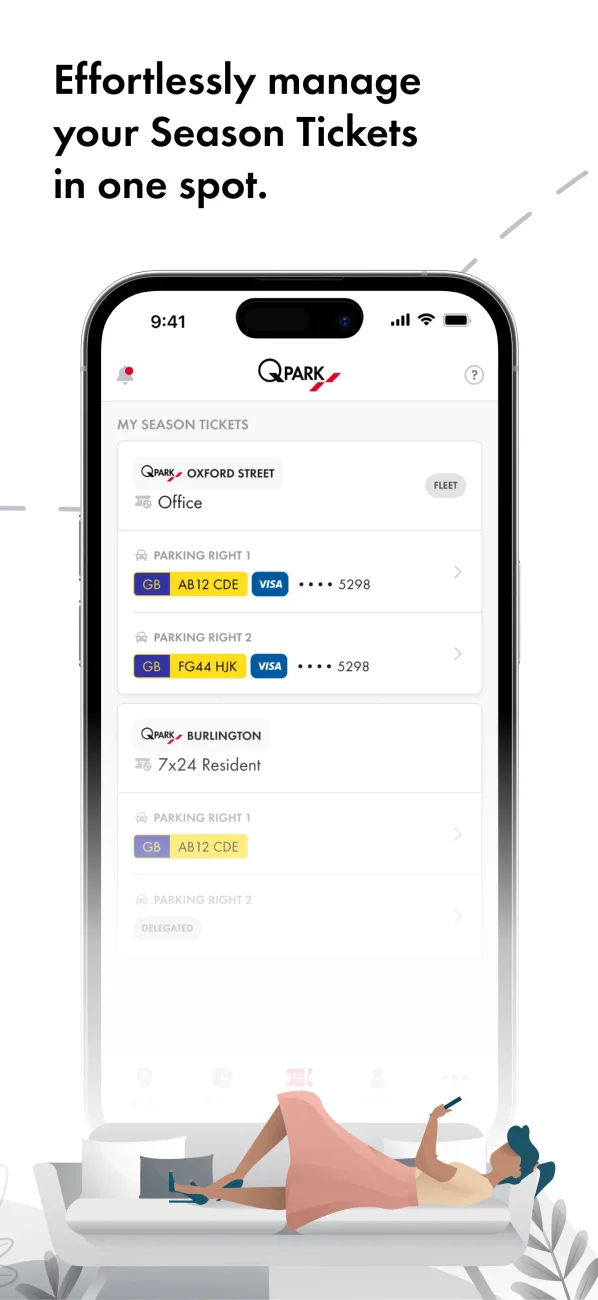
Season Ticket holders can link their ticket for fully automated entry and exit at their home car park, making every visit completely frictionless.
Getting Started
1. Download the Q‑Park app
2. Create an account or sign in
3. Add your vehicle number plate
4. Add a payment card
Season Ticket holders:
Activate the online account sent to you by email when you purchased your Season Ticket before logging into the app. This ensures your ticket connects correctly.
Parking, Simplified
Once your vehicle and payment details are set up, simply arrive at a participating Q‑Park location. Whether you’re using automatic access or a Pay & Display site, the app handles your parking smoothly from start to finish.
A dependable, modern parking experience, wherever you’re heading.
What’s new
Version 2.22.14 · Nov 17, 2026
This version includes several optimizations and bugfixes for the app. This is the final release supporting iOS 14 and iOS 15.
App privacy
What Q-Park Operations declares on the App Store about how this app handles data.
-
Data used to track you
May be used to track you across apps and websites owned by other companies.
- Usage data
-
Data linked to you
May be collected and linked to your identity.
- Usage data
-
Data not linked to you
May be collected but is not linked to your identity.
- Diagnostics
Privacy practices may vary, for example with the features you use or your age.
Information
- Seller
- Q-Park Operations Holding BV
- Category
- Travel
- Version
- 2.22.14
- Updated
- Nov 17, 2026
- Released
- Dec 9, 2019
- Size
- 185.5 MB
- Requires
- iOS 14.0 or later
- Age rating
- 4+
- Languages
- English
- Copyright
- © Q-Park Operations Holding BV
You might also like
-
 Yellowbrick ParkingPark, click, Yellowbrick!
-
 ParkBee: stress free parkingEasy car parking | Book & Pay
-
 ANWB Onderweg & WegenwachtNavigation
-
 Fastned - EV charging appEV Charging stations in Europe
-
 ANWB LaadpasTravel
-
 TUI | Travel, Flights & HotelsTravel
-
 MuseumkaartTravel
-
 FlitsmeisterOnly app you need for the road
-
 MyWheels - Car Sharing NLDrive electric, share more
-
 OVpayYour trips in 1 overview