- Age rating4+
- CategoryGraphics & Design
- DeveloperQ3D SENSING
- Size146.5 MB
Links to the official App Store page
Download.org hosts no file of Q3D Scan. The button opens its official App Store page, published by Q3D SENSING. Listing last checked on Nov 16, 2026.
Screenshots
About
Q3D Scan is the companion app for AuraGO, the compact LiDAR device from Q3D Sensing. Connect AuraGO to your iPhone or iPad, and Q3D Scan turns it into a precise 3D reality-capture scanner for the field.
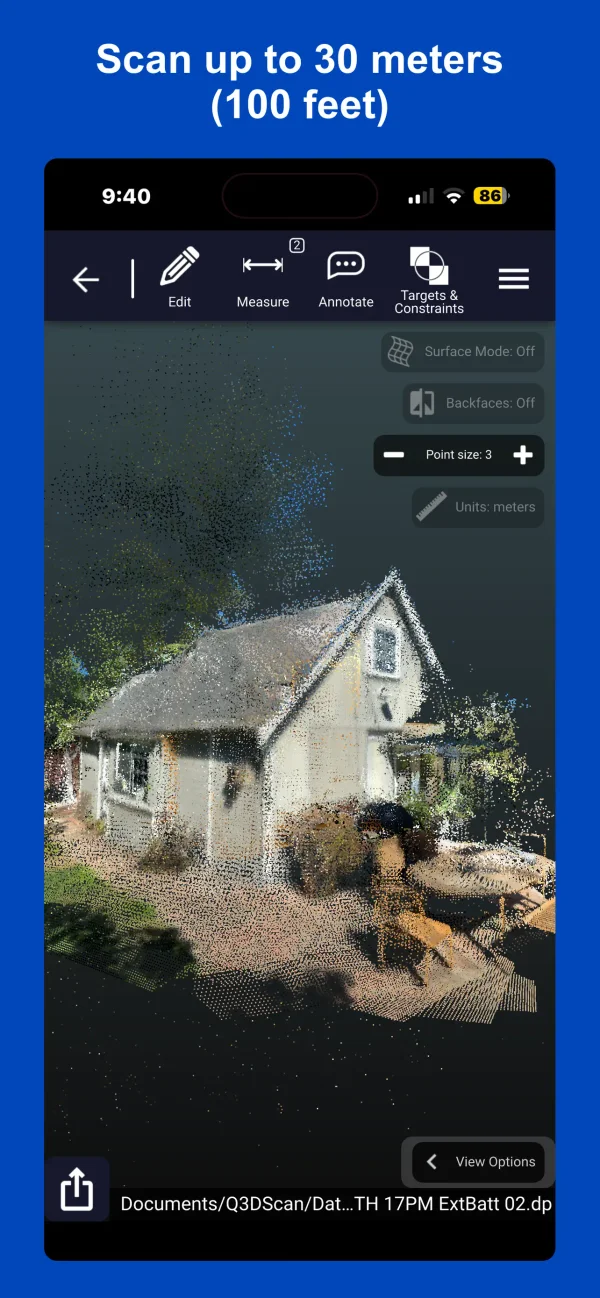
Capture large spaces in a single session. AuraGO's long range, up to 30 meters (100 feet), covers more from each position, so you get through full floors, building interiors and exteriors, and entire job sites faster, not just what is within arm's reach.
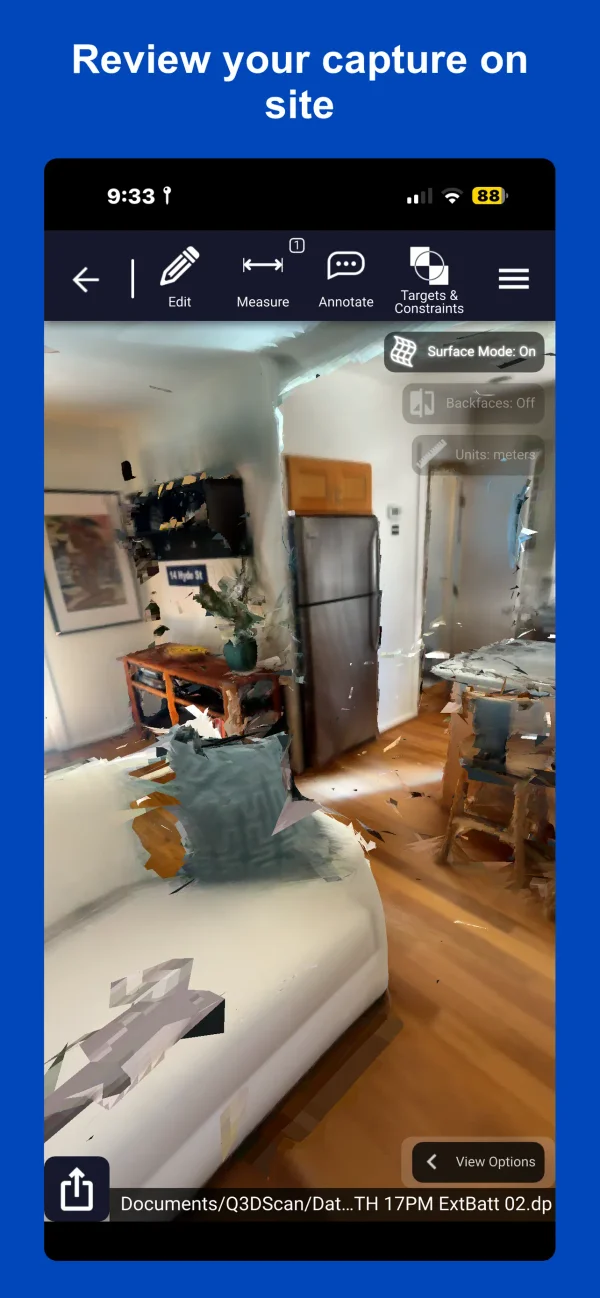
See your 3D scan build on screen in real time, clearly showing the areas you have already covered. Review your capture on site, and add to your scan to fill in any gaps before you leave.
What you can do with Q3D Scan:
- Capture detailed 3D point clouds with the AuraGO LiDAR device
- Work fully offline, capturing in remote locations or anywhere connectivity is limited, with no connection required
- Process scans right on your device, without long cloud-processing delays
- Your data is never held hostage by a subscription and never trapped in a cloud that goes dark
- You control your data: it starts on your device, and you decide where it goes from there
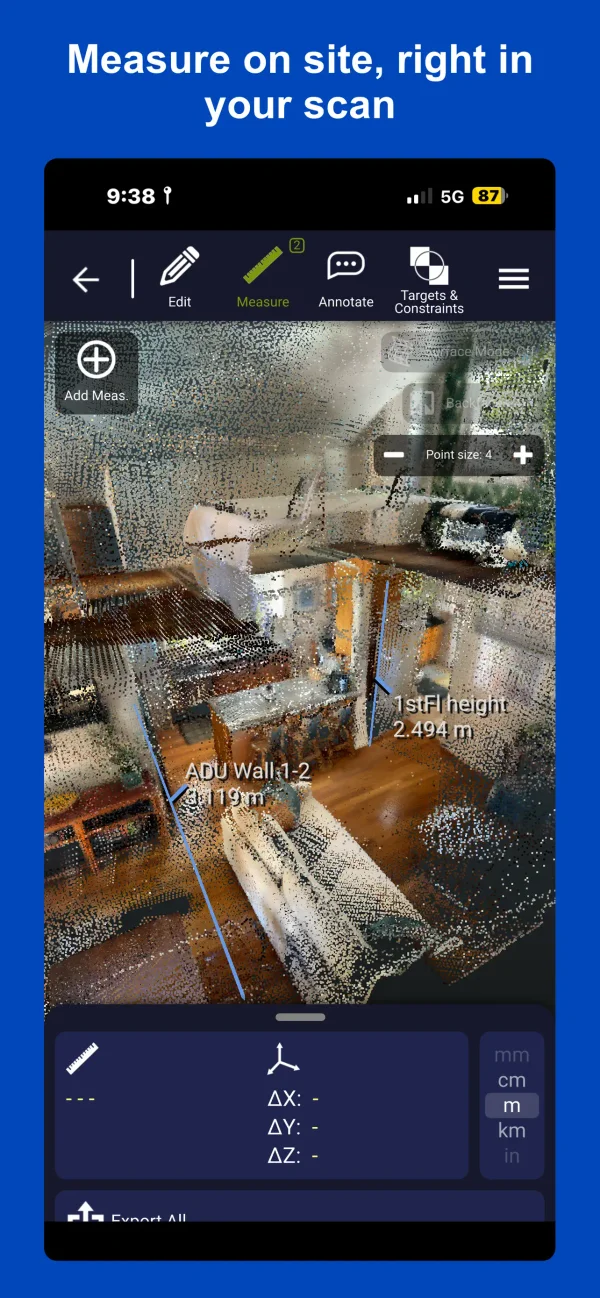
- Measure directly in your scan, while on site
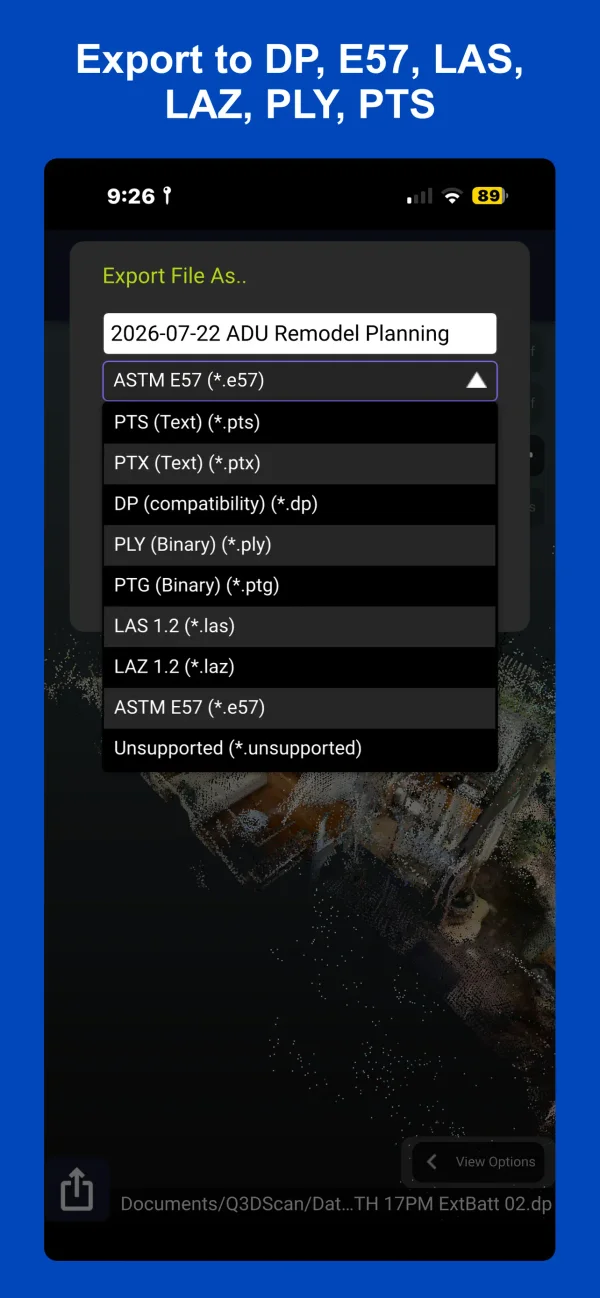
- Export to standard 3D file formats, including DP, E57, LAS, LAZ, PLY, and PTS
- Feed real-world 3D data into the CAD, BIM, and design tools you already use, for floor plans, models, digital twins, and more
Built for professionals who work in real spaces:
- Construction and engineering: document existing conditions, progress, and as-builts
- Interior design: capture existing interiors to design from a to-scale 3D record
- Civil engineering: record sites and infrastructure for planning and estimation
- Utilities: capture equipment and facilities that are hard to measure by hand
- Real estate: capture properties for asset tracking and space documentation
Designed for AuraGO. Connect the AuraGO LiDAR device to capture at its full range, or scan with your device's built-in LiDAR when you are working without it.
Compatibility: Pro-model iPhone and iPad Pro.
Q3D Scan is a practical field tool that works alongside the rest of your kit. Reach for it when you need a reliable 3D record of a real space quickly, then export to the software that carries the project forward.
Q3D Sensing builds Spatial AI tools that turn real places into usable 3D data. AuraGO and Q3D Scan are the first of them.
https://www.q3dsensing.com
https://help.q3dsensing.com
What’s new
Version 6.5.1 · Nov 3, 2026
Refined AuraGO calibration, plus bug fixes and stability improvements.
App privacy
What Q3D SENSING declares on the App Store about how this app handles data.
-
Data not linked to you
May be collected but is not linked to your identity.
- Location
- Identifiers
- Usage data
- Diagnostics
Privacy practices may vary, for example with the features you use or your age.
Information
- Seller
- Q3D SENSING, INC.
- Category
- Graphics & Design
- Version
- 6.5.1
- Updated
- Nov 3, 2026
- Released
- Aug 27, 2026
- Size
- 146.5 MB
- Requires
- iOS 14.0 or later
- Age rating
- 4+
- Price
- Free
- Copyright
- © 2026 Q3D Sensing, Inc.
You might also like
-
 CédricLab Scan 3DScan an object, then print it
-
 Ai-deep-scannerGraphics & Design
-
 Draw SVG in ARDraw in AR. Export SVG drawing
-
 DWG Tools Pro- CAD View & EditCAD Viewer, Editor & Converter
-
 DWG Tools- CAD Viewer ConveterDWG, DXF, DWF, DGN, DAE - View
-
 i3DGS3DGraphics & Design
-
 Pixel.exe - Retro 1998 PaintClassic retro paint & doodle
-
 BuildCAD - Design & DWG ViewerBlueprints, CAD & Floor Plans
-
 CAD Viewer EditorDWG & DXF Drawings: View, Edit
-
 MAKAR 3D ScanCAPTURE REALITY,BORN TO CREATE