
- Age rating4+
- CategoryProductivity
- DeveloperQNAP Systems, Inc.
- LanguagesEnglish+ 23 more
- Size276.4 MB
Links to the official App Store page
Download.org hosts no file of Qfile Pro. The button opens its official App Store page, published by QNAP Systems, Inc. Listing last checked on Nov 21, 2026.
Screenshots

About
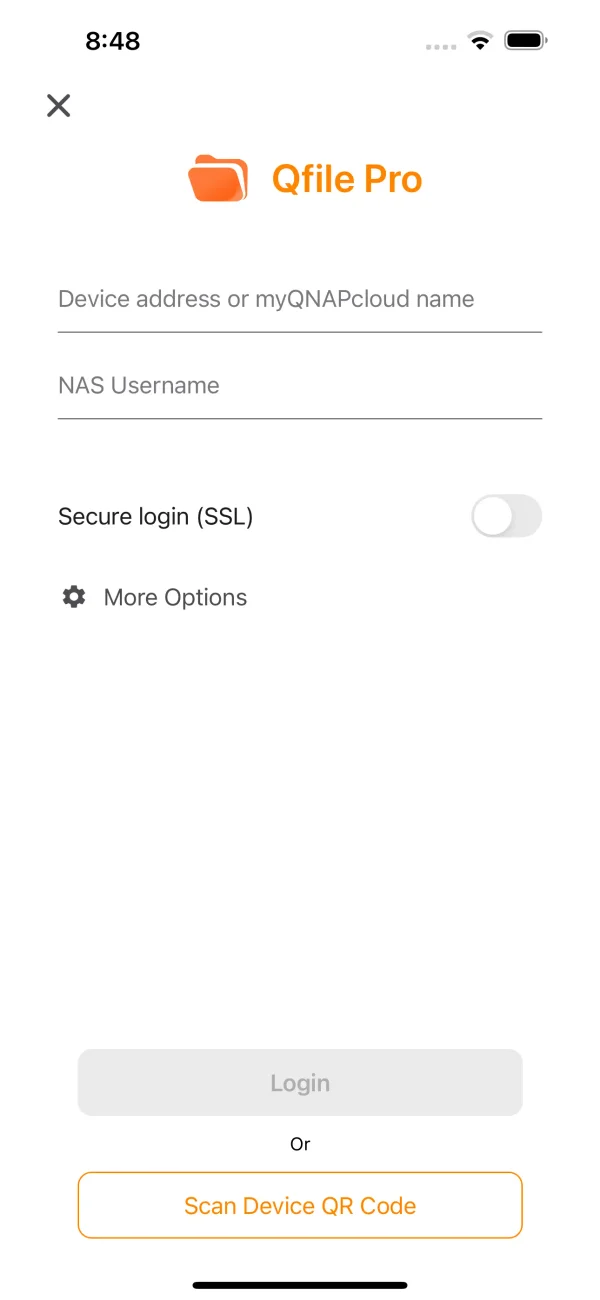
Qfile Pro is a free companion app for QNAP NAS that allows you to browse and manage the files on your NAS using your iPhone or iPad.
Prerequisites:
- iOS 16 or later
- QNAP NAS running QTS 4.0 or later, QuTS hero 4.5.0 or later
Major features of Qfile Pro:
- Access files on your QNAP NAS anytime, anywhere.
- Directly upload photos and documents from your iOS devices to your NAS.
- Easy sharing: Create download links to easily share files via email or SMS, or simply email the file as an attachment.
- Easy management: Move, copy, rename, and delete files on your NAS using your mobile device. No computer required.
- Offline file reading: Download files from your NAS to your iOS device for convenient access when you do not have an Internet connection.
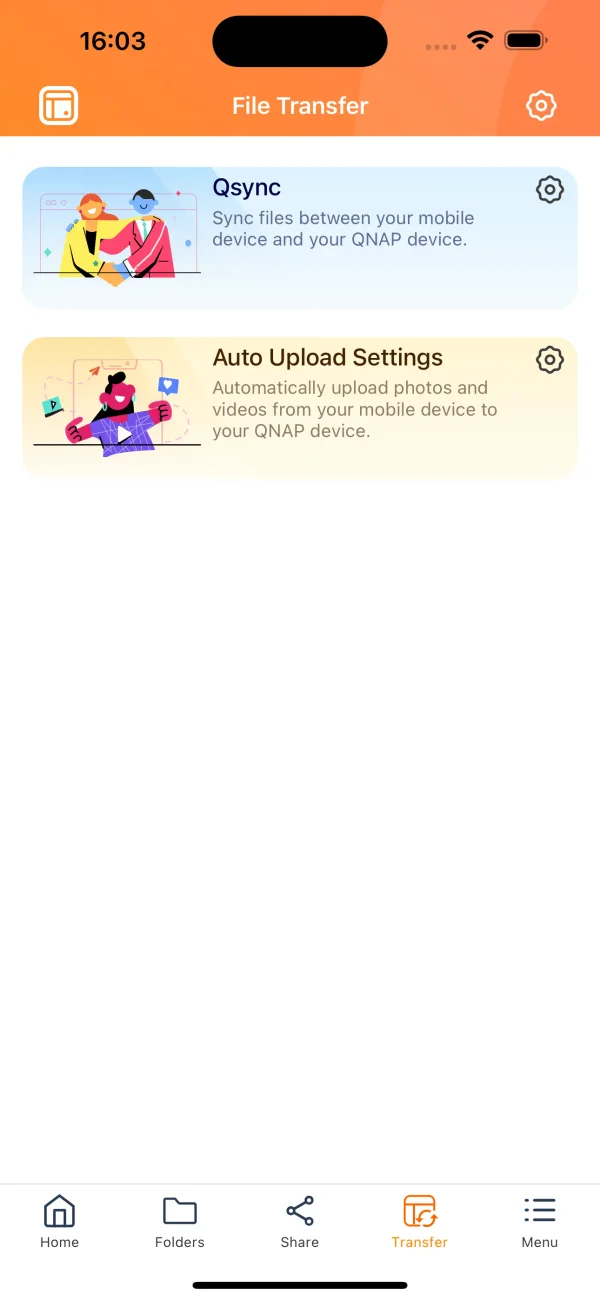
- Auto upload: Automatically upload photos from your device's photo gallery to the NAS. (To ensure that Qfile Pro can continually provide this background service, you must allow the location service - please note that this may noticeably decrease battery life.)
- Qysnc integration: Synchronize files between your mobile device and your QNAP NAS. (Requires QTS 4.3.4/QuTS hero 4.5.0 or later, and Qsync Central to be installed on your QNAP NAS device.)
Other features:
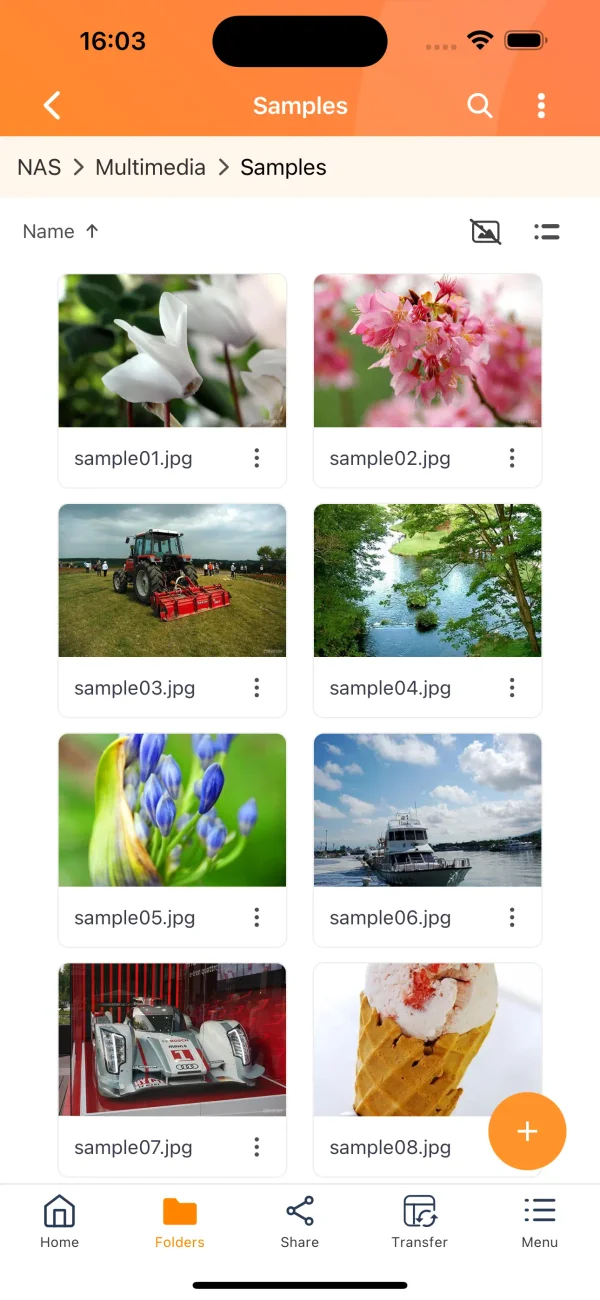
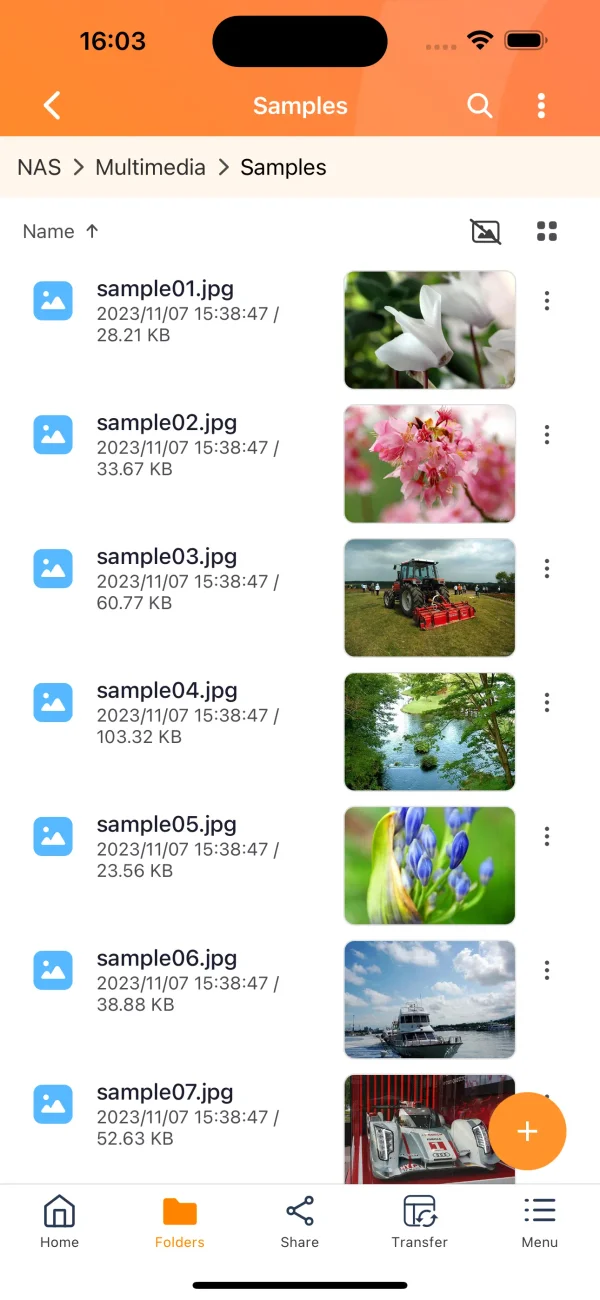
1. Support for displaying files thumbnail.
2. Supports control playback from QNAP NAS to DLNA devices. (requires QNAP Media Server, and QTS 4.0/QuTS hero 4.5.0 or later)
3. Support for file compression. (QTS 4.0/QuTS hero 4.5.0 or later)
Supported Formats:
Photos: BMP, JPG, JPE, PNG, TGA, GIF
Music: MP3, FLAC, OGG, WAV, AIF, AIFF
Videos: AVI, MP4
What’s new
Version 4.6.6 · Nov 13, 2026
[Enhancements]
- Added search to the root level of Folders, allowing you to search all shared folders on the NAS. Locked encrypted folders are not included in the search.
- The thumbnail icon is now always available, and the thumbnail setting is saved separately for each NAS.
- Added the "Skip photos saved to Camera Roll from the NAS" option to Auto Upload settings to prevent duplicate upload of photos saved to your Camera Roll from Qfile Pro. This option is enabled by default.
- Qfile AI Assistant now displays the QNAP AI Terms before you start using it. You can view the terms anytime in Settings > Security & Privacy > Terms of Use for AI Features.
[Fixed Issues]
- Fixed an issue where storage used by NAS files opened through Qfile Pro in the iOS Files app was not included in the Qfile Pro cache usage.
- Fixed an issue where completed transfer task records triggered by AI Assistant disappeared after Qfile Pro was closed and reopened.
- Fixed several minor issues to improve app stability.
[System Requirements]
- iOS 16 and above.
App privacy
What QNAP Systems, Inc. declares on the App Store about how this app handles data.
-
Data not linked to you
May be collected but is not linked to your identity.
- Location
- Diagnostics
Privacy practices may vary, for example with the features you use or your age.
Information
- Seller
- QNAP Systems, Inc.
- Category
- Productivity
- Version
- 4.6.6
- Updated
- Nov 13, 2026
- Released
- May 19, 2012
- Size
- 276.4 MB
- Requires
- iOS 16.0 or later
- Age rating
- 4+
- Price
- Free
- Languages
- English, Czech, Danish, Dutch, Finnish, French, German, Greek, Hungarian, Italian, Japanese, Korean + 12 more
- Copyright
- © QNAP Systems, Inc.
You might also like
-
 Owlfiles - File ManagerAccess SMB WebDAV FTP and S3
-
 Resilio SyncFile transfer and photo backup
-
 UniFi DesignProductivity
-
 FileBrowserGO: File ManagerDocuments, Media Player, Cloud
-
 Synology DriveProductivity
-
 NAS ProPrivate NAS Control Center
-
 My Cloud OS 5Back Up. Access. Collaborate.
-
 Filebar - media playerProductivity
-
 HPE Instant OnProductivity
-
 Möbius SyncFile sync with Syncthing