
- Age rating4+
- CategoryBusiness
- DeveloperSoftwareschmiede Höffl GmbH
- LanguagesGerman+ 1 more
- Size27.0 MB
Links to the official App Store page
Download.org hosts no file of QOMET time recording. The button opens its official App Store page, published by Softwareschmiede Höffl GmbH. Listing last checked on Nov 12, 2026.
Screenshots

About
About this app
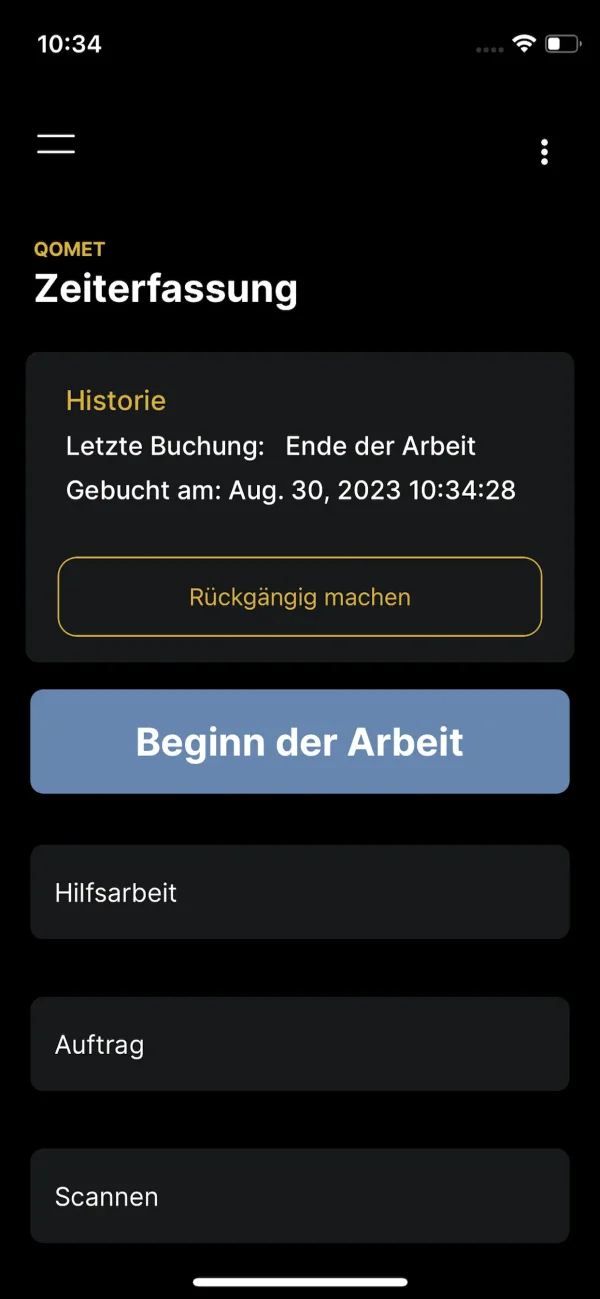
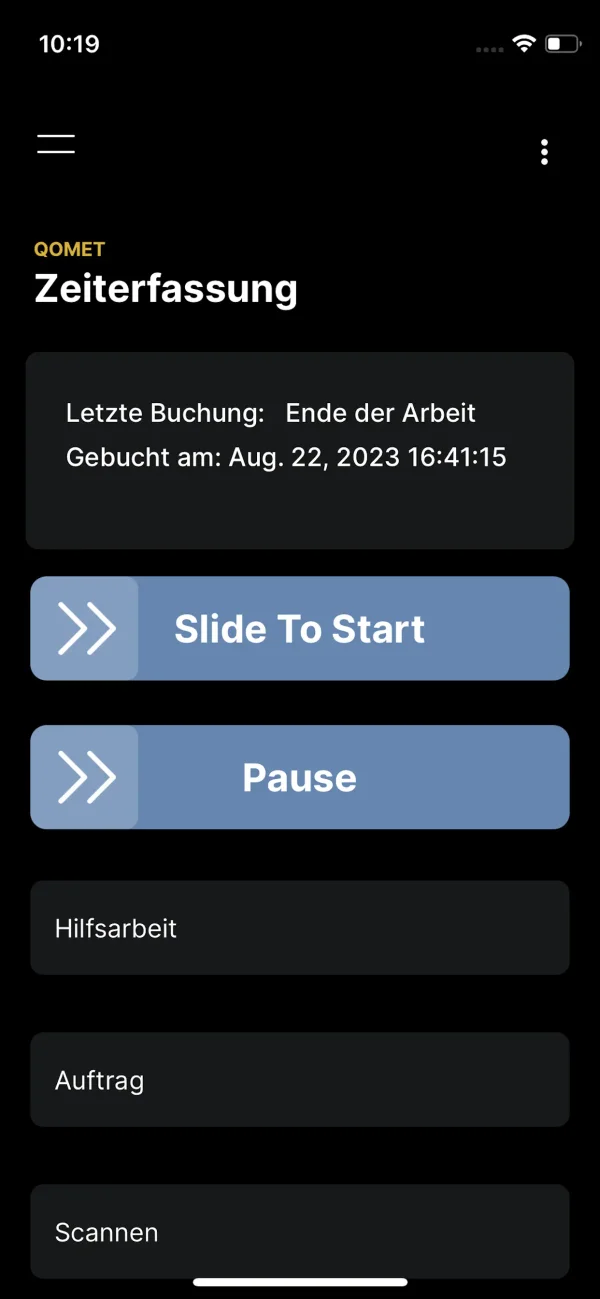
The Mobile App: QOMET Time Recording
With the Mobile App: QOMET Time Recording you can book times directly on site or in the
in the workshop times can be booked for
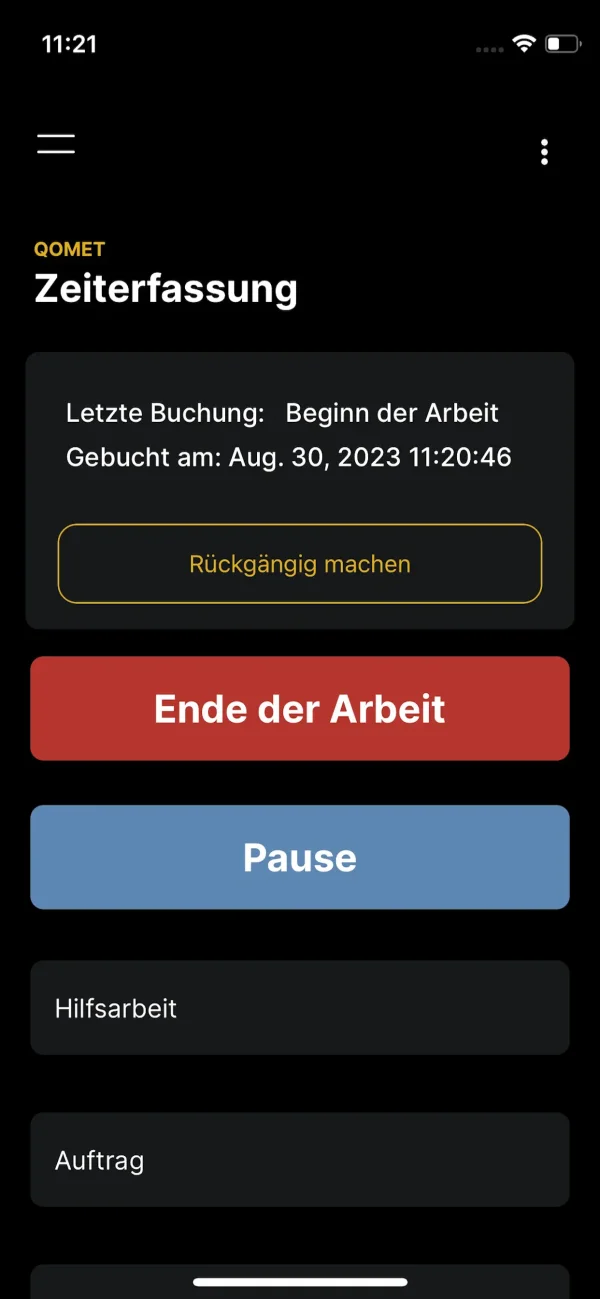
* Coming / going / breaks
* Orders and activities
* Auxiliary work
Thus, the booking of times takes place parallel to the work and not only afterwards
in the office. The app receives and transmits data as soon as it is recognized in the company's
company's WLAN, but also on the road if the Internet connection is working.
connection. The data flows into the QOMET hours recording system, where it can be used as usual for post-calculation.
available for post-calculation evaluations as usual. The
times are stored as text in the memory of the end device and remain there.
there. The last data transferred is logged, so that it is ensured that
that no times are transferred more than once.
The app includes a multi-user license. This means:
* a user records their own job-related activities. Or
* the app is used in a team (for example, during assembly). It can be used by any
any
number of employees can share the end device. The app remembers the last
logged in
user, so that it is always necessary to switch to the new employee first.
must be switched to,
who wants to record times for himself.
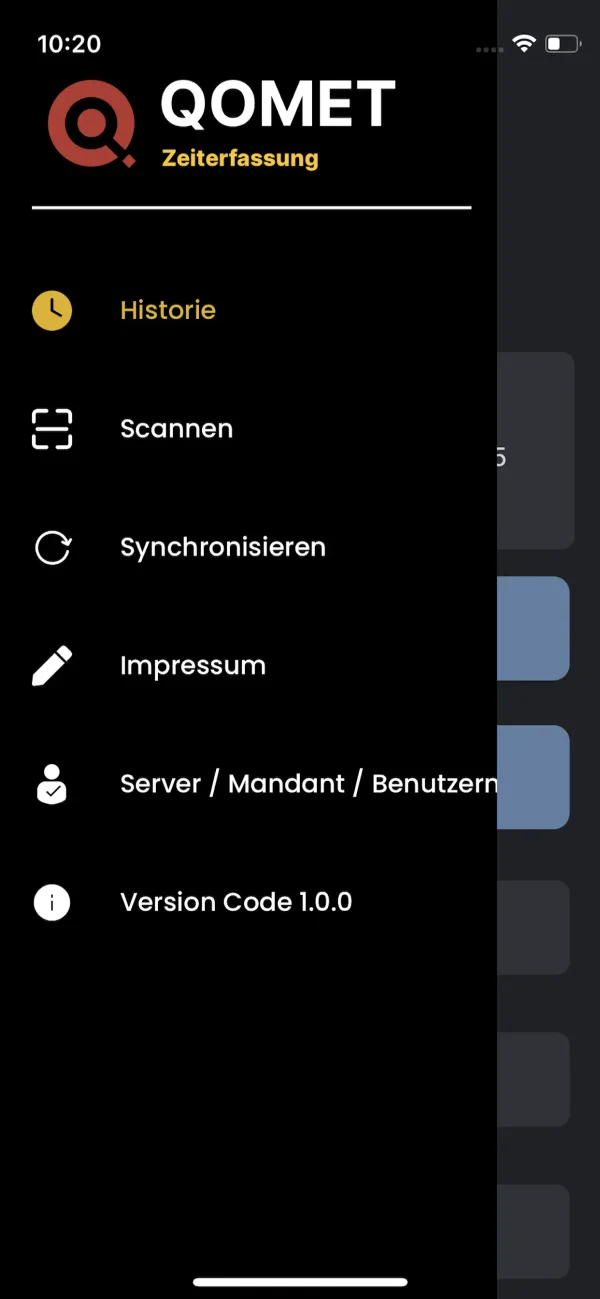
The most important functions at a glance:
Coming / Going
The coming booking opens the day. The closing booking ends the day.
day.
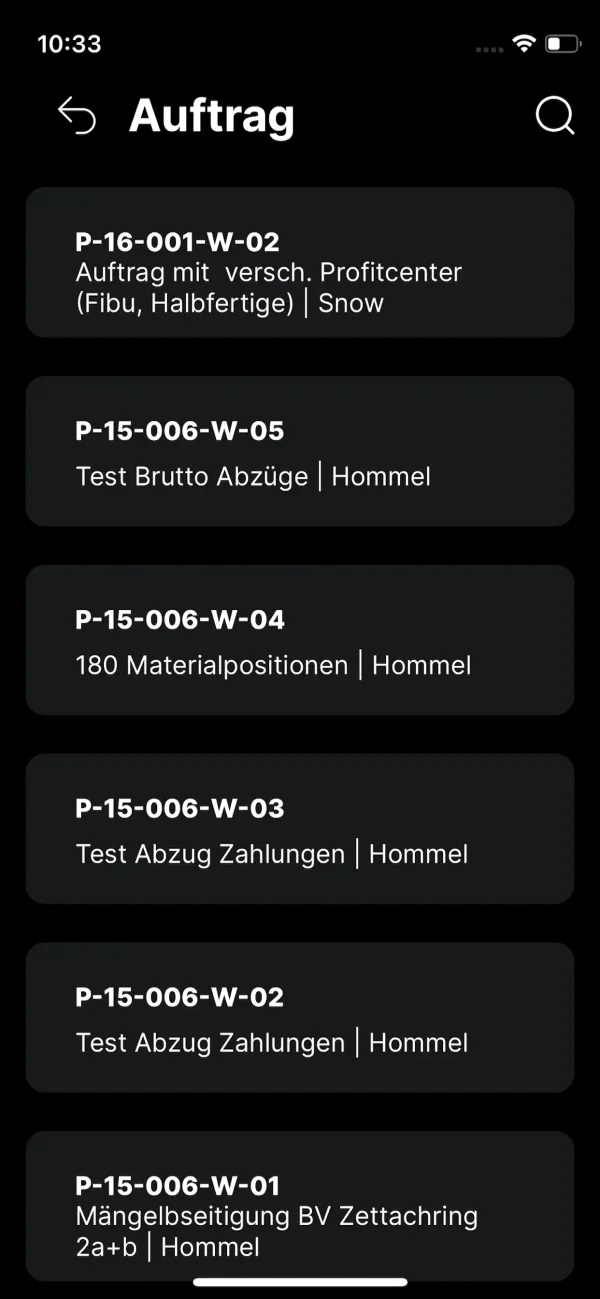
Book order times
You have the choice from all current orders. You can scroll through them
or filter them by search field. If the order is selected, the
selection of the activity. Afterwards the time runs until a new input
is made.
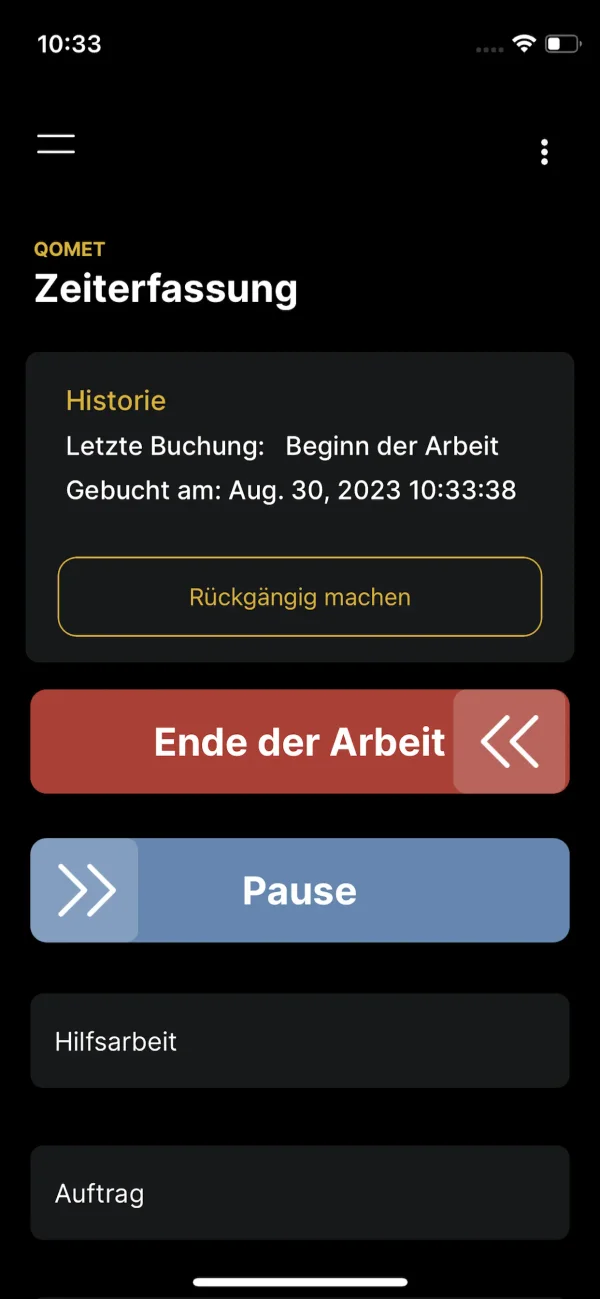
If an incorrect entry has been made, you have 1 minute to correct this using the
Undo button to correct it.
Scan
If you work with barcodes for orders, you can use the app to scan in the barcodes
scan the barcodes and edit them further
History
Using a history function, you can scroll through all the bookings you have made in the
last week
Synchronize
Synchronization takes place manually as soon as you are in the company's WLAN or
have a mobile data connection. This ensures that
that times worked are reported back and new orders are transferred.
Help
Using Teamviewer, the QOMET support team can connect to the terminal
to clarify questions about the operation or to solve problems.
Client
The app is multi-client capable. You can use it to enter times for the clients of your own company that are
available in QOMET for your own company.
Multi-user
The app is multi-user capable, so that several people can share one end device.
end device. The running times of all logged-in employees are
logged - regardless of who was logged in last.
Note
This app is only executable in conjunction with an appropriate QOMET license
and must be registered by Softwareschmiede
Höffl GmbH before its first use. Test use is possible. Please
please contact us at servicedesk@qomet.de Subject: "Test
Mobile App"
What’s new
Version 1.2.6 · Sep 7, 2026
Ordercalculation limit of 1000 elements remote
App privacy
What Softwareschmiede Höffl GmbH declares on the App Store about how this app handles data.
-
Data not collected
The developer does not collect any data from this app.
Privacy practices may vary, for example with the features you use or your age.
Information
- Seller
- Softwareschmiede Hoffl GmbH
- Category
- Business
- Version
- 1.2.6
- Updated
- Sep 7, 2026
- Released
- Sep 13, 2023
- Size
- 27.0 MB
- Requires
- iOS 16.0 or later
- Age rating
- 4+
- Languages
- German, English
- Copyright
- © Softwareschmiede Höffl GmbH
You might also like
-
 Org-You Time TrackingProductivity
-
 TrackMyTime - ZeiterfassungProductivity
-
 Let's Settle Up: Split BillsSplit bills & shared expenses
-
 MEMOIOBusiness
-
 MyOneQrewProductivity
-
 Next WorktimeZeiterfassung Nextcloud
-
 WorkFlex360 - TimeTime tracking made simple
-
 FoxBuildSite diary by voice & AI
-
 Flexijet Smart RemoteRemote App for Flexijet2
-
 Lorch Connect Gateway App(LCG)Productivity