QR + Barcode Scanner
QR codes & Barcodes Scanner
Designed for iPhone, iPad, iPod touch
Free · In-app purchases
- Age rating4+
- CategoryBusiness
- DeveloperRaj Shah
- LanguagesEnglish
- Size58.7 MB
Links to the official App Store page
Download.org hosts no file of QR + Barcode Scanner. The button opens its official App Store page, published by Raj Shah. Listing last checked on Nov 12, 2026.
Screenshots

About
QR Barcode Scanner is a fast, focused app for reading and creating QR codes and barcodes on iPhone and iPad.
SCAN IN SECONDS
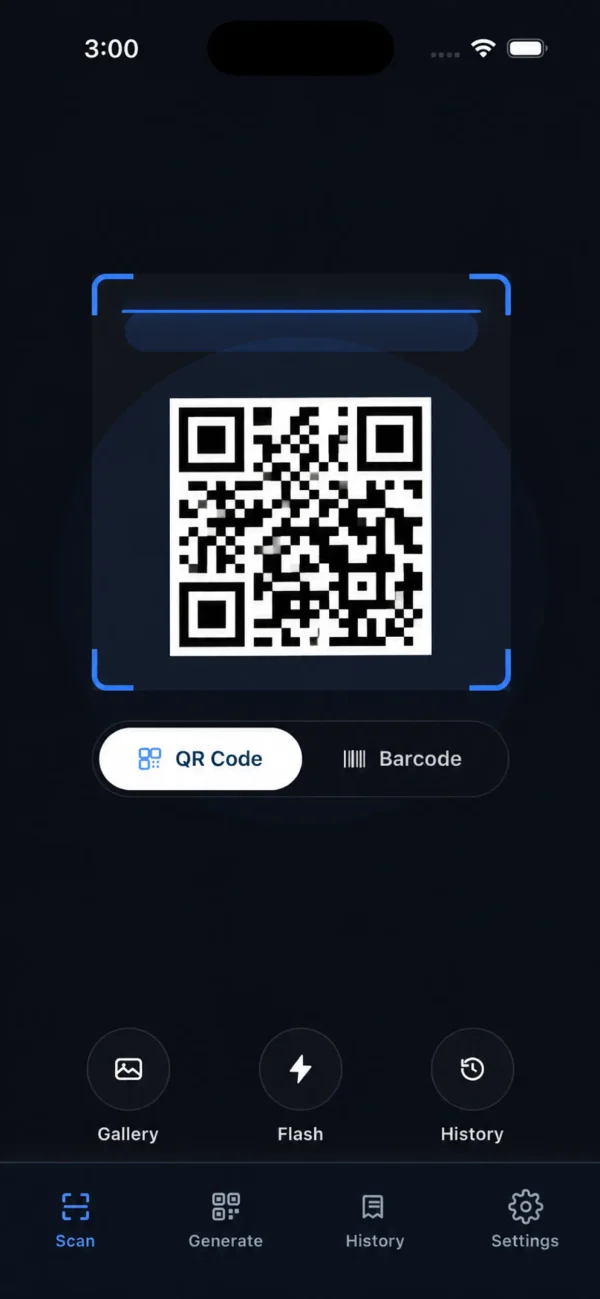
• Point your camera at any QR code or barcode — auto scan detects codes without extra taps
• Switch between QR and barcode modes with a quick swipe
• Scan codes from photos in your library when the camera isn’t handy
• Toggle flash, vibration, and scan sound so feedback fits your style
• Optional scan frame keeps the viewfinder clear and easy to aim
SMART RESULTS
• Open links, call numbers, send email or SMS, and copy text in one tap
• Wi‑Fi QR codes: connect to networks without typing passwords
• See what you scanned in a clean result sheet before you act
CREATE QR & BARCODES
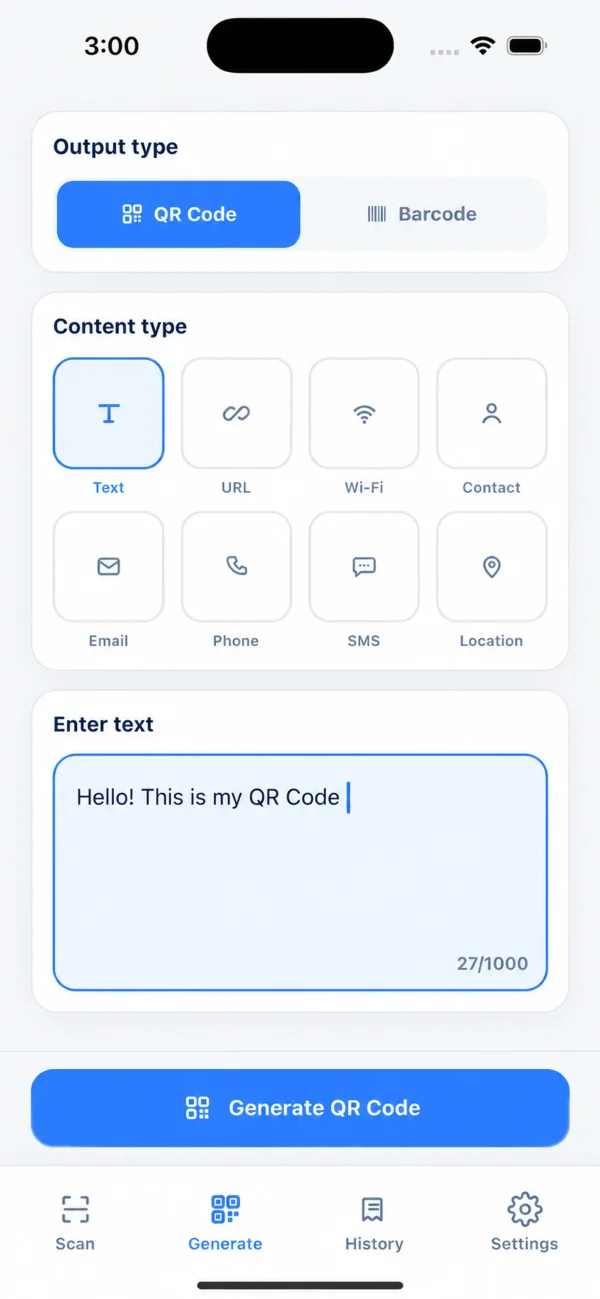
• Generate QR codes for text, URLs, Wi‑Fi, contacts, email, phone, SMS, and location
• Create barcodes when you need product or label codes
• Pick a default QR color (navy, blue, or black) and share or save your creations
• Optionally save generated codes to history alongside scans
HISTORY THAT STAYS USEFUL
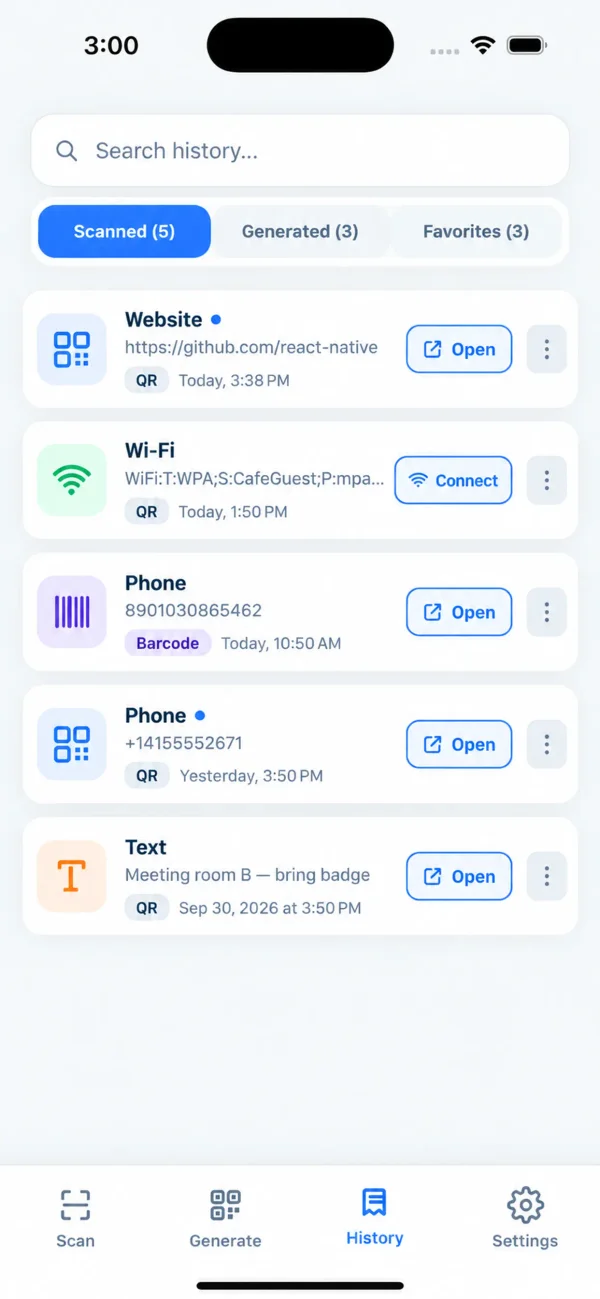
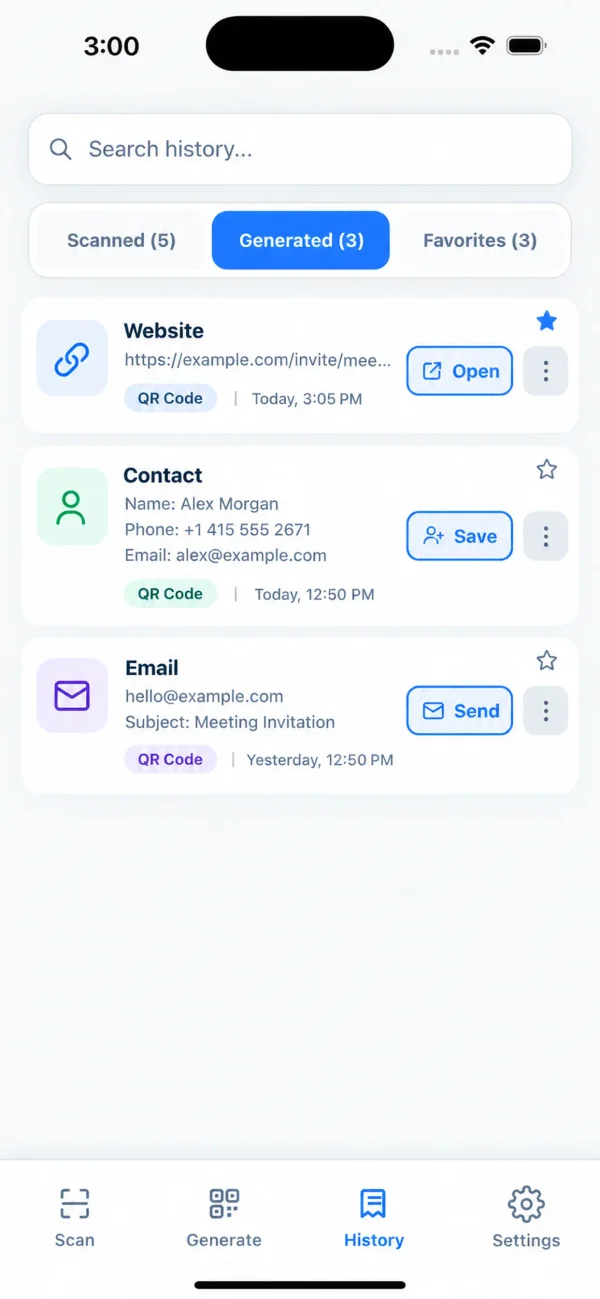
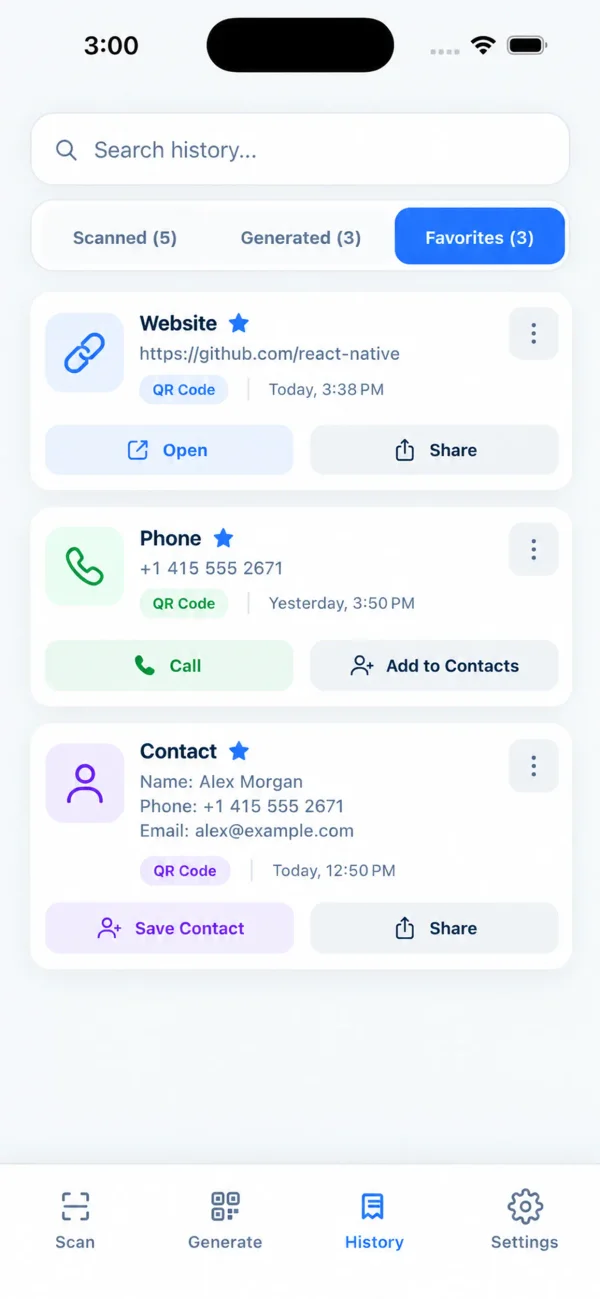
• Separate tabs for scanned items, generated codes, and favorites
• Search your history and swipe to delete or manage entries
• Open, copy, or share any saved code again
SETTINGS & COMFORT
• Light, dark, or system appearance
• Control auto scan, scan frame, save-to-history, and default generate type
• Backup and restore your data on this device
HOME SCREEN WIDGET (iOS)
• Add the QR Scanner widget in small, medium, or large sizes
• Open Scan, Generate, or History in one tap from your Home Screen
QR SCANNER PREMIUM (optional)
Upgrade for:
• Remove all ads
• Scheduled auto backup (daily, weekly, or monthly)
• Premium home screen app icon
• Full backup and restore on this device
• Support ongoing improvements
Subscriptions and one-time lifetime purchase are available in the app. Payment is charged to your Apple ID account. Subscriptions renew automatically unless canceled at least 24 hours before the end of the current period. Manage or cancel in Settings → Apple ID → Subscriptions after purchase.
QR Barcode Scanner is built for everyday use — menus, tickets, product labels, Wi‑Fi signs, and sharing your own codes — without clutter.
What’s new
Version 3.0 · Oct 16, 2026
This update refreshes QR Barcode Scanner with a cleaner look, smoother flow, and new tools you asked for.
NEW DESIGN
• Refreshed screens across Scan, Generate, History, and Settings
• Clearer typography, spacing, and light / dark appearance
• Polished result sheets and history lists that are easier to read at a glance
NEW FEATURES
• Home Screen widget — open Scan, Generate, or History in one tap (iPhone & iPad)
• QR Scanner Premium — remove ads, scheduled auto backup, premium app icon, and full backup & restore
• Improved generate flow — more code types, share/save options, and customizable QR colors
• Wi‑Fi QR support — connect to networks from scanned codes
BEST USER EXPERIENCE
• Faster scanning with auto scan, optional frame, flash, vibration, and sound
• History with search, favorites, swipe actions, and quick copy / share / open
• Scan from the camera or from photos in your library
• Backup & restore so your history stays on this device
BUG FIXES
• Stability and performance improvements across scanning and history
• Fixes for edge cases when saving, sharing, and reopening scanned codes
• General polish and reliability updates
Thank you for using QR Barcode Scanner — we’re always improving. Send feedback from Settings if something isn’t working for you.
App privacy
What Raj Shah declares on the App Store about how this app handles data.
-
Data not collected
The developer does not collect any data from this app.
Privacy practices may vary, for example with the features you use or your age.
Information
- Seller
- Raj Shah
- Category
- Business
- Version
- 3.0
- Updated
- Oct 16, 2026
- Released
- Mar 18, 2022
- Size
- 58.7 MB
- Requires
- iOS 15.1 or later
- Age rating
- 4+
- Price
- Free
- In-app purchases
- Yes
- Languages
- English
- Copyright
- All rights reserved © 2026 QR + Barcode Scanner
You might also like
-
 PDF Toolkit: Scan, Merge, EditAll-in-One PDF Tool - Offline
-
 Lake City Bank Wealth AccessFinance
-
 QR Code-Barcode & Doc ScannerQR Code And Document Scanner
-
 GU BarcodescannerGU Barcodescanner
-
 myMASee your Medicare Adv plan
-
 KCPC-WebSmart Document Management
-
 Detektor Roadview AIBusiness
-
 QR Snap Scanner - Code ReaderScan, Create & Share Code
-
 Senjoro - GOBusiness
-
 QR+BarcodeScan & Create QRCode & BarCode