QR & Barcode Scanner: Count
Inventory, CSV & code maker
Designed for iPhone, iPad
Free · In-app purchases
- Age rating17+
- CategoryUtilities
- DeveloperMert TUZER
- LanguagesEnglish+ 11 more
- Size25.0 MB
Links to the official App Store page
Download.org hosts no file of QR & Barcode Scanner: Count. The button opens its official App Store page, published by Mert TUZER. Listing last checked on Nov 24, 2026.
Screenshots

About
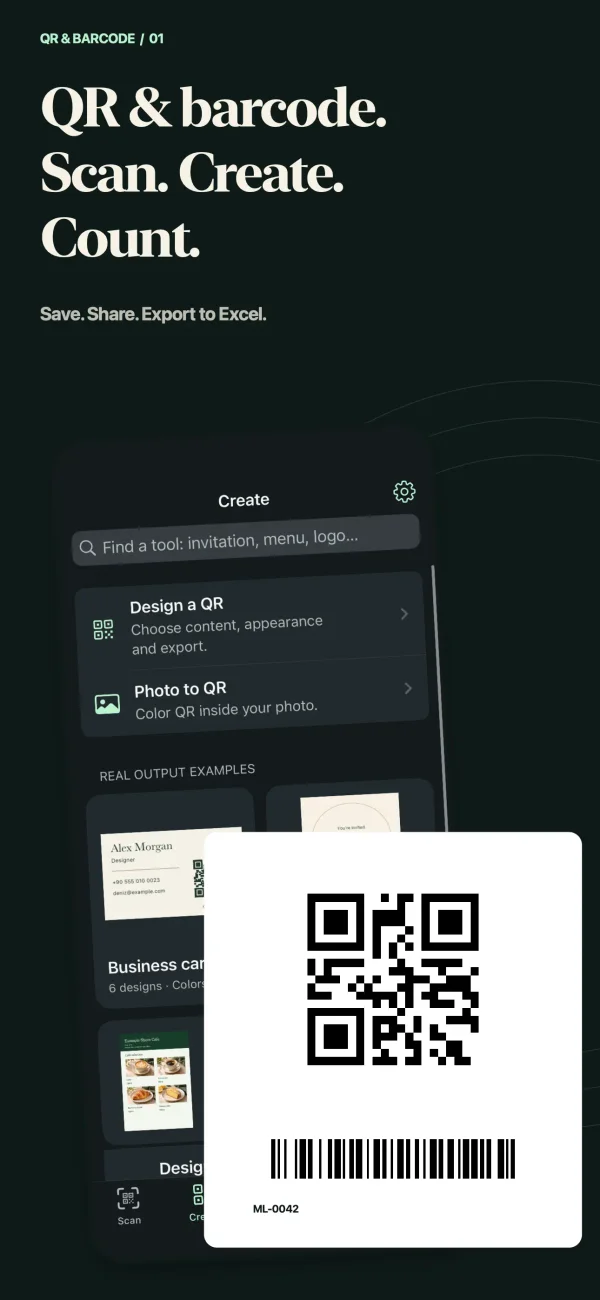
Scan barcodes, count products and export an Excel or CSV list. Create custom QR codes for links, Wi-Fi and contacts — no account required.
Keep separate counting sessions, add product names and locations, correct quantities and compare your count with an expected CSV list. Core scanning, counting and static QR creation work offline. Read codes with the camera, a selected image or a PDF, and preview decoded content before opening a link.
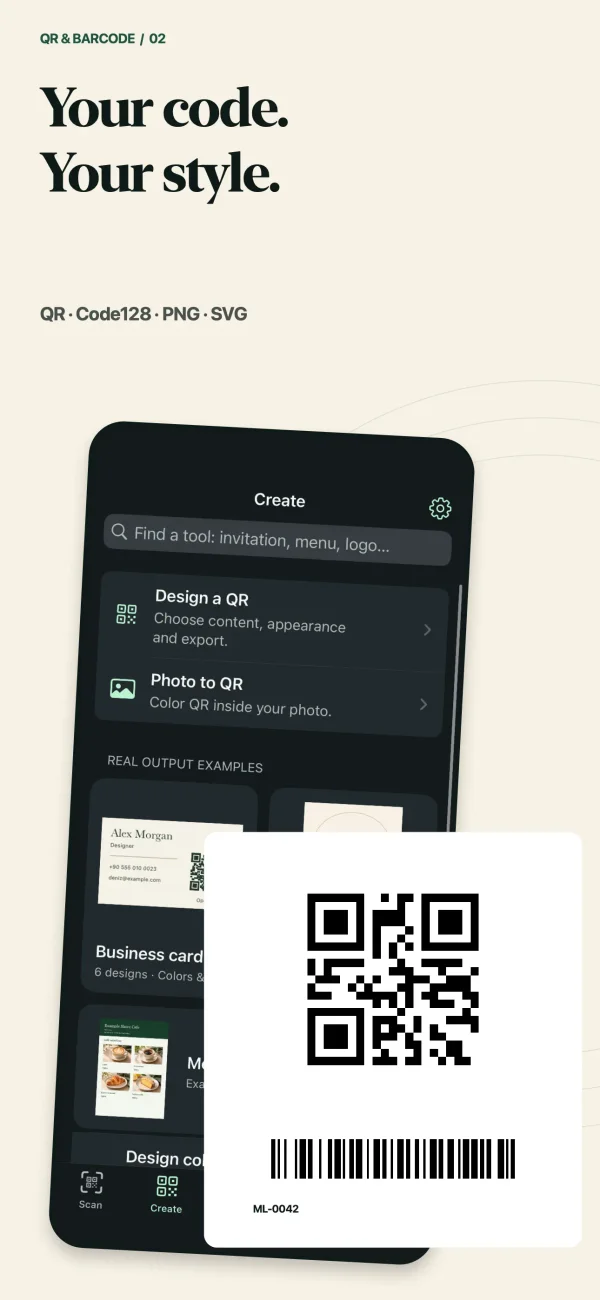
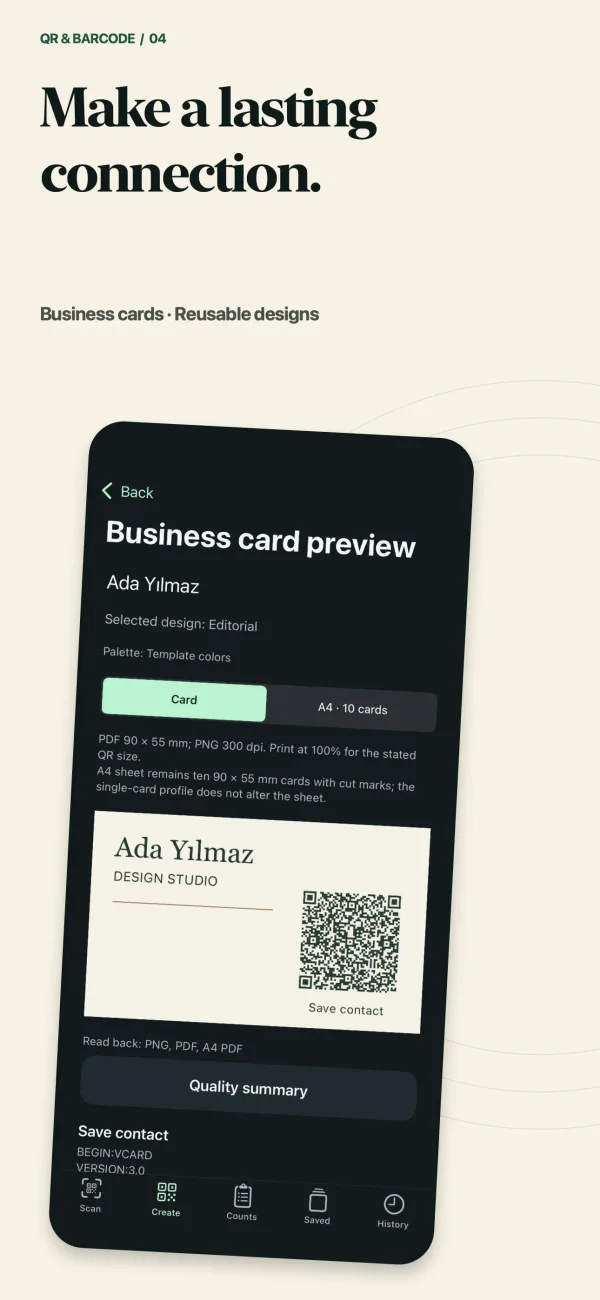
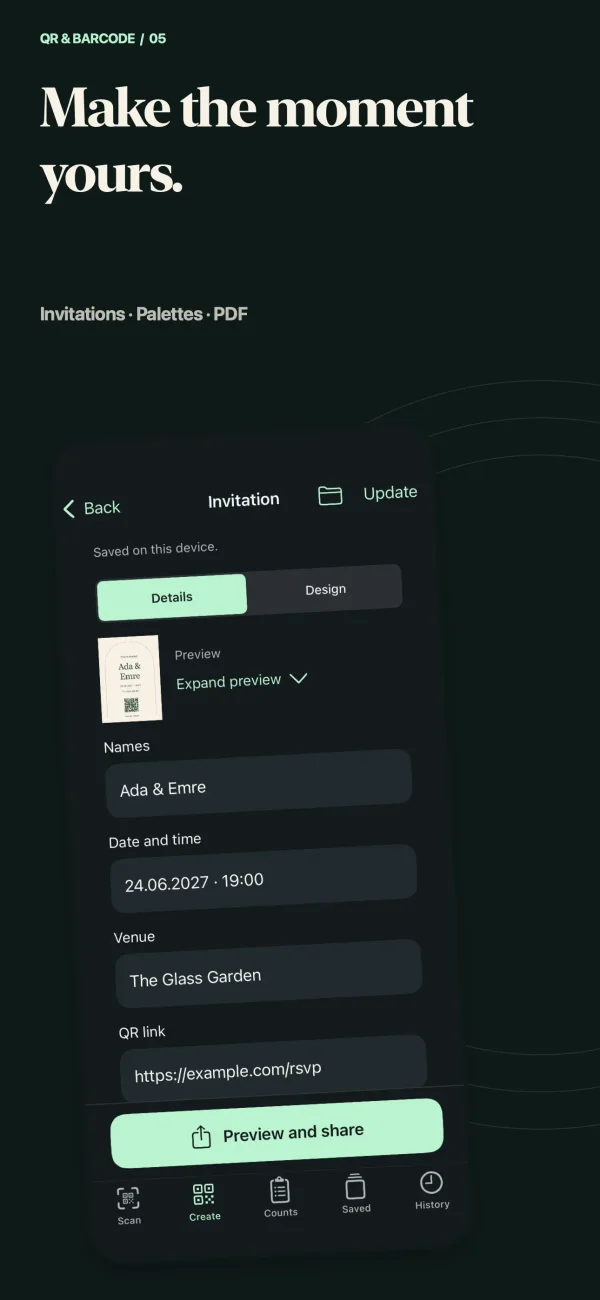
Create QR codes for links, text, Wi-Fi and contact details. Choose square or rounded styling and share PNG or SVG files. Design photo QR cards, business cards, invitations, thank-you cards and social media stands. Reuse saved designs, logos and palettes, and prepare PDF or A4 print layouts. Available export formats depend on the tool.
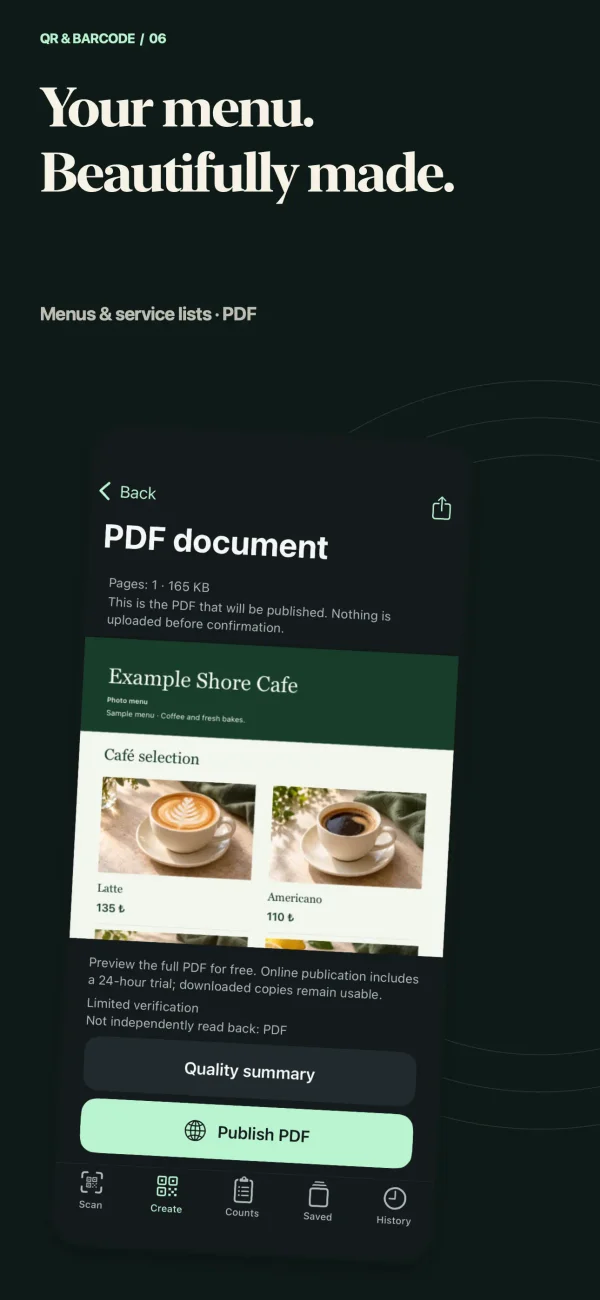
Your local scans and saved work stay on your device unless you choose to share or publish them. Use local backup files to move supported libraries. Menu and service editing and PDF creation work locally. Online availability is shown in the app and requires internet, authorization and service capacity. New event publishing and AI generation are not offered in this release. Existing publications and rights remain accessible. Menu/event ownership keys are device-bound and are not included in app backups.
Usage measurement is optional and starts off on new installations. The app interface supports 12 languages, including English and Turkish.
Optional Pro Design is a one-time purchase with no subscription or automatic renewal. It unlocks new A5/A4 adaptations in supported designs, new complete saved styles and permanent ad-free use. Existing saved designs and styles remain available to edit, reuse and export. Online PDF hosting and custom-domain packages are separate and are not included.
Optional iCloud sync starts off. If you enable it, supported scan history, including code contents, and saved card/invitation data, designs and logos are sent to your private Apple iCloud database. Other libraries, owner keys and purchases are excluded. Turning sync off does not delete existing cloud data.
What’s new
Version 2.1.2 · Nov 23, 2026
Continue QR content from the web in the app. Review the incoming text or link, then customize it in a new draft. Clearer labels help distinguish web drafts from duplicated codes.
App privacy
What Mert TUZER declares on the App Store about how this app handles data.
-
Data linked to you
May be collected and linked to your identity.
- Purchases
- Location
- Contact info
- User content
- Identifiers
- Usage data
- Diagnostics
-
Data not linked to you
May be collected but is not linked to your identity.
- Diagnostics
Privacy practices may vary, for example with the features you use or your age.
Information
- Seller
- Mert TUZER
- Category
- Utilities
- Version
- 2.1.2
- Updated
- Nov 23, 2026
- Released
- May 19, 2020
- Size
- 25.0 MB
- Requires
- iOS 17.4 or later
- Age rating
- 17+
- Price
- Free
- In-app purchases
- Yes
- Languages
- English, Arabic, French, German, Hindi, Indonesian, Japanese, Korean, Russian, Spanish, Traditional Chinese, Turkish
- Copyright
- © miniLabs Inc.
You might also like
-
 QR/Barcode Scanner & GeneratorUtilities
-
 Fixano ToolsUtilities
-
 iReader:QR and Barcode ScannerGenerate,Create QR and Barcode
-
 Spool HoarderTame the hoard
-
 QR Scanner: Barcode MakerCode Reader & Generator
-
 AllBest Barcode ToolGeneration+Scanning, no ads
-
 GridSurePowering Resilience - Anywhere
-
 VSH101 UpdateBLE device firmware update
-
 QRead: Food & Barcode ScannerProduct, Labels & Ingredients
-
 Qr Code plus+Create Read QR & Barcode