
QR Code Barcode Scanner: QRCat
Reader, Maker, Generator, Scan
Designed for iPhone
Free
- Age rating4+
- CategoryUtilities
- DeveloperAndrew Lee Ventures LLC
- LanguagesEnglish
- Size2.7 MB
Links to the official App Store page
Download.org hosts no file of QR Code Barcode Scanner: QRCat. The button opens its official App Store page, published by Andrew Lee Ventures LLC. Listing last checked on Nov 20, 2026.
Screenshots
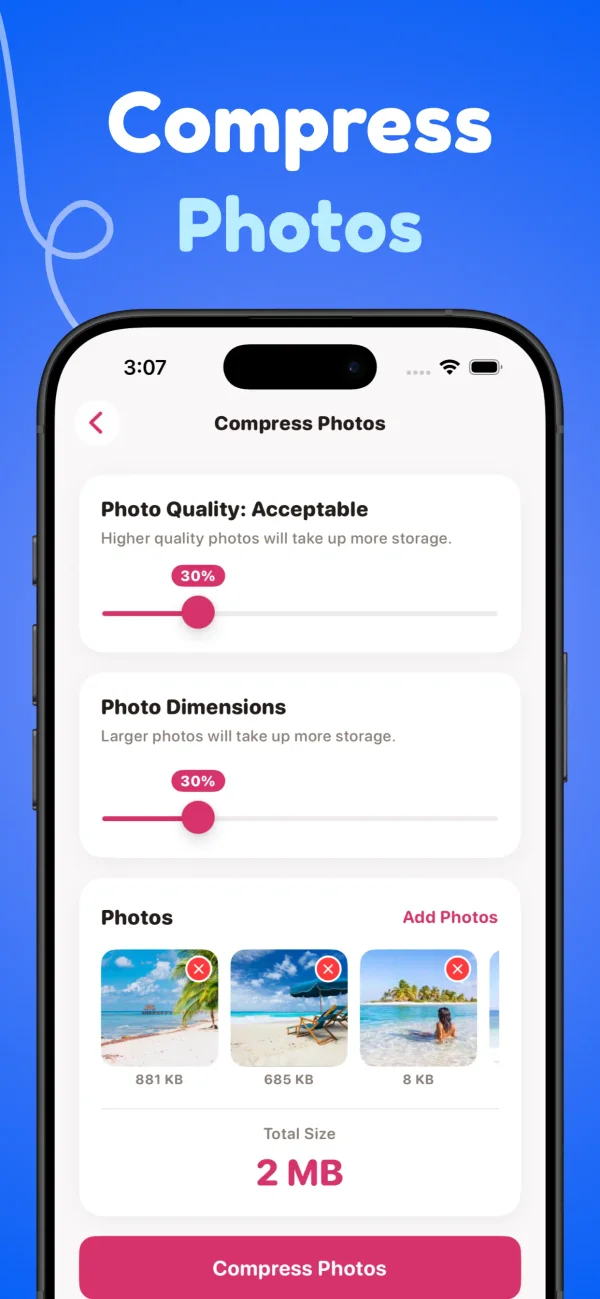
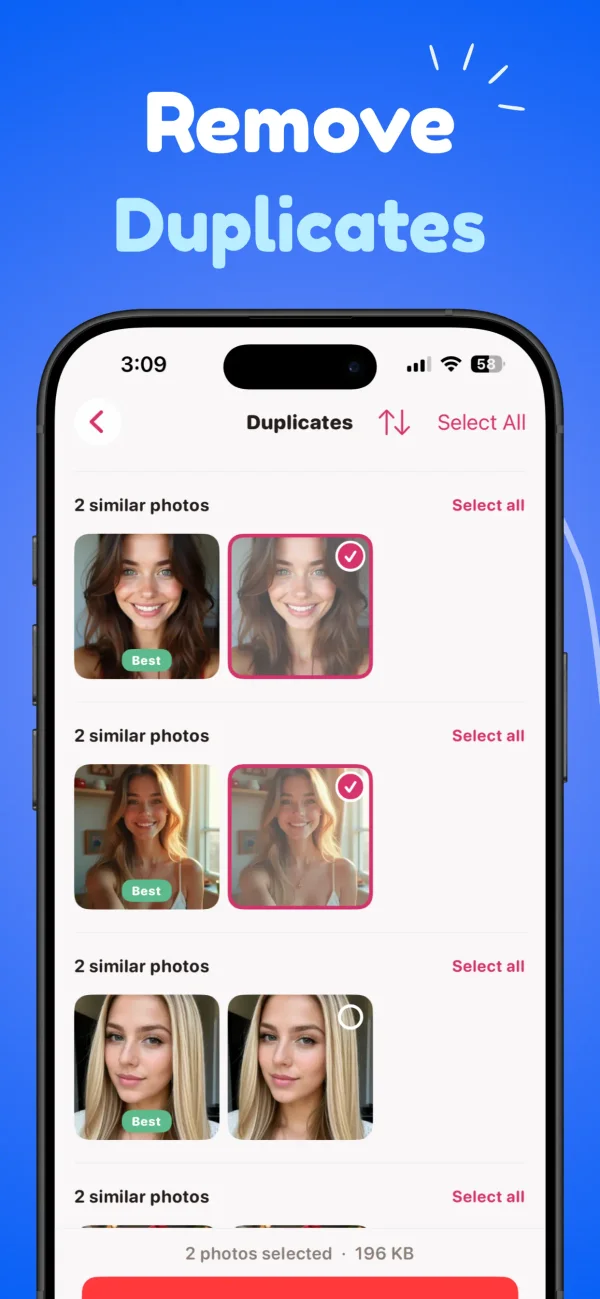
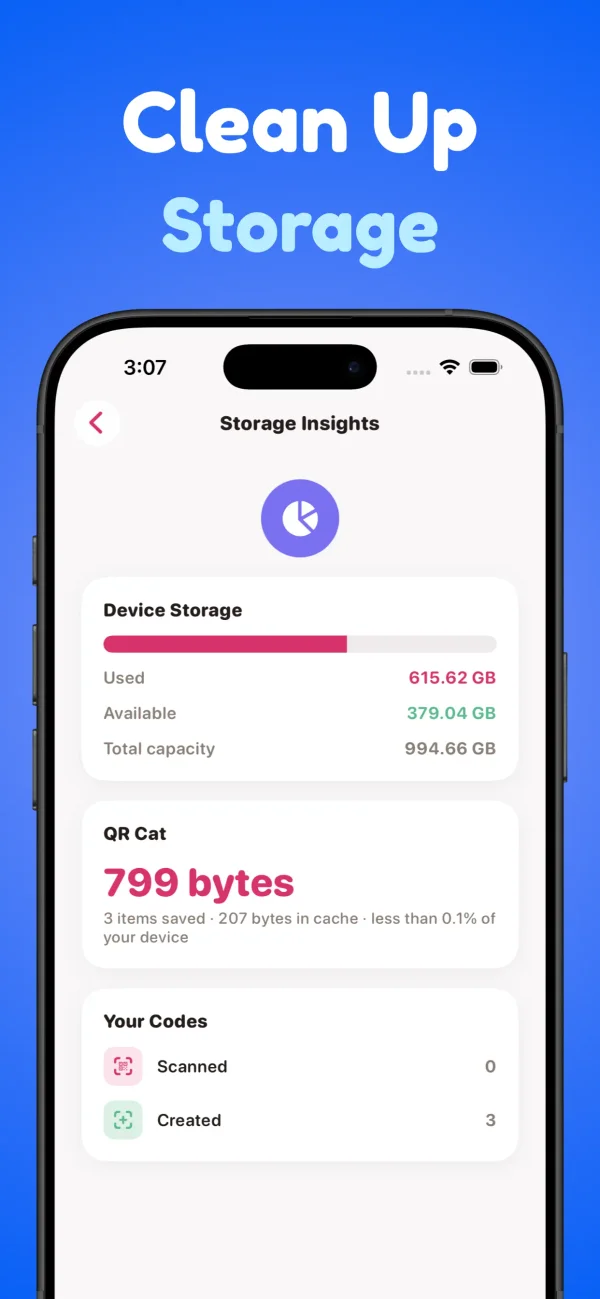
About
Everything you need to scan and create QR codes and barcodes, all in one app. Fast scanning, custom code creation, full history, and zero ads.
QRCat has everything you need to scan, create, and manage QR codes and barcodes all in one place.
Here's what you can do with QRCat:
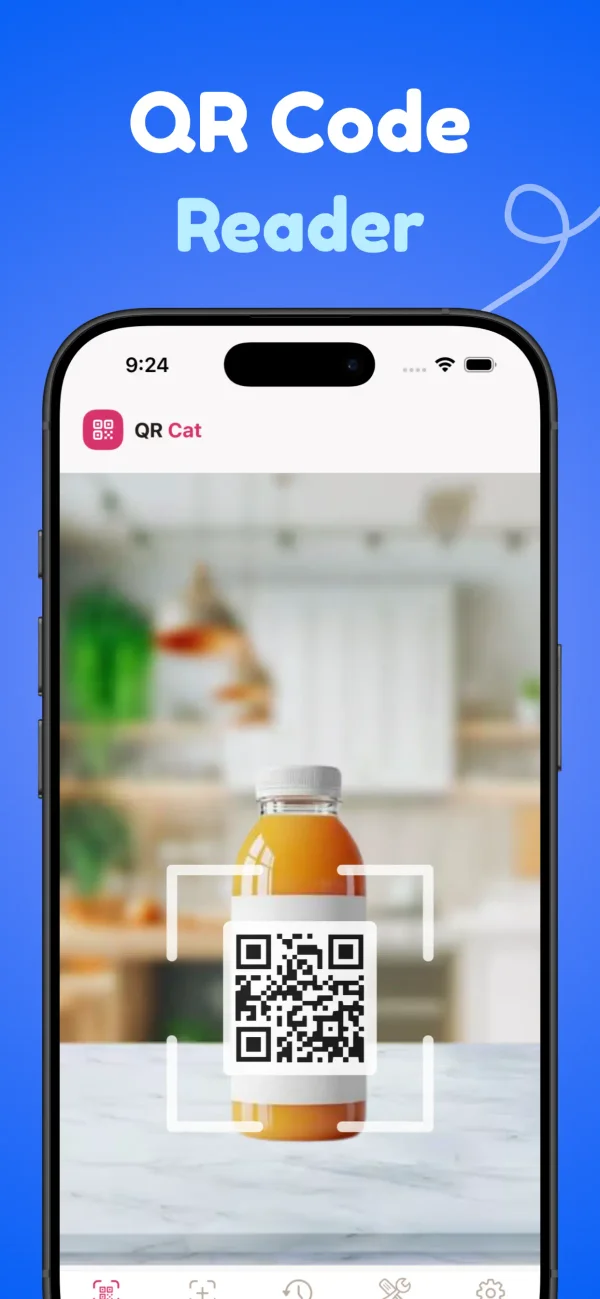
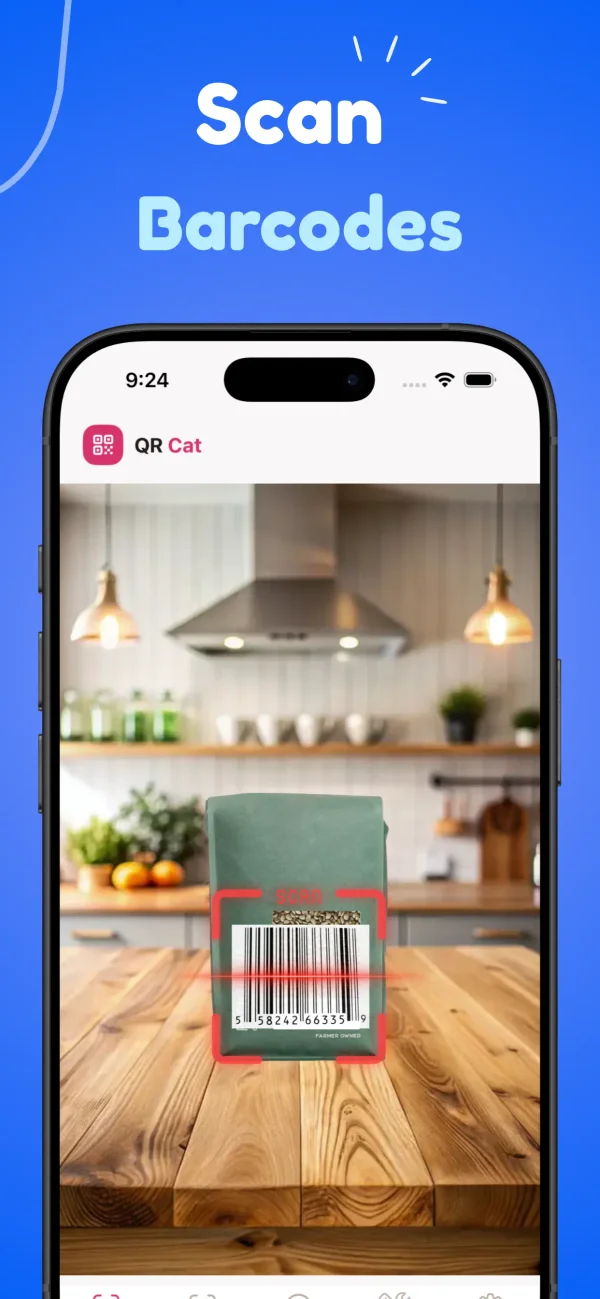
● Scan any QR code or barcode instantly with your camera
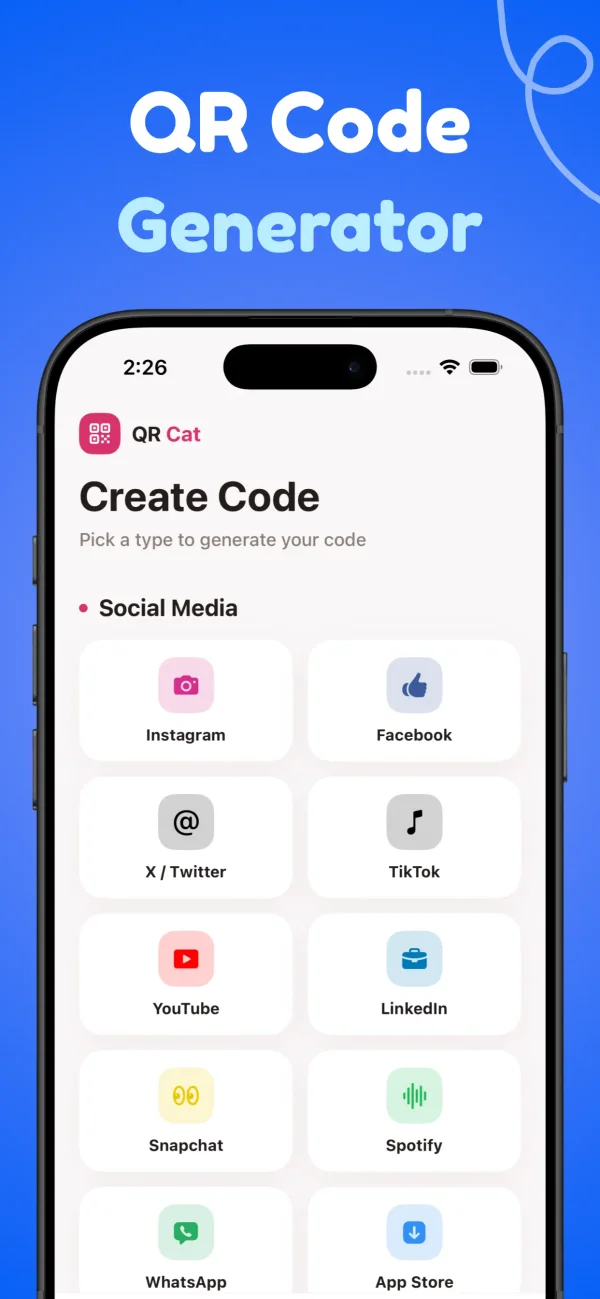
● Create custom QR codes for links, text, contacts, email, SMS, and more
● Scan QR codes and barcodes from photos in your camera roll
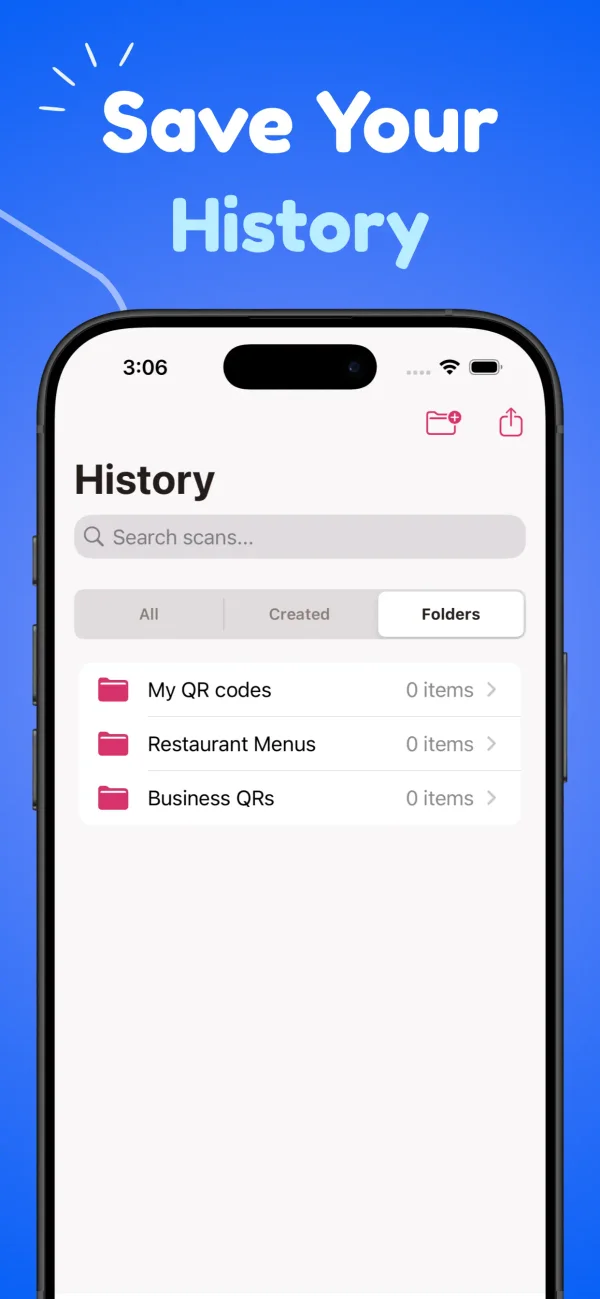
● View your full scan history with search and folders
● Share, copy, or save any scan result with one tap
● Use the built-in flashlight for scanning in the dark
● Auto-detect URLs, contacts, calendar events, and more
● Generate QR codes for business cards, social profiles, and locations
● Export and share your created QR codes anywhere
————————————————————
◆ How to scan a QR code with QRCat ◆
1. Open QRCat and point your camera at any QR code or barcode
2. QRCat instantly reads the code and shows you the result
3. Tap to open the link, save the contact, copy the text, or share it
That's it. No buttons to press, no waiting.
————————————————————
◆ How to create a QR code with QRCat ◆
1. Tap the Create tab and choose your code type (URL, text, contact, email, SMS, calendar, location)
2. Enter your information
3. Your custom QR code is generated instantly
4. Save it to your camera roll or share it directly
————————————————————
◆ Supported formats ◆
QR Code, EAN-13, EAN-8, UPC-A, UPC-E, Code 128, Code 39, Code 93, PDF417, Aztec, Data Matrix, ITF, and more.
————————————————————
With QRCat Premium, you get access to the full app:
● NO LIMITS
● NO ADS
————————————————————
Connect with us on Instagram and Twitter:
@AndrewLeeReal
Have any questions or recommendations? Feel free to reach out to me at:
Andrew@AndrewLee.Ventures
Contact: https://andrewlee.ventures/contact
Privacy Policy: https://andrewlee.ventures/privacy
Terms Of Use: https://andrewlee.ventures/terms-of-use
App privacy
What Andrew Lee Ventures LLC declares on the App Store about how this app handles data.
-
Data not collected
The developer does not collect any data from this app.
Privacy practices may vary, for example with the features you use or your age.
Information
- Seller
- Andrew Lee Ventures LLC
- Category
- Utilities
- Version
- 1.0
- Updated
- Jun 16, 2026
- Released
- Jun 16, 2026
- Size
- 2.7 MB
- Requires
- iOS 18.6 or later
- Age rating
- 4+
- Price
- Free
- Languages
- English
- Copyright
- © Andrew Lee Ventures LLC 2026
You might also like
-
 QR2Barcode ConverterConvert Barcodes to QR Codes!
-
 QR Code Escaner y GeneradorEscanea, genera y comparte QR
-
 QR Scanner - QR CodeUtilities
-
 QR Generator-quick scannerQR Code,Barcode Scan,Creator
-
 Kolao FamilyKolao Family
-
 Scan Barcode - QR Code ReaderQR Scanner & Barcode reader
-
 Cast to TV & Screen MirrorScreen Mirroring & Media Cast
-
 Banana Pro By NanoImage2 ModelAI Photo Editor & Generator
-
 The Date Calculator PROCalculate days between dates
-
 Wipify Cleaner: Smart Clean UpCleanup Storage, Photo Manager