QR Code Maker: Sticker Print
WiFi QR Code & Barcode Scanner
Designed for iPhone, iPad, iPod touch
In-app purchases
- Age rating4+
- CategoryUtilities
- DeveloperFoster Apps LLC
- LanguagesJapanese+ 7 more
- Size30.2 MB
Links to the official App Store page
Download.org hosts no file of QR Code Maker: Sticker Print. The button opens its official App Store page, published by Foster Apps LLC. Listing last checked on Nov 23, 2026.
Screenshots
About
Generate, scan & print beautiful QR codes — all in one app.
QR Code Maker lets you create custom QR codes in seconds, scan any code with your camera, save scans to history, and print professional label sheets for your business or home.
------------------
CREATE
------------------
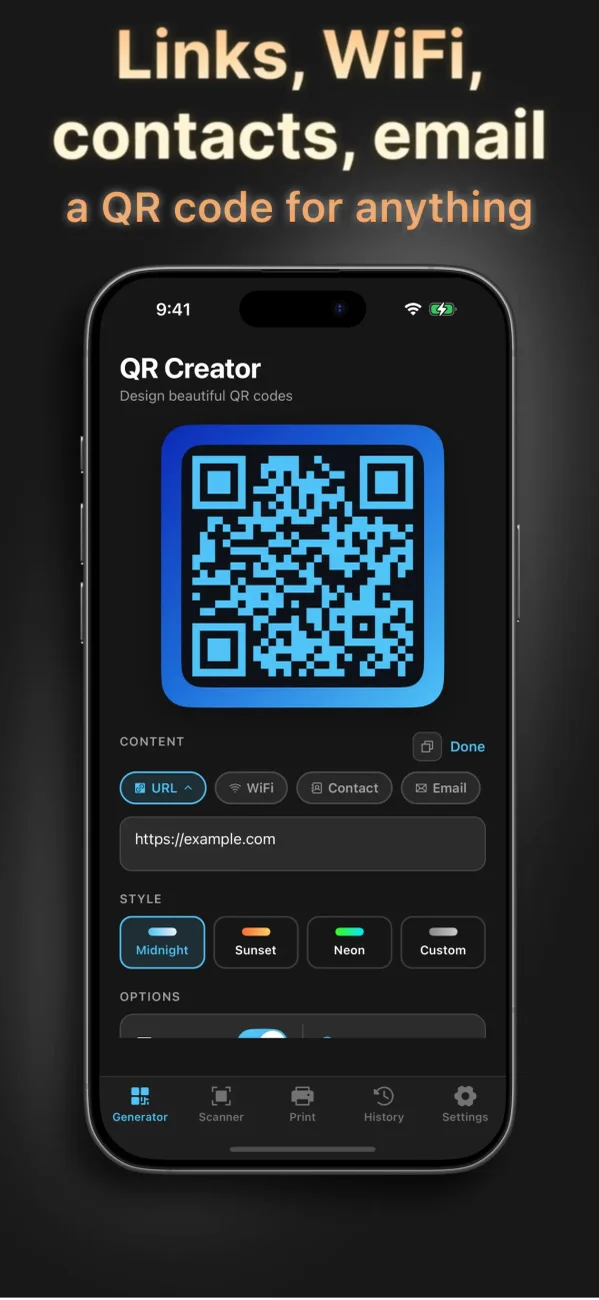
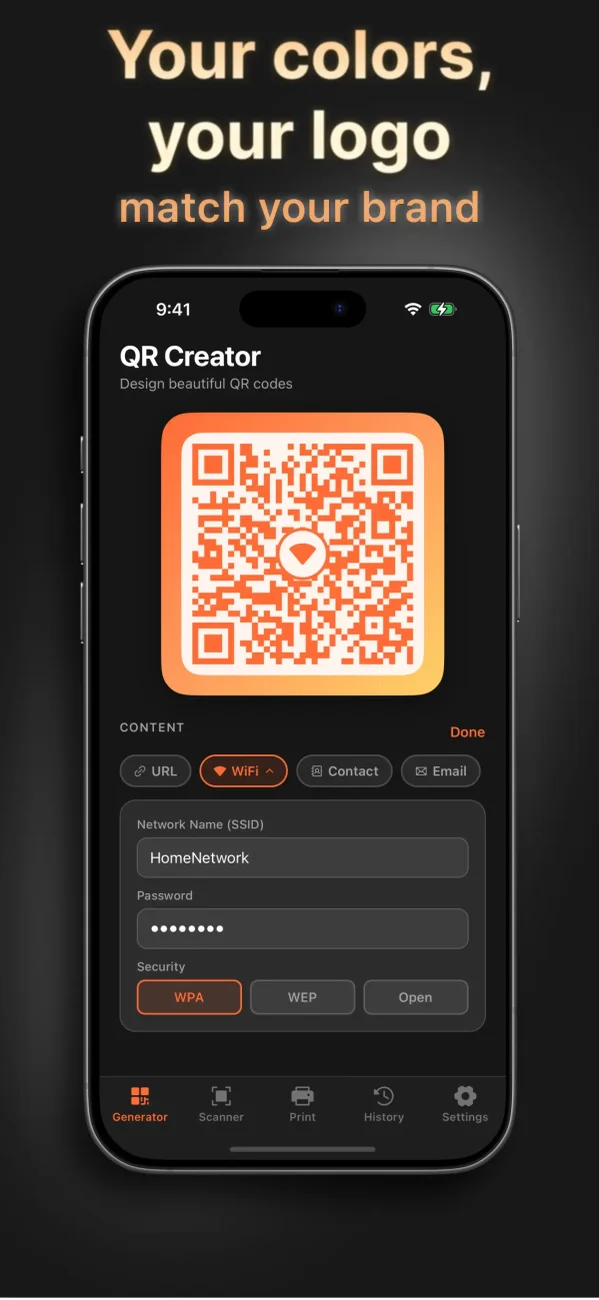
Aim, type, tap Save. That's it. Enter any URL, text, or your WiFi password and a QR code appears instantly. Customise the look with colour themes and a centre icon.
Style Themes
- Midnight: electric blue on deep black
- Sunset: warm orange-to-yellow gradient
- Neon: vivid green on black
- Custom: drag the hue wheel to any colour
Design Options
- Rounded dots for a modern, polished look
- Centre icon: WiFi, Email, Music, Business, or your own image
- Save to Photos with one tap
- Send directly to any app via the share sheet
------------------
SCAN
------------------
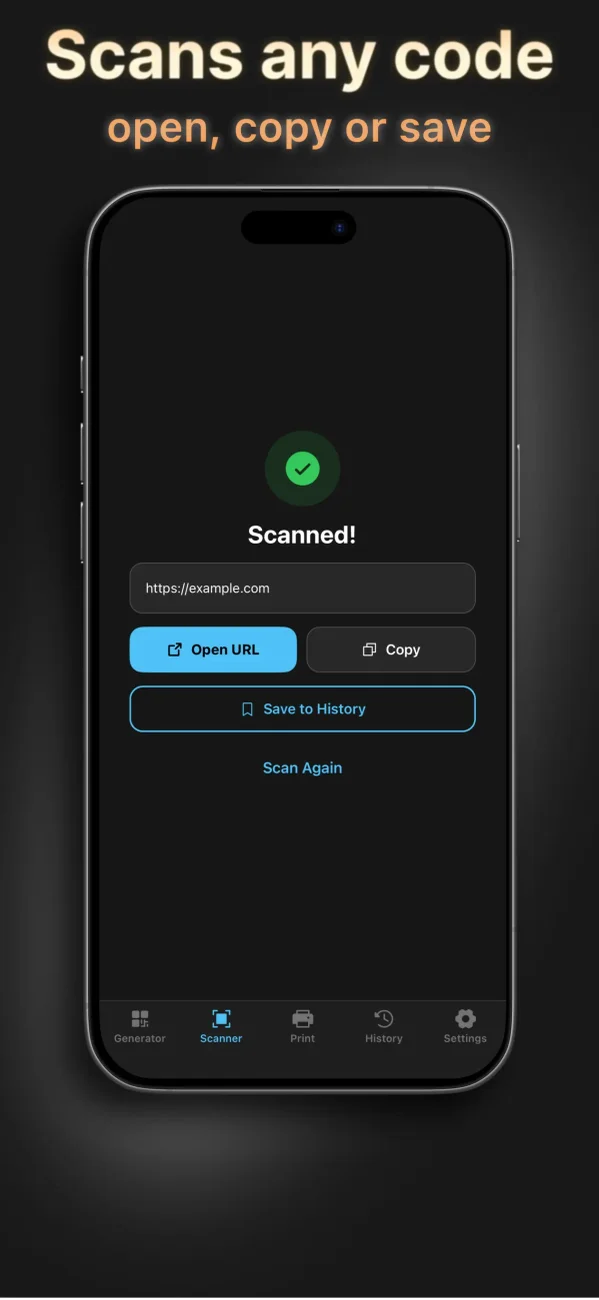
Tap the Scan tab and point your camera at any QR code or barcode. The result appears instantly. Open a link, copy text, or auto-connect to WiFi. Save to history and regenerate as a QR code with one tap.
------------------
PRINT
------------------
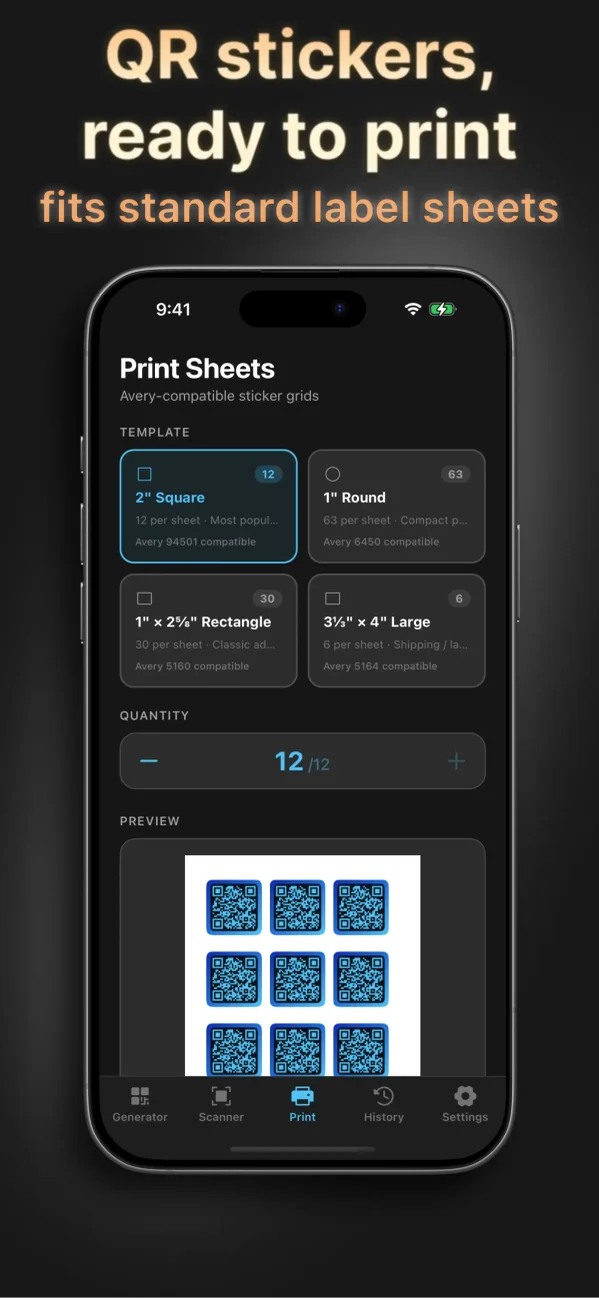
Design professional label sheets compatible with Avery templates:
- 2" Square (Avery 94501): 12 per sheet, most popular for QR codes
- 1" Round (Avery 22807): 63 per sheet, compact product stickers
- Rectangle (Avery 5160): 30 per sheet, shipping & business use
- Large (Avery 5164): 6 per sheet, large-format QR codes
Preview the full sheet on screen, then print directly via AirPrint.
------------------
QR CODE MAKER PRO
------------------
Unlock unlimited saves and the full print suite.
- Unlimited QR code saves to Photos
- Full Avery label sheet printing
- All colour themes and icon embedding
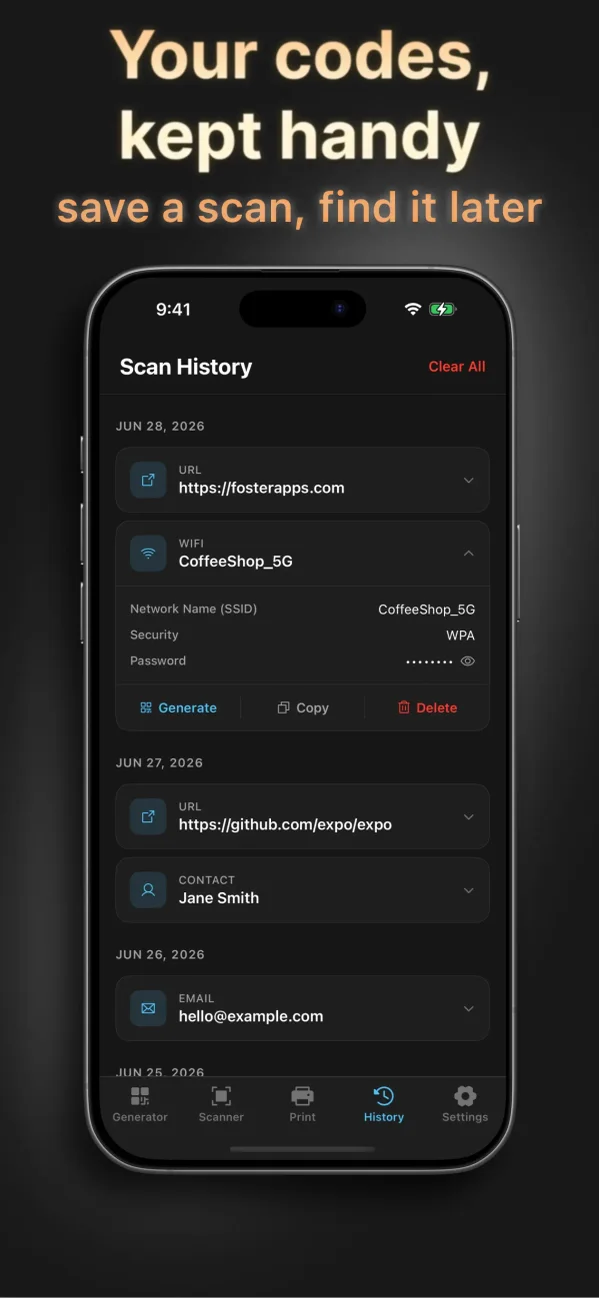
- Scan history — save & regenerate any scan
3-day free trial, then weekly or yearly plan.
---
Privacy Policy: https://fosterapps.com/qrgen/privacy/
Terms of Service: https://www.apple.com/legal/internet-services/itunes/dev/stdeula/
What’s new
Version 1.0.10 · Nov 14, 2026
New: Scan History — save every scan and regenerate it as a QR code with one tap. Plus custom colour themes, improved print sheets, and iOS 18 optimisations.
App privacy
What Foster Apps LLC declares on the App Store about how this app handles data.
-
Data not collected
The developer does not collect any data from this app.
Privacy practices may vary, for example with the features you use or your age.
Information
- Seller
- Foster Apps LLC
- Category
- Utilities
- Version
- 1.0.10
- Updated
- Nov 14, 2026
- Released
- Jul 1, 2026
- Size
- 30.2 MB
- Requires
- iOS 15.1 or later
- Age rating
- 4+
- In-app purchases
- Yes
- Languages
- Japanese, Spanish, German, French, Portuguese, Simplified Chinese, English, Korean
- Copyright
- © 2026 Foster Apps LLC
You might also like
-
 Scanly: QR & Barcode ScannerScan, check & create QR codes
-
 Kodo: QR Code GeneratorScanner, Wi-Fi & Barcode Maker
-
 gQR Scanner & QR GeneratorScanner and generator
-
 ValidateIDSecure offline ID verification
-
 QR4all - QR Code DesignerCreate, Scan & Share QR Codes
-
 QReady: All-in-One QR AppScan, Create, Share
-
 QR & Barcode ManagerQR/Barcode scan and generation
-
 QRAFT: QR Code GeneratorDynamic QR Codes with Logos
-
 Share-QR Code Scanner & MakerScan, Create & Share QR Codes
-
 QR Scanner & Barcode MakerQR & Barcode Maker & Scanner