
QR code reader for PDF scanner
App to scan documents - photos
Designed for iPhone, iPad, iPod touch
Free · In-app purchases
- Age rating4+
- CategoryUtilities
- DeveloperMaria Melero Gonzalez Barandiaran
- LanguagesEnglish
- Size31.2 MB
Links to the official App Store page
Download.org hosts no file of QR code reader for PDF scanner. The button opens its official App Store page, published by Maria Melero Gonzalez Barandiaran. Listing last checked on Nov 17, 2026.
Screenshots

About
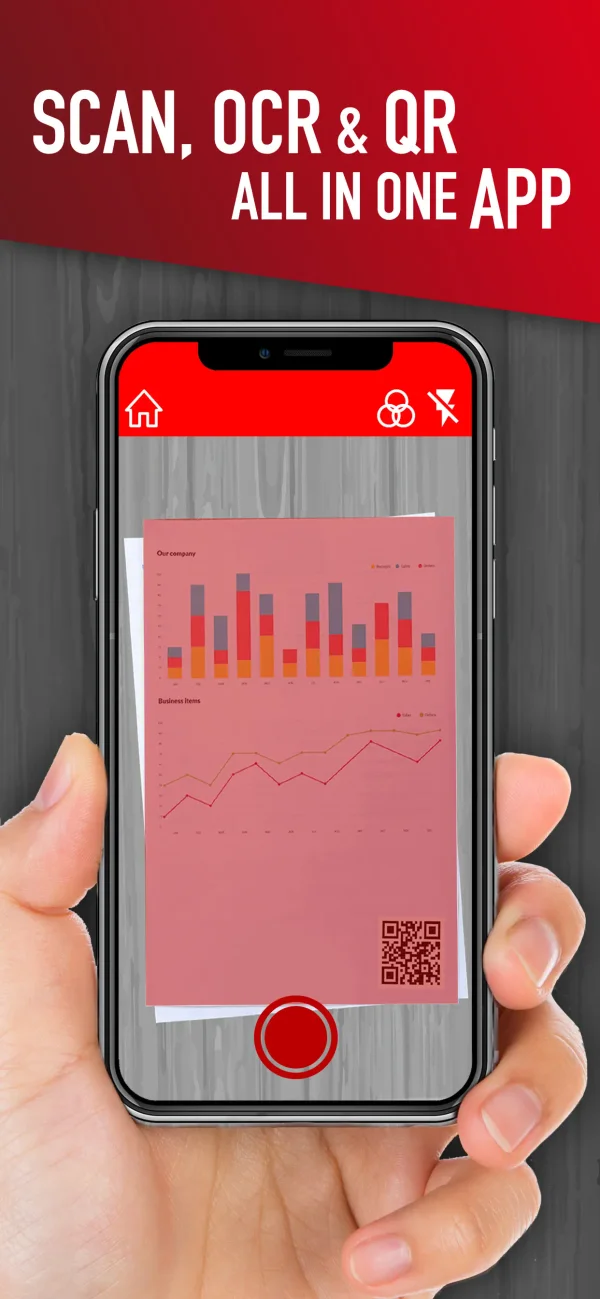
Read QR Codes and scan your documents in a simple way to pdf format or image JPEG to save them in your mobile. Upload or share them by e-mail.
Turn your phone into a simple pocket scanner for documents, receipts, books, photos, whiteboards, and other text. Use this app to read the QR Codes you need by simply framing them with your phone’s camera. You can quickly scan your documents in high quality PDFs or JPEGs, and then store and send them anywhere.
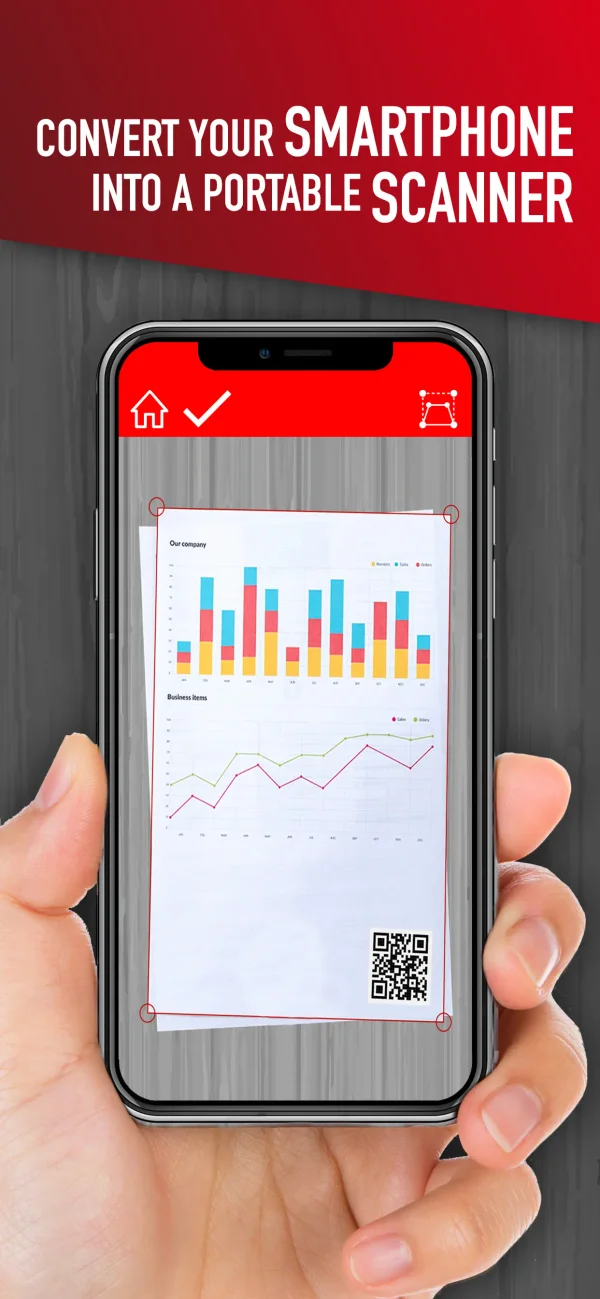
This app uses advanced algorithms to accurately detect document edges, straighten them into a correct perspective.
PDF Scanner:
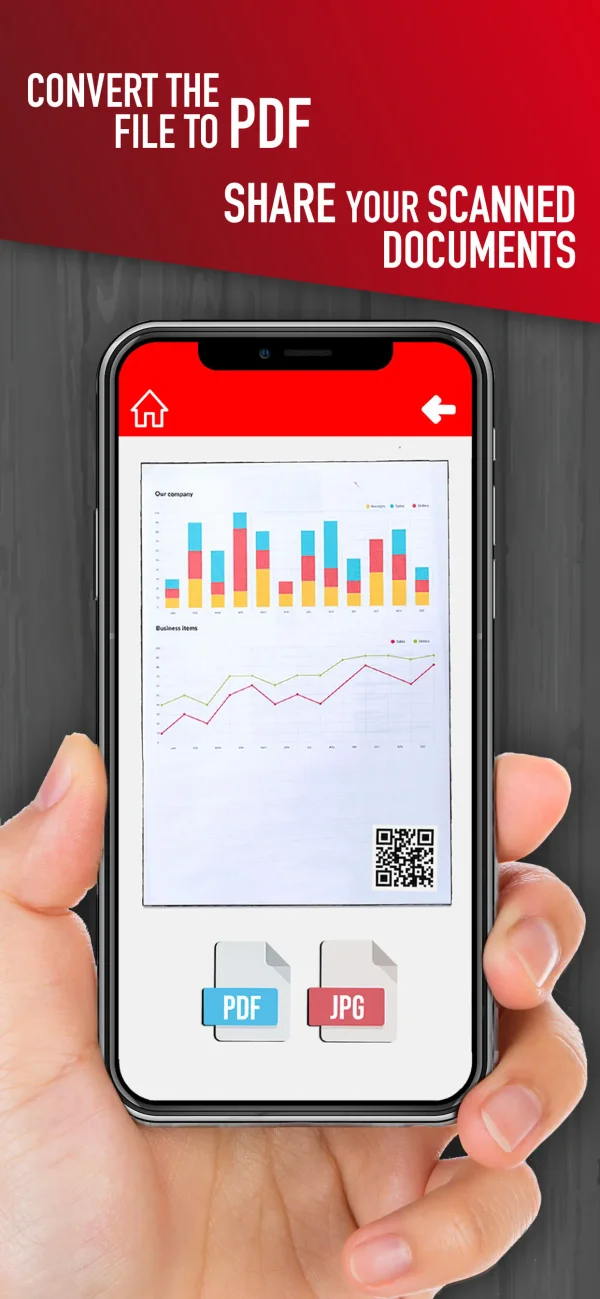
- Scan to PDF or JPEG
- Store scanned content in grayscale, black and white or color
- Automatic shutter and edge detection for any object that can be scanned
Document Sharing Tools:
- Share your scanned documents by email.
- Print them instantly on any printer with Wi-Fi connection.
- Share and upload scanned documents to cloud services.
- Export the scans to your fax application and send them to anywhere in the world.
- Save the scans in the gallery.
QR Code Reader:
- Read any QR Code.
- Copy the text encrypted in the code.
- Open the URL in your phone browser.
If you like our app, please rate and comment to help us improve!
What’s new
Version 1.6 · Jun 16, 2025
The app has been updated to Swift for faster and more stable performance.
Text recognition (OCR) now uses Apple’s Vision technology, improving its accuracy.
All libraries have been updated to their latest versions for greater security and compatibility.
We've fixed an issue with converting to PDF to make it more reliable.
App privacy
What Maria Melero Gonzalez Barandiaran declares on the App Store about how this app handles data.
-
Data used to track you
May be used to track you across apps and websites owned by other companies.
- Identifiers
- Usage data
-
Data not linked to you
May be collected but is not linked to your identity.
- Identifiers
- Usage data
Privacy practices may vary, for example with the features you use or your age.
Information
- Seller
- Maria Melero Gonzalez Barandiaran
- Category
- Utilities
- Version
- 1.6
- Updated
- Jun 16, 2025
- Released
- Feb 2, 2018
- Size
- 31.2 MB
- Requires
- iOS 14.0 or later
- Age rating
- 4+
- Price
- Free
- In-app purchases
- Yes
- Languages
- English
- Copyright
- © María Melero 2025
You might also like
-
 QR Generator - Scan QR CodeTool to generate QR Code
-
 Easy QR Reader - ScannerQR scanner for iphone
-
 QR Code Reader & Generator ⁺QR Code Scanner
-
 QR Code Reader*Barcode ScannerQR NOW: Scan Codes & Generator
-
 QR Code Reader PRO - Scan AppBarcode Scanner and Generator
-
 Cercano APPUtilities
-
 Meeting DictationUtilities
-
 QR ExtractorScan & Extract QR Codes Easy
-
 SUMARiSDonnées halieutiques
-
 ZapChargeUtilities