QR Code Generator + Logo
Barcode Scanner & Reader
Designed for iPhone, iPad, iPod touch
Free · In-app purchases
- Age rating4+
- CategoryUtilities
- DeveloperBoluga
- LanguagesEnglish+ 55 more
- Size44.9 MB
Links to the official App Store page
Download.org hosts no file of QR Code Generator + Logo. The button opens its official App Store page, published by Boluga. Listing last checked on Nov 22, 2026.
Screenshots

About
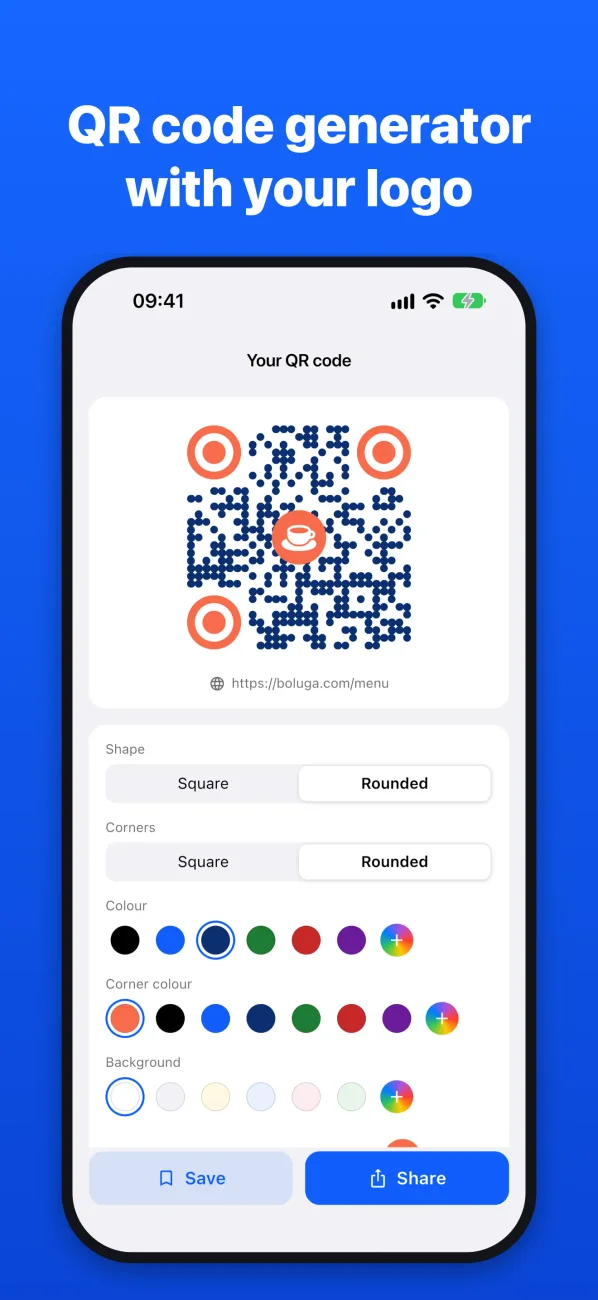
A QR code generator that makes codes look like your brand: add your own logo, colors and rounded corners, then share a crisp image anywhere. It's a fast QR code and barcode scanner too. No ads.
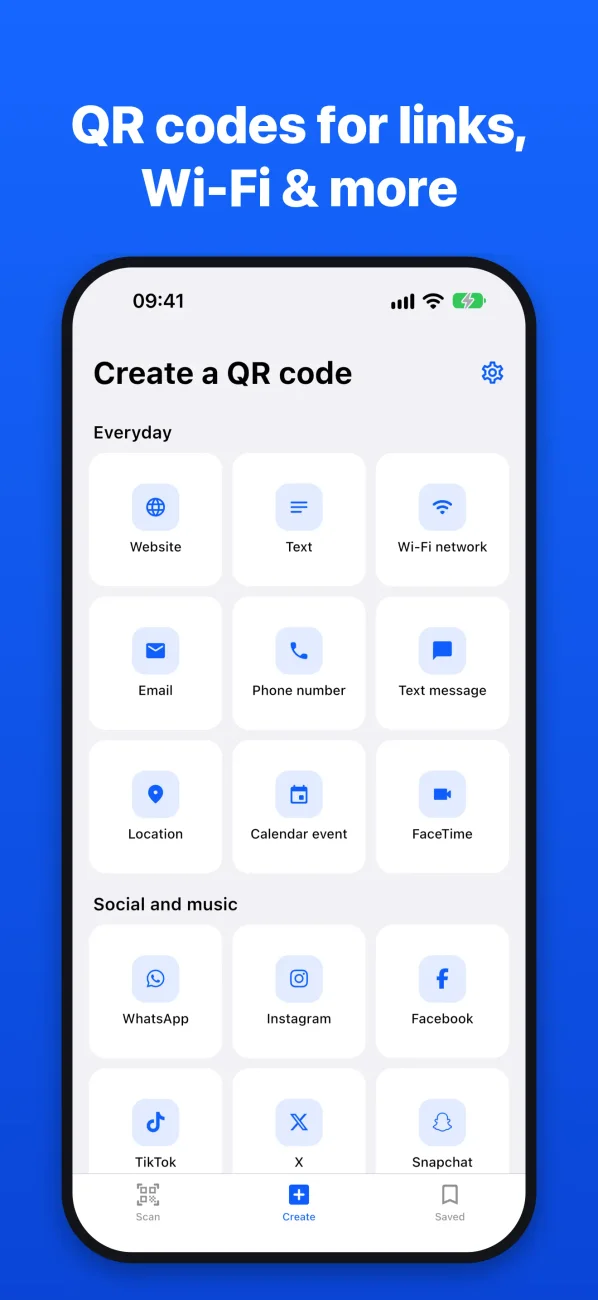
MAKE QR CODES FOR ALMOST ANYTHING
- Websites and links, text, phone numbers, email and text messages
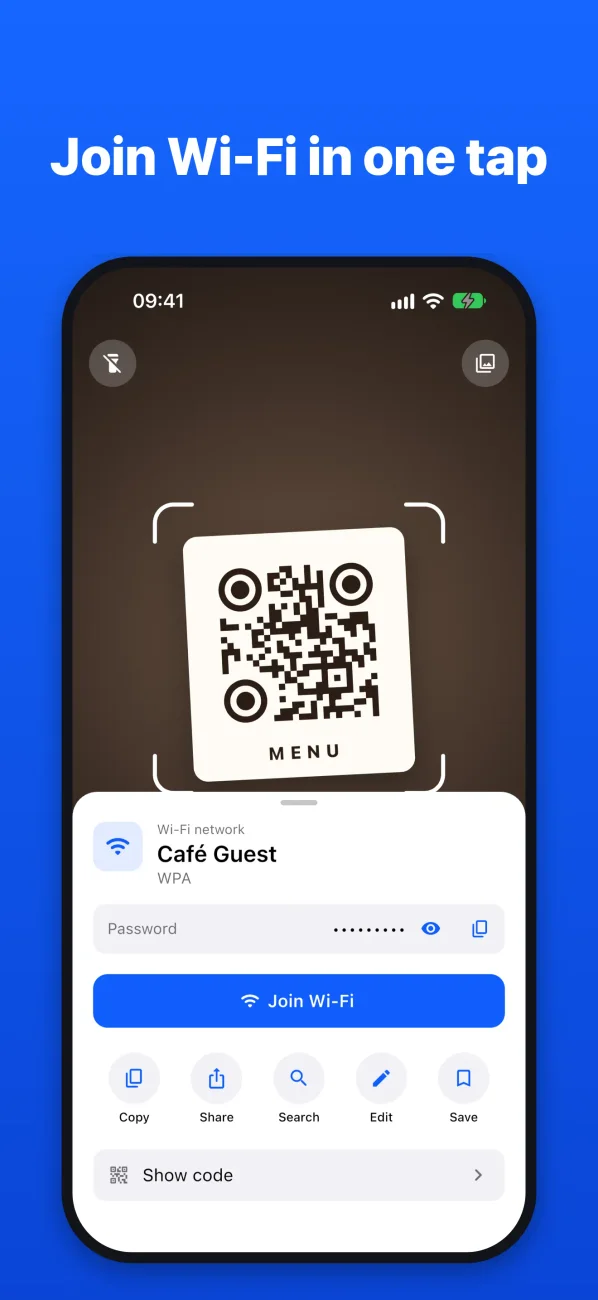
- Wi-Fi networks, so guests can join without typing a password
- Locations and calendar events
- FaceTime, WhatsApp, Telegram and Viber
- Instagram, Facebook, TikTok, Snapchat and X
- Spotify songs, albums, artists and profiles
DESIGN IT YOUR WAY
- Put your logo or a photo in the middle of the code
- Pick separate colors for the code, the corners and the background
- Choose rounded or square shapes and corners
- Share a crisp, high-resolution image anywhere
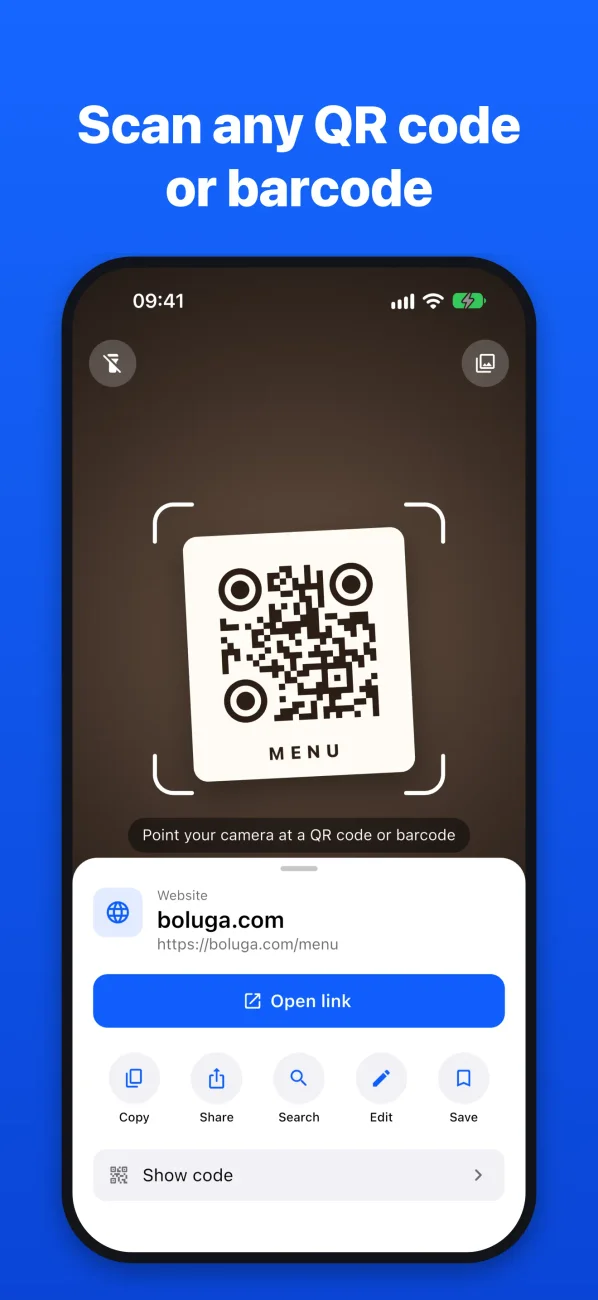
SCAN QR CODES AND BARCODES
- Point your camera and codes are read automatically: QR codes and all common barcode formats
- Open links, join Wi-Fi networks, call numbers and send messages or emails straight from a scan
- Scan from a photo in your library, with a torch for dark places
- See the code type and the full contents of anything you scan
- Search Google or Amazon for what you scanned in one tap
- Turn any scanned code into your own custom QR code
KEEP YOUR CODES ON EVERY DEVICE
Sign in to save the codes you scan and make, and find them again on any of your devices.
FREE TO TRY
Scanning is always free, and so is sharing plain black-and-white codes. Unlock Everything lets you add your logo, use your own colors and rounded shapes, share styled codes and save your codes on all your devices. New subscribers can try it free for 3 days.
Unlock Everything is an auto-renewing subscription, billed weekly, monthly or yearly. The weekly and yearly plans start with a 3-day free trial for new subscribers: if you don't cancel at least 24 hours before the trial ends, your subscription starts and is charged to your Apple Account. Prices are shown in the app before you subscribe. The subscription renews automatically unless auto-renew is turned off at least 24 hours before the end of the current period, and your account is charged for the renewal within the 24 hours before the period ends. You can manage or cancel your subscription in your Apple Account settings at any time.
Privacy Policy: https://boluga.com/privacy
Terms of Use: https://boluga.com/terms
What’s new
Version 2.1.1 · Nov 16, 2026
Small fixes and improvements.
App privacy
What Boluga declares on the App Store about how this app handles data.
-
Data linked to you
May be collected and linked to your identity.
- Contact info
-
Data not linked to you
May be collected but is not linked to your identity.
- Identifiers
- Usage data
- Diagnostics
Privacy practices may vary, for example with the features you use or your age.
Information
- Seller
- Boluga Limited
- Category
- Utilities
- Version
- 2.1.1
- Updated
- Nov 16, 2026
- Released
- Oct 21, 2024
- Size
- 44.9 MB
- Requires
- iOS 15.5.0 or later
- Age rating
- 4+
- Price
- Free
- In-app purchases
- Yes
- Languages
- English, Albanian, Arabic, Armenian, Azerbaijani, Basque, Belarusian, Bengali, Bosnian, Bulgarian, Burmese, Croatian + 44 more
- Copyright
- © 2026 Boluga Limited
You might also like
-
 QR RabbitFast QR generator and scanner
-
 Barcode Maker - GeneratorGenerate bar code, creator
-
 QROX: QR code GeneratorScan & Create QR Codes Fast
-
 AI QR Code Reader & GeneratorBarcode scanner & create code
-
 QR Code Generator & MakerㅤCreate, Design & Scan QR Codes
-
 Simple QR Code GeneratorUtilities
-
 QR Code & Barcode - ScannerGenerate, Edit & Scan QR Codes
-
 Me QR: Code Generator & ReaderBarcode Scanner
-
 iQR : QR Code ReaderQR Code Generator & Scanner
-
 QR Code Reader · Barcode ScansQR Scanner, Maker & Generator