
QR Code Scanner: QR Generator
Barcode Scanner & QR Reader
Designed for iPhone
Free · In-app purchases
- Age rating4+
- CategoryUtilities
- DeveloperElysara Studio LLC
- LanguagesEnglish
- Size15.5 MB
Links to the official App Store page
Download.org hosts no file of QR Code Scanner: QR Generator. The button opens its official App Store page, published by Elysara Studio LLC. Listing last checked on Nov 27, 2026.
Screenshots
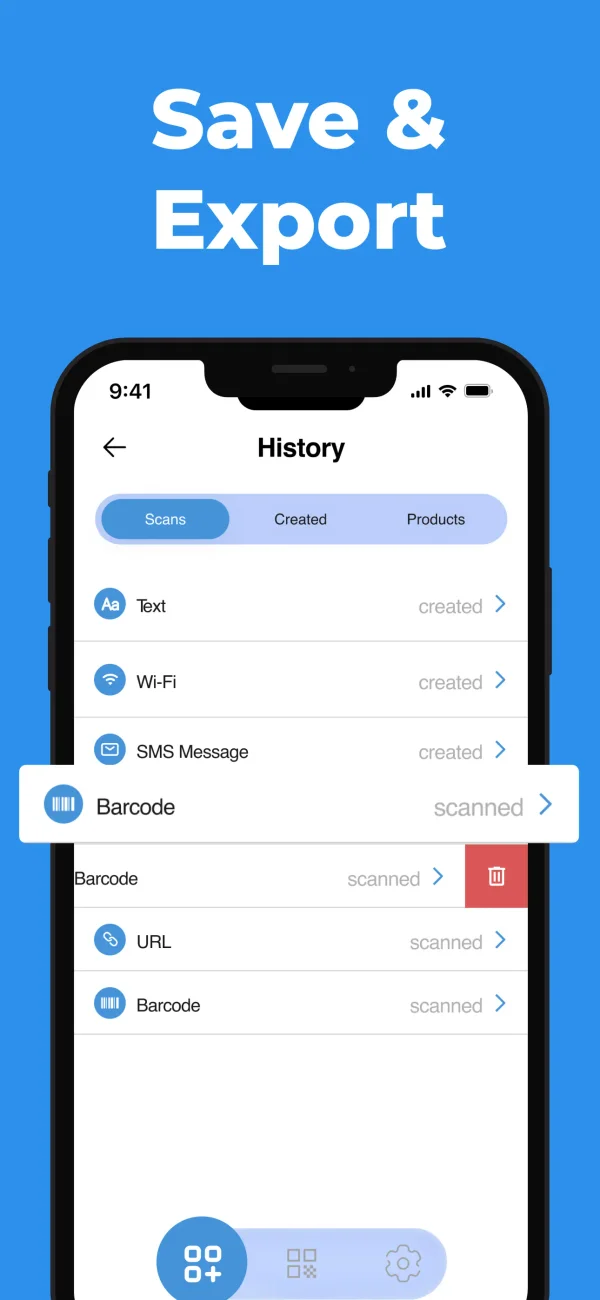
About
Scan QR codes and barcodes in seconds - using your camera or directly from a photo. Quickly open links, connect to Wi-Fi, read product barcodes, access useful information, or create and customize your own QR codes.
Designed to make everyday scanning simple, the app combines a fast QR code scanner, barcode scanner, QR reader, and QR code generator in one clean and easy-to-use tool.
QR CODE SCANNER
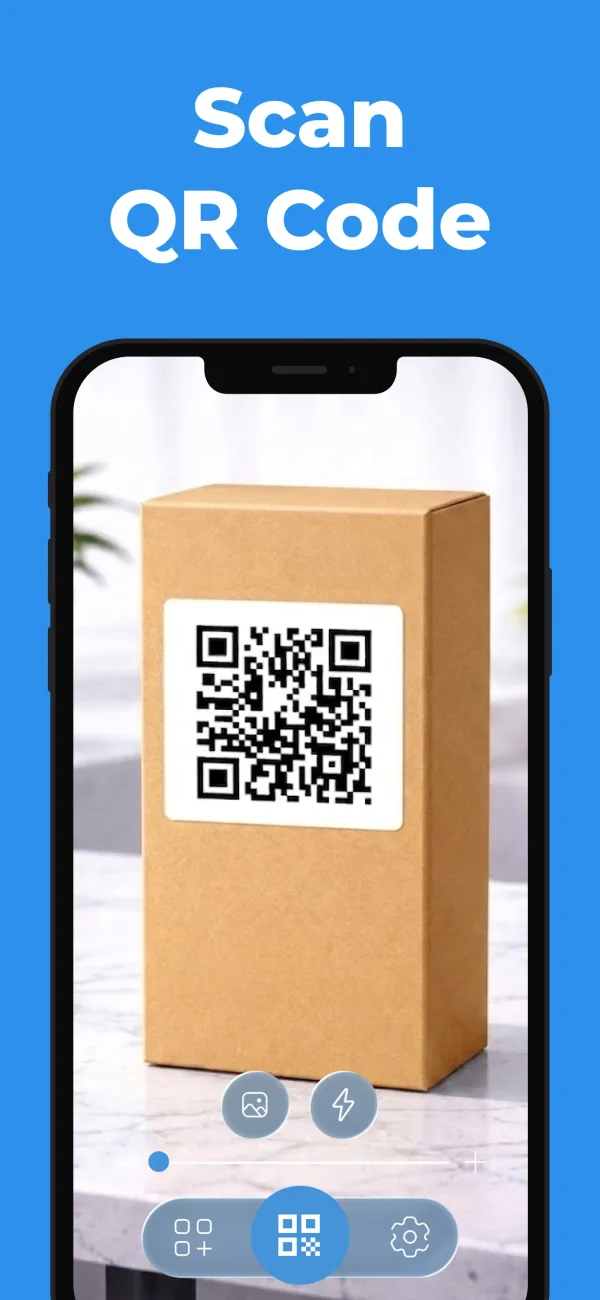
Scan QR codes instantly with your iPhone camera or choose an image from your photo library.
• Scan QR codes with your camera
• Use the QR photo scanner to scan codes from saved images
• Scan QR code on screen by importing a screenshot
• Read links, Wi-Fi codes, contacts, text, and more
• Use a fast QR scanner and QR code reader
• Get results in seconds
Need a QR code scanner on your phone? Open the app, point your camera at the code, and get the result instantly.
The QR scanner app also makes it easy to scan codes from photos or screenshots when the QR code is already saved on your phone.
BARCODE SCANNER & BARCODE READER
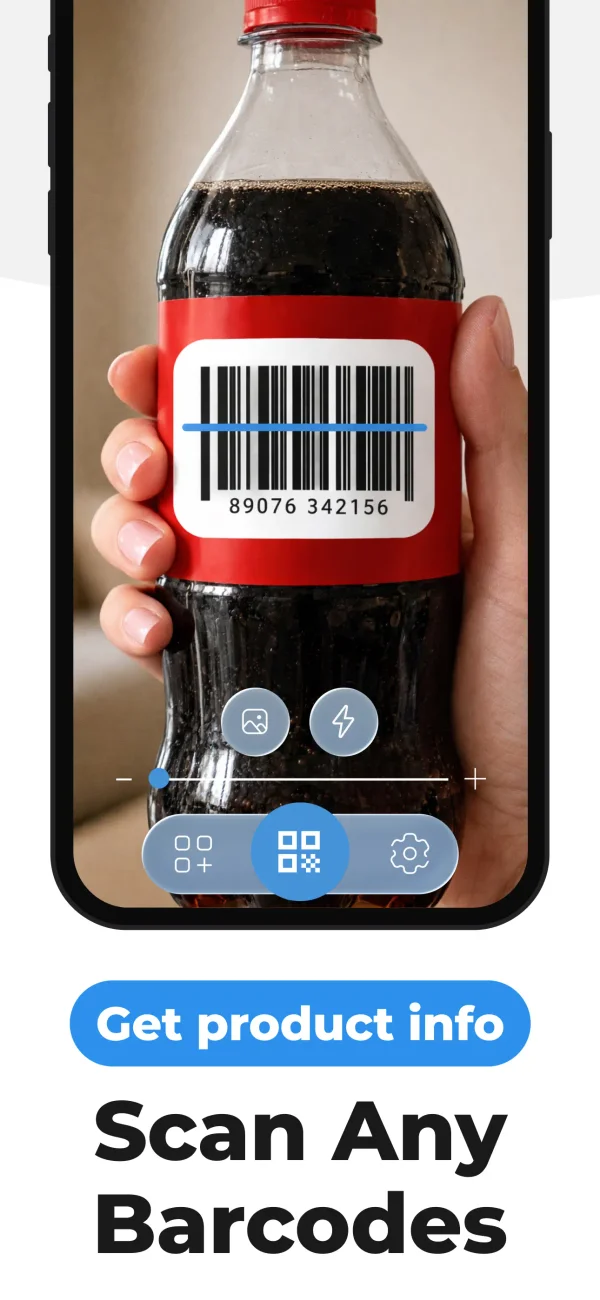
Turn your phone into a practical barcode scanner and barcode reader for everyday use.
• Scan product codes and barcodes
• Use the item code scanner while shopping
• Scan items with your phone camera
• Find useful product information in seconds
• Use the barcode scanner app for quick code recognition
• Read common barcode formats without entering codes manually
Use the barcode finder to quickly identify products and access relevant information while shopping or checking items.
QR CODE GENERATOR & QR CODE MAKER
Create your own QR codes in seconds with the built-in QR code generator and QR code maker.
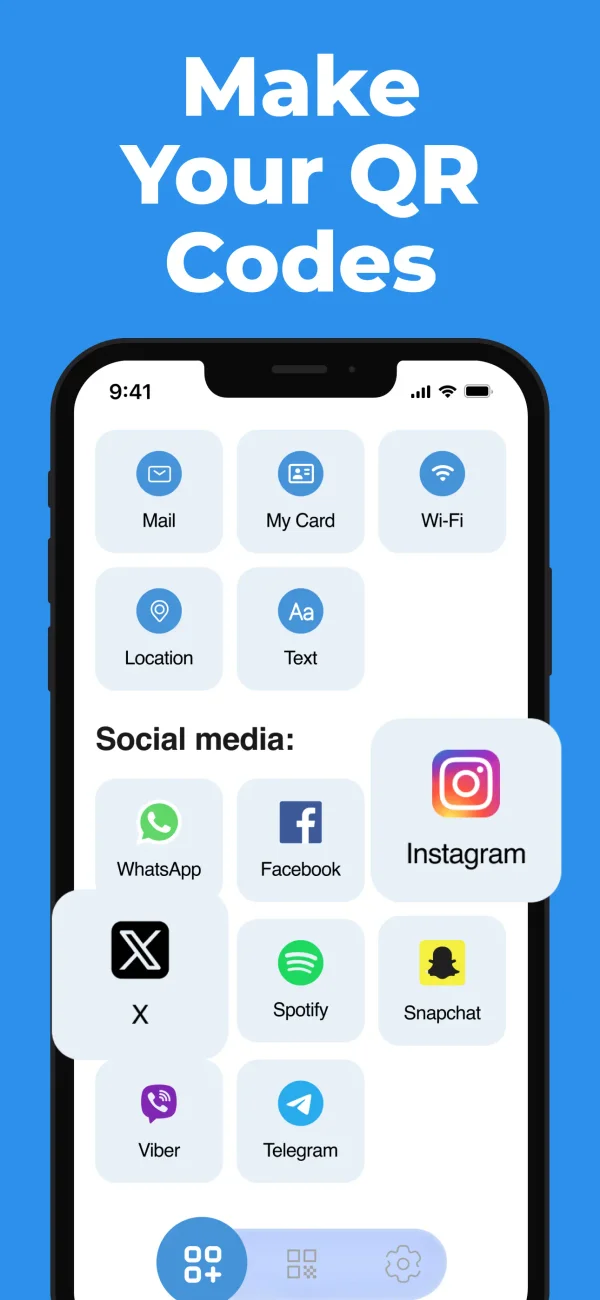
Generate QR codes for:
• Website links
• Text
• Wi-Fi access
• Contacts
• Phone numbers
• Messages
• Addresses
• Locations
• Social media profiles
• Business information
Create a Wi-Fi QR code, turn text into a QR code, generate a QR code for a link, create an address QR code, or make a contact QR code on your iPhone.
QR CODE GENERATOR WITH LOGO
Create custom QR codes that match your personal or business style.
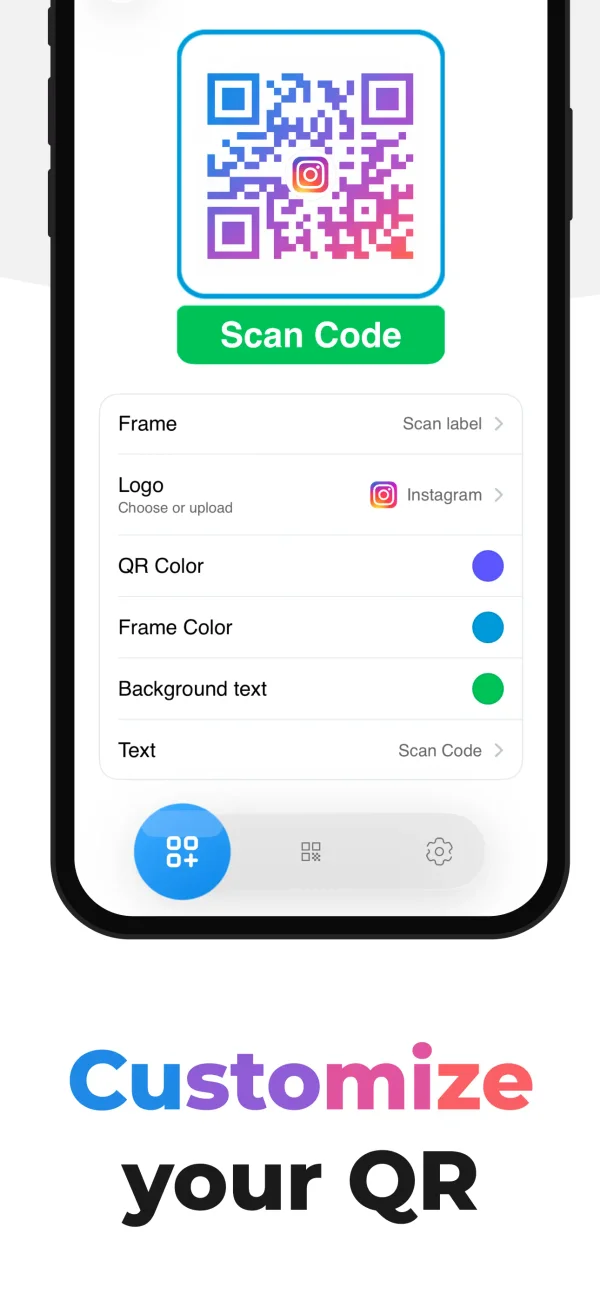
Use the QR code generator with an image in the middle, add a logo to your QR code, or upload your own image.
• Add a logo to your QR code
• Upload your own image
• Choose from available logos
• Change QR code colors
• Add custom text
• Choose ready-made templates
• Customize the appearance of your QR code
Create QR codes with logos for links, contacts, Wi-Fi, social media, personal use, or business.
SOCIAL QR CODES
Create QR codes for Instagram, WhatsApp, Facebook, Telegram, and other social profiles.
Share your profile, contact information, or link with a single scan.
SCAN QR CODES ON IPHONE
Use your iPhone to scan QR codes from your camera, photos, or screenshots.
The app gives you everything you need to:
• Scan QR codes
• Scan barcodes
• Scan QR codes from photos
• Read product codes
• Use a QR code reader
• Use a barcode reader
• Create QR codes
• Customize QR codes
• Add logos and images
• Create QR codes for Wi-Fi, links, contacts, text, and more
FAST & EASY
Everything is designed to make scanning and creating codes quick and straightforward.
• Fast camera scanning
• QR photo scanner
• QR and barcode reader
• Product barcode lookup
• QR code creation
• Custom QR designs
• Logo and image support
• Clean and simple interface
Scan a QR code, read a barcode, create your own QR code, or customize it with colors, text, and logos — all from one app.
SUBSCRIPTION & FREE TRIAL
Start with a free trial and enjoy full access to all premium features. Your subscription includes unlimited QR & barcode scanning, an ad-free experience, and full access to all templates and customization options.
Cancel anytime during the trial. After the trial, your subscription renews automatically unless canceled at least 24 hours before the end of the current period. Manage or cancel anytime in your Apple ID settings.
Terms of Use: https://elysarastudio.org/terms.html
Privacy Policy: https://elysarastudio.org/privacy.html
What’s new
Version 1.6 · Sep 4, 2026
• Improved QR code customization with more ways to personalize your codes
• Add a social logo to your QR codes or upload your own custom logo
• Updated interface details for a cleaner and easier experience
• Stability improvements and small bug fixes for smoother everyday use
We’re always working to make the app more useful, intuitive, and reliable.
Install the latest update and try the new customization options today!
App privacy
What Elysara Studio LLC declares on the App Store about how this app handles data.
-
Data used to track you
May be used to track you across apps and websites owned by other companies.
- Identifiers
- Usage data
- Diagnostics
-
Data not linked to you
May be collected but is not linked to your identity.
- Identifiers
- Usage data
- Diagnostics
Privacy practices may vary, for example with the features you use or your age.
Information
- Seller
- Elysara Studio LLC
- Category
- Utilities
- Version
- 1.6
- Updated
- Sep 4, 2026
- Released
- Apr 27, 2026
- Size
- 15.5 MB
- Requires
- iOS 16.0 or later
- Age rating
- 4+
- Price
- Free
- In-app purchases
- Yes
- Languages
- English
- Copyright
- © Elysara Studio LLC
You might also like
-
 QR Code 0,03s Barcode ScannerUtilities
-
 QR Code Scanner - Scan & ShareUtilities
-
 QR Code Scanner: AI ScanFast Scan & QR Code Maker
-
 Phone Guard: Secure CleanerScan, Convert & Save Space
-
 QR Code Scanner: Scan & CreateBarcode Reader & QR Generator
-
 Clean My Phone: Swipe CleanUtilities
-
 Cleanmaster-smartcleanUtilities
-
 Lucid: Smart Gallery OrganizerSwipe to clean. 100% private
-
 Cull: Phone Cleaner & PrivacyClean Storage, Safe Guard
-
 Rivon BrowserA simple browser for use