- Age rating4+
- CategoryUtilities
- DeveloperWILLIAM BENJAMIN BURRARD-LUCAS
- LanguagesEnglish
- Size2.2 MB
Links to the official App Store page
Download.org hosts no file of QR Code to Clipboard. The button opens its official App Store page, published by WILLIAM BENJAMIN BURRARD-LUCAS. Listing last checked on Nov 12, 2026.
Screenshots
About
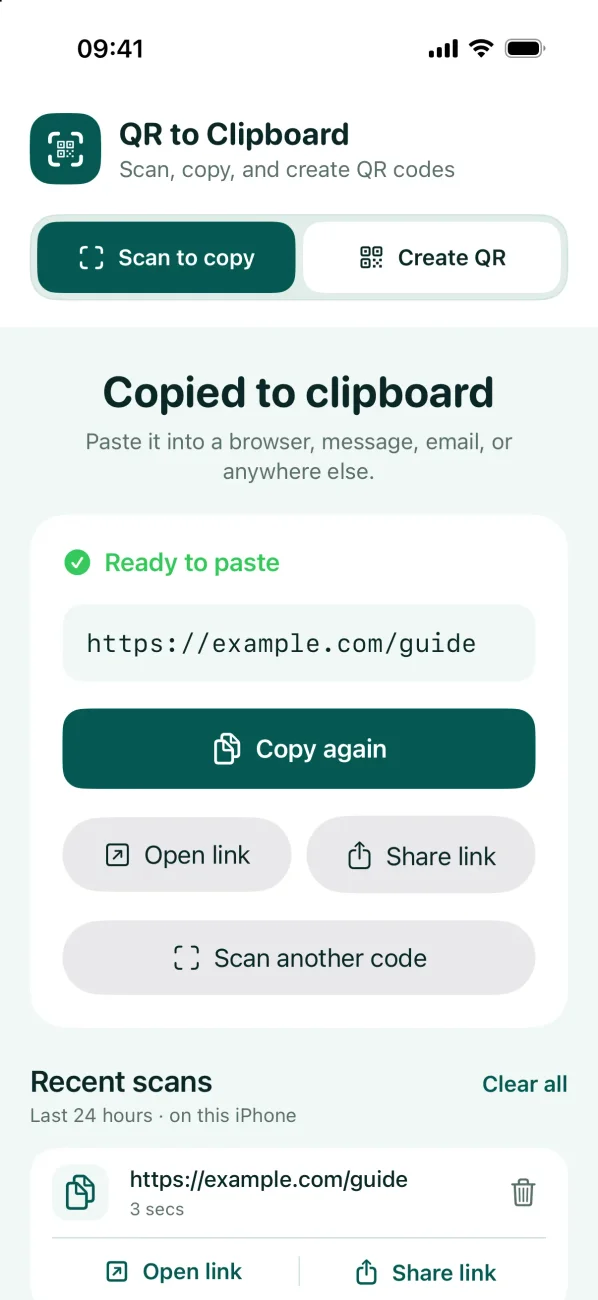
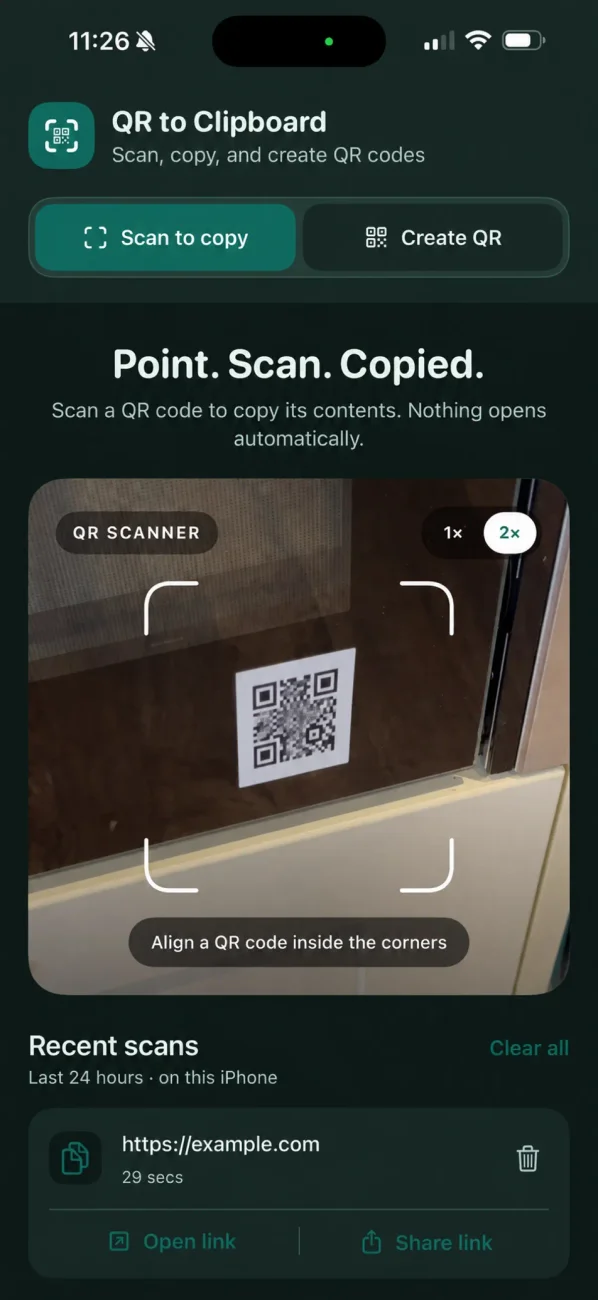
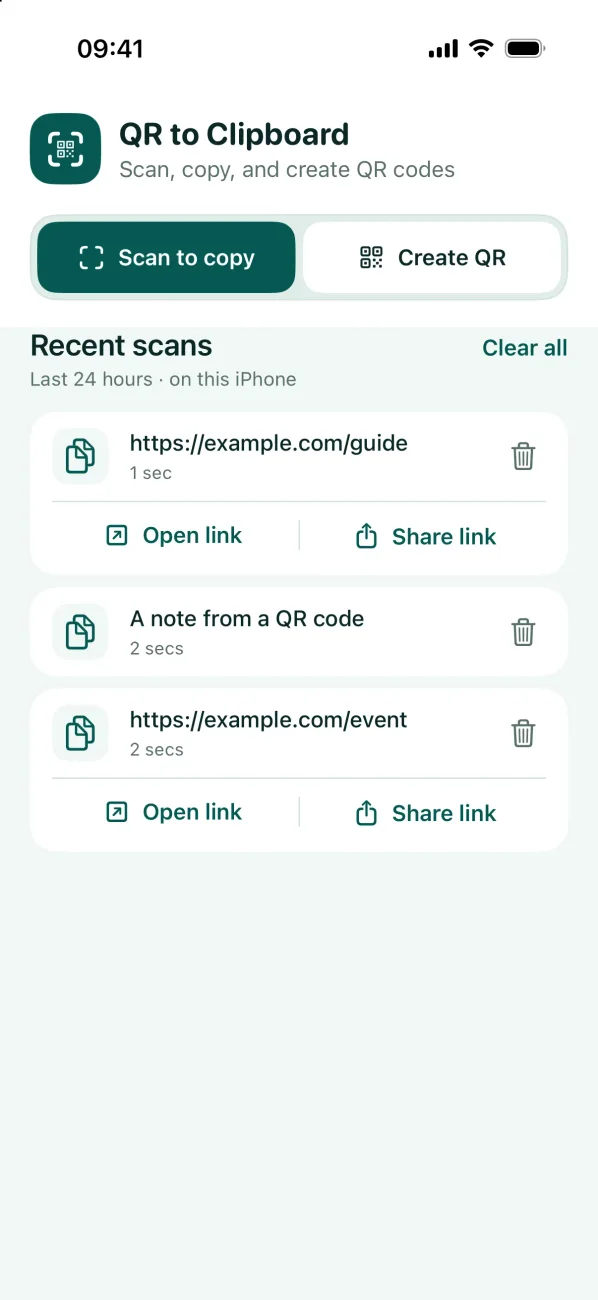
Scan a QR code and its contents go straight to your clipboard. Paste the link or text wherever you want; the app never opens a website automatically.
QR Code to Clipboard is a focused scanner and QR creator for iPhone. Point the camera at a code to copy it. If the result is a web link, you can also open or share it with one tap.
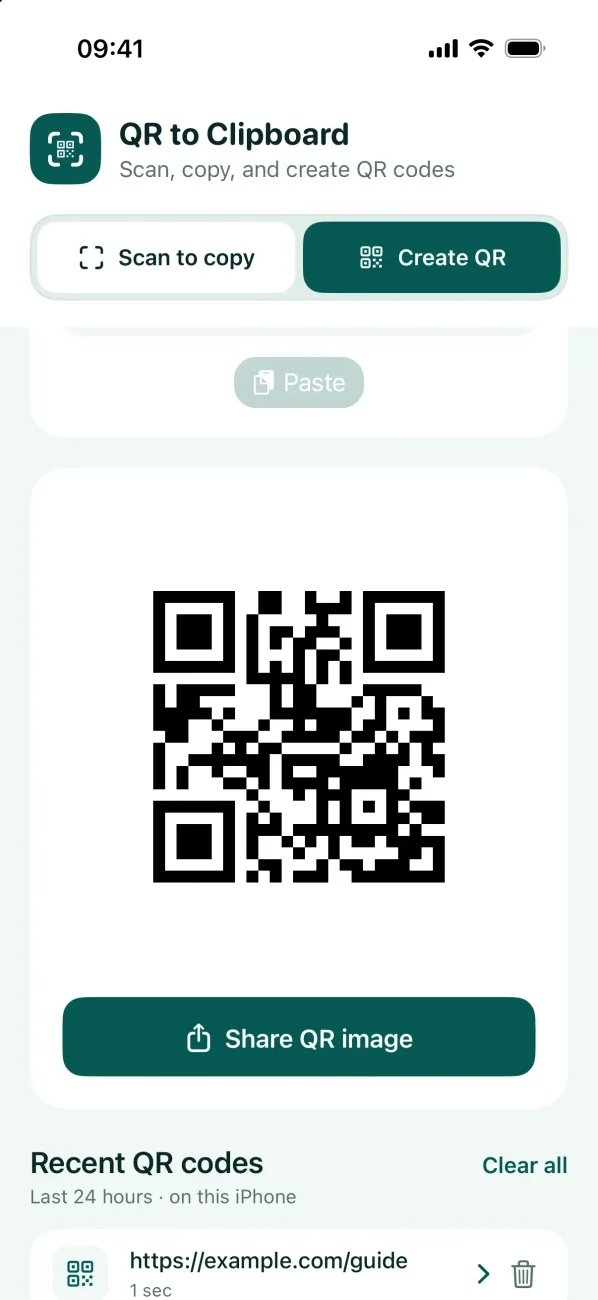
Going the other way is just as simple: tap Paste to turn text or a link from your clipboard into a QR code immediately. You can also type text and see the QR code update as you edit.
• Scan and copy QR text and links
• Open or share scanned web links when you choose
• Create QR codes from pasted or typed text
• Show or share a clean QR image
• Reuse recent scans and created codes for 24 hours
• Delete individual history items or clear a whole history
• Keep the scanner awake while using it; choose 1× or 2× framing when supported
Scanning and QR creation work on your iPhone without an account, ads or analytics.
App privacy
What WILLIAM BENJAMIN BURRARD-LUCAS declares on the App Store about how this app handles data.
-
Data not collected
The developer does not collect any data from this app.
Privacy practices may vary, for example with the features you use or your age.
Information
- Seller
- WILLIAM BENJAMIN BURRARD-LUCAS
- Category
- Utilities
- Version
- 1.0
- Updated
- Oct 12, 2026
- Released
- Oct 12, 2026
- Size
- 2.2 MB
- Requires
- iOS 16.0 or later
- Age rating
- 4+
- Price
- Free
- Languages
- English
- Copyright
- © 2026 William Burrard-Lucas
You might also like
-
 QR Coder — Reader and ScannerGenerator, Logo, History, Text
-
 Fastroll PokerLive Hand Logger & Database
-
 Clean Links: URL CleanerStrip trackers · QR scanner
-
 Contacts Cleaner: DuplicatesBulk Delete, Merge & Backup
-
 GLKVMAccess GL.iNet’s KVM devices
-
 Clap Detector: Find My PhoneClap to Find My Phone & WTMP
-
 AI Chat - Ask Bot AssistantChatGPT API & Gemini powered
-
 Salary Calculator - Pay CalcWork: hourly, monthly, annual
-
 Decibel dB – Sound Level MeterNIOSH SLM & Noise Analyzer Pro
-
 IdeaShareMobile Phone Screen Sharing