
- Age rating4+
- CategoryBusiness
- DeveloperIngersoll Rand
- LanguagesEnglish
- Size20.5 MB
Links to the official App Store page
Download.org hosts no file of QR GD Scanner. The button opens its official App Store page, published by Ingersoll Rand. Listing last checked on Nov 17, 2026.
Screenshots

About
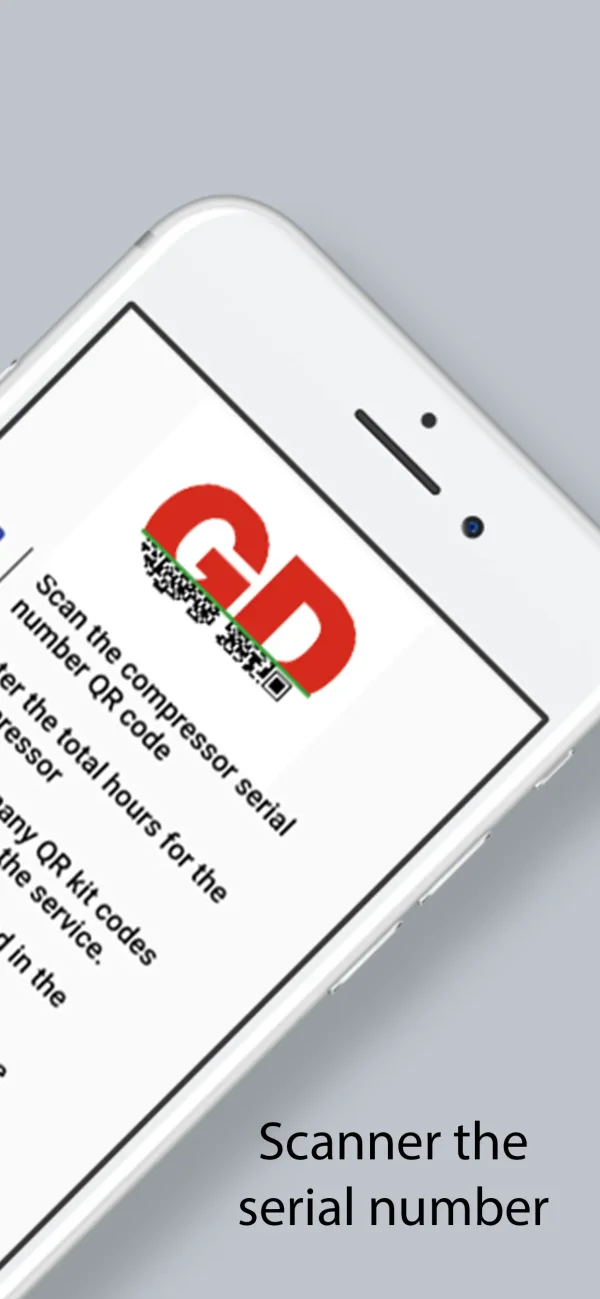
With this interactive app you scan the QR codes on the aftermarket parts to associate them with services to keep your compressor running at its optimal performance. Once the easy to follow steps have been completed the app will give you your estimated date for the compressors next service and save all your details to the cloud based systems.
Please note: You can only use the QR codes in the service kits with a compressors that’s already registered for warranty.
• Scan the compressor QR code (usually located near the starter panel)
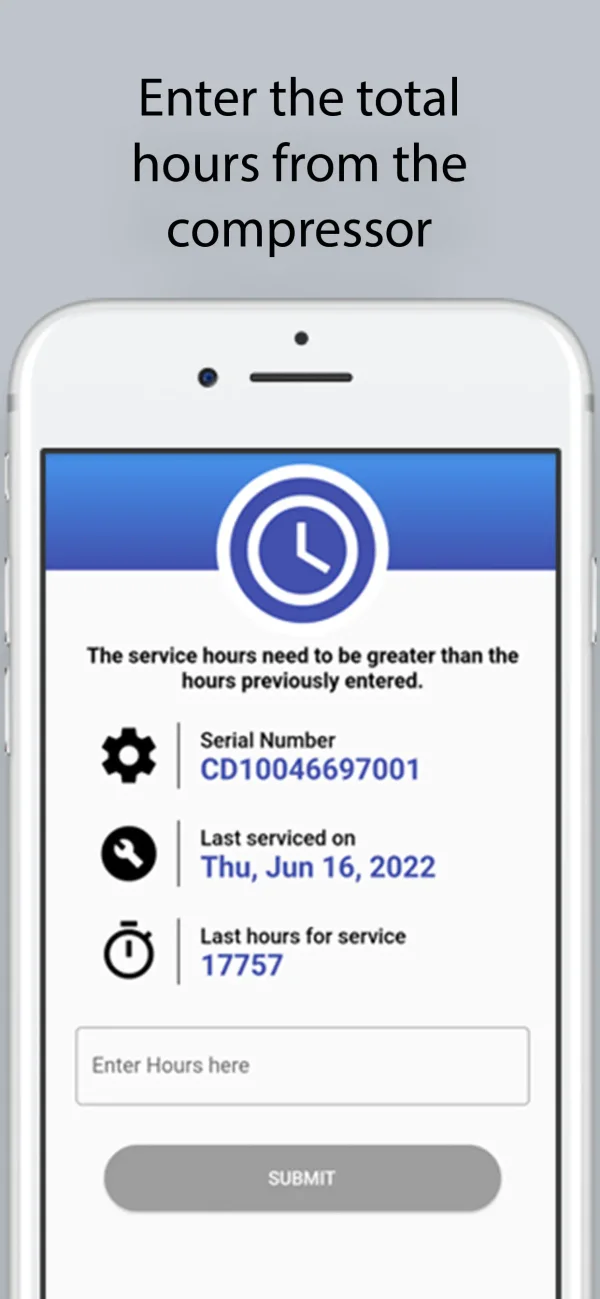
• Enter the running hours
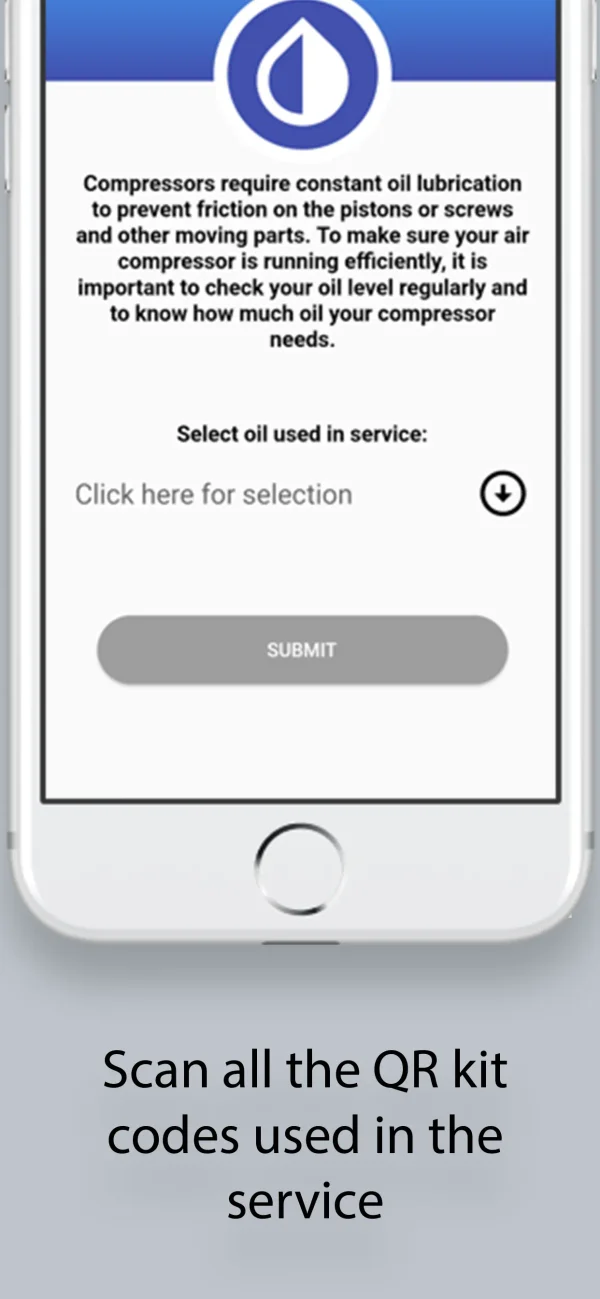
• Scan the QR codes in the service kits
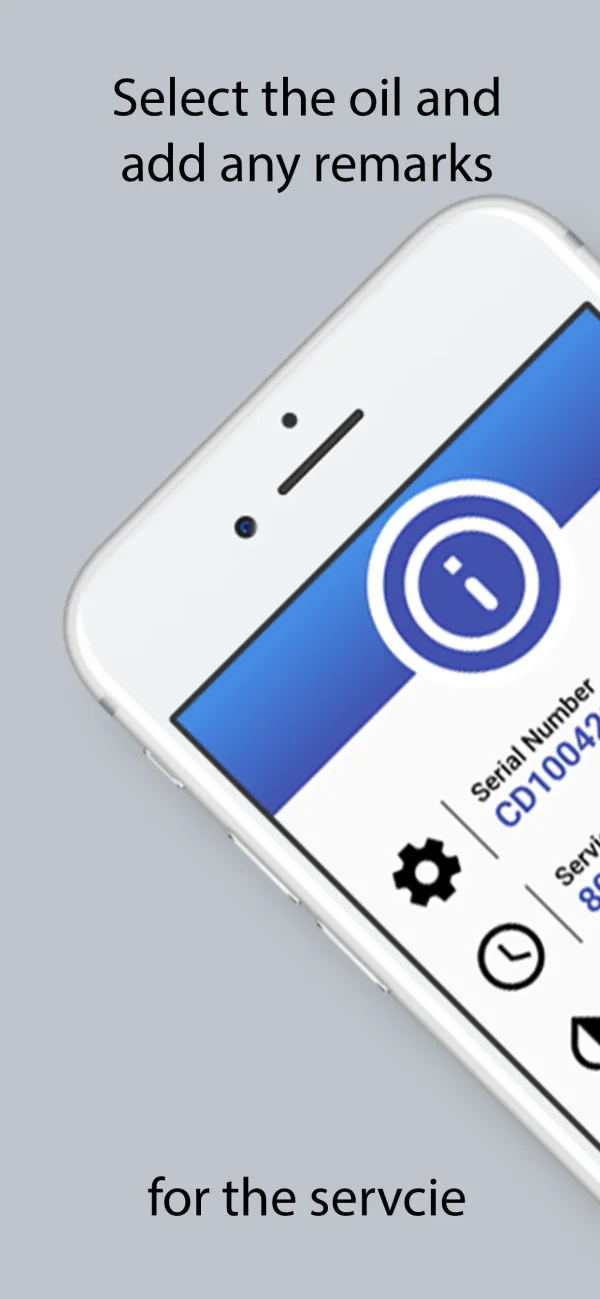
• Select the oil used
• Add any remarks for the service
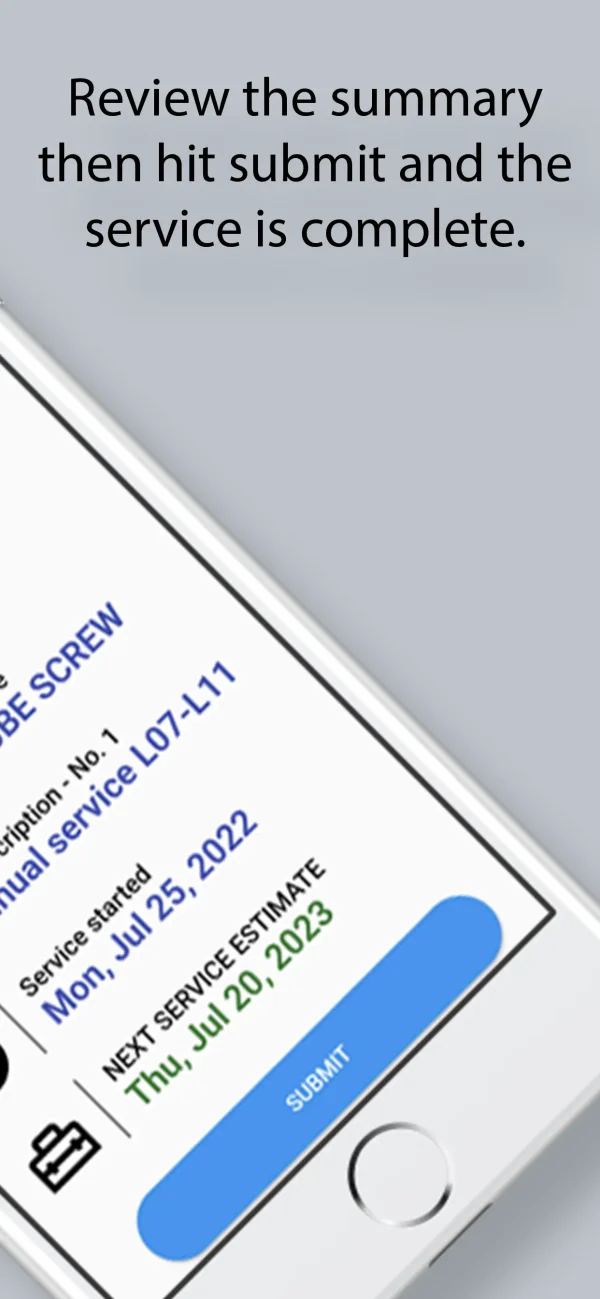
• Check the summary and submit the data and the service is complete.
What’s new
Version 2.0.6 · Nov 13, 2026
UI QR interface.
Improved process for multiple kits.
UI popup feedback.
Bug fixes.
App privacy
What Ingersoll Rand declares on the App Store about how this app handles data.
-
Data not collected
The developer does not collect any data from this app.
Privacy practices may vary, for example with the features you use or your age.
Information
- Seller
- Ingersoll Rand Co
- Category
- Business
- Version
- 2.0.6
- Updated
- Nov 13, 2026
- Released
- Nov 4, 2022
- Size
- 20.5 MB
- Requires
- iOS 17.6 or later
- Age rating
- 4+
- Price
- Free
- Languages
- English
- Copyright
- © 2022 IR