
- Age rating4+
- CategoryUtilities
- DeveloperJim Thomas
- LanguagesEnglish
- Size1.3 MB
Links to the official App Store page
Download.org hosts no file of QR Ignite. The button opens its official App Store page, published by Jim Thomas. Listing last checked on Nov 20, 2026.
Screenshots




About
Free means free. No subscriptions, in-app purchases, or ads.
QR Ignite makes scanning, creating, saving, and sharing QR codes and barcodes fast and refreshingly simple. No accounts, no clutter, and no hidden costs.
SCAN IT. KNOW WHAT'S INSIDE.
Point your camera at a QR code or barcode—or choose an image from Photos—and QR Ignite quickly decodes it.
Clear results and useful actions let you:
• Open websites and links
• Join compatible Wi-Fi networks
• Create contacts
• Call, email, or send a message
• Open locations in Maps
• Copy and share decoded text
• And more
CREATE A CODE IN SECONDS
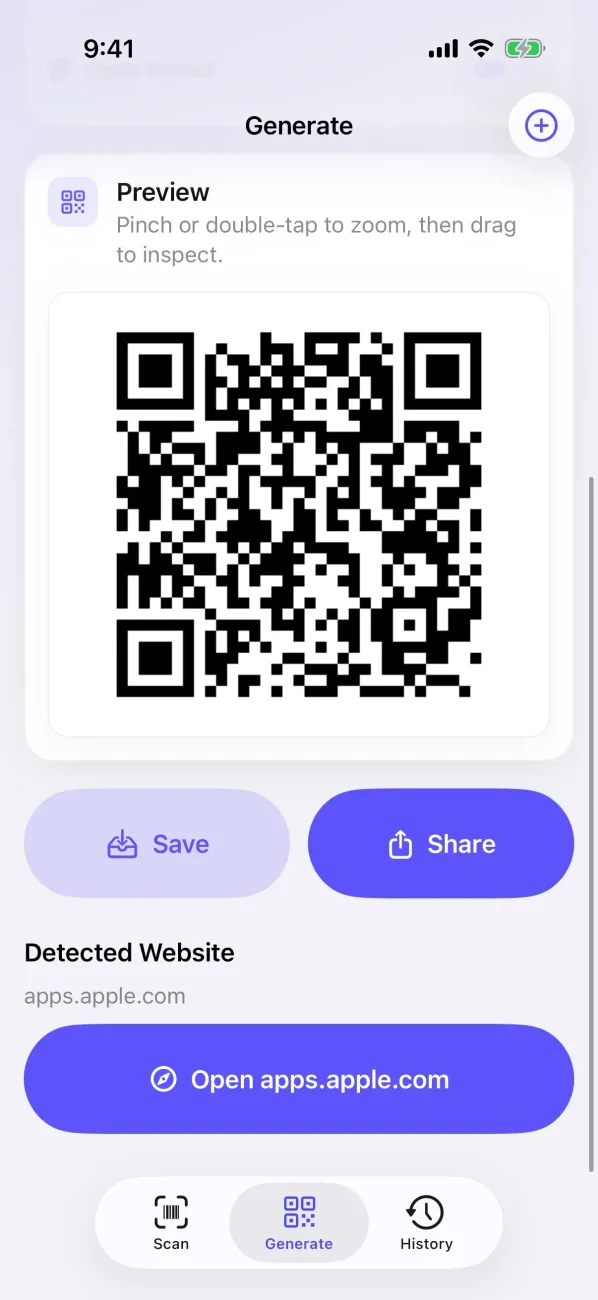
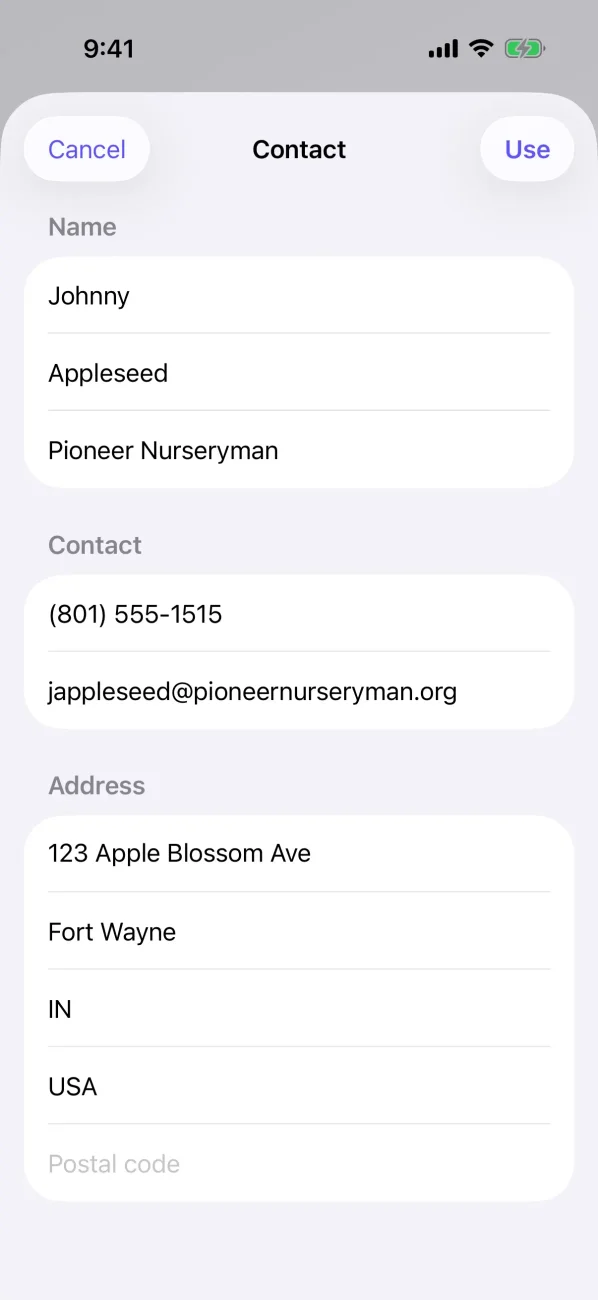
Create codes from text or website links, or choose from ready-to-use templates for Wi-Fi networks, contacts, phone numbers, emails, text messages, calendar events, and map locations.
Simply select a template, enter your information, and QR Ignite takes care of the formatting.
Generate QR, Aztec, PDF417, and Code 128 barcodes, with a clear preview before saving or sharing.
YOUR HISTORY. MORE THAN JUST SAVED CODES.
Keep an on-device history of scanned and generated codes you choose to save.
Find what you need with favorites, search, and filters. Revisit any saved code, view its contents, or take action directly from History.
Open a website, create a contact, launch a map location, join a compatible Wi-Fi network, and more—without scanning or generating the code again.
SIMPLE BY DESIGN
• Clean, distraction-free interface
• Designed for iPhone and iPad
• No accounts or sign-ups
• No subscriptions, ads, or hidden upgrades
• Camera access only when you scan
• Location access only when you choose to center the map
• Saved history stays on your device
Scan what you find. Create what you need. Save it for later. Share it with ease.
What’s new
Version 1.1 · Nov 8, 2026
Generated codes, in addition to the scanned codes, can now launch the code's behavior, such as opening a web site, adding a context, opening a location on a map, etc.
App privacy
What Jim Thomas declares on the App Store about how this app handles data.
-
Data not collected
The developer does not collect any data from this app.
Privacy practices may vary, for example with the features you use or your age.
Information
- Seller
- Jim Thomas
- Category
- Utilities
- Version
- 1.1
- Updated
- Nov 8, 2026
- Released
- Aug 20, 2026
- Size
- 1.3 MB
- Requires
- iOS 26.2 or later
- Age rating
- 4+
- Price
- Free
- Languages
- English
- Copyright
- © Copyright 2026. All rights reserved.
You might also like
-
 Barcode Scanner & CopyCopy, Save & Email Lists
-
 Bankrate Mortgage CalculatorMortgage Calculator Loan & EMI
-
 RDAP ProUtilities
-
 Weed Identifier: Leaf IdentifyPlant Identification Grass Id
-
 Doctor for your plantDisease and pest detection
-
 Color ID: Identify ColorsIdentify Colors Easily
-
 ASUS Device DiscoveryUtilities
-
 Talky: Walkie Talkie, CB RadioHam, shortwave & SDR scanner
-
 Meteor Speed Test - Ad FreeTest 5G 4G/LTE & WiFi Speed
-
 My C SpireUtilities