
- Age rating4+
- CategoryLifestyle
- DeveloperAutoFame
- LanguagesEnglish
- Size4.7 MB
Links to the official App Store page
Download.org hosts no file of QR Mapper. The button opens its official App Store page, published by AutoFame. Listing last checked on Nov 18, 2026.
Screenshots

About
A printed QR code is permanent. What it points to doesn't have to be.
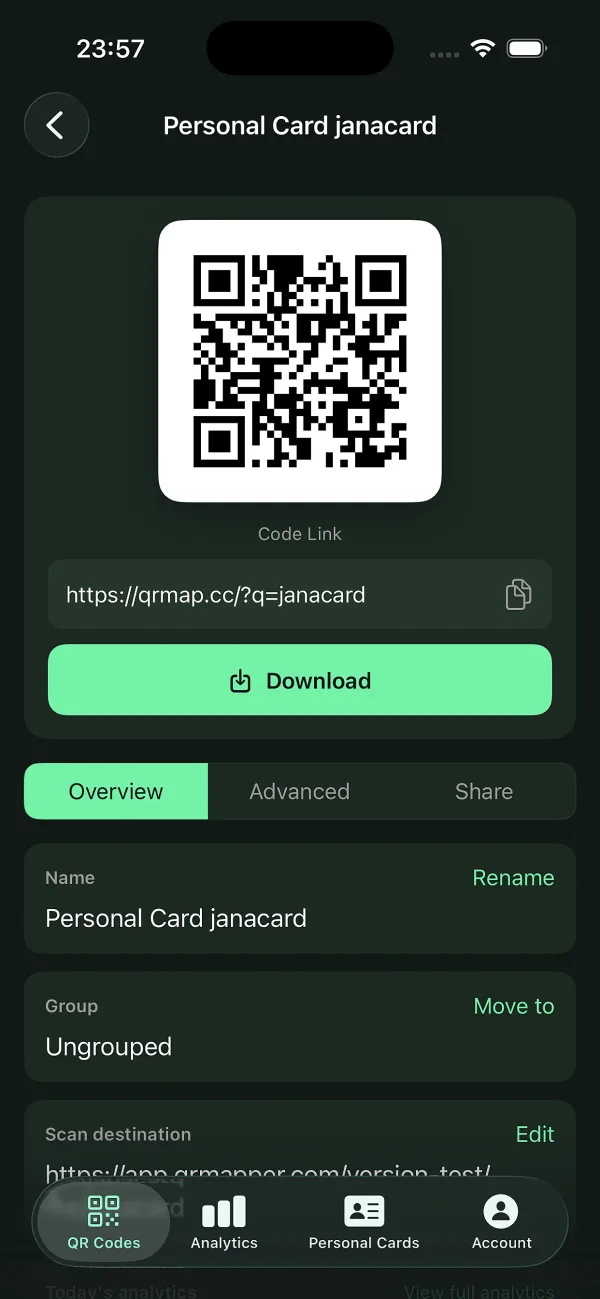
QRMapper gives every code a short link you control. Change the destination
whenever you want, on a menu, a poster, a package or a business card, and every
code already in the wild starts sending people somewhere new. No reprinting.
WHAT YOU CAN DO
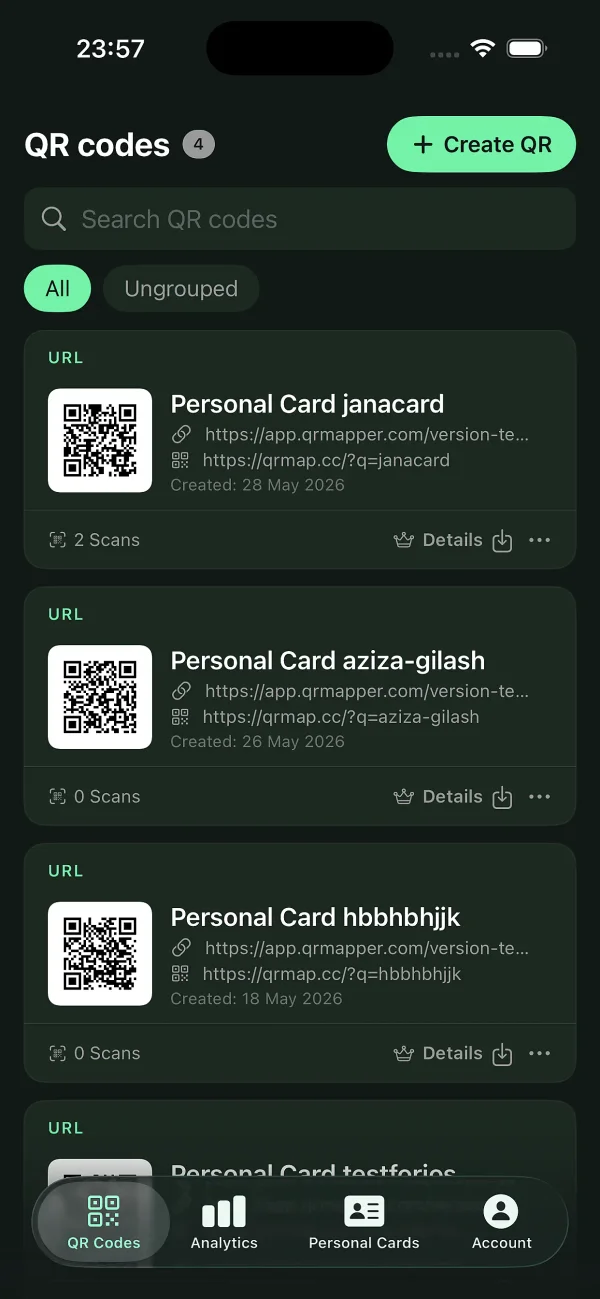
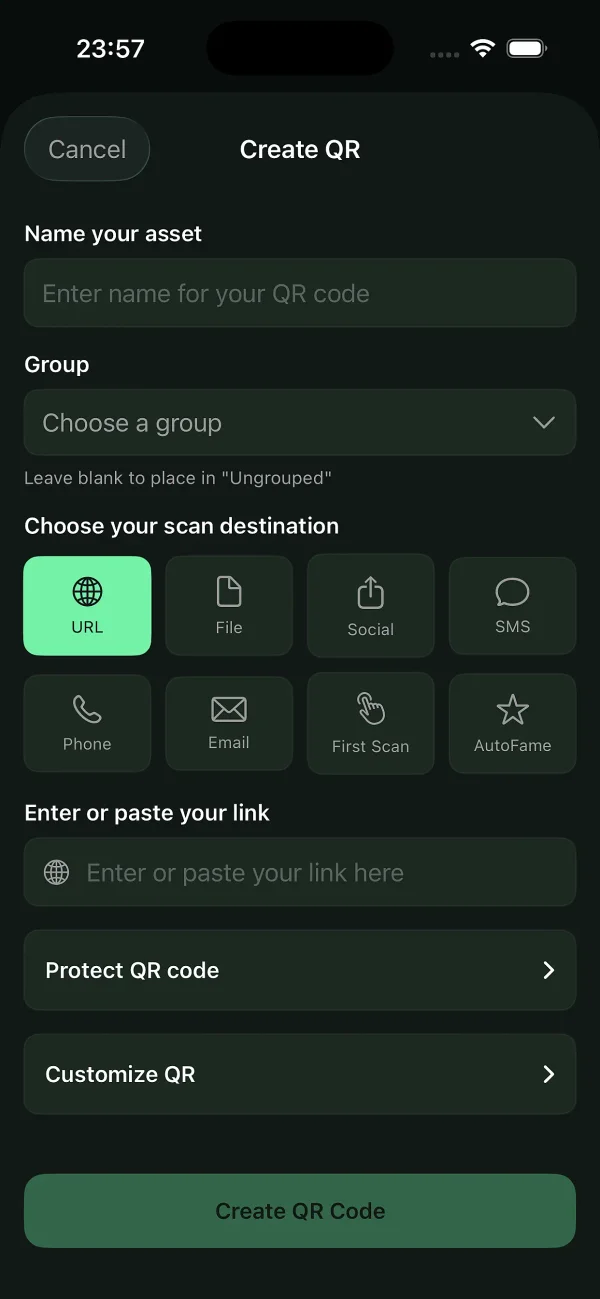
• Create dynamic QR codes for links, phone numbers, SMS, email and social profiles
• Change any code's destination in seconds, as often as you like
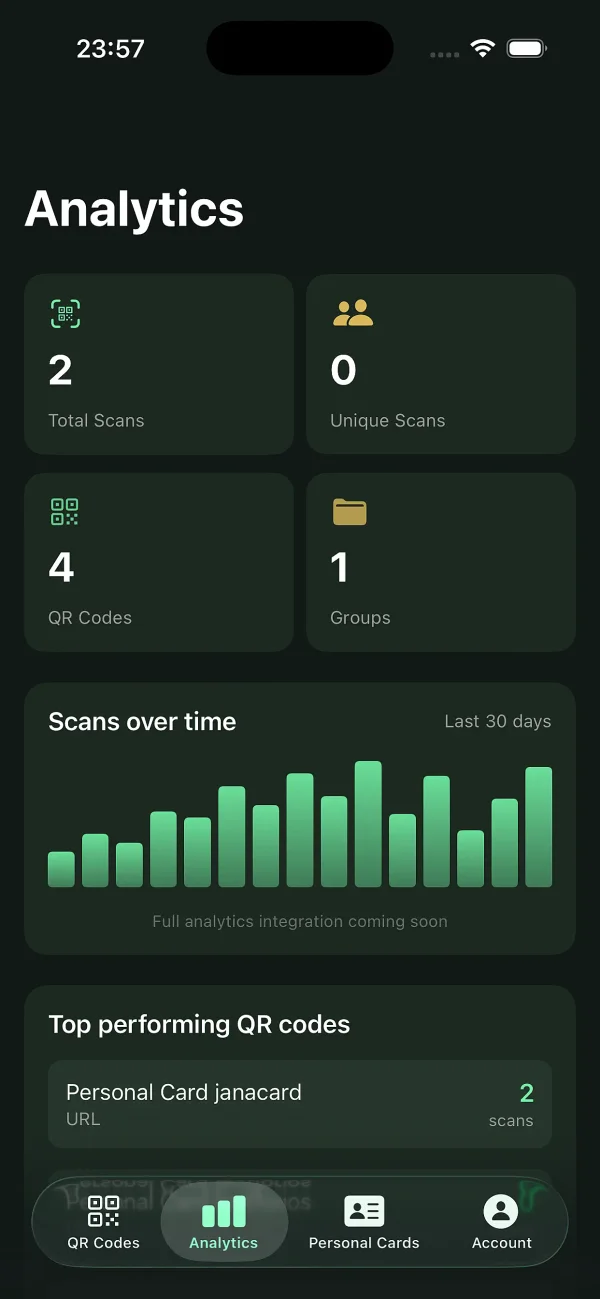
• See who scanned: totals by day, unique visitors, device, browser and country
• Customise colours, dot shapes and corner styles to match your brand
• Export any code as PNG or SVG. SVG scales to any print size without blurring
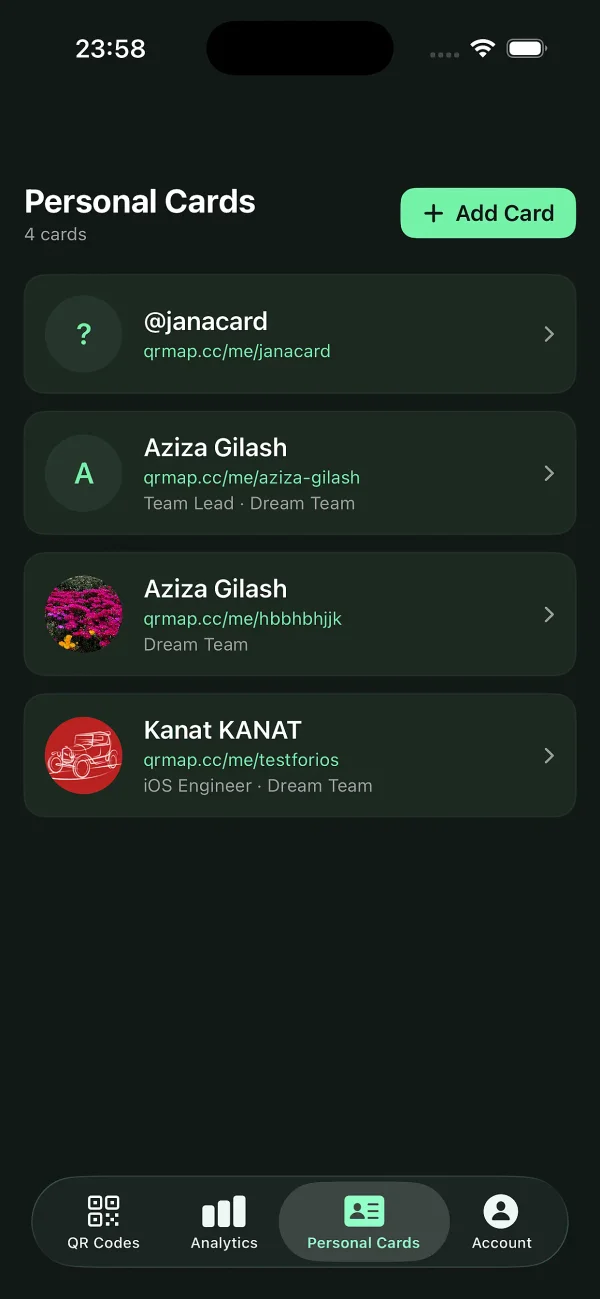
• Publish a personal card at qrmap.cc/me/yourname with your links, role and contacts
• Protect codes with a password, a scan limit or an expiry date
• Share codes with teammates
BUILT FOR PRINT
Every code is generated with error correction, so it still scans after being
resized, folded or partly covered. Export as SVG for anything larger than a
flyer: vector artwork stays sharp at poster and billboard size.
START FREE
The free plan includes 5 dynamic QR codes, 7 days of scan history and unlimited
destination changes. Scans are unlimited on every plan. No credit card, no
trial timer.
PLANS
Pro: 20 QR codes, 30 days of analytics, all code types, custom design,
password and expiry protection, REST API.
Business: 100 QR codes, 90 days of analytics, 10 collaborators and scheduled
redirects that swap a destination on a date you pick.
Prices are shown in the app before you confirm a purchase and vary by region.
Subscriptions renew automatically unless auto-renew is turned off at least 24
hours before the end of the current period. Your Apple ID is charged at
confirmation of purchase. Manage or cancel your subscription in your Apple ID
account settings after purchase.
Terms of Use: https://qrmapper.com/terms
Privacy Policy: https://qrmapper.com/privacy
What’s new
Version 2.0.1 · Sep 3, 2026
• A new look on every screen in the QRMapper brand colours and typefaces, and
a new app icon.
• Safe Home: a backup address for scans of a code that is disabled, expired
or over its scan limit. Set one default for your account in Manage, or a
different address for any code on its Advanced tab.
• Personal card: for LinkedIn, Instagram, Telegram and other networks just
type your username, the full profile address is filled in for you.
• Publish now, point later: print a code before the destination is known and
manage the activation window after the first scan.
• File QR codes and your logo in the centre of the code.
If you have not signed in since the update, tap "Forgot password?" on the
login screen to set a new password.
App privacy
What AutoFame declares on the App Store about how this app handles data.
-
Data linked to you
May be collected and linked to your identity.
- Contact info
- User content
- Identifiers
Privacy practices may vary, for example with the features you use or your age.
Information
- Seller
- Gnomon, LLC
- Category
- Lifestyle
- Version
- 2.0.1
- Updated
- Sep 3, 2026
- Released
- Jun 16, 2026
- Size
- 4.7 MB
- Requires
- iOS 17.0 or later
- Age rating
- 4+
- Price
- Free
- In-app purchases
- Yes
- Languages
- English
- Copyright
- © 2026 Gnomon, LLC
You might also like
-
 HabitatOS: Reptile TrackerReptile Care & Habitat Monitor
-
 Fish-TrakFish Tagging, Maps & Re-Catch
-
 TimeShow: Smart Watch facesNew watchfaces every week
-
 KomenLifestyle
-
 Baby Name Swiper - Baby NamesBaby Name Picker for Couples
-
 The Cleaning AuthorityLifestyle
-
 Highlight Cover: StoryLightLifestyle
-
 Sunbelt RentalsTool and equipment rental
-
 Move.nlYour online housing platform
-
 TempPro SensorLifestyle