
QR Pro: Scanner & Generator
QR, Barcode reader & QR maker
Designed for iPhone, iPod touch
Free
- Age rating17+
- CategoryUtilities
- DeveloperSiddhartha Joshi
- LanguagesEnglish
- Size24.5 MB
Links to the official App Store page
Download.org hosts no file of QR Pro: Scanner & Generator. The button opens its official App Store page, published by Siddhartha Joshi. Listing last checked on Nov 18, 2026.
Screenshots



About
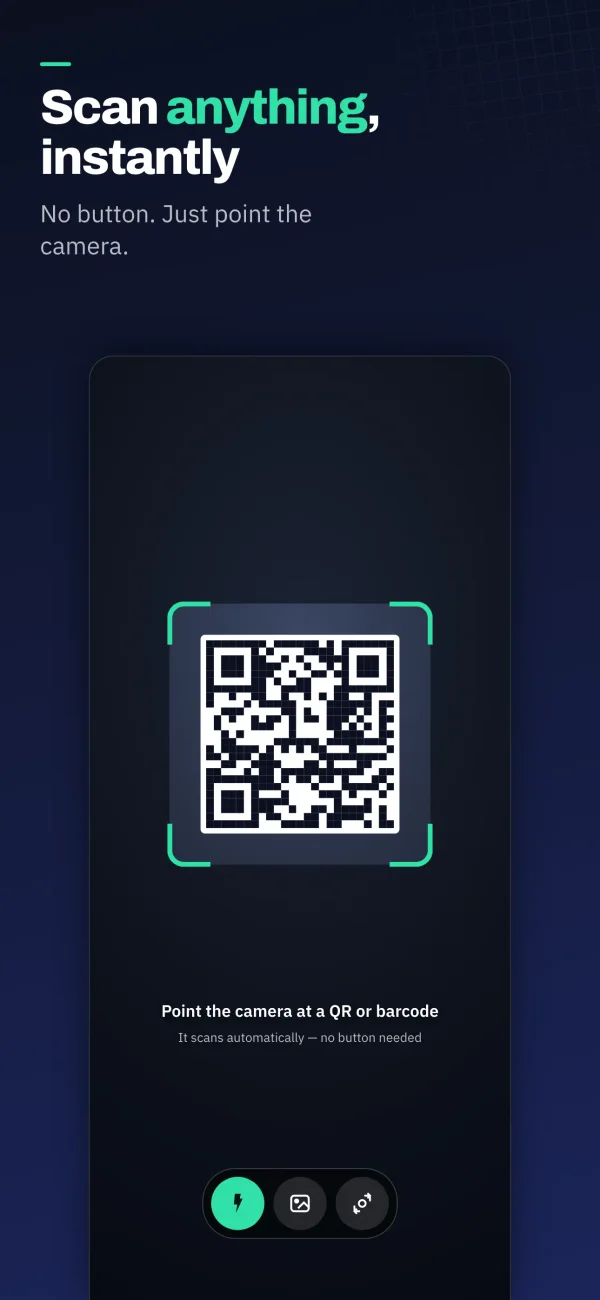
Point your camera at any QR code or barcode and QR Pro reads it instantly.
No shutter button, no waiting, no "tap to scan".
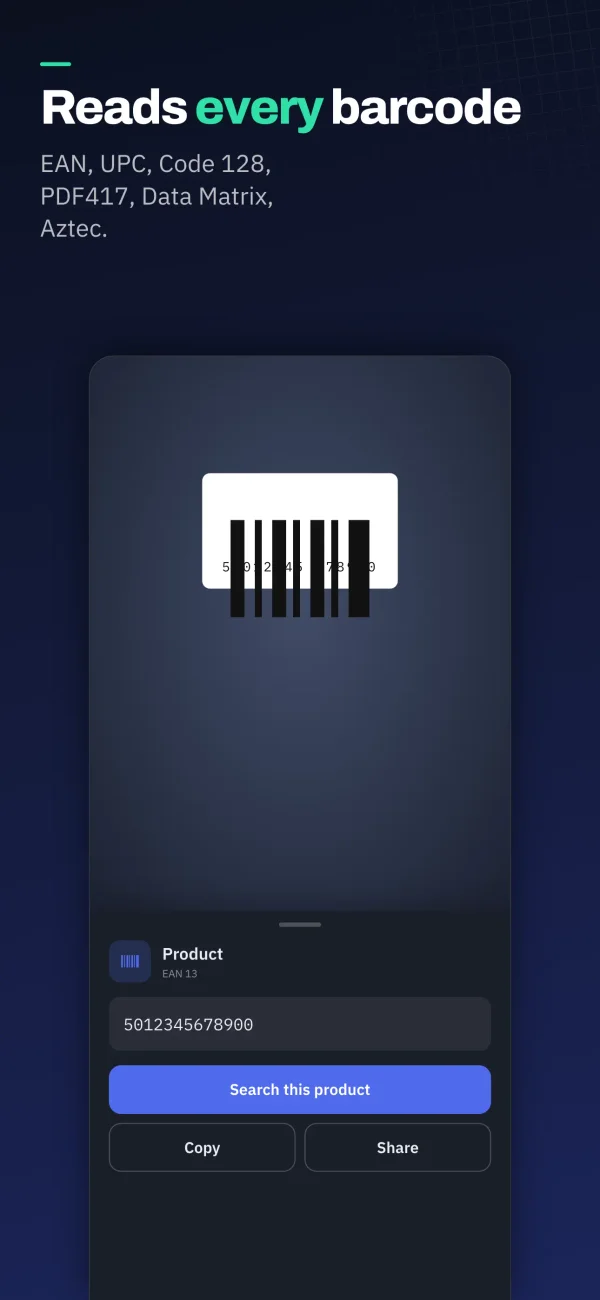
It knows what it found, too. A link offers to open. A product barcode offers to
search. A Wi-Fi code shows you the network and password. Everything you scan is
saved so you can find it again later.
SCAN ANYTHING
• Automatic detection — hold the code in frame and it just reads
• QR codes plus EAN-13, EAN-8, UPC-A, UPC-E, Code 128, Code 39, Code 93,
Codabar, ITF, PDF417, Data Matrix and Aztec
• Torch for dark restaurants and dim car parks
• Front or rear camera
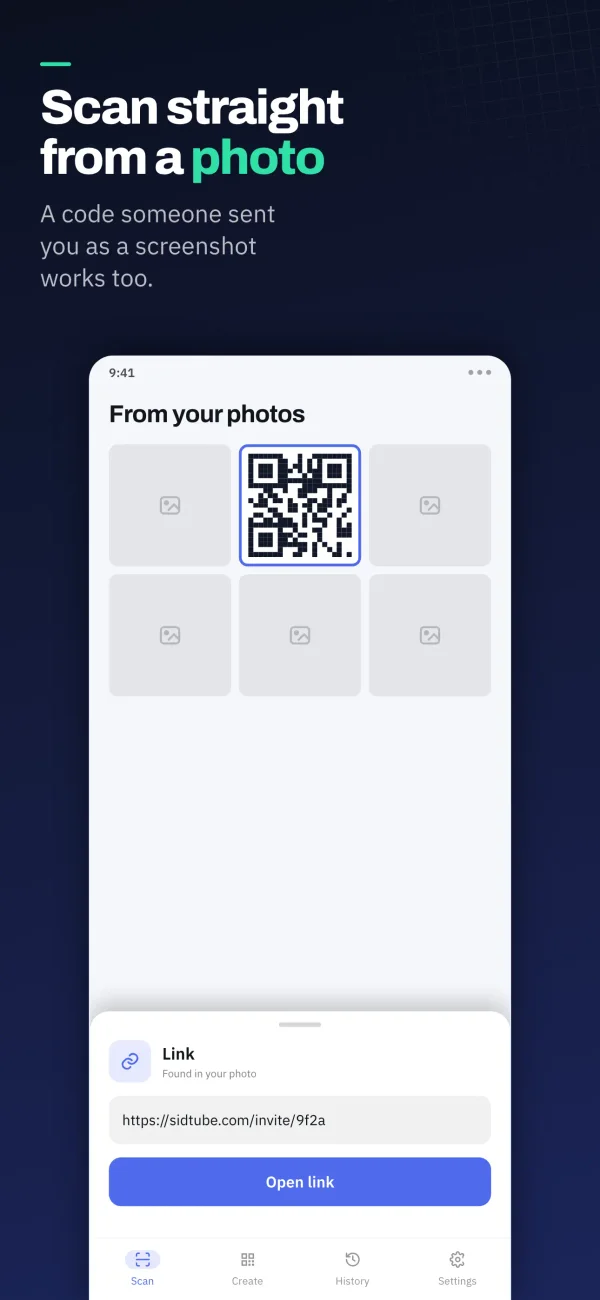
• Scan a code out of a photo already in your library — perfect for a code
someone sent you as a screenshot
CREATE YOUR OWN
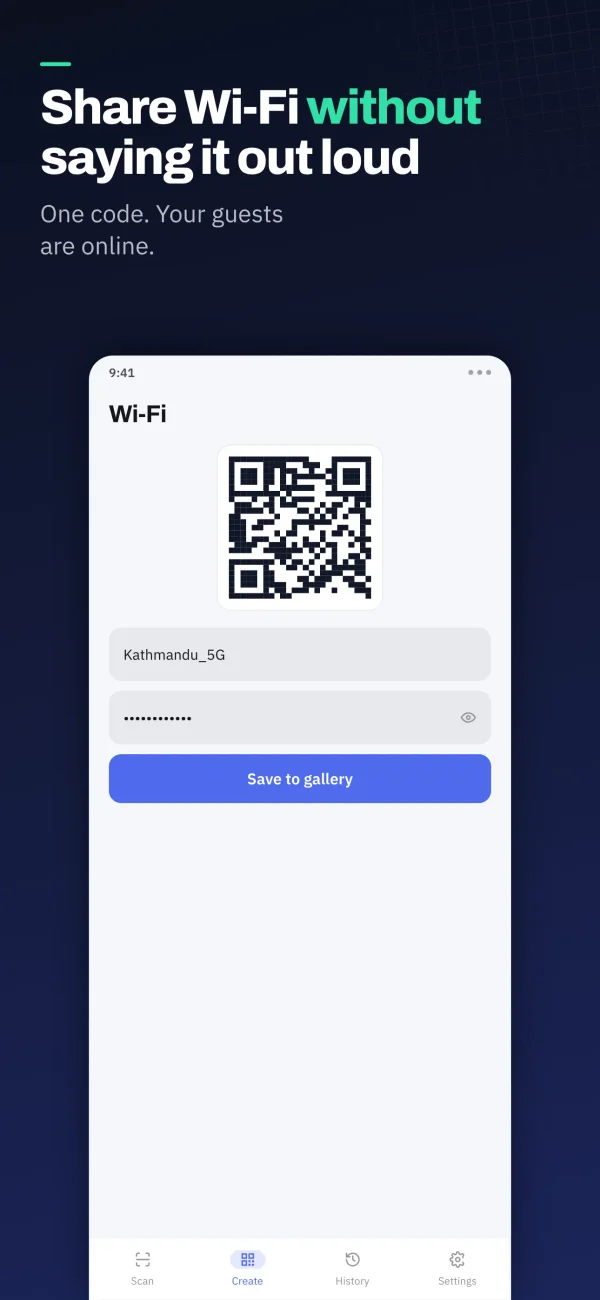
Pick a template and watch the code build as you type:
• Website links
• Wi-Fi networks — share the password without reading it out loud
• Contact cards
• Email with subject and message ready to send
• Phone numbers and pre-written messages
• Map locations
• Plain text
Save straight to Photos, or share it anywhere.
QR STUDIO
Make a code that looks like it belongs to you. Choose your colours, switch to a
rounded dot style, drop your logo in the middle, and export at 1024 px — sharp
enough for a poster or a shop window. Add a logo and the app raises the error
correction automatically so the code still scans, and it warns you if a colour
choice would make it unreadable.
PRIVATE BY DEFAULT
• Your scans never leave your iPhone. History is stored on device, full stop.
• No account. No sign-up. No email address.
• Camera frames are analysed on your device and never uploaded.
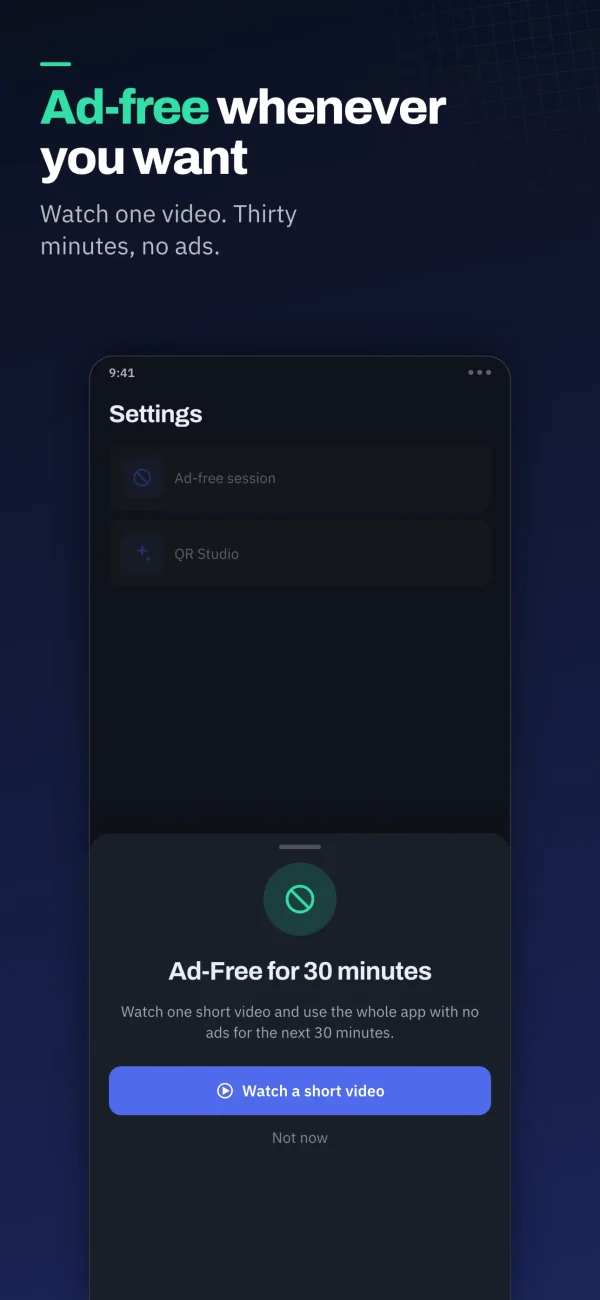
• Ads never cover the camera or sit under a button. Want none at all? Watch one
short video and the whole app goes ad-free for 30 minutes.
Free, small, and it opens straight to the camera
What’s new
Version 1.1 · Sep 20, 2026
• Wi-Fi QR codes: join the network right from the scan, or copy the password
• Contact & event QR codes: add to your contacts or calendar, every field filled in
• Safer scanning: see the website a link really opens, with warnings for phishing tricks
• History: star favourites, search, and filter by type
• Share any screenshot or photo to QR Scanner to read its code
• Add your own logo to a QR code — remembered for next time
App privacy
What Siddhartha Joshi declares on the App Store about how this app handles data.
-
Data used to track you
May be used to track you across apps and websites owned by other companies.
- Identifiers
-
Data linked to you
May be collected and linked to your identity.
- Identifiers
Privacy practices may vary, for example with the features you use or your age.
Information
- Seller
- Siddhartha Joshi
- Category
- Utilities
- Version
- 1.1
- Updated
- Sep 20, 2026
- Released
- Sep 13, 2026
- Size
- 24.5 MB
- Requires
- iOS 15.0 or later
- Age rating
- 17+
- Price
- Free
- Languages
- English
- Copyright
- © Ektukra creators
You might also like
-
 QR Pro ScannerQR Code Scanner & Generator
-
 TrueSpeed: Internet Speed TestWiFi, Ping, Jitter & DNS
-
 WiFi SpeedTest - Internet TestCheck Download, Upload & Ping
-
 WiFi Analyzer - Speed Test +Network & Internet Scanner
-
 About Timers - Kitchen TimerMultiple Timers & Stopwatch
-
 TrendLife: Safer Family AIPrivate AI Assistant & Safety
-
 My IP - AddressUtilities
-
 Speed Test 4G, 5G, WiFiInternet Speed Test
-
 Authenticator App: 2FA, OTPScan QR, TOTP Code Generator
-
 Clever: Photo Editor & StitchFilters, Crop & Mosaic Markup